

MOD features
- Add removed / disabled;
- Removed unnecessary permissions, receivers, providers, and services;
- Graphics optimized and zipaligned, with cleaned resources for faster loading;
- Ad-related permissions, services, and providers stripped from Android.manifest;
- Ad links removed and the methods that call them nullified;
- Ad layouts hidden and set to non-visible;
- Google Maps location features work as expected;
- Google Play Store install package verification disabled;
- Debug code removed;
Screenshots
Description
Tools for Google Maps enhances your standard mapping experience by adding handy tools to highlight, customize, and designate specific zones across territories. Alongside measuring distances point-to-point, it seamlessly calculates perimeters and land areas, turning everyday navigation into a versatile, practical tool for everyone.
The Tools for Google Maps MOD APK delivers an ad-free experience while refining the core architecture of the app. By turning off superfluous background operations and trimming excess permissions, this custom release keeps full GPS and navigation capabilities intact within a clutter-free, responsive interface.
What’s Modified in Tools for Google Maps
- All advertisement banners, pop-ups, and promo materials have been permanently removed or disabled.
- Extraneous permissions, broadcast receivers, content providers, and background services have been stripped out to conserve battery and system memory.
- All visual assets are zipaligned and optimized to speed up launch times and reduce memory usage.
- Ad-tracking providers, permissions, and service declarations were wiped from the AndroidManifest.xml file.
- Hardcoded advertising URLs and their trigger functions were deactivated to stop unnecessary data requests.
- Ad container layouts have been hidden to ensure a clean, distraction-free display.
- Native Google Maps Location services remain fully functional and accurate.
- Residual debug code and test flags have been purged from the package files.
This package is version 5.73 (approx. 5M file size) under the package identifier com.service.fullscreenmaps; due to a custom digital signature, you must uninstall any official play store release before installing this APK.
About Tools for Google Maps
Relying on established Google Maps APIs, Tools for Google Maps opens up advanced ways to explore, manipulate, and document geospatial data. It allows you to pinpoint, categorize, and track locations across dense urban grids as well as rugged natural terrains. Created to give users a clear perspective on spatial relationships across vast geographical areas, the platform turns complex map analysis into an intuitive, productive workflow that delivers instant insights.
Finding locations is effortless thanks to the utility's robust search system. In addition to traditional queries, built-in voice input lets you speak prompts aloud and receive fast, accurate coordinates on the fly. Whether you need hands-free assistance on the go or require advanced filtering options to locate obscure waypoints, the search module is tailored to handle high-demand requests smoothly.
Going well beyond standard GPS tracking, the utility includes reliable orientation aids and spatial measurement features. Alongside real-time positioning, an integrated compass helps orient your headings accurately—a practical asset not just for casual travelers, but also for contractors, builders, and surveyors planning architectural layouts or road alignments. Users can establish exact site directions, evaluate land alignments, and compute travel lengths directly between coordinates.
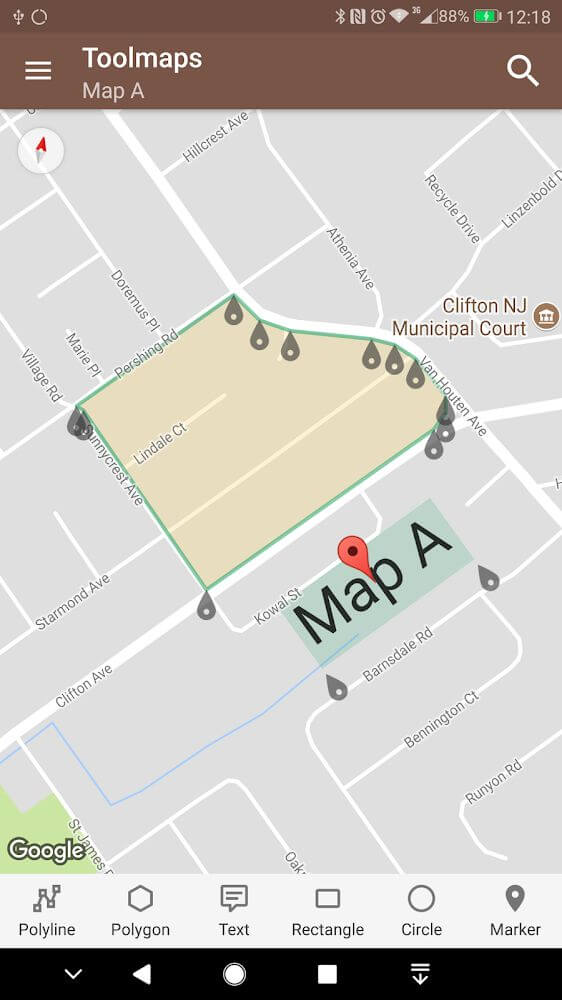
Personalizing maps to suit specific projects is one of the app's standout features. You can annotate maps directly by inserting custom text, placing markers, and overlaying rich details onto any region. Adjusting font styles, scripts, and label sizes ensures your annotations remain sharp and readable regardless of your zoom level, making meticulous record-keeping both simple and reliable.
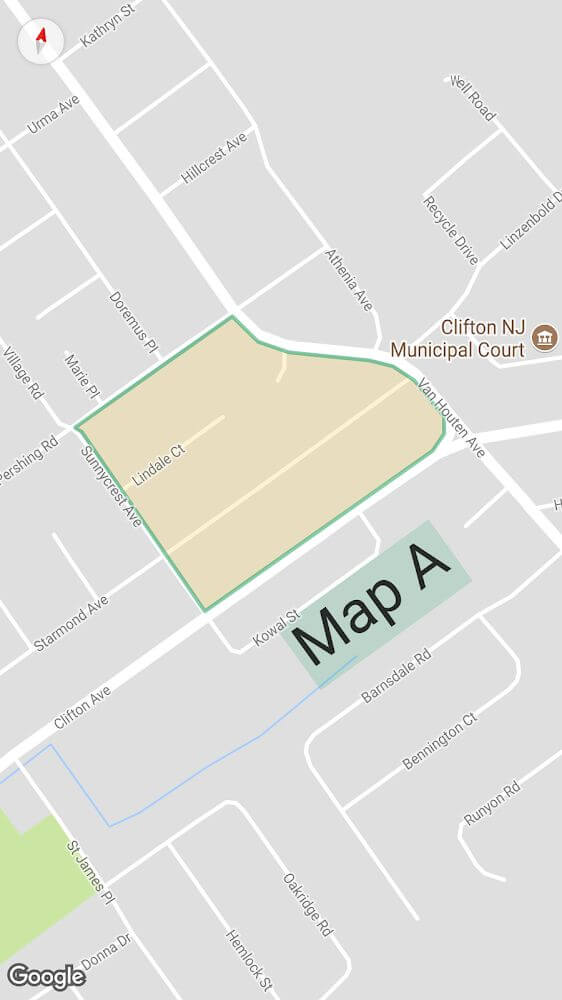
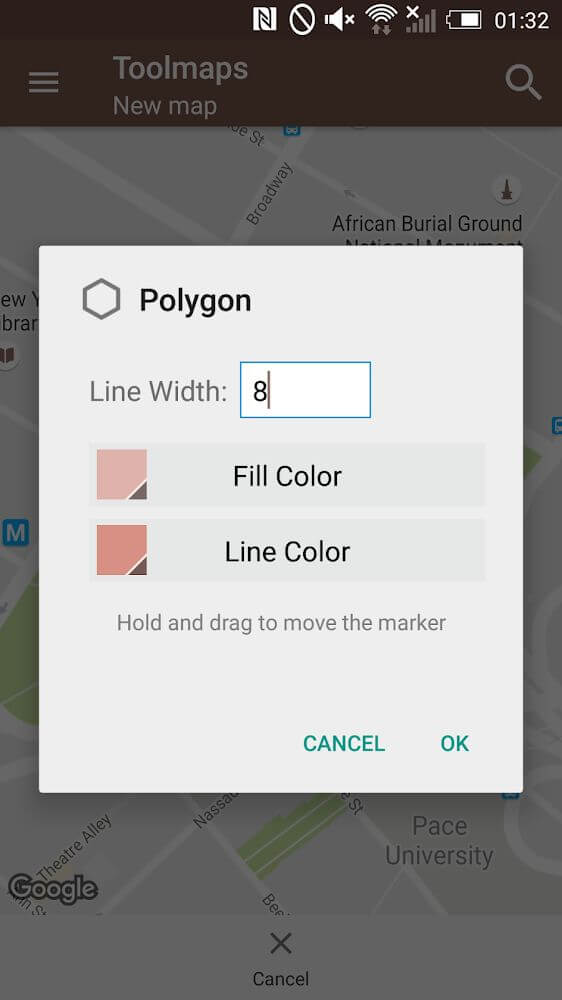
Color customization plays a vital role in organizing data throughout the interface. With flexible color palettes and standard presets, you can highlight designated boundaries, outline parcels with colored frames, and group map elements by category. This visual distinction helps professionals and hobbyists spotlight important details, monitor vital sectors, and organize project points with maximum clarity.
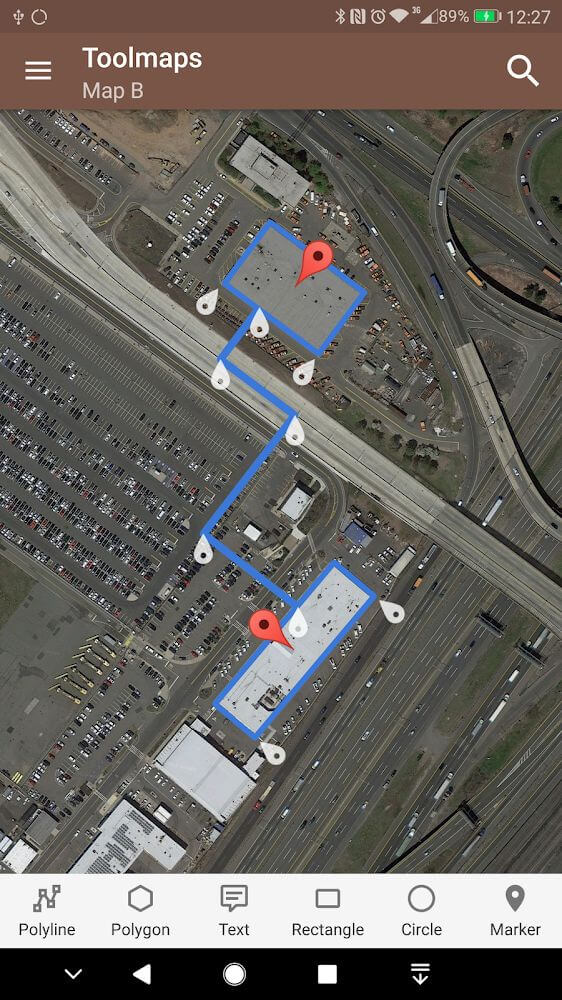
Advanced users who work with detailed spatial data will find useful measurement tools built into the software. It can calculate the geometric properties of any region you outline, including the perimeter and area of frames you draw on the map. These figures are valuable when planning land use or securing property boundaries, as they show exactly how large a defined area is in your chosen unit of measurement. The app also connects with smart vehicle systems, giving you ongoing smart navigation options for finding the best route and planning trips to any destination you set.
Key Features
- Smart voice search for quick location lookup
- Compass direction tool for surveying and navigation
- Perimeter and area calculation for map frames
- Text annotation tool with adjustable fonts and sizes
- Color-coded zone identification and frame creation
- Distance measurement between starting and ending points
- Direct editing of map surfaces and symbol placement
- Compatibility with intelligent vehicle navigation systems
Related MOD APKs
- Sygic GPS Navigation & Maps
- Waze
- Save Location GPS
- Gaia GPS
FAQ
Does Tools for Google Maps MOD APK remove ads?
This 5.73 build of Tools for Google Maps comes with ads removed and extra features unlocked. It works just like the Simão Lúcio release, and all modifications are active as soon as you complete the installation.
What is the latest version of Tools for Google Maps MOD APK?
Version 5.73 matches the Simão Lúcio release from May 20, 2026. We do not host older versions here. To update, install the build from this page over your current app. If Android reports a signature conflict, uninstall the previous version first.
Is Tools for Google Maps MOD APK safe to download?
This 5.73 version of Tools for Google Maps on GameMod.dev is the Simão Lúcio app with ads removed and extra features unlocked. It holds a 3.4 rating from 19 users and does not require root access. You may see a Play Protect warning, so always download from this page.
Can I use Tools for Google Maps MOD APK on PC or iPhone?
This Android package will not install on an iPhone or iPad. To run the APK on Windows or macOS, use an emulator such as BlueStacks or LDPlayer, then install the software and drag the APK file into it.
How to install
- Download the APK file above to your phone.
- Allow “Install unknown apps” when prompted.
- Open the downloaded APK and tap Install.
- If the package includes OBB/XAPK data, follow the bundled instructions.
MOD APKs are modified builds, so Play Protect may show a warning. Install only if you trust the file; use at your own risk.