

Screenshots

Description
This To Do List MOD APK grants full access to the app's Pro features, equipping you with a complete suite of premium productivity tools. The modified version removes all standard limitations, letting you utilize every advanced capability right here at GameMod.dev.
What is modified in To Do List
- Unlocks all Pro version features, giving you unrestricted access to every premium productivity tool and setting.
This build is version 1.03.11.0423, weighs 23M, uses the package name todolist.scheduleplanner.dailyplanner.todo.reminders, and is re-signed so it cannot be installed over official store releases.
About To Do List
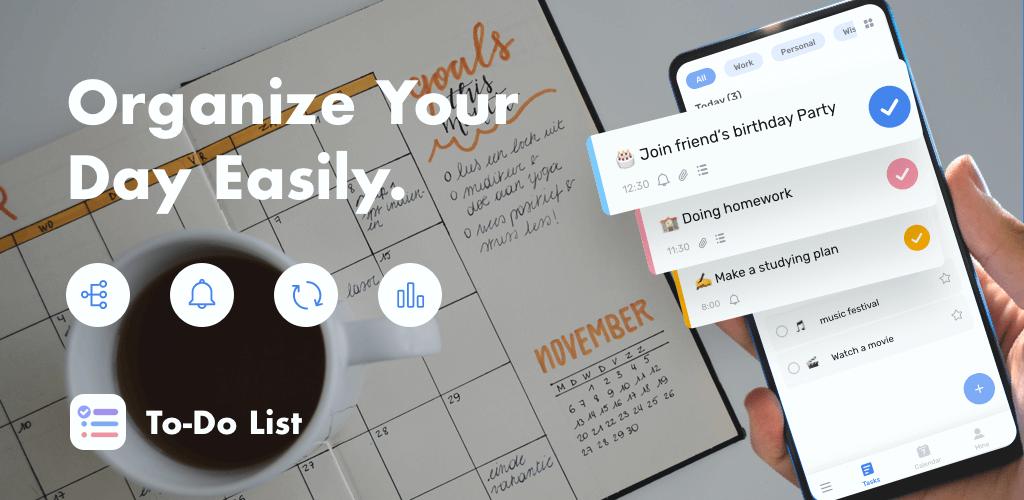
To Do List is built to help you seamlessly organize both your personal schedule and professional commitments. Rather than turning into a messy free-form notepad, it focuses on delivering a structured framework to keep your workload under control. The intuitive interface is easy to grasp from your very first session, helping you ditch traditional paper lists with zero hassle. It also lets you monitor your daily achievements effortlessly. Thanks to its lightweight build, the app launches instantly and runs smoothly across a wide range of devices.
The app transforms how you handle your time through a smarter, highly productive approach. While standard list apps make you manually organize priorities, this utility automatically ranks tasks by importance. Busy professionals often juggle countless duties and struggle to spot urgent assignments, but this tool clearly visualizes your daily schedule at a glance. By reducing mental fatigue and preventing missed deadlines or meetings, it gives you a distinct edge in workplace efficiency.
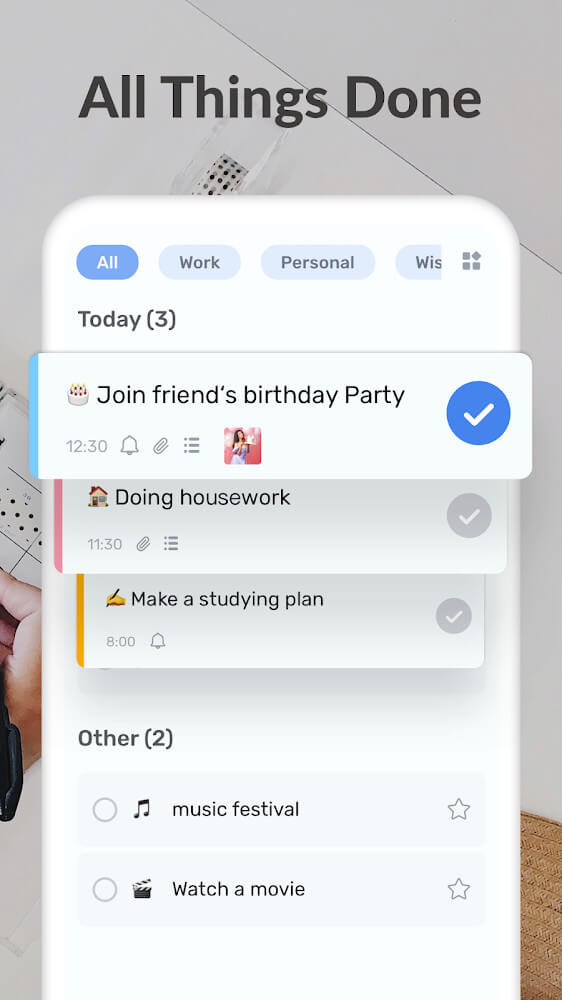
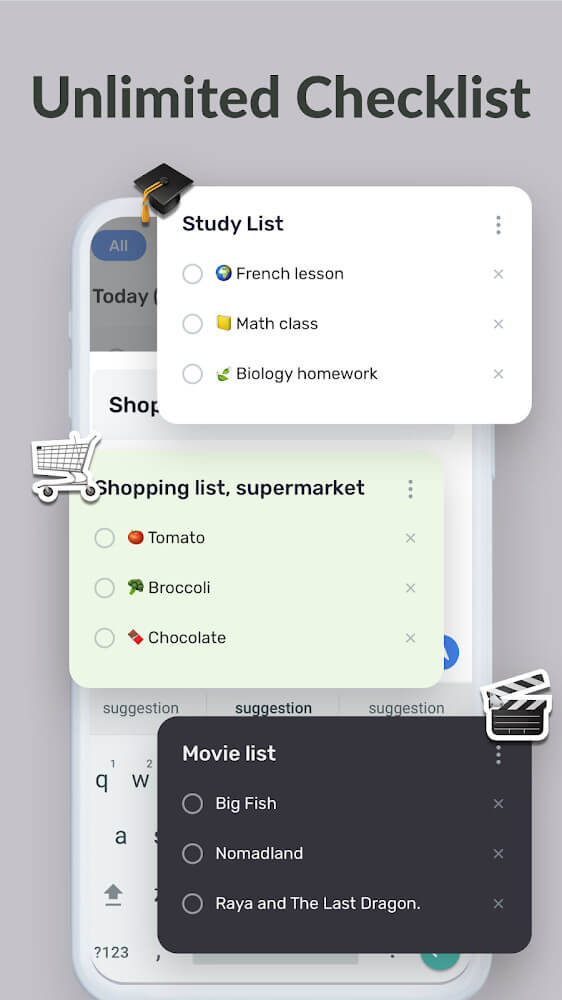
Operating the app is straightforward, relying on the fundamentals of effective task management. You can build and organize as many custom lists as you need, whether it is for groceries, workouts, chores, studying, or general errands. Moving tasks between lists or adjusting entries takes just a tap. To keep you motivated, completed items are marked with a satisfying green checkmark so you can visually track your ongoing progress.
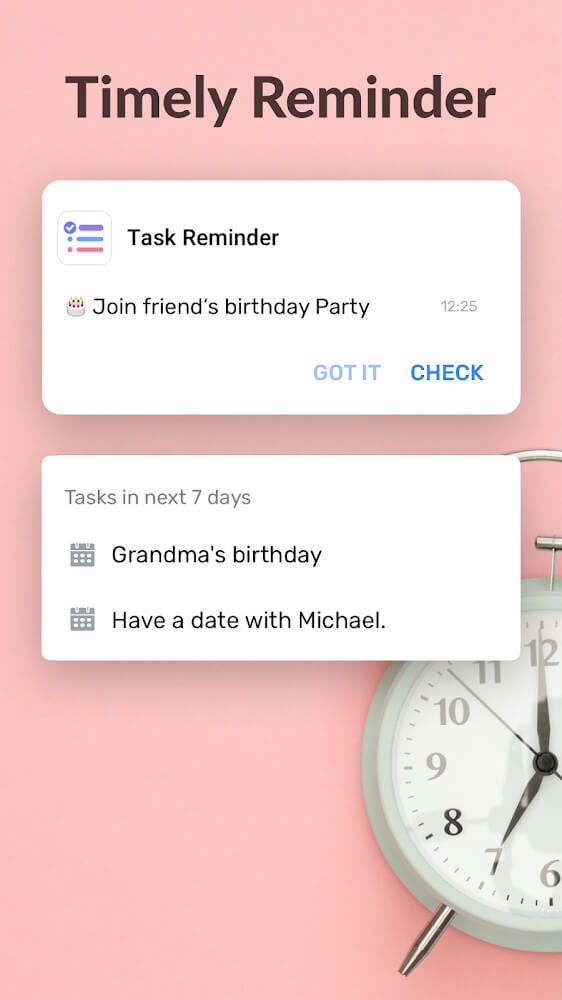
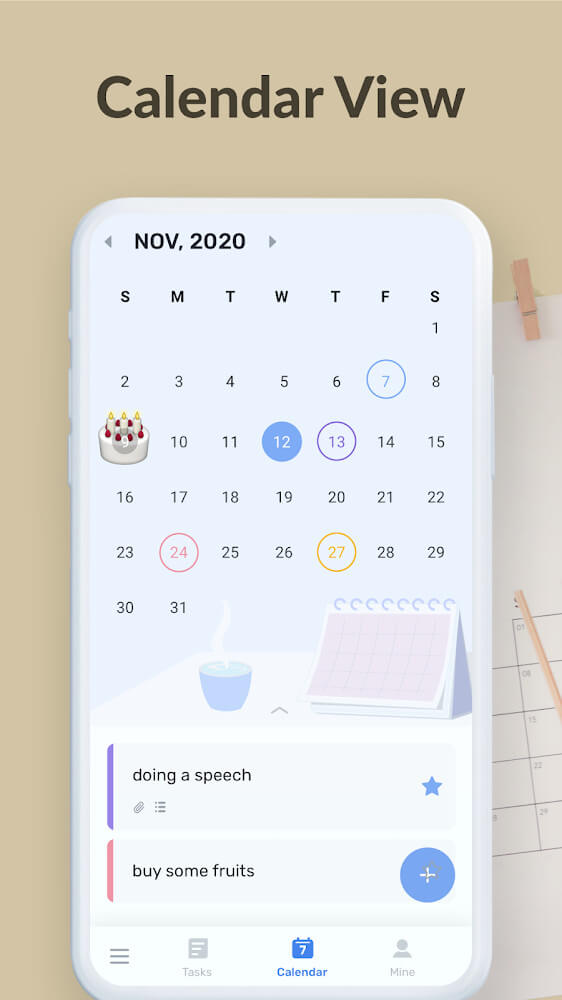
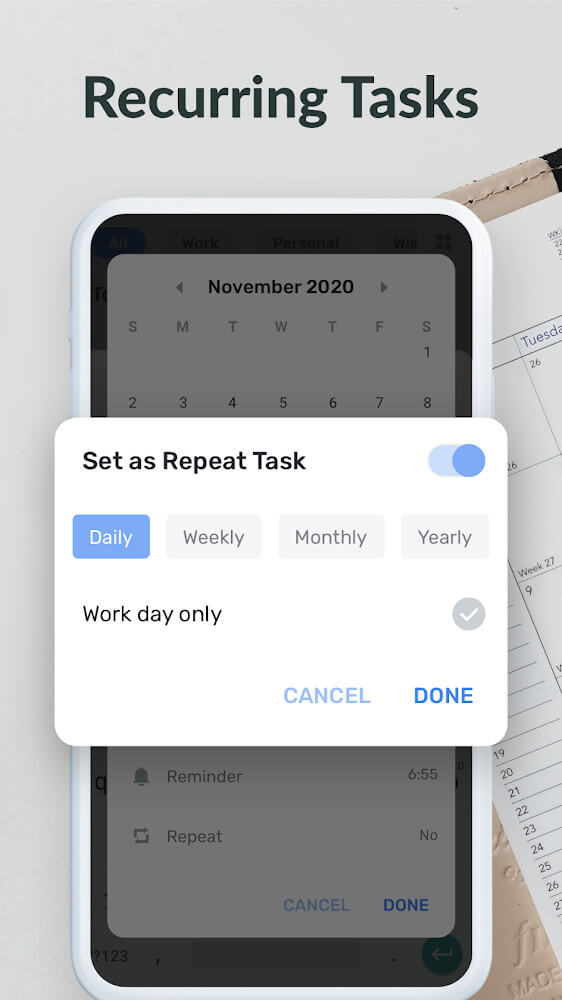
Effective scheduling is another core pillar of the software, complete with built-in calendars and smart reminders. You can configure alerts to notify you precisely when a specific duty needs attention. Perfect for busy individuals who want to stay on top of a packed agenda, the reminder system ensures you never miss a beat as you seamlessly transition between tasks.
With handy home screen widgets, you can pin your to-do checklists directly to your Android desktop for instant visibility throughout the day. Having your tasks front and center ensures you never lose track of urgent duties, seamlessly weaving productivity into your daily routine. A simple tap on the widget brings you straight to the corresponding items inside the app, letting you update task progress in seconds. By transforming your mobile screen into an efficient command center, the app streamlines your workflow and empowers you to conquer daily targets with ease. Packed with versatile productivity tools and flexible options, this task manager is dedicated to elevating your daily planning experience.
Key Features
- Smart and Structured Task Management
- Mark High-Priority Tasks
- Visual Progress Tracking with Green Checkmarks
- Create Separate Lists for Various Categories
- Pre-made Templates for Groceries and Workouts
- Custom Icons for Personalized Task Lists
- Integrated Time-Tracking Utilities
- Full Calendar Integration with Timely Reminders
- Quick-Access Home Screen Widgets
Related MOD APKs
- Voice Changer – Voice Effects
- Audio Editor Pro
- My Diary
- Music Player
FAQ
Is Premium unlocked in To Do List MOD APK?
Yes, this 1.03.11.0423 release comes with full Pro Unlocked access. Operating much like the Dairy App & Notes & Audio Editor & Voice Recorder release, every premium perk is fully activated right after setup.
What is the latest version of To Do List MOD APK?
The current build is 1.03.11.0423, corresponding to the Dairy App & Notes & Audio Editor & Voice Recorder update released on August 13, 2026. GameMod.dev provides only the newest package. You can update seamlessly by installing this APK over your existing setup, though you should uninstall the old app first if an installation signature conflict appears.
Is To Do List MOD APK safe to download?
The To Do List 1.03.11.0423 package available on GameMod.dev is completely clean, offering the Dairy App & Notes & Audio Editor & Voice Recorder experience with all Pro Unlocked capabilities. Rated 3.8 stars across 266 user reviews, it works smoothly without root privileges. You can safely bypass any standard Play Protect warnings when installing from our site.
Can I use To Do List MOD APK on PC or iPhone?
Because this is a dedicated Android package, it does not run natively on iOS devices such as iPhones or iPads. If you want to use this 23M APK on Windows or macOS, simply set up an Android emulator like BlueStacks or LDPlayer and drop the installation file into the program.
How to install
- Download the APK file above to your phone.
- Allow “Install unknown apps” when prompted.
- Open the downloaded APK and tap Install.
- If the package includes OBB/XAPK data, follow the bundled instructions.
MOD APKs are modified builds, so Play Protect may show a warning. Install only if you trust the file; use at your own risk.