
Screenshots
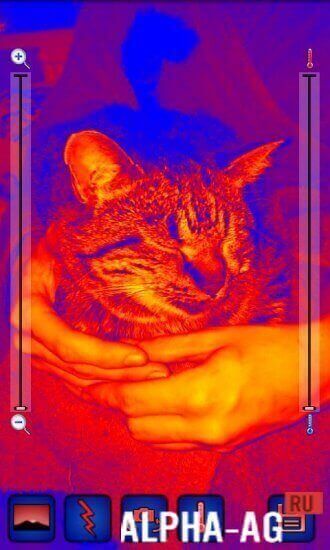

Description
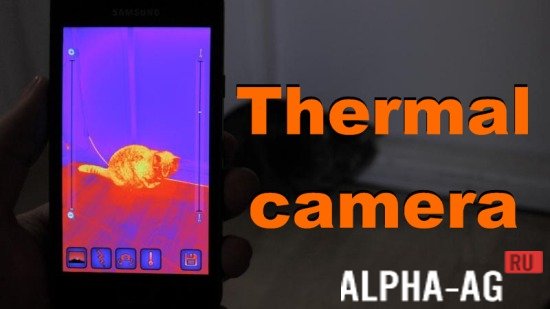
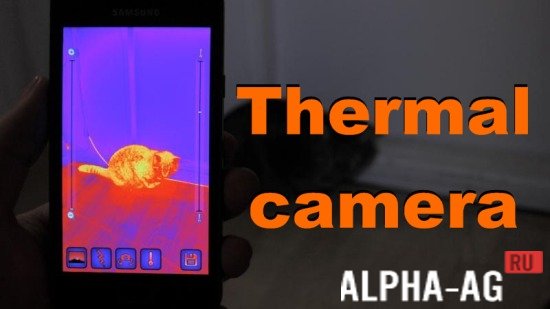
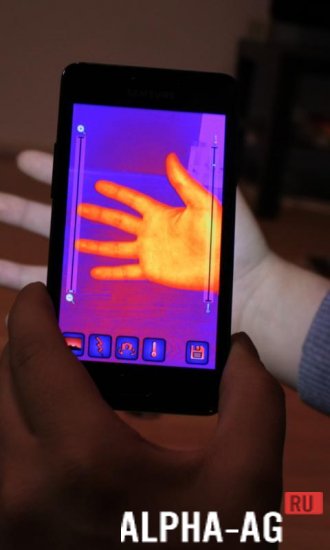
Thermal cameraOf course, your mobile phone won't be able to detect temperature differences since it lacks the necessary hardware, but by downloading this app, you can transform your photos and make them more creative.
Gameplay
The app can use both the rear and front cameras of your device, and you can also turn on the flashlight/illumination to make your image even more interesting and bright. This utility also features various operating modes.
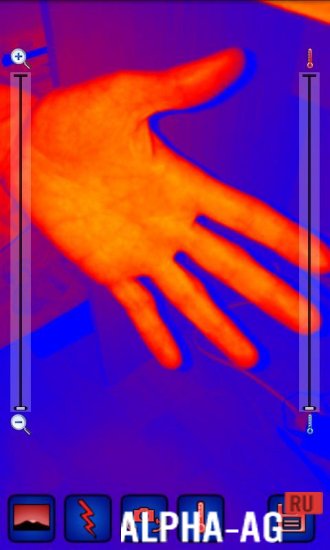
With their help, you can change the color range, zoom in on the picture, and also have the option to set autofocus lock on any selected area. You can save the resulting photos to your device and later share them with your friends.
Key Features
With this app, you can turn your smartphone into a thermal imager, allowing you to transform your boring shots into fun and creative photos.
This utility provides several color presets to make your photos even more diverse.When taking photos, you can use autofocus, flash, and zoom in or out on your image.
In order to use the full functionality of this application and get the best result, you need to connect a thermal imaging camera to your device.On our website you can download the Thermal camera app for Android for free.
1 24 Aug Additional information:- Android version required: 2.2 or later
- Age restrictions: none
- Russian localization: none
- OBB/Cache installation: not required
Subscribe to our YouTube channel!
Add commentHow to install
- Download the APK file above to your phone.
- Allow “Install unknown apps” when prompted.
- Open the downloaded APK and tap Install.
- If the package includes OBB/XAPK data, follow the bundled instructions.
MOD APKs are modified builds, so Play Protect may show a warning. Install only if you trust the file; use at your own risk.