
Screenshots
Description
Personalize your phone with eye-catching widgets, HD wallpapers, icon packs, themes, and sleek home screen layouts. Customize every detail with ease!
The ThemePro MOD APK gives you the unlocked premium version of this personalization tool. This build lets you use all the design assets and features without the limits found in the standard release.
What’s Modified in ThemePro
- Premium Unlocked: This mod unlocks the full library of premium themes, high-definition wallpapers, and custom widgets that are normally locked.
Version 8.2 of the com.themekit.lite.widgets.themes package is 31 MB and comes as a re-signed build, so it cannot be installed as an update over the original store app.
About ThemePro
ThemePro – Widget & Wallpaper helps you change the look of your Android device. It lets you swap out the different elements that make up your device’s user interface. You get access to plenty of assets to design your interface just the way you like it. You can apply the parts of a single theme to give your device a consistent look, or mix and match individual components to build a unique setup of your own. The developers’ goal is to help you create a device that looks the way you want, whether that means a polished, professional style or something bold and artistic.
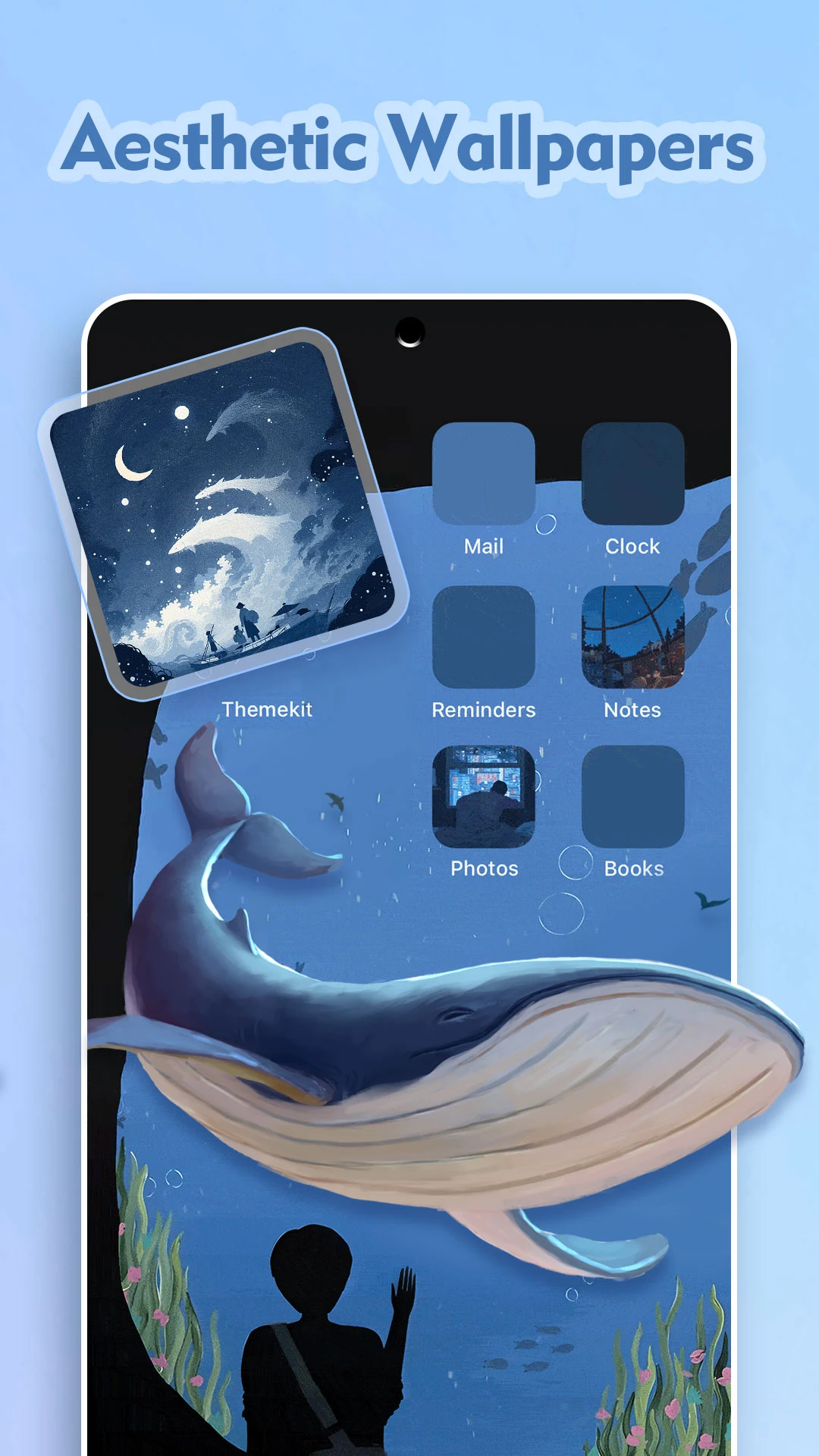
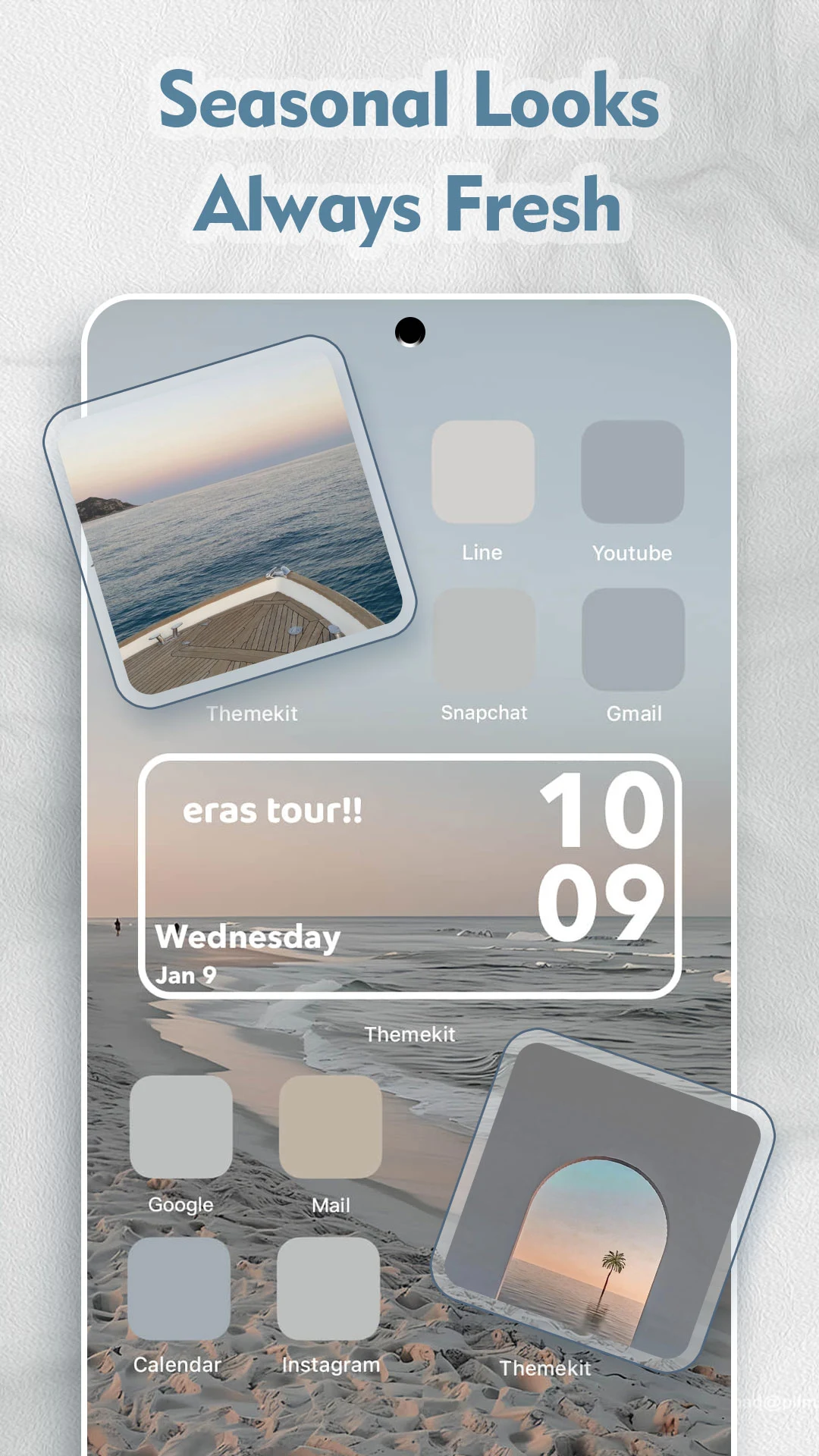
This app offers a wide selection of high-resolution backgrounds in many styles, including abstract, nature, gaming, and even space-inspired art. You can also find minimal and more abstract designs. You can pick a home screen style that matches your lock screen, and the variety of options makes it easy to choose backgrounds that reflect your interests. Some backgrounds are inspired by the seasons, so you can switch them up throughout the year. The artwork is regularly updated to follow current styles and trends, so your phone always feels fresh and up to date.
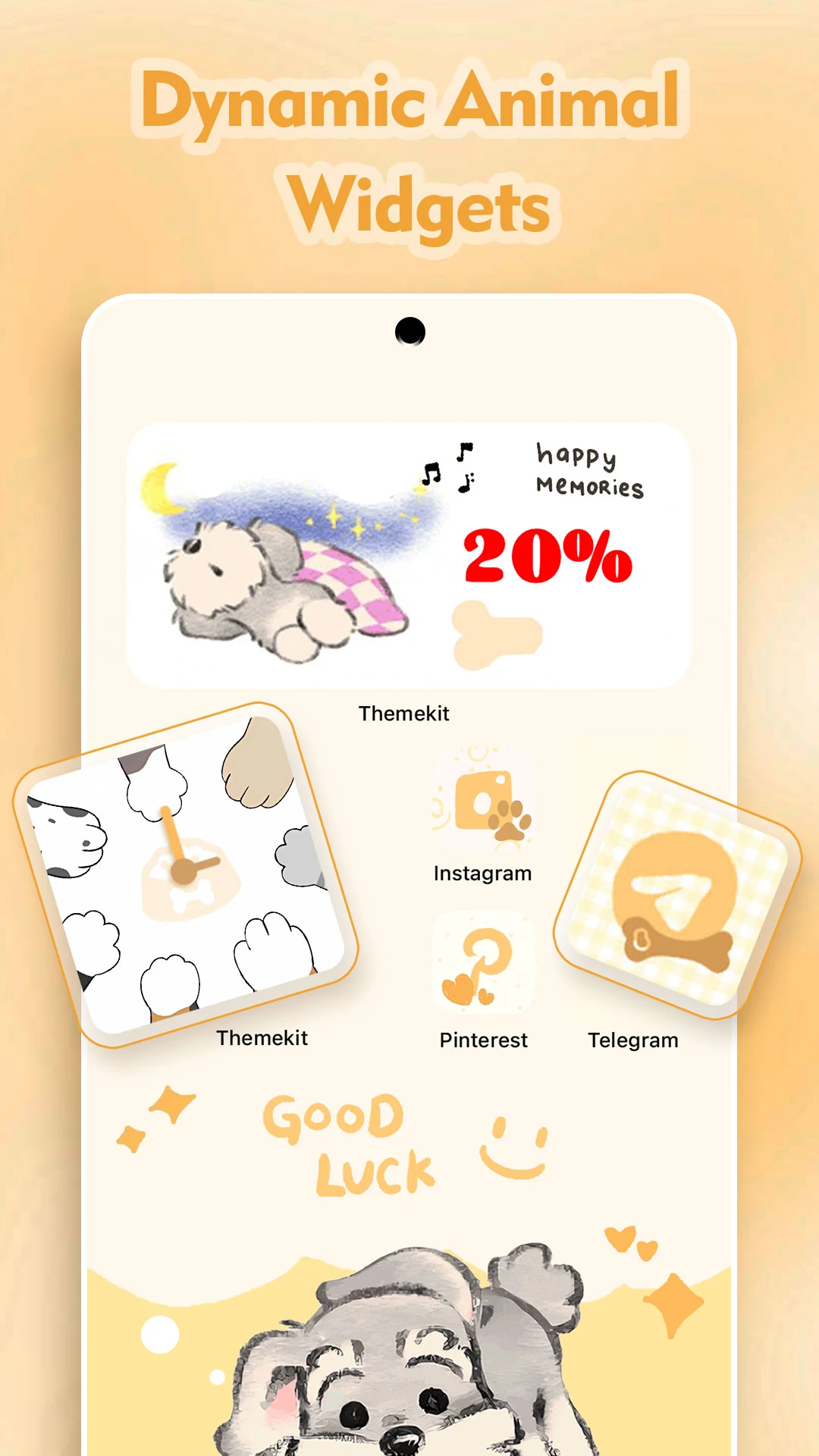
Customization in ThemeKit is built around widgets. You’ll find many clock and calendar widgets that fit neatly into your themed layouts. Some widgets display real-time weather and other information. You can place your own photos on the home screen with configurable photo widgets, and other photo widgets let you take and share pictures right from the home screen. There are also plenty of handy widgets that show local news and bring productivity tools onto your screen.
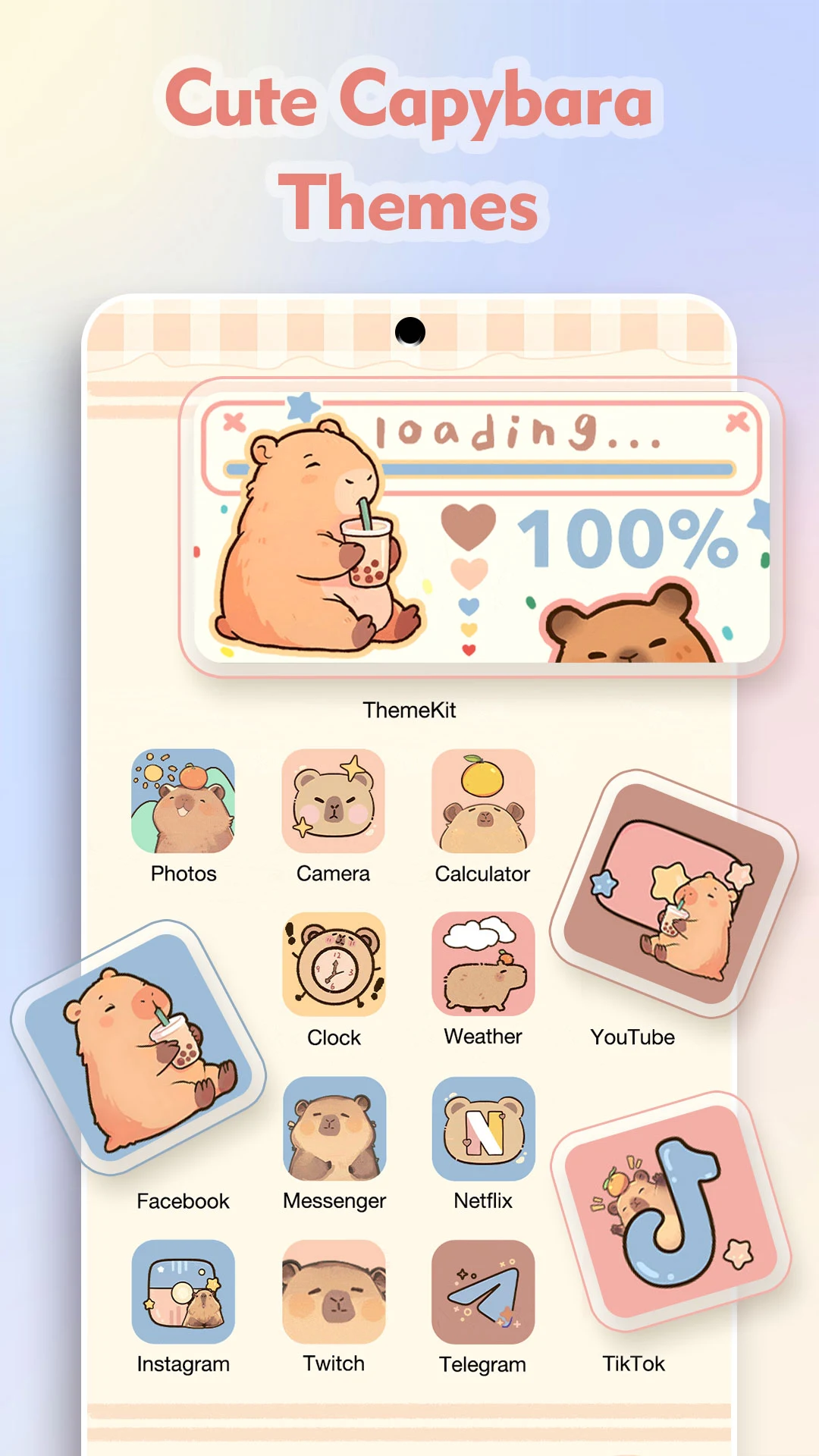
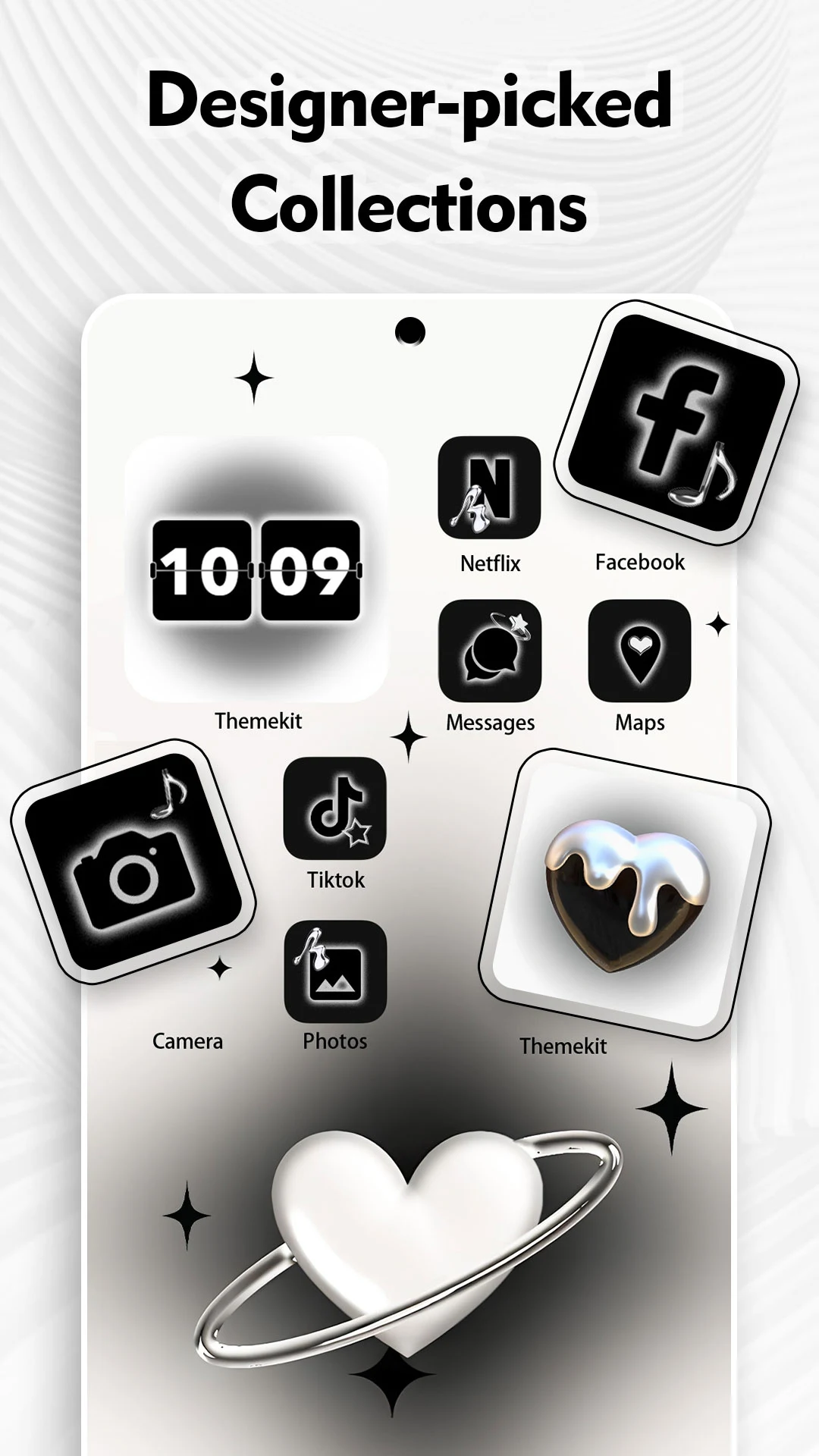
Another key feature of ThemeKit is its large collection of icon packs. With thousands to choose from, you can build a consistent theme across all your apps and widgets. ThemeKit includes matching icons for many of the most popular apps. Like ready-made themes, some icon packs come with a coordinating set of wallpapers and widgets, plus a themed set of app shortcuts for a cohesive look. All in all, ThemeKit gives you a huge range of themed elements to refresh your device’s appearance quickly and easily.
The designers put the user experience first. You can quickly browse and download any of the thousands of assets on the platform. Navigating the app menu and library is simple, even for people new to Android. You can save your favorite assets for quick access later, and themes and wallpapers are always within easy reach so you can switch styles whenever you like. The app is built to let you experiment with different looks, so you can design a home screen that reflects your personality and taste.
The publisher regularly adds new content to the app, including fresh wallpapers every day, along with new themes, styles, and widget collections. Some resources are also tied to seasonal and holiday events. The publisher is committed to giving you the tools to personalize your device and match it to your style. The app offers countless ways to customize your home screen, and you can add interactive widgets that help you get the functionality you need.
Key features
- High-quality 4K wallpapers
- Digital clock widgets
- Analog clock widgets
- Weather updates
- Calendar widgets
- Battery status indicators
- Customizable photo widgets
- Aesthetic icon packs
- Ready-made themes
- Minimalist layout designs
- Dark mode themes
- Neon and futuristic themes
- Seasonal customization packs
- Fresh content added every day
Related MOD APKs
- ThemeKit
- Glassify – Widgets & Themes
- Niagara Launcher
- ZEDGE
FAQ
Is Premium unlocked in ThemePro – Widget & Wallpaper MOD APK?
Yes, this ThemePro – Widget & Wallpaper (8.2) build comes with Premium Unlocked. It works much like the ThemeKit release, and every modification becomes active as soon as you install the app on your device.
What is the latest version of ThemePro – Widget & Wallpaper MOD APK?
Version 8.2 corresponds to the ThemeKit release dated August 21, 2026. We don't host older builds here. To update, install this version over your current one. If you run into a signature conflict, uninstall the previous app first.
Is ThemePro – Widget & Wallpaper MOD APK safe to download?
ThemePro – Widget & Wallpaper 8.2 is the ThemeKit app with Premium Unlocked, and it has earned a 4.5 rating from 29 users. Root access is not needed. You may see a Play Protect warning during installation, so always download the file from this page.
Can I use ThemePro – Widget & Wallpaper MOD APK on PC or iPhone?
This Android file won't run on iPhone or iPad. To use the 31 MB file on Windows or macOS, install an emulator such as BlueStacks or LDPlayer, then drag the APK into it.
How to install
- Download the APK file above to your phone.
- Allow “Install unknown apps” when prompted.
- Open the downloaded APK and tap Install.
- If the package includes OBB/XAPK data, follow the bundled instructions.
MOD APKs are modified builds, so Play Protect may show a warning. Install only if you trust the file; use at your own risk.