
Screenshots
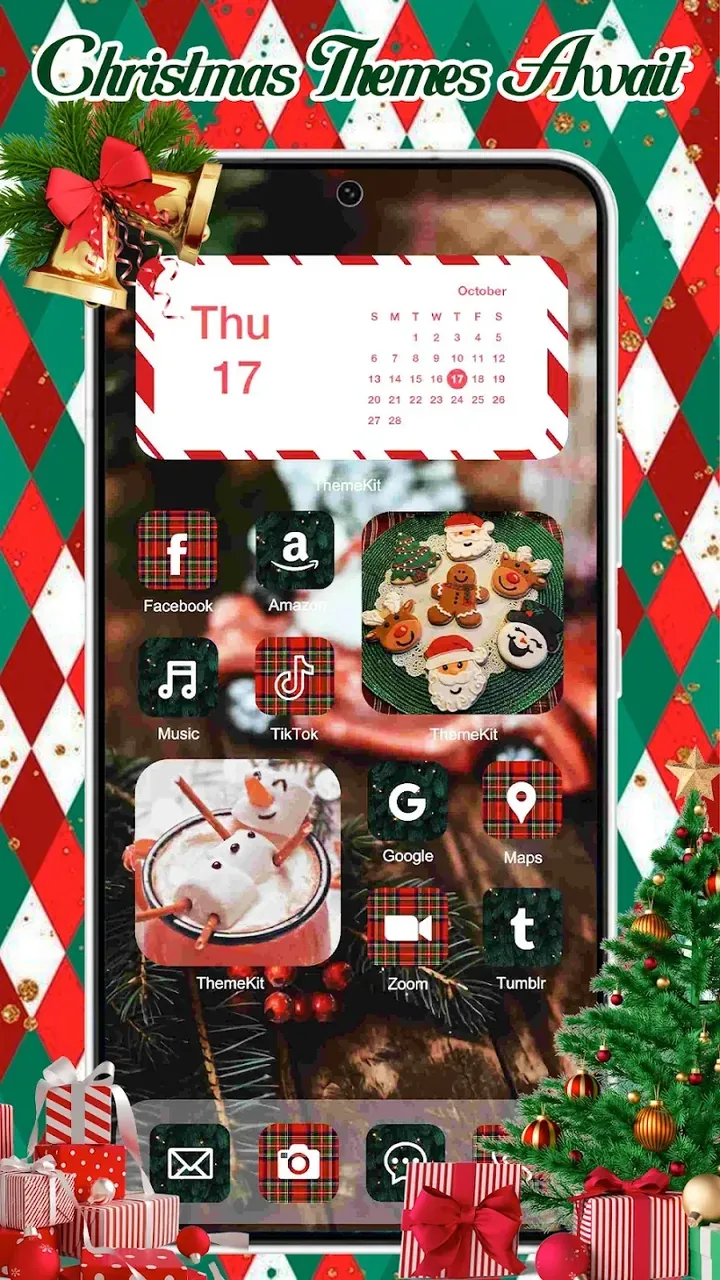
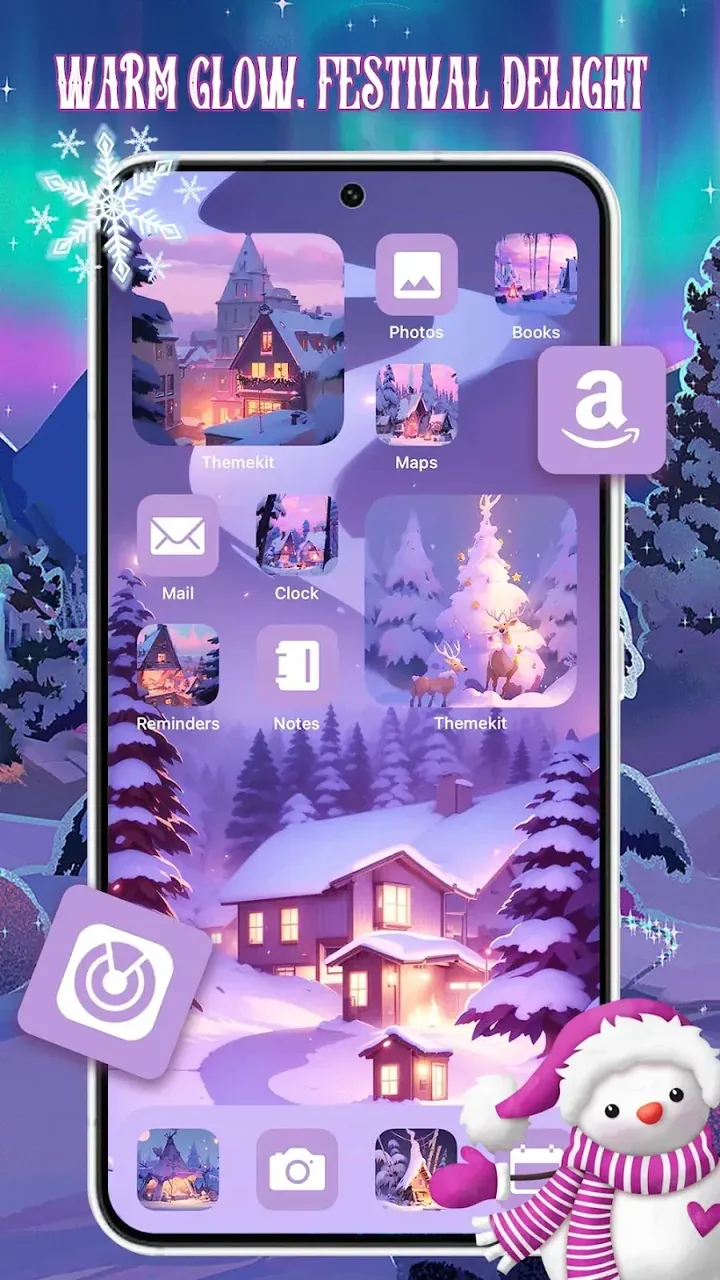
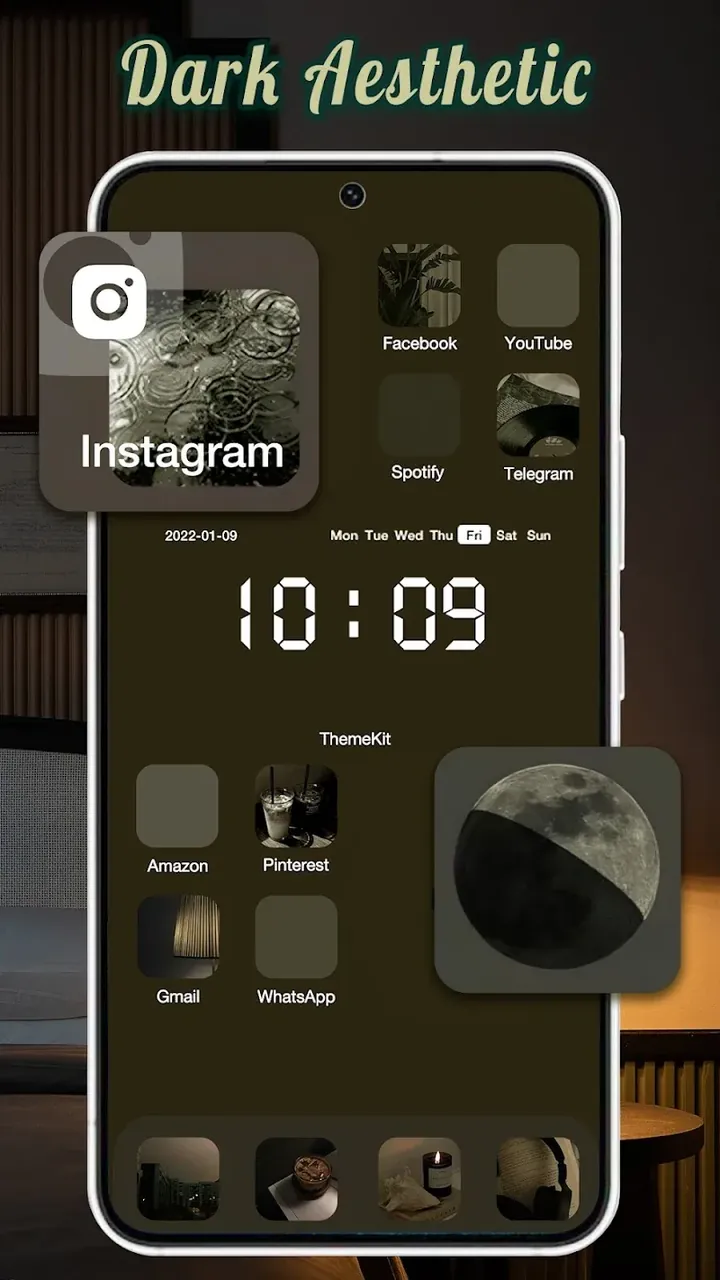
Description
Personalize your phone with ThemeKit MOD APK! Explore 2,000+ aesthetic themes, custom icons, and unique widgets to give your home screen a fresh new look. Download and start styling today!
This build comes with a Premium Unlocked status, giving you full access to the personalization library. ThemeKit MOD APK lets you use every available design asset without the limitations found in the standard version.
What’s Modified in ThemeKit
- The Premium Unlocked mod lets you instantly apply all paid themes, icon sets, and widget designs within the app.
ThemeKit version 20.1 is a 28M file under the package name com.themekit.widgets.themes. Because it is a re-signed build, it cannot be installed as an update over an existing version from the official store.
About ThemeKit
This app lets you personalize your mobile device by customizing far more than just the wallpaper. It gives you a set of tools to adjust various parts of the interface through a graphical user interface (GUI), and you can manage your home screens right from the app. One of its standout features is a unified design experience, where your device's interface follows a single, consistent style. It achieves this with pre-designed bundles of interface elements, such as backgrounds, icons, and screen widgets, all built to match one another. You are free to choose the elements that suit your taste, such as bundles designed for a work environment or ones made for other settings. In essence, the app acts as a design element integrator, bringing together elements that are visually aligned.
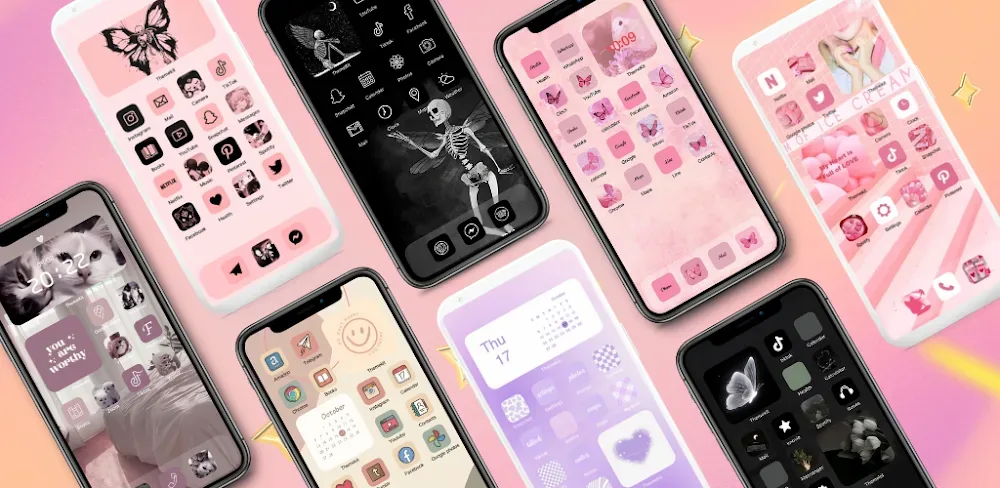
The service offers access to over 2,000 aesthetic themes, organized into several categories by art style. Options include Nature, Animal, Universe, and more, and you will also find digital and modern aesthetics in the style library. There is a selection of Pastel themes as well, which feature a soft color palette. Like other theme libraries, this service focuses on consistency, ensuring that color palettes, shapes, frames, and backgrounds work together in harmony. Harmonious themes make your device easier to use and reduce interface clutter, keeping the artistic direction clear and aligned throughout.
This app lets you swap the generic system icons for higher-quality ones using icon packs. You can preview the icons in a pack directly on your home screen before applying them. Once you're happy with a pack, you can replace the system icons, so your apps and device tools share a themed, organized look.
The premium widget kit lets you add more functionality to your home screen design. It includes a variety of widgets covering areas such as date and time, weather, calendar, and even inspirational quotes. Beyond design elements and widgets, the app lets you fine-tune home screen elements and functional widgets to fit your layout. You can resize widgets to occupy any space on the screen and control how much functionality each one offers. You can also mix and match home screen elements, functional elements, colors, graphics, and typography to create the exact theme you want.
This app includes a number of high-definition wallpapers, prepared at various resolutions and aspect ratios to deliver a better experience. Optimized images ensure that wallpapers look sharp across different device models. The app's customization engine keeps wallpapers, icons, and widgets perfectly aligned, so misaligned icons are a thing of the past. Each theme bundles wallpapers with aligned, resized app icons and widgets, and you can apply every element of a theme with a single tap. The developers aim to make it quick and easy to change the entire look of your device.
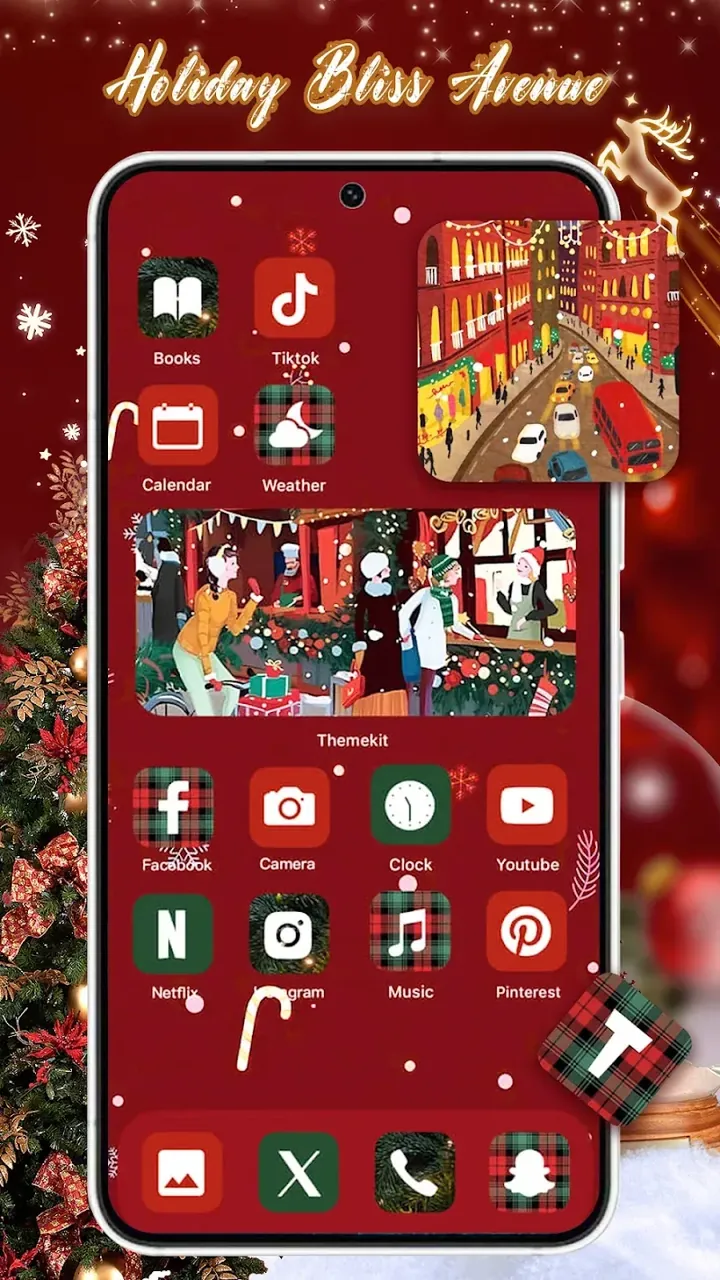
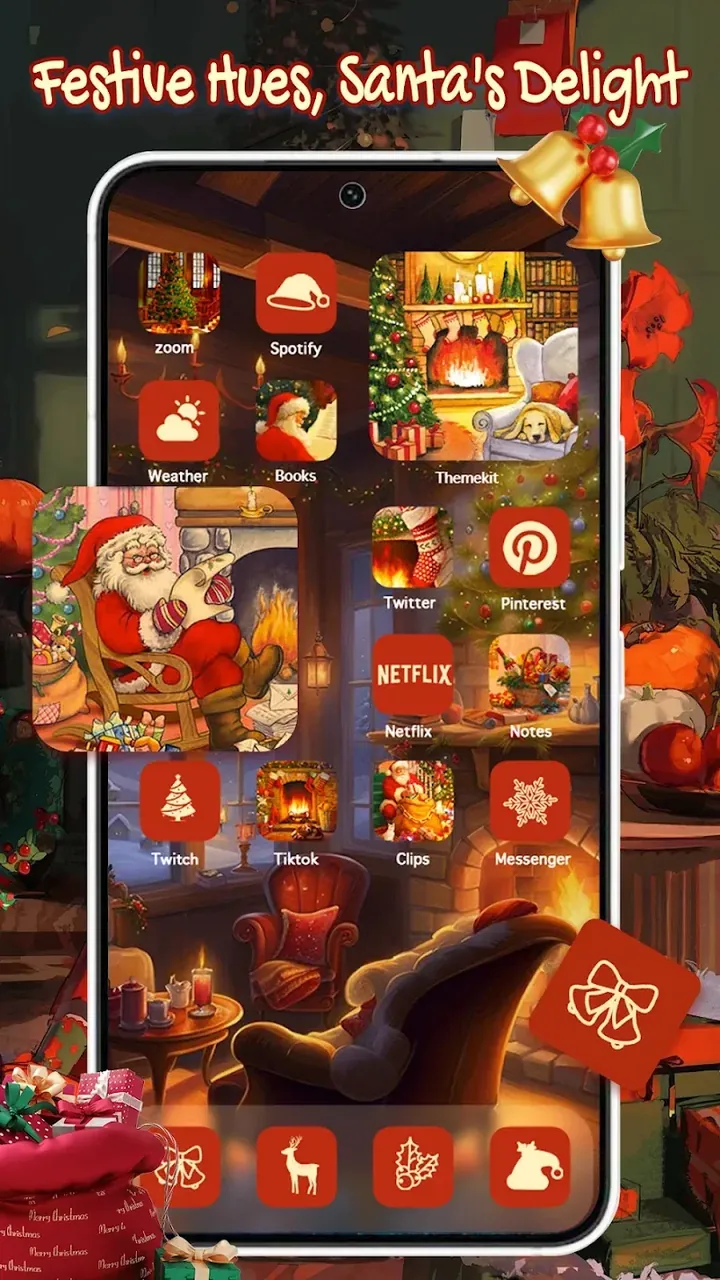
Creative users can also build their own themes by mixing theme elements from different packs. For instance, they might pair wallpapers from a Nature pack with icons from a Neon pack and widgets from a Minimalist pack. Users are free to combine any elements they like. The developers know people expect fresh and varied themes, so they publish new content and updates every day. These elements are often designed to match current design trends and seasonal changes, which keeps theme packs exciting and gives users plenty of options. Overall, the balance between simplicity and user control leads to a smooth and enjoyable mobile experience.
Key Features
- 2,000+ aesthetic themes spanning Nature, Universe, Animals, Cyberpunk, Pastel, and Neon styles
- Custom icon changer to replace system icons with professionally designed icon packs
- Premium widget kit with weather, calendar, clock, and motivational quote widgets
- 4K high-definition wallpapers optimized for a range of screen resolutions
- One-click setup that applies wallpapers, icons, and widgets all at once
- Daily updates with new content inspired by design trends and seasonal events
- DIY customization mode for mixing elements from different theme packs
- Automatic scaling engine that keeps assets fitting specific device models without distortion
Related MOD APKs
- ThemePro – Widget & Wallpaper
- Glassify – Widgets & Themes
- Niagara Launcher
- ZEDGE
FAQ
Is Premium unlocked in ThemeKit MOD APK?
Yes, this 20.1 version of ThemeKit comes with Premium unlocked. It works just like the standard ThemeKit app, and you can use every feature right after installing it.
What is the latest version of ThemeKit MOD APK?
Version 20.1 is the current ThemeKit release, last updated on August 21, 2026. We don't host older builds here. To update, install this file over your existing app. If you get a signature error, uninstall the old version first and then reinstall.
Is ThemeKit MOD APK safe to download?
This ThemeKit 20.1 file is the ThemeKit app with Premium features unlocked. It has a rating of 3.6 from 243 users and does not require root access. Play Protect may show a warning during installation, so be sure to download it from this page to get this exact version.
Can I use ThemeKit MOD APK on PC or iPhone?
This is an Android file, so it won't run directly on iPhone. To use the 28M APK on a computer, install an emulator such as BlueStacks or LDPlayer and open the file inside it.
How to install
- Download the APK file above to your phone.
- Allow “Install unknown apps” when prompted.
- Open the downloaded APK and tap Install.
- If the package includes OBB/XAPK data, follow the bundled instructions.
MOD APKs are modified builds, so Play Protect may show a warning. Install only if you trust the file; use at your own risk.