
Description
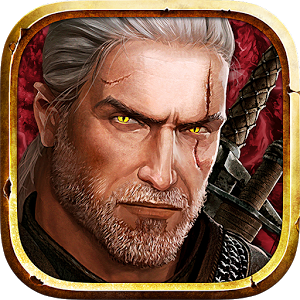
The Witcher Adventure Game brings the renowned tabletop experience straight to your Android device, inviting you to explore a perilous dark fantasy realm brimming with challenging quests. Track down fearsome beasts, unravel ancient mysteries, and navigate complex political schemes. Players can pick from four distinct heroes, each boasting their own personalized playstyle and skill set.
Key Features:
- Impressive visual presentation
- Compete against smart AI opponents or challenge friends
- Straightforward mechanics paired with user-friendly controls
- 4 distinctive playable heroes with customized skill trees
- More than 288 unique cards alongside 30 fearsome monsters
- Google Play achievements and competitive leaderboards
SD card installation support: No | Cache startup: No
How to Install The Witcher Adventure Game
OBB installation guide for The Witcher Adventure Game: extract the downloaded archive directly into /sdcard/Android/obb/ (the final path must be /sdcard/Android/obb/com.cdpred.witcher.abg/). Uncompressed data size is roughly 85 MB. Once moved, install the APK file and launch the game!
How to install
- Download the APK file above to your phone.
- Allow “Install unknown apps” when prompted.
- Open the downloaded APK and tap Install.
- If the package includes OBB/XAPK data, follow the bundled instructions.
MOD APKs are modified builds, so Play Protect may show a warning. Install only if you trust the file; use at your own risk.