
Screenshots
Description
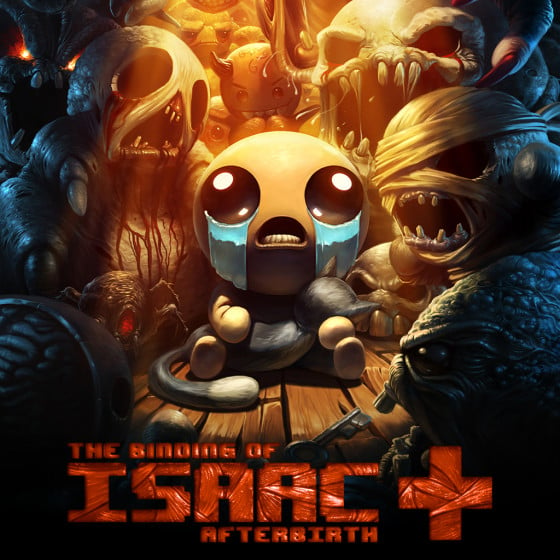
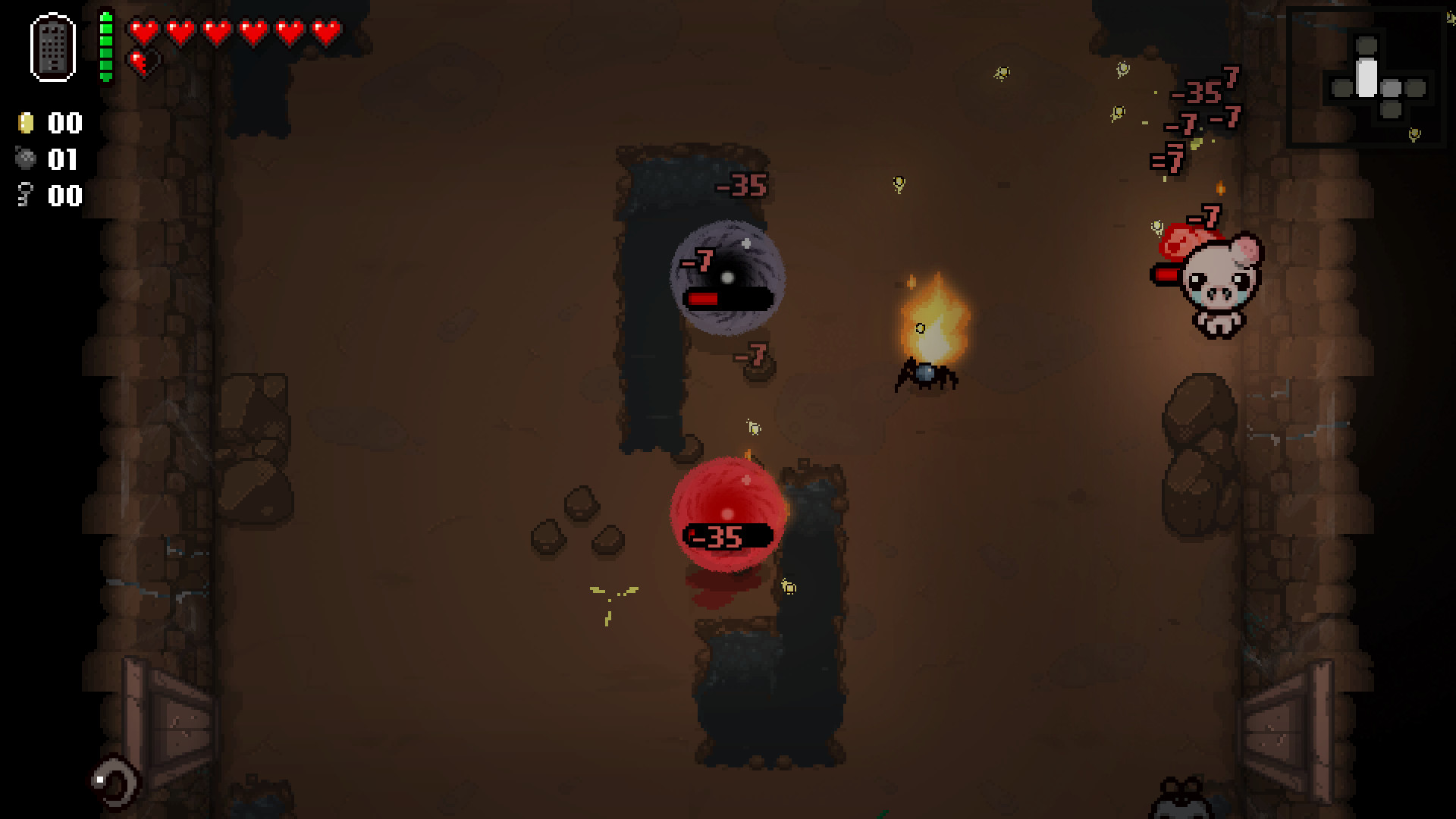
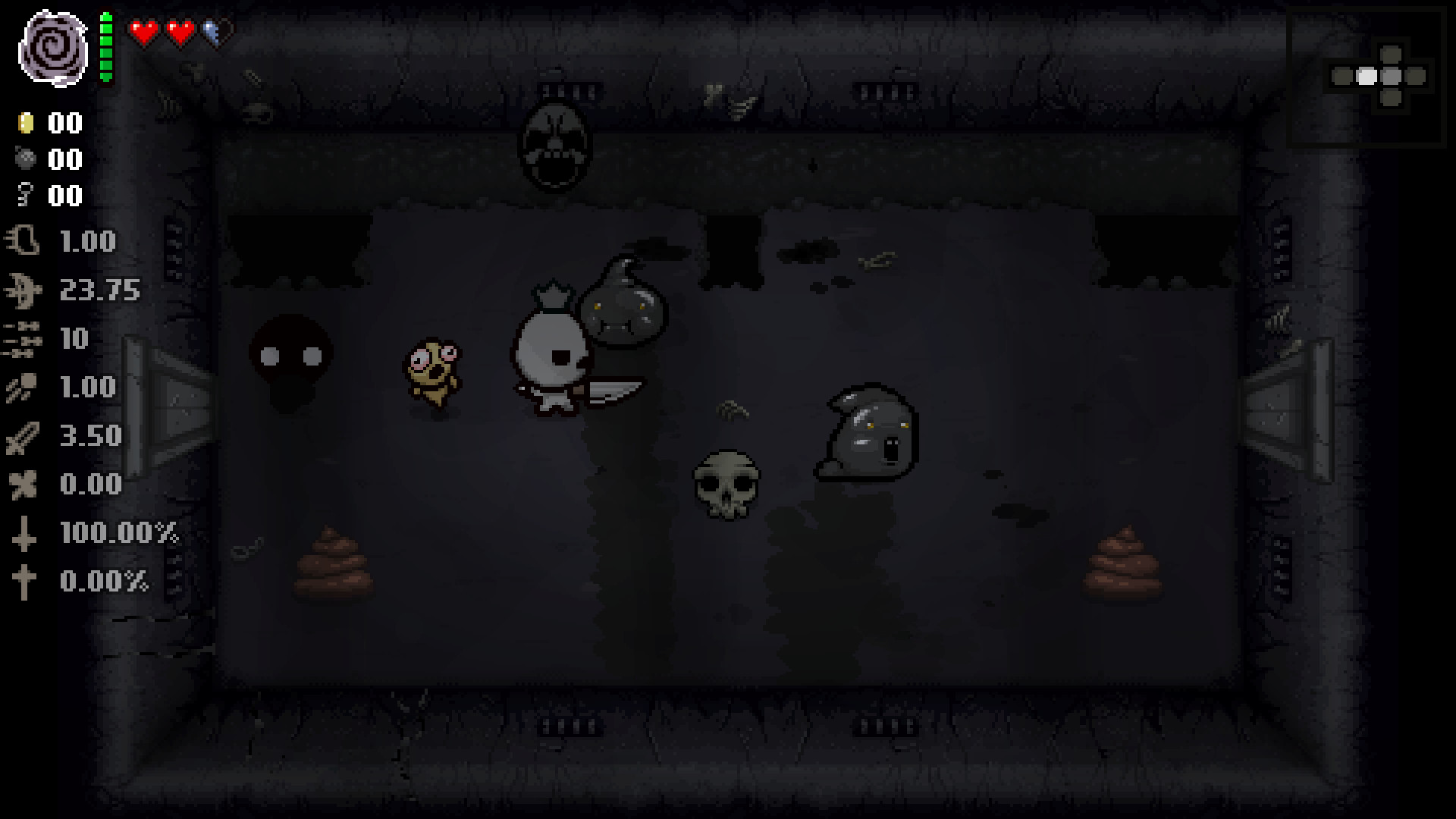
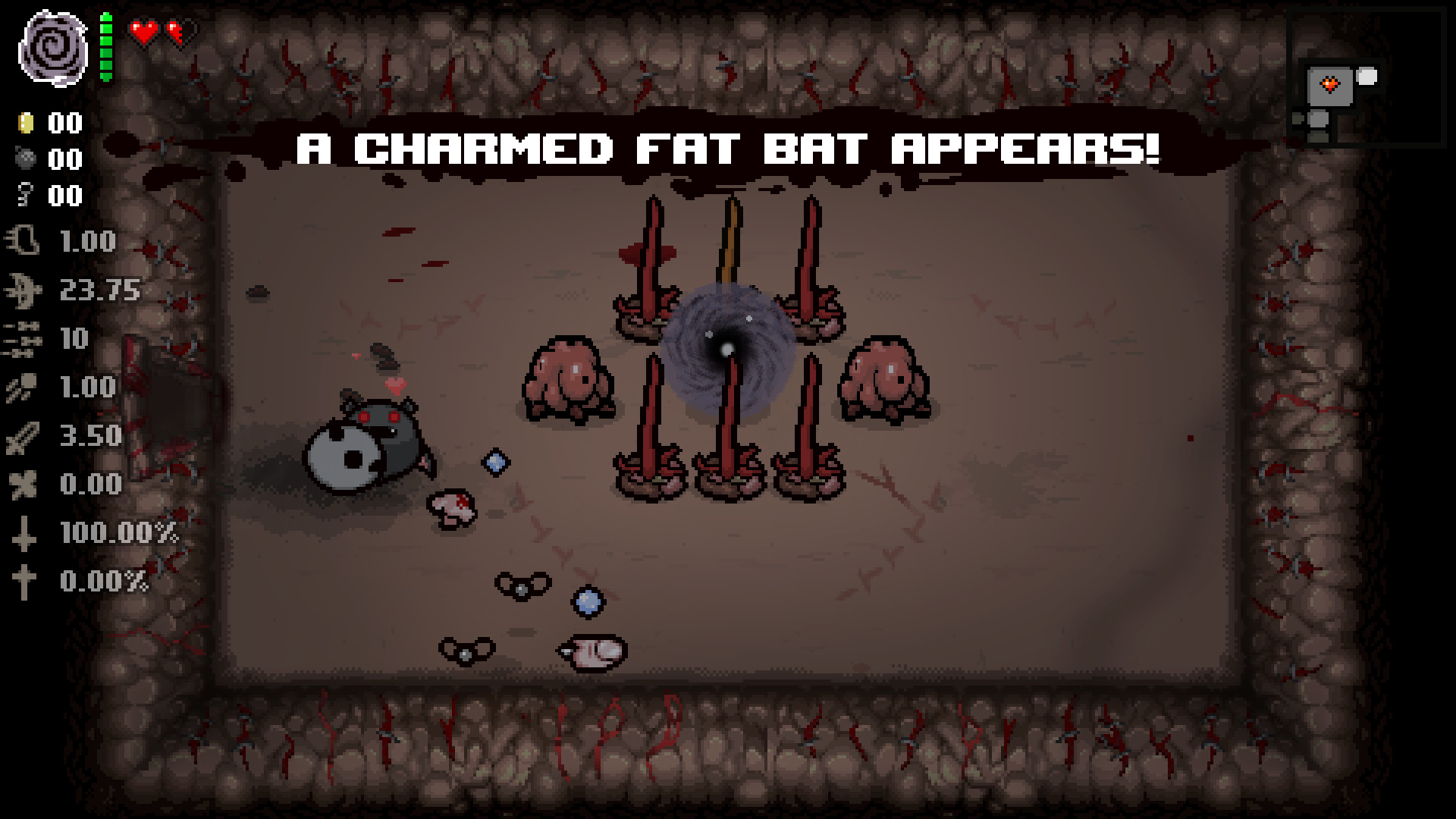
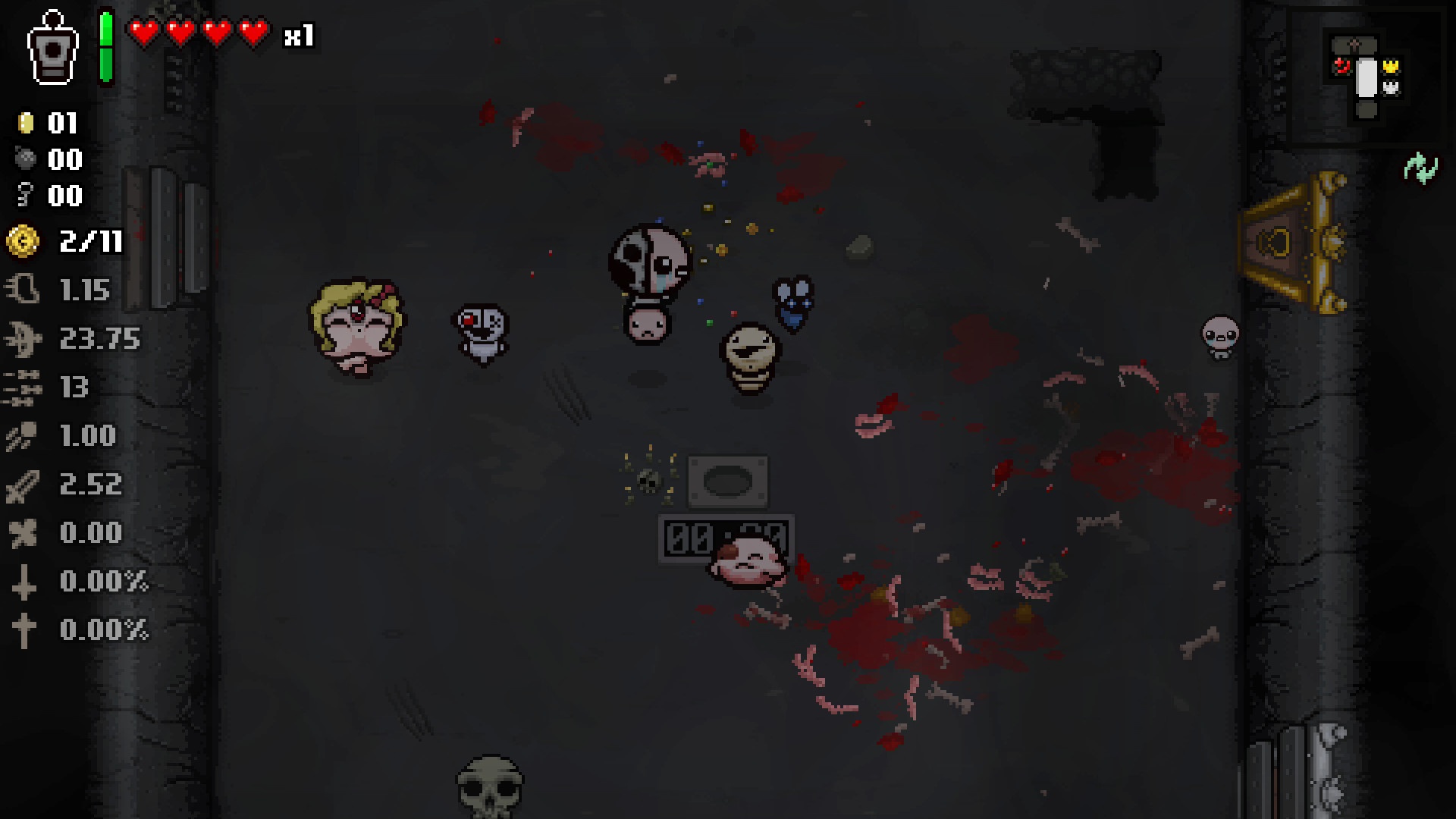
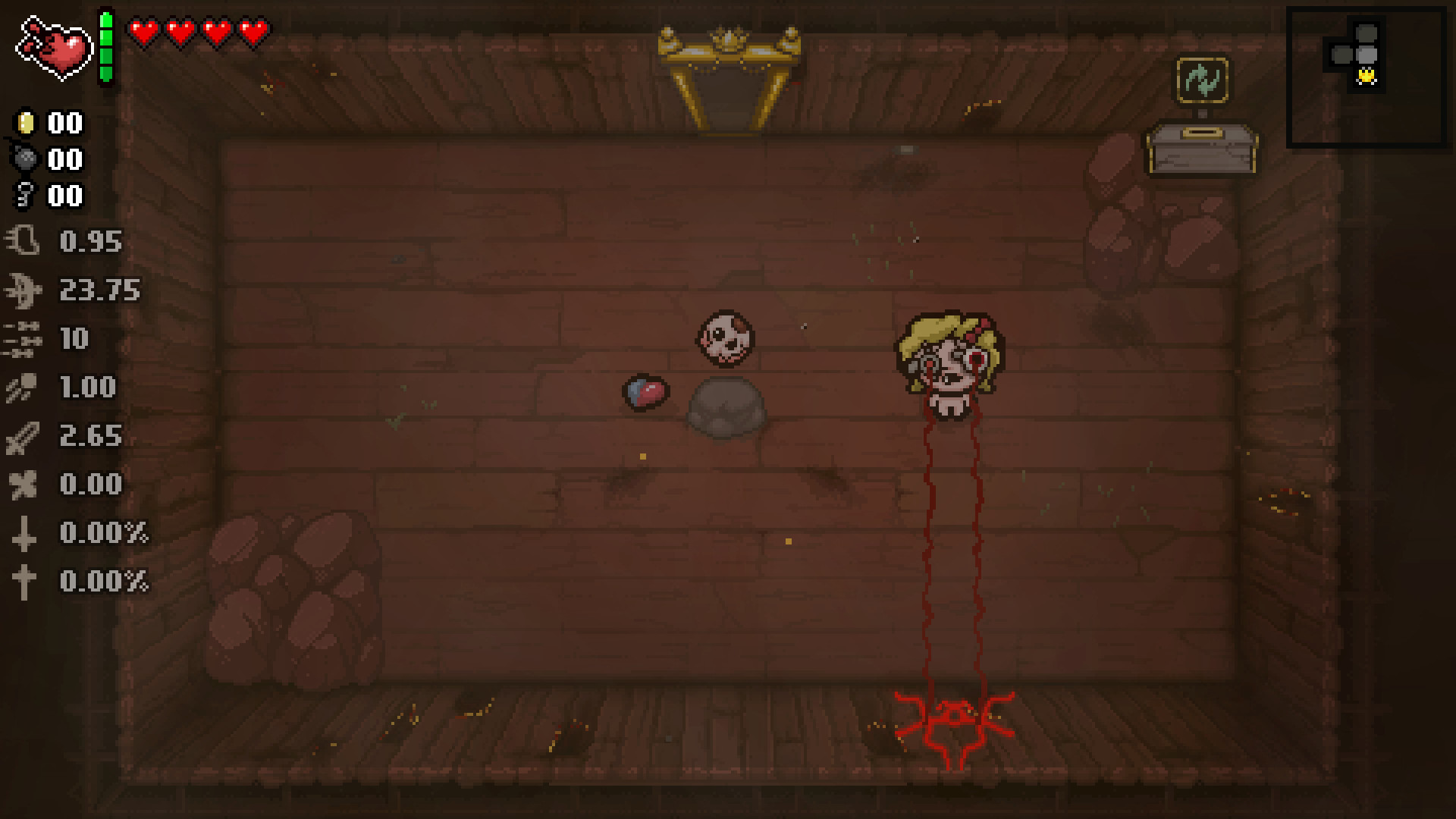
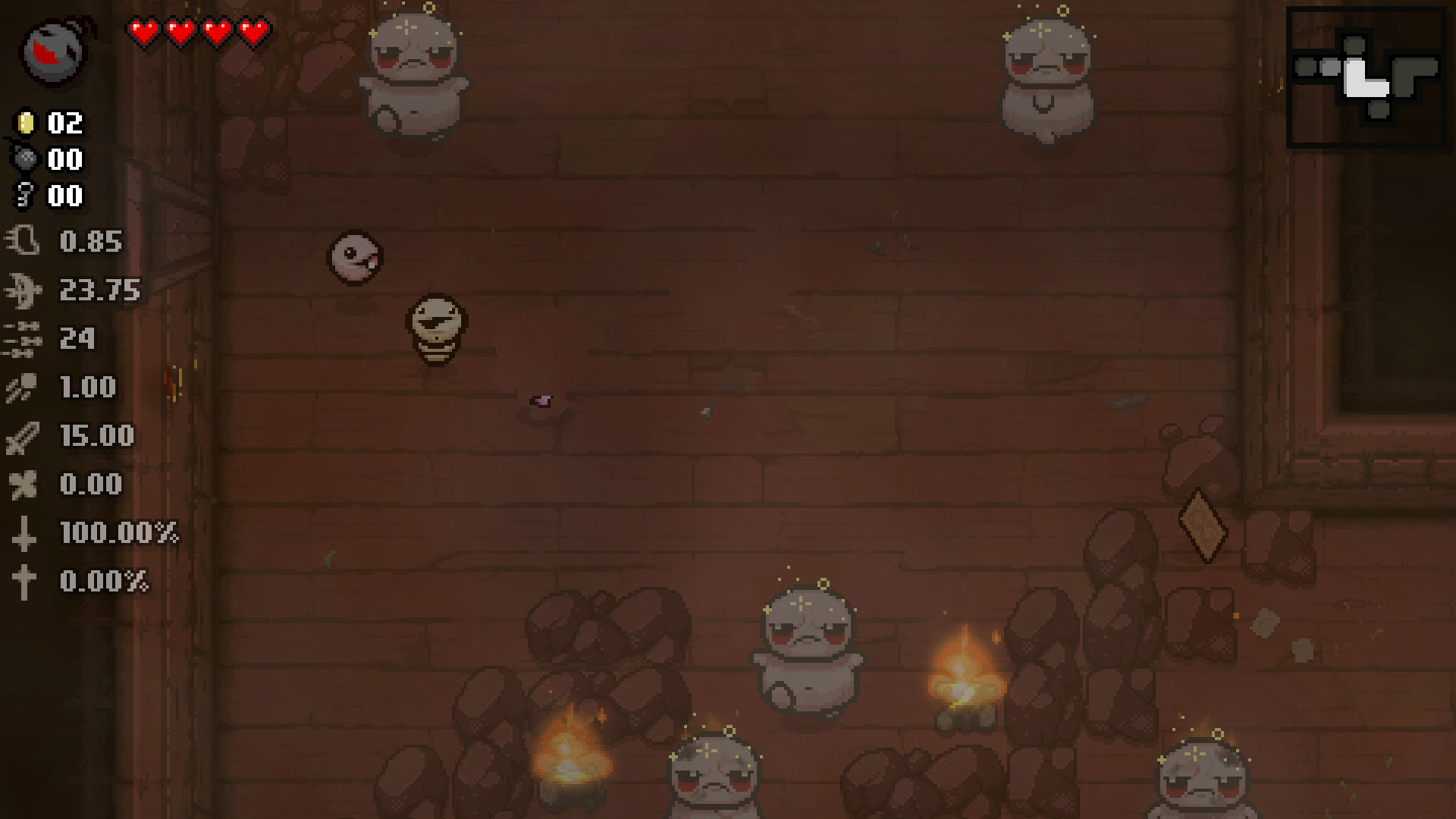
The Binding of Isaac: Afterbirth+ delivers an intensely atmospheric roguelike action RPG experience, seamlessly blending intense twin-stick shooter combat with deep exploration and staggering character build variety. Guide Isaac deep into a terrifying subterranean dungeon packed with grotesque horrors, lethal hazards, eccentric bosses, and concealed secrets, weaponizing his own tears alongside an array of bizarre artifacts across dynamically shifting chambers. Procedural level generation paired with an inventory of hundreds of passive and active items ensures that every single session feels distinct, reshaping your attacks, appearance, and survival tactics. Experiment with game-breaking item synergies, unlock fresh playable characters and bizarre transformations, conquer difficult challenges, confront monstrous adversaries, and unravel the disturbing narrative buried within this dark universe. Packed with expansive content, unpredictable encounters, multiple story conclusions, and limitless replay potential, The Binding of Isaac: Afterbirth+ provides a gripping test of skill where no two playthroughs are ever alike.
System Requirements and Initial Setup Guide
System Requirements:
- Android 11 or newer (no elevated storage permissions needed on Android 11+).
- CPU Architecture: ARM64.
- GPU: OpenGL ES 3.0+ compatible.
- Memory: At least 3 GB RAM.
- Free Storage: Approximately ~2.5 GB required.
Initial Launch Details:
When opening the title for the first time, an essential data extraction process (~576 MB) will run for roughly sixty seconds. Keep the application running and do not lock your screen while this completes. Future boot times will be significantly faster, depending on your device hardware.
Controller Support and On-Screen Touch Configuration
This mobile build includes seamless compatibility for Bluetooth gamepads, featuring native button mappings for Xbox, PS4, and Nintendo Switch controllers. Connecting an external controller automatically hides the on-screen overlays, while tapping the display instantly restores your touch controls.
Configuring On-Screen Controls:
- Long-press the virtual ESC button on your screen for around one second.
- This action brings up the port configuration dashboard.
- From this screen, you can launch the layout editor to reposition and resize buttons, configure joystick dead zones, pull up a digital PC keyboard, or switch display scaling between 16:9 and native Fullscreen.
Transferring PC Save Files (Steam/GOG) to Android
Your local Android game files are stored directly on internal storage under: .../Android/media/com.isaac.abplus/ (accessible using standard file managers).
Step-by-Step Instructions:
- On your computer, navigate to the directory: Documents/My Games/Binding of Isaac Afterbirth+.
- Locate and copy your save data, primarily files formatted as abp_persistentgamedata1.dat (Save Slot 1), abp_persistentgamedata2.dat (Save Slot 2), and so forth. You can also transfer abp_gamestate1-3.dat if you wish to retain active mid-run states.
- Paste these selected files directly into the saves/ folder found in the game's Android data path.
- Exit the game completely and launch it fresh. Your saves will be loaded automatically, and the imported files will relocate into the saves/imported/ subfolder.
Note: A safety snapshot of your active save state is consistently maintained in the saves/current/ directory. If you ever need to roll back, simply move the files from that folder back into the primary saves/ folder.
Installing and Managing Custom Mods
You can load community modifications obtained from the Steam Workshop. Just ensure each mod folder contains a valid metadata.xml file.
How to Install Mods:
- Place your unpacked mod folder into the mods/ folder on your Android device (located at: .../Android/media/com.isaac.abplus/mods/).
- Start up the game; the modification will register automatically, updating the folder name with its respective workshop identifier.
- To turn the modification on, navigate to Mods → Enable in the title screen, then begin a fresh run.
- If you want to remove any mod, just head over to your mods/ folder and wipe its corresponding directory.
IMPORTANT: Visual and audio add-ons like custom textures, fonts, soundtracks, and language packs run smoothly without issues. On the other hand, packages powered by Lua scripts (main.lua) remain highly experimental and prone to errors. Should you encounter sudden crashes or startup failures, try disabling these script-based mods first.
Troubleshooting: How to Fix Black Screen Issues and Game Crashes
Locating Crash Logs and Troubleshooting Steps:
- Before anything else, verify that your smartphone or tablet has a minimum of 3 GB of free storage space alongside compatible hardware (Android 11 or higher, ARM64 architecture).
- Whenever the title crashes unexpectedly, a diagnostic file labeled crash_log.txt is automatically created right in the primary game directory.
- If you need more comprehensive diagnostic reports, simply add a blank file called debug (making sure not to add .txt or any file extension) into the root folder of the game.
- Restart the title afterward, and the system will record extended diagnostics inside box64.txt, accompanied by isaac_diag.txt if another crash occurs.
Note: Remember to remove that "debug" file once you have finished gathering your log data, as leaving it active can hurt performance!
How to install
- Download the APK file above to your phone.
- Allow “Install unknown apps” when prompted.
- Open the downloaded APK and tap Install.
- If the package includes OBB/XAPK data, follow the bundled instructions.
MOD APKs are modified builds, so Play Protect may show a warning. Install only if you trust the file; use at your own risk.