
Screenshots

Description
TasksA convenient application for taking notes, entering tasks, creating reminders for important events. With this program, you will be able to easily and with pleasure perform even complex tasks.
Characteristics
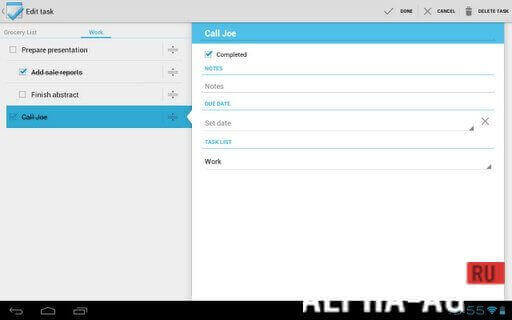
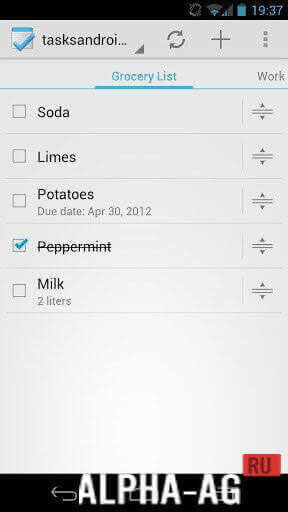
The program is distinguished by a minimalist design, made in the style of the Android Ice Cream (4.0) version. The main screen displays a list of tasks, which can be switched using regular swipes.
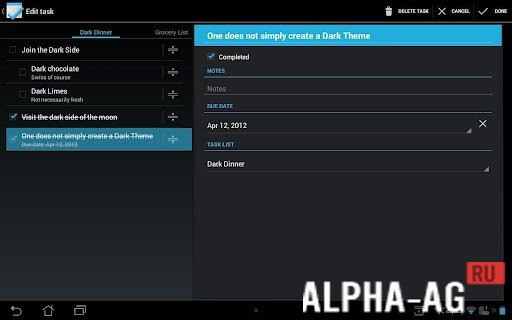
You can create a subtask for each task. And the number of such “attachments” is virtually unlimited.
By the way, this feature is borrowed from Google Task, where complex tasks were conveniently divided into small subtasks with time limits.So it's easier to deal with large tasks, keeping only the information necessary to solve a small subtask in mind.
Creating subtasks in Tasks is implemented using regular swipes – you just need to move a new task under an already created one, and then indicate the degree of nesting with an arrow in the top menu.
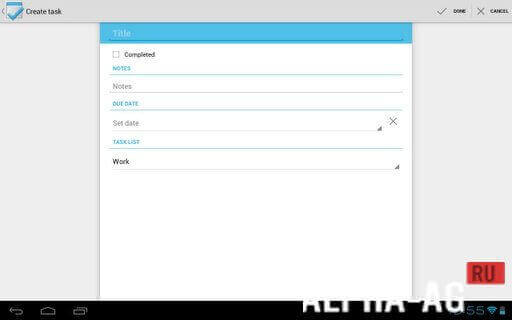
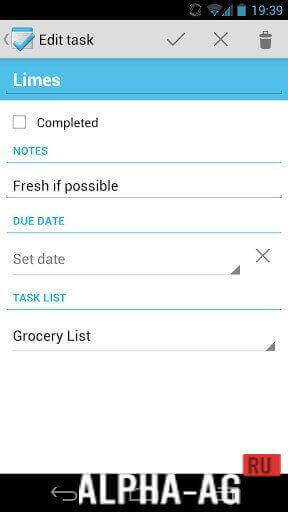
Traditionally, you can create a description for each task and add a short note, specify the time and date of the reminder, set the reminder method (for example, in the form of a notification in the notification bar).
Features
- Minimalist design.
- Smooth operation.
- Synchronization with a Google account;
- Working with tasks and subtasks;
- Two themes;
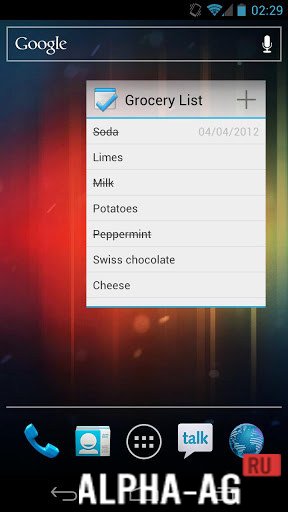
- Convenient widget on the desktop.
Below you can freely download the Tasks app for Android.
0 04 Jan Additional information:- Required Android version: 2.2 or higher
- Age restrictions: 3+
- Russian localization: not available
- Cache installation: not required
Subscribe to our YouTube channel!
Add a commentHow to install
- Download the APK file above to your phone.
- Allow “Install unknown apps” when prompted.
- Open the downloaded APK and tap Install.
- If the package includes OBB/XAPK data, follow the bundled instructions.
MOD APKs are modified builds, so Play Protect may show a warning. Install only if you trust the file; use at your own risk.