
Screenshots
Description
FREE Download 0
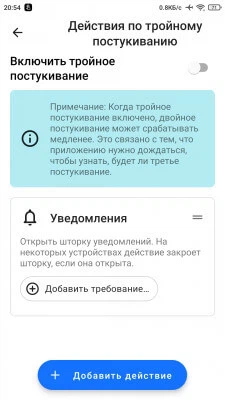
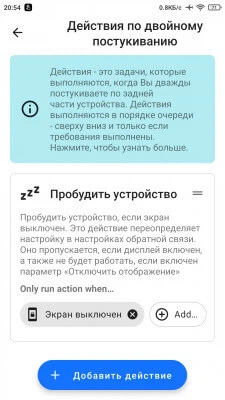
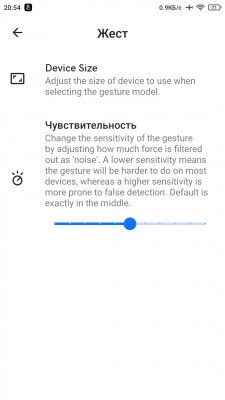
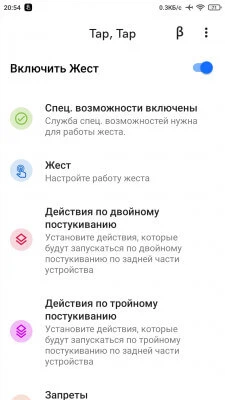
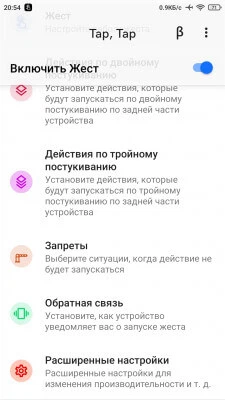
Tap, Tap - The app will allow you to use the double tap gesture on the back of your device with Android OS 11 to perform various commands. With it, you can launch apps, control your device, take screenshots, toggle the flashlight, and even summon the virtual assistant. Set usage restrictions for the gesture in specific situations, such as when the screen is off, during a phone call, or when an app is open. To work, Tap, Tap uses the Android Accessibility Service and runs in the background, ensuring continuous operation.
App Features:
- Launch Apps:
- Device Control:
- Create Screenshots:
- Toggle Flashlight:
- Summon Virtual Assistant:
- Ability to Set Restrictions:
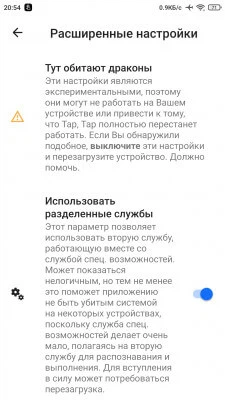
- Use Accessibility Services:
- Background Operation.
Source: GitHub Track News You will receive a notification by E-mail when the news changes. Subscribe Subscribed: 0
Screenshots
1 22 23


Information
Version 1.6.2 OS(MIN) Android 7.0+ Language Russian Developer KieronQuinn Status Free Root Not Required Tags Double Tap, Device Control, Double Tap GestureHow to install
- Download the APK file above to your phone.
- Allow “Install unknown apps” when prompted.
- Open the downloaded APK and tap Install.
- If the package includes OBB/XAPK data, follow the bundled instructions.
MOD APKs are modified builds, so Play Protect may show a warning. Install only if you trust the file; use at your own risk.