
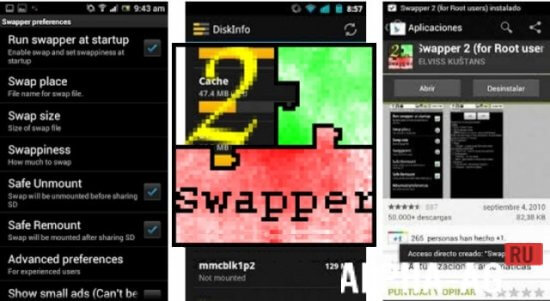
Screenshots
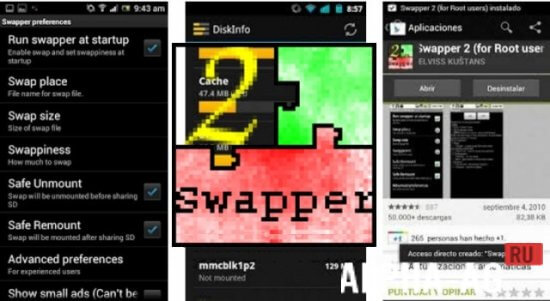
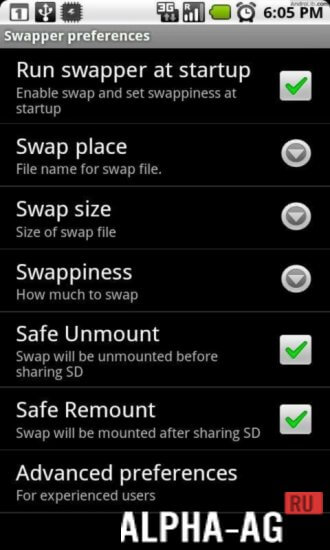
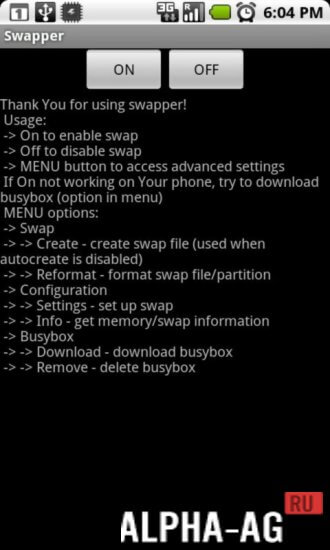

Description
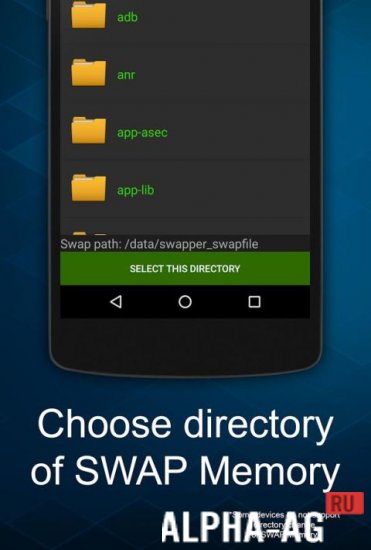
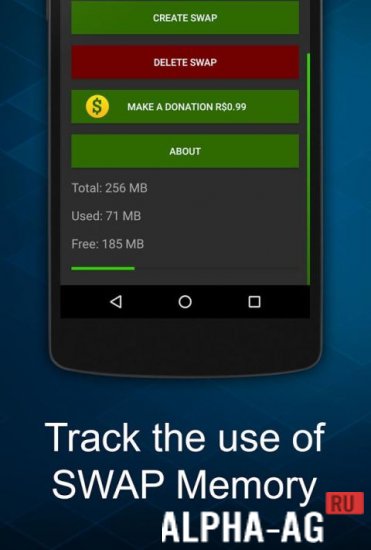
Swapper 2With this application, you can create two to three Swap partitions on an SD card. It is fully translated into Russian.
Features
This utility allows you to create several Swap partitions to increase the RAM of your mobile device. Those who do not know what this is should first become more familiar with this topic.
Swap is virtual memory that acts as an extension of RAM.
The latter is not limitless even on modern gadgets, so running a large number of "heavy" applications leads to desktop slowdowns. If physical memory is not enough, Swap partitions on the memory card will come to the rescue.Features
Root permissions are strictly required to use this program. Otherwise, it will not work. By using this application, the user acts at their own risk. The developers are not responsible for any possible consequences
At the same time, users should know that using Swap partitions on a memory card wears it out quite quickly. This happens due to the constant rewriting of large amounts of data.
Each cluster has a certain number of write cycles, after reaching which it stops working. That is why you should be prepared for the memory card to stop functioning after a while.
1 Jan 27 Additional information:- Android version required: 1.5 or later
- Age restrictions: 3+
- Russian localization: yes, unofficial
- Cache installation: not required
Subscribe to our YouTube channel!
Add commentHow to install
- Download the APK file above to your phone.
- Allow “Install unknown apps” when prompted.
- Open the downloaded APK and tap Install.
- If the package includes OBB/XAPK data, follow the bundled instructions.
MOD APKs are modified builds, so Play Protect may show a warning. Install only if you trust the file; use at your own risk.