
Screenshots
Description
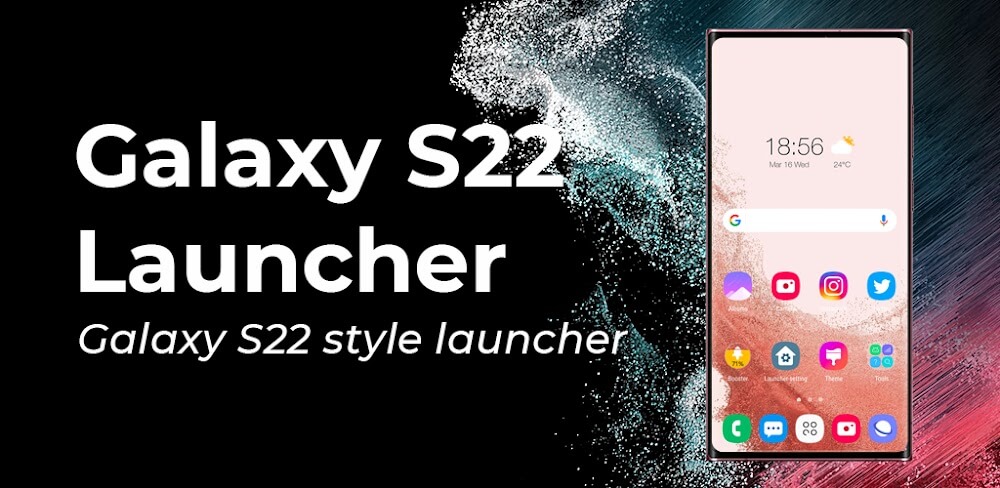
Transform any Android device—including classic Galaxy S, Note, or A series models—into a sleek, modern Galaxy S22 with this versatile launcher. Designed for devices running Android 5.0 and above, it brings the polished look and feel of the Galaxy S20 One UI 3.0/4.0 experience right to your fingertips.
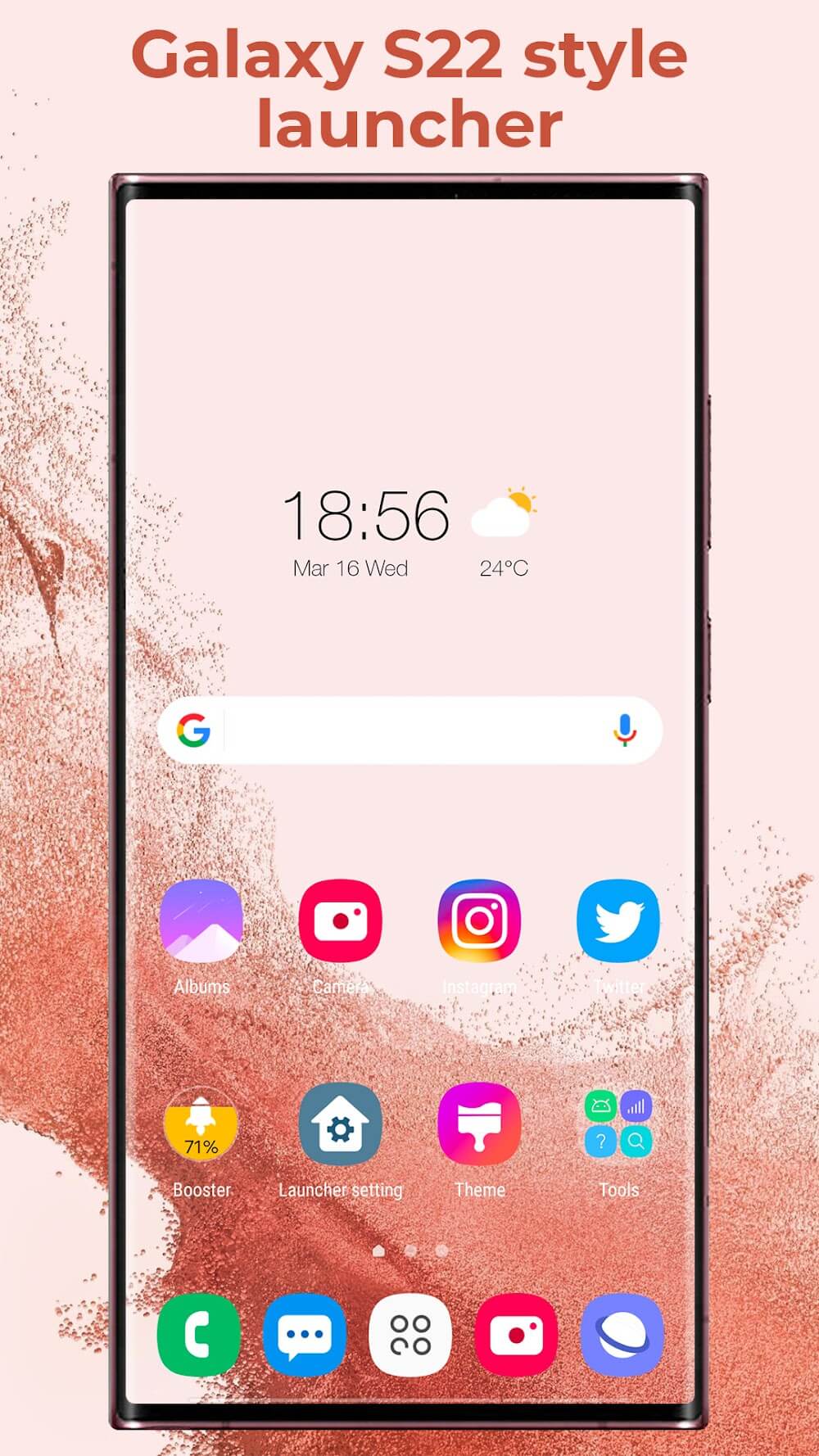
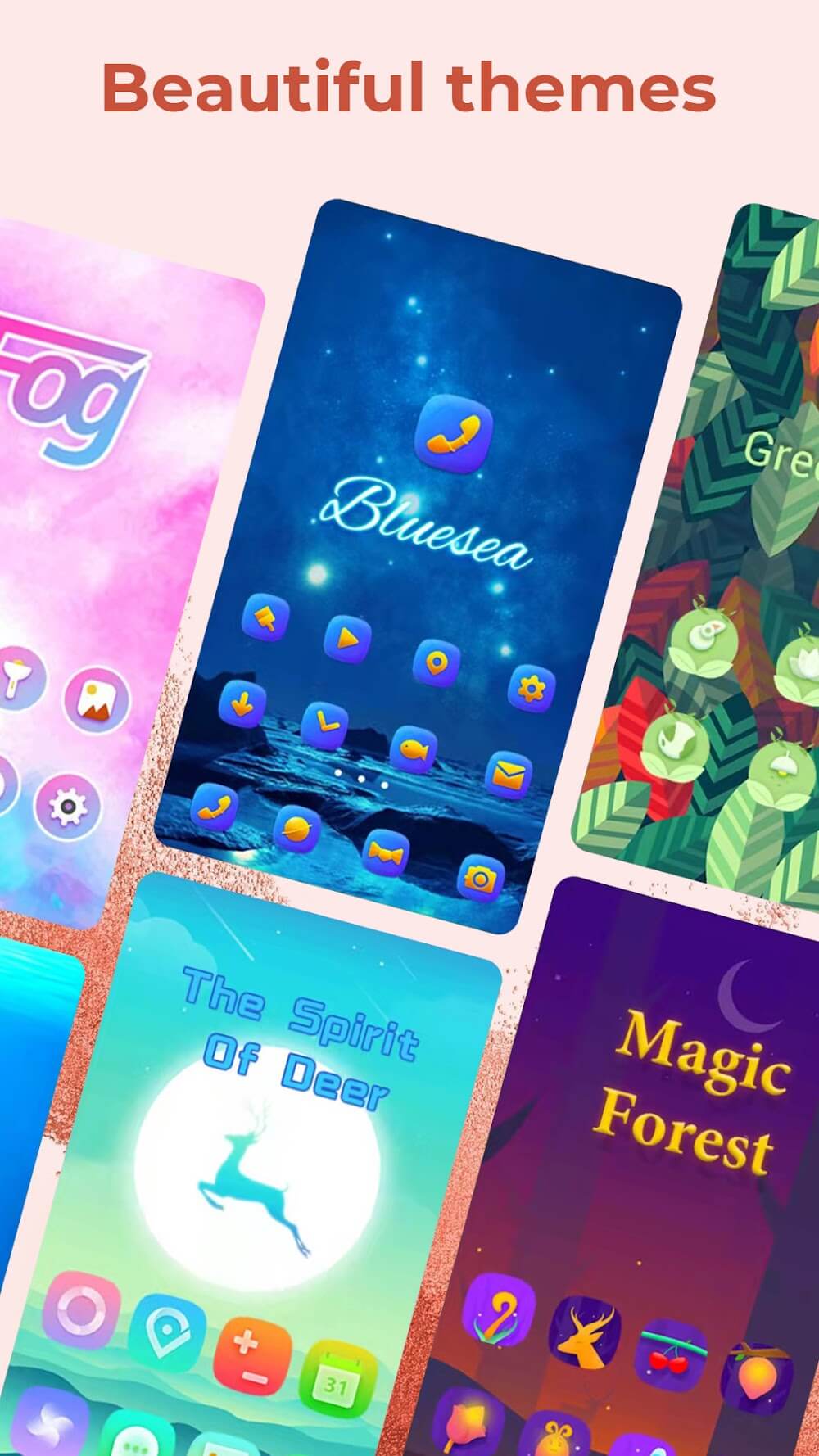
Elevate your home screen aesthetics with unified, Galaxy S22-styled app icons that deliver a clean and cohesive look. Super S22 Launcher packs around 300 stunning themes, full compatibility with diverse third-party icon packs, and an extensive online collection of authentic Galaxy S22 wallpapers.
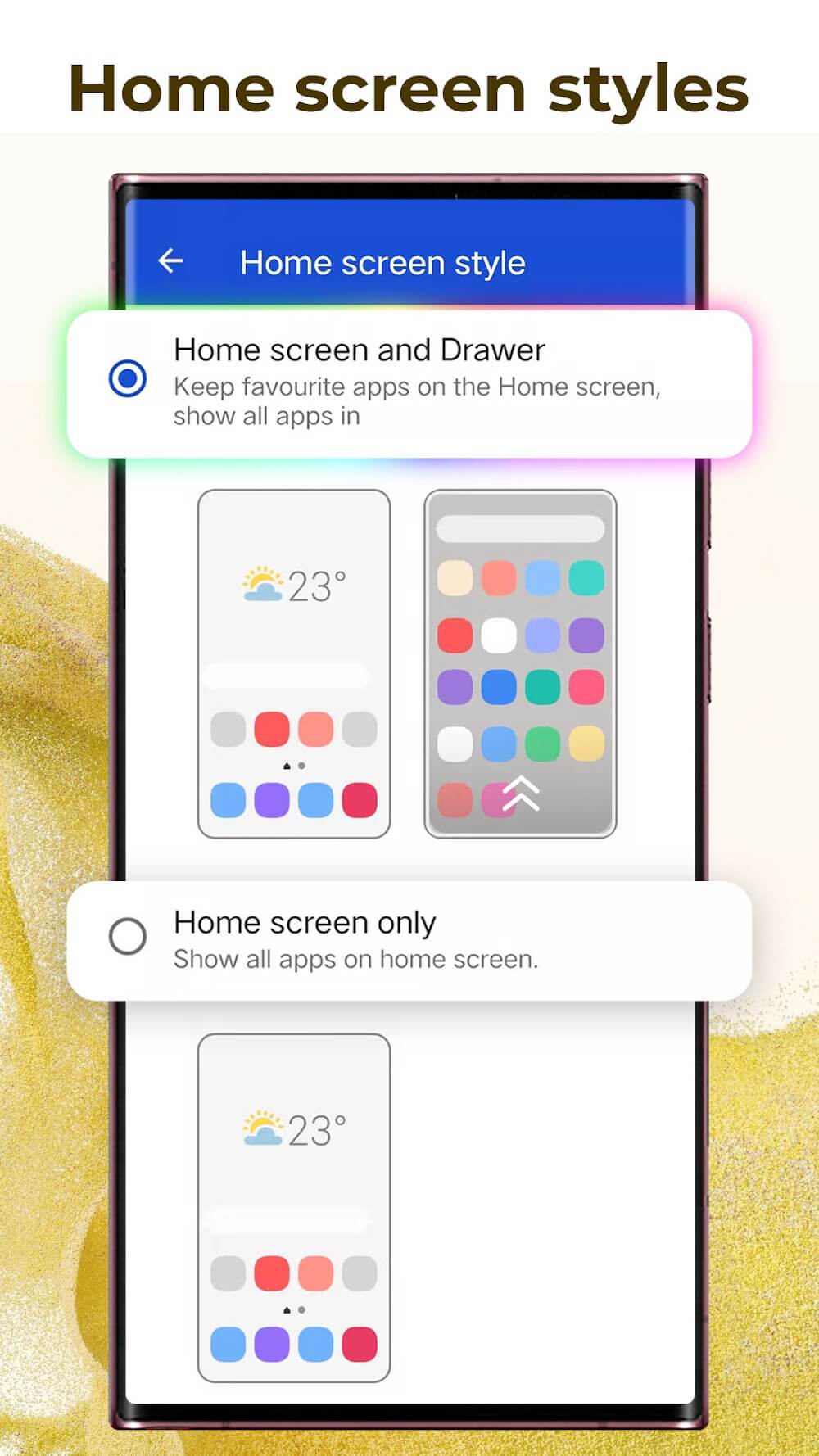
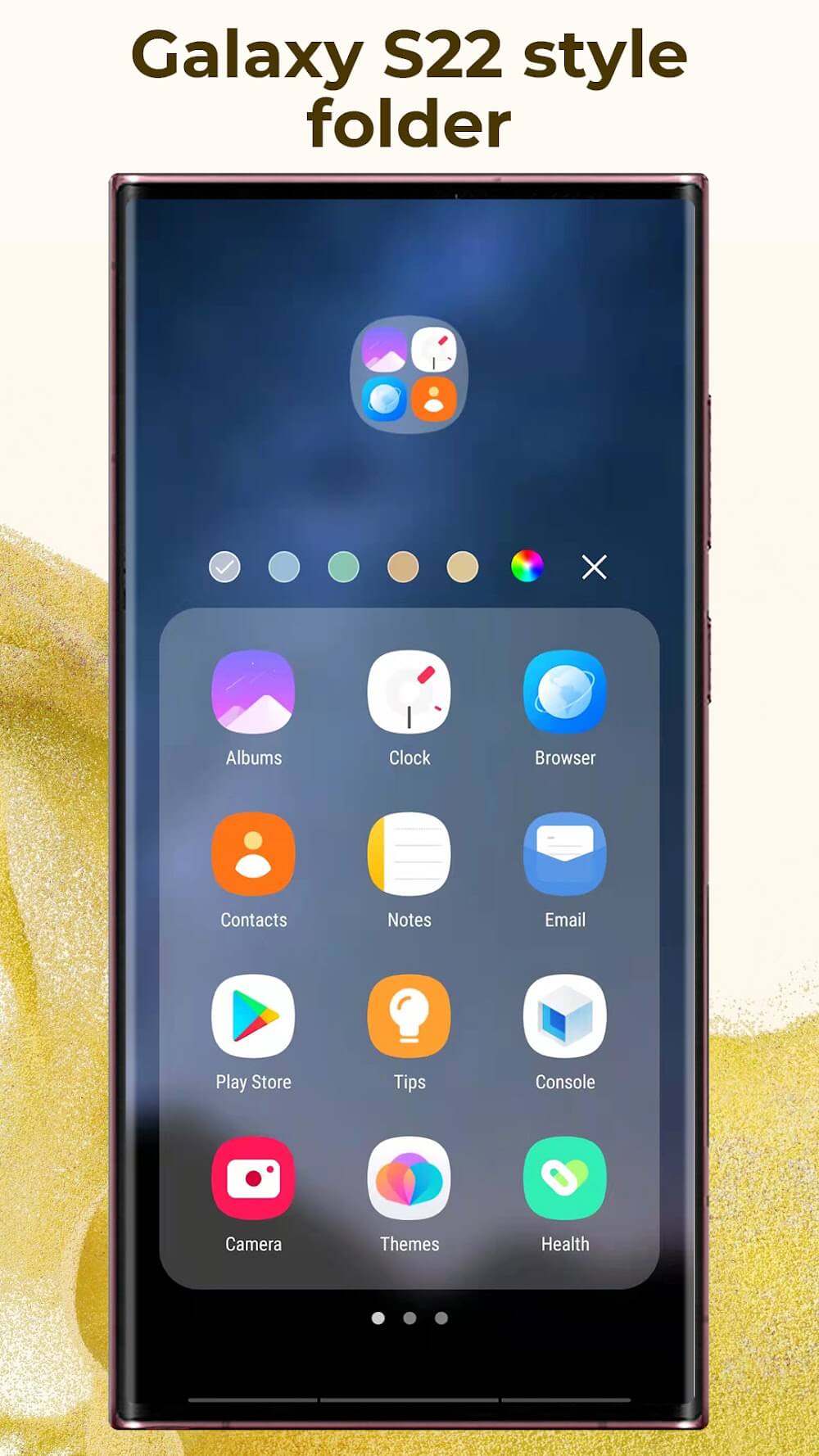
Personalize your desktop experience with either a standard home screen layout or an app drawer setup. Custom Galaxy S22-style folders let you tweak background colors, organize shortcuts, and set custom covers, while dynamic desktop transition effects add extra flair. You can also lock your desktop layout to prevent accidental edits by children and expand your dock with multiple pages and custom backgrounds.
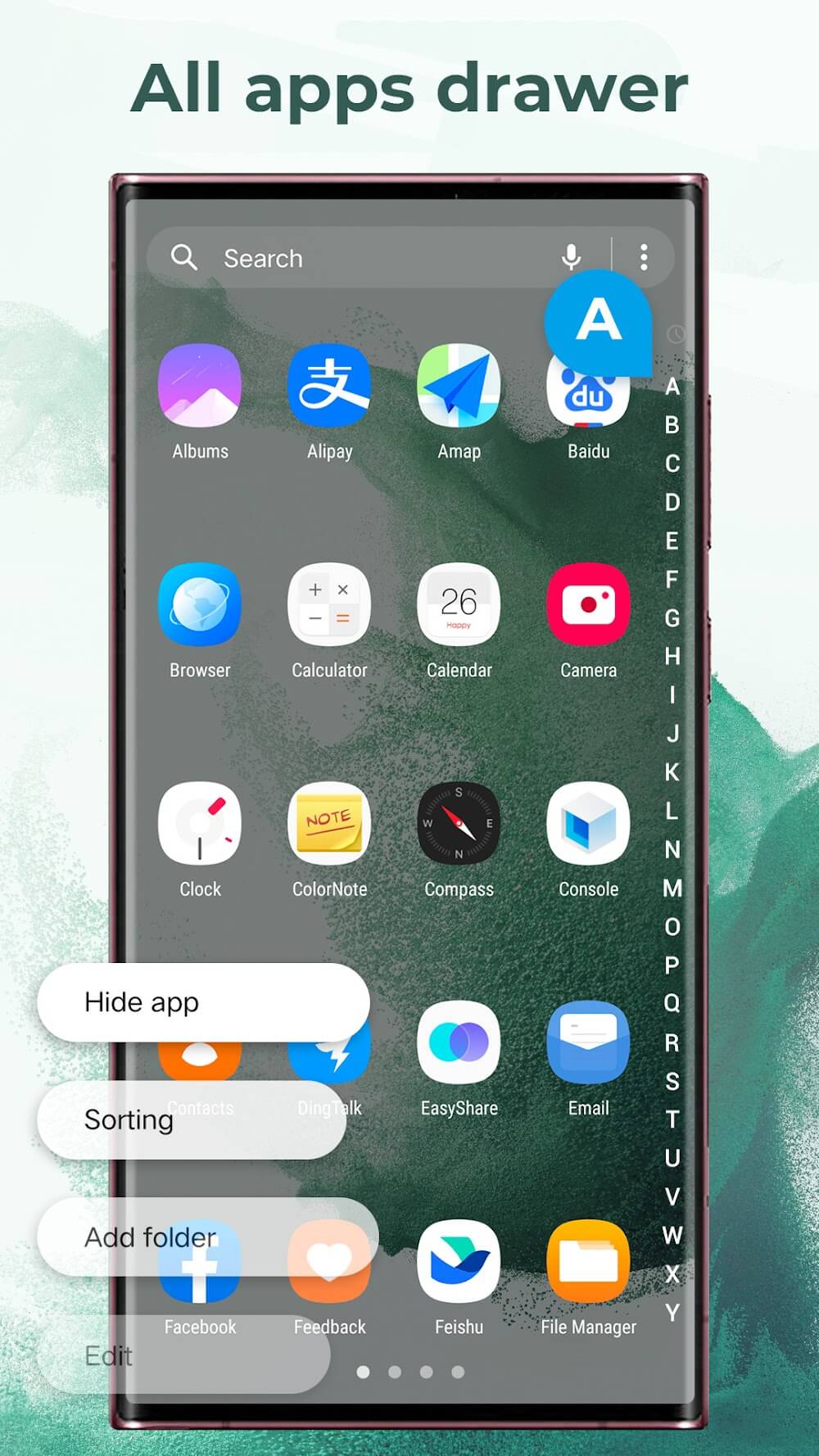
Tailor your app drawer to your liking with horizontal, vertical, categorized vertical, or list layouts. Sort your installed apps alphabetically, by install date, frequency of use, or custom order, and organize them further with in-drawer folders. A fast A-Z sidebar helps you quickly find any app, complemented by customizable drawer backgrounds.
Keep your personal data secure with built-in app hiding and locking features. The handy sidebar offers quick access to practical utilities like Booster, Cleaner, Battery Saver, and App Manager. Navigate effortlessly with intuitive two-finger gestures—such as pinch zooms, directional swipes, and dock interactions—while enjoying built-in analog and digital clocks, weather updates, and photo frame widgets alongside unread badge alerts for calls and messages.
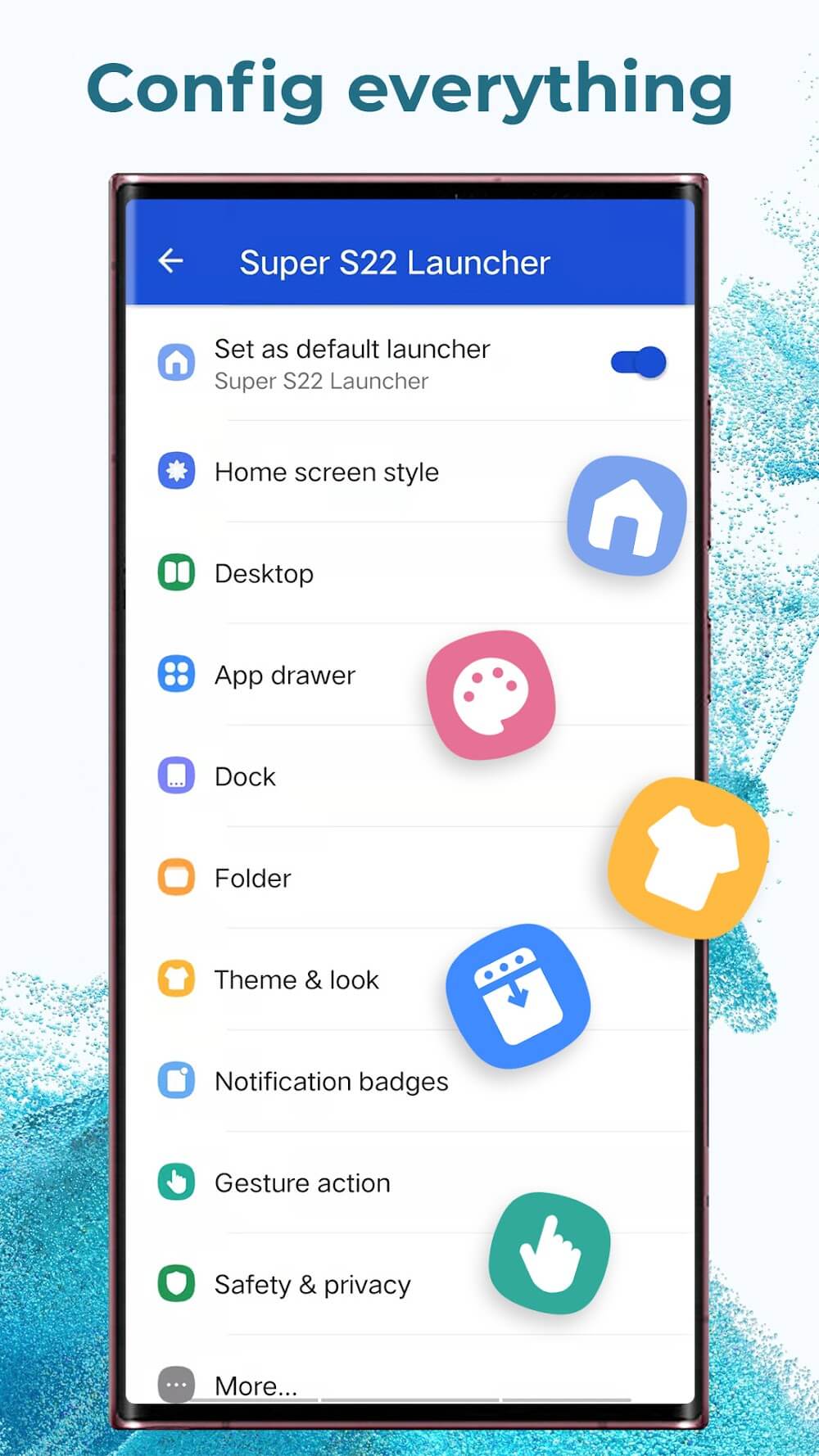
Take full control of your interface by tweaking grid layouts, icon dimensions, accent colors, and typography. You can also adjust folder preview designs, change icon label sizing, restyle the search bar, fine-tune desktop margins, and freely resize widgets to craft the perfect setup.
How to install
- Download the APK file above to your phone.
- Allow “Install unknown apps” when prompted.
- Open the downloaded APK and tap Install.
- If the package includes OBB/XAPK data, follow the bundled instructions.
MOD APKs are modified builds, so Play Protect may show a warning. Install only if you trust the file; use at your own risk.