
Screenshots

Description
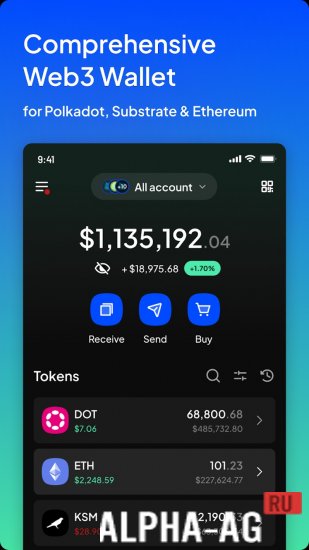
SubWallet - Polkadot WalletThis crypto wallet is designed with a focus on improving user experience and providing a secure interface for working with numerous blockchain networks.
About the app
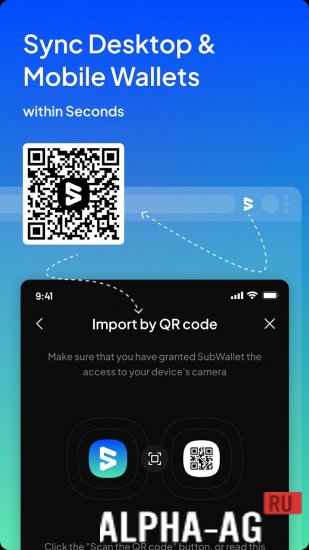
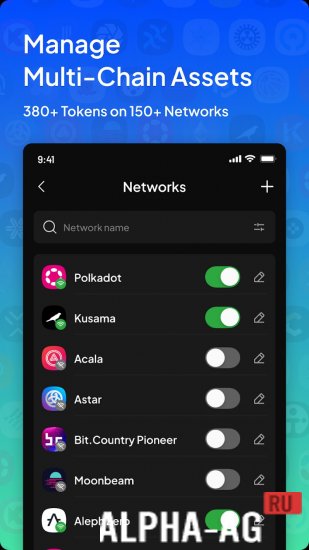
The main advantage of the application lies in the ability to manage assets across more than 150 networks, supporting over 380 tokens. Users can manage multiple seed phrases using just one master password, ensuring a high level of security and convenience.
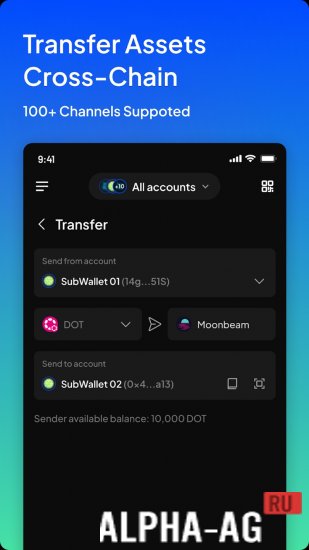
One of the key features of the SubWallet crypto wallet is sending and receiving assets between different blockchain networks, making the process of exchange and financial management simpler and more efficient.Additionally, users can manage their NFTs, stake on various platforms, and participate in nomination pools directly through the app. This unlocks new opportunities for earning and investing in digital assets. Users can explore various Web3 applications seamlessly and without delays, thanks to integration with a wide range of blockchain technologies and networks.
Key features
Special attention is paid to user data security and privacy.
Furthermore, the crypto wallet offers the ability to buy cryptocurrency with fiat money using credit and debit cards, which significantly simplifies the onboarding process into the world of digital assets for beginners and experienced users alike.
SubWallet is not just a wallet, but an integrated platform for working with digital assets, providing a high level of convenience, security, and functionality for all types of blockchain technology users.
0 23 Oct Additional information:- Requires Android version: 5.0 or later
- Age restrictions: None
- Russian localization: Present
- OBB/Data installation: Not required
Subscribe to our YouTube channel!
Add a commentHow to install
- Download the APK file above to your phone.
- Allow “Install unknown apps” when prompted.
- Open the downloaded APK and tap Install.
- If the package includes OBB/XAPK data, follow the bundled instructions.
MOD APKs are modified builds, so Play Protect may show a warning. Install only if you trust the file; use at your own risk.