
Screenshots

Description
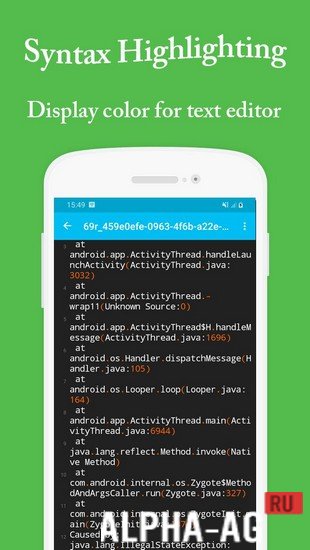
Sublime Text EditorA simple and free text editing app where you can write your code in a wide variety of programming languages.
About the app
If you need a good and handy text editor for programming on your mobile phone or tablet, then you have already found it. Just launch this app and start your work.
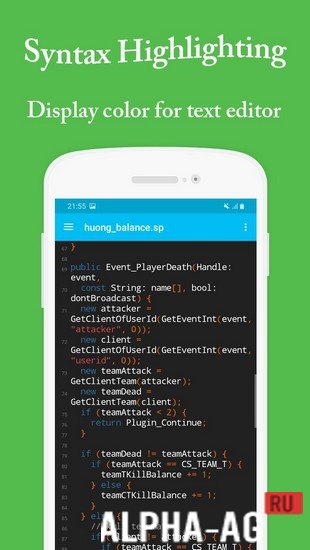
In the upper right corner, you will find three lines; tapping them will open all the features of this text editor. First, create a new file where you will write your text, or open an existing file to continue working on it.There are three different themes: light, dark, and black, any of which you can set at your discretion. You can choose the font for the text you will be typing. Enable the "Read-only file" feature or disable it to prevent editing the file. There is also an auto-save feature, thanks to which the app will automatically save the text you type.
Key features
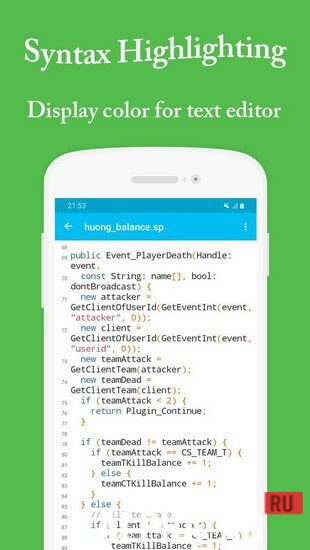
An excellent text editor for a tablet or mobile device that will be useful to all programmers. It supports multiple programming languages such as: javascript, python, .js, c and c++, xml, .html, ruby, and others.
The app supports a large character encoding set. Quick jump to a line in the file, easy text search or replace, redo or undo text for editing, and more. There is a preview of HTML files in the browser. Automatic file saving, which you can easily share with your friends. 0 Feb 27 Additional information:- Android version required: 4.2 or later
- Age rating: 3+
- Russian localization: none
- OBB/Data installation: not required
Subscribe to our YouTube channel!
Add commentHow to install
- Download the APK file above to your phone.
- Allow “Install unknown apps” when prompted.
- Open the downloaded APK and tap Install.
- If the package includes OBB/XAPK data, follow the bundled instructions.
MOD APKs are modified builds, so Play Protect may show a warning. Install only if you trust the file; use at your own risk.