

Screenshots
Description
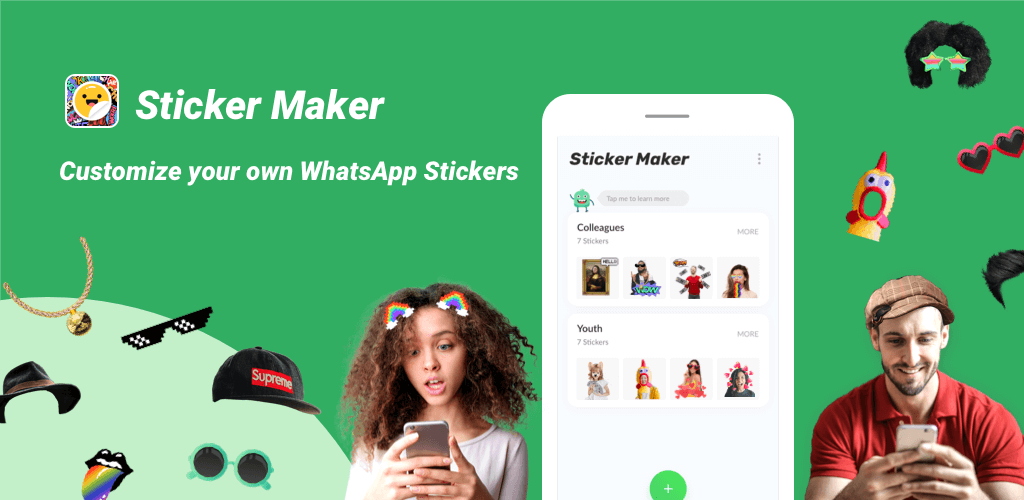
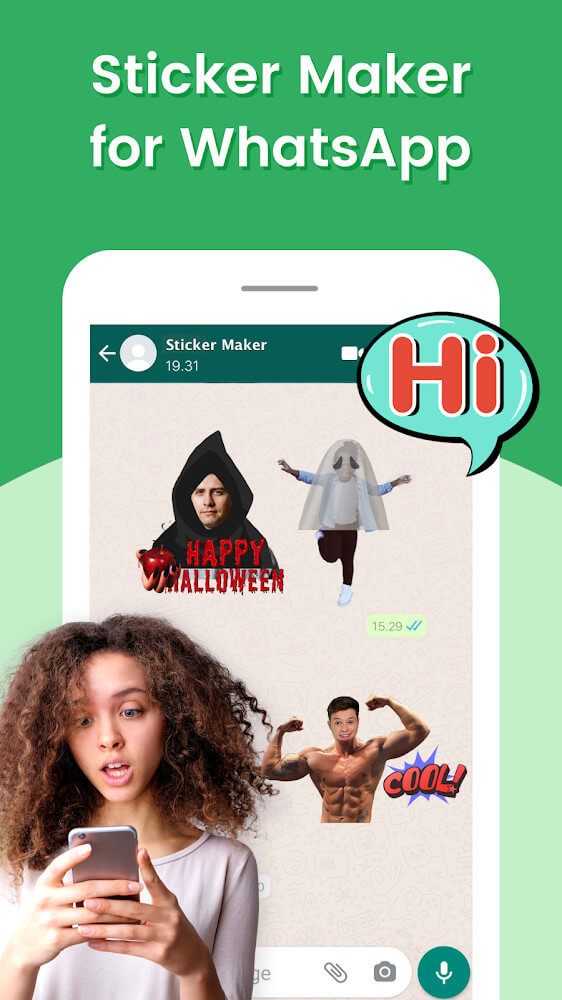
Sticker Maker for WhatsApp lets you break free from standard sticker libraries and build stickers that reflect your own personality. Get creative, assemble impressive collections, and make every sticker fit the required size.
This Sticker Maker for WhatsApp MOD APK comes with the premium version already unlocked, giving you the custom sticker pack tools without the limits found in the standard release.
What's Modified in Sticker Maker for WhatsApp
- Premium features are fully unlocked, granting complete access to the app's sticker creation tools and export options.
The Sticker Maker for WhatsApp MOD APK version 1.01.58.07.18 is 20 MB and uses the package name stickermaker.stickercreater.whatsappstickers.stickermakerforwhatsapp. This file is re-signed, so it cannot be installed over an existing Play Store version.
About Sticker Maker for WhatsApp
Sticker Maker for WhatsApp helps you move beyond generic sticker libraries so you can create content that better represents who you are. It does rely on other apps for some content creation, however. Its goal is to help you make stickers tailored to your own interests. The app keeps things simple, and the developers worked to make features easy to use even for people who find design tools intimidating. For the best results, the app recommends using your own original artwork and images, since user-made content tends to feel more personal and relevant. The interface was designed to be as straightforward as possible to lower the barrier to entry.
Sticker Maker for WhatsApp uses a 1:1 aspect ratio, matching WhatsApp's sticker requirements. The app automatically resizes stickers to this ratio so they display cleanly in the chat window without distortion or cropping. Because the ratio is handled for you, you can concentrate on the creative side of sticker making, knowing the final output meets WhatsApp's technical standards. This keeps your homemade stickers sharp and polished for the people you send them to.
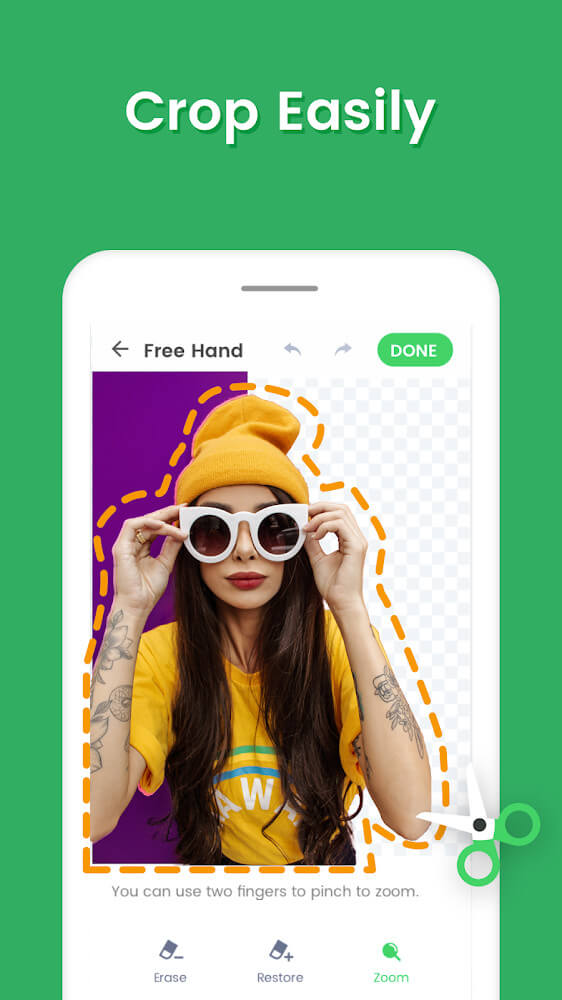
The app lets you separate objects from their backgrounds using two methods: freestyle cropping and shape cropping. As the name suggests, freestyle cropping lets you trace around an object by hand, which works well for irregular shapes such as a flower with a wavy stem. Shape cropping isolates objects using geometric outlines like a triangle or a square, though the subject needs to fit one of these patterns. With either method, make sure the entire background is removed.
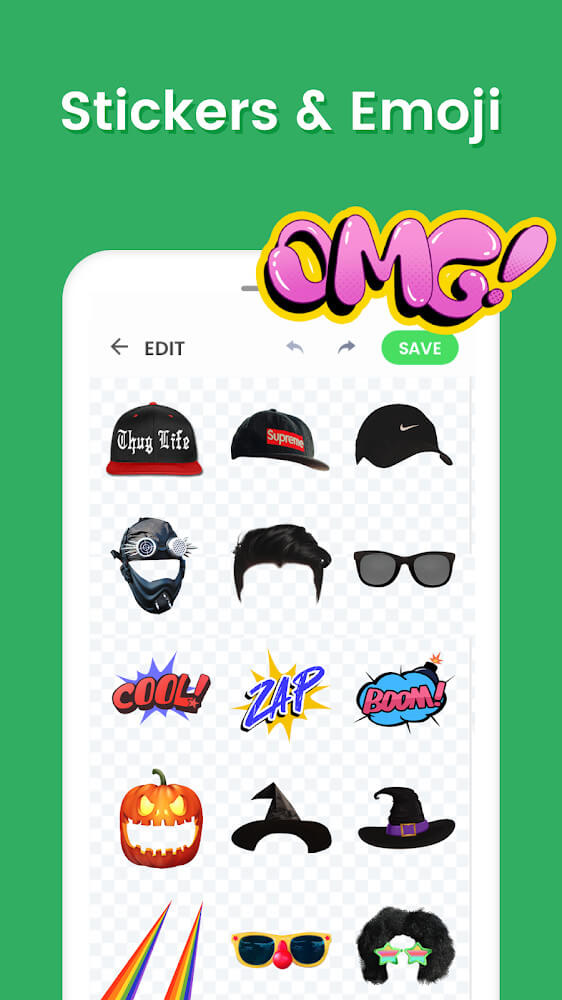
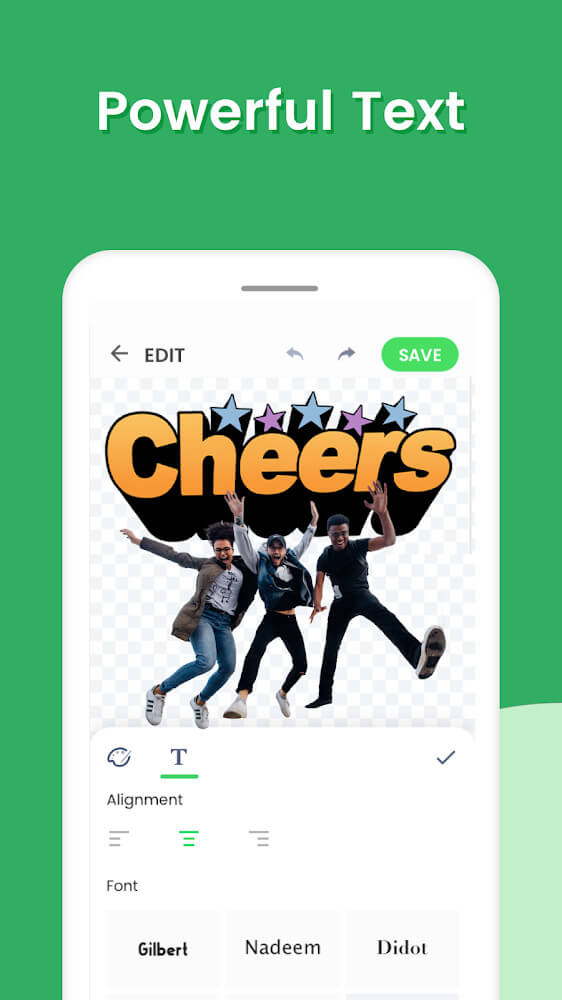
Once an object is isolated, you can add more stickers or other media to the frame to convey extra information. You can also add text to clarify a sticker's meaning, which is especially useful given how limited sticker space can be. The size and placement of text can significantly change the emotional tone a sticker conveys to the recipient.
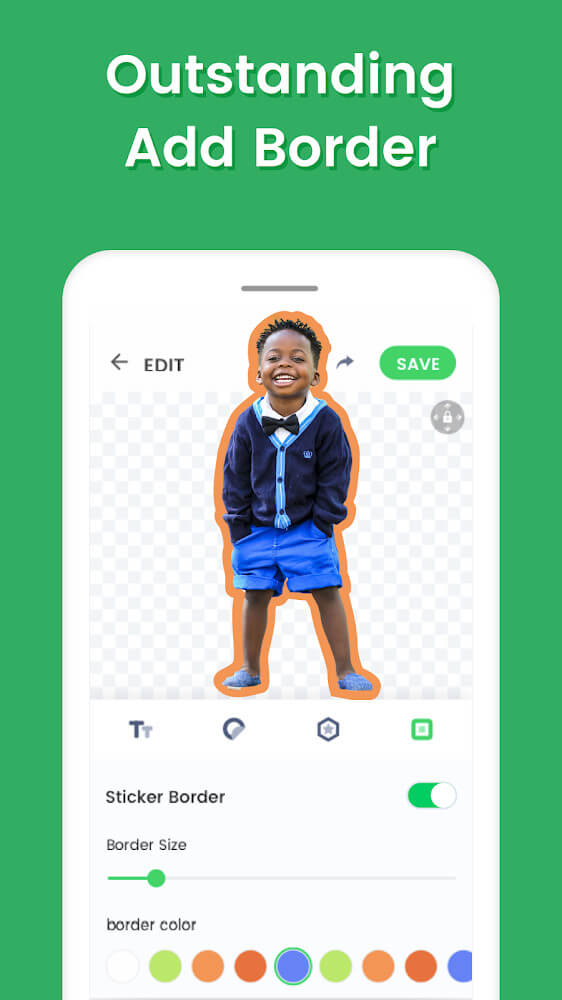
You can add colorful borders to make your stickers stand out. Cutting objects out of their backgrounds can sometimes make their edges look less defined, and a border helps highlight the main subject. It is quick to apply and gives your sticker a more polished look with a fresh touch.
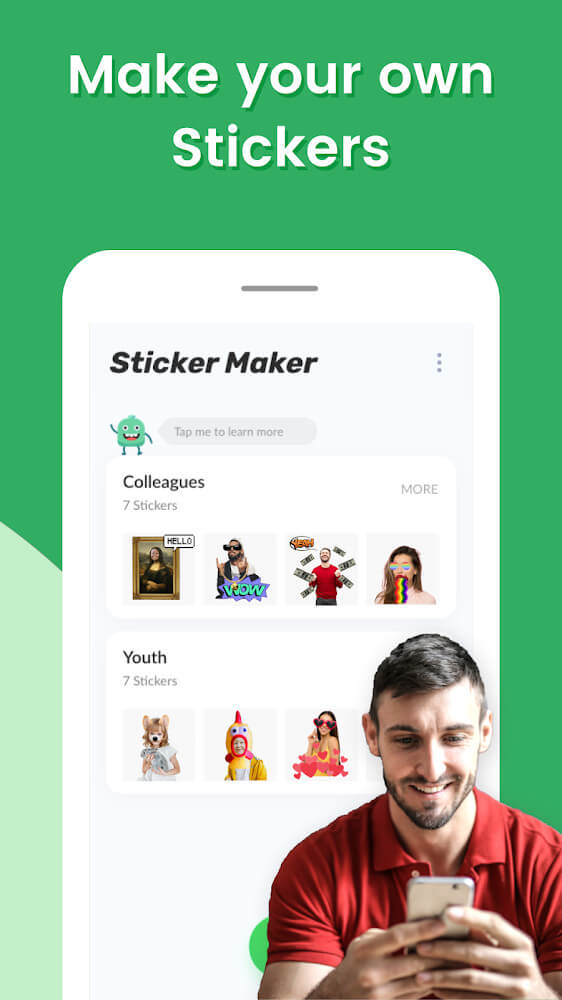
After adding borders, you can organize your stickers into collections and share them. The app supports exporting multiple stickers at once, so you can build cohesive packs that are easy to manage. Once a pack is ready, you can export it straight to WhatsApp and send the stickers to friends right away. This social side is a big part of the experience, letting you create, collect, and share stickers that express your personality.
Key features
- 1:1 ratio optimization for WhatsApp display
- Freestyle cropping for manual object isolation
- Shape-based cropping for structured designs
- Background removal tools
- Text overlay with customizable content and positioning
- Emoji and secondary sticker integration
- Colorful border effects for object emphasis
- Sticker pack collection management
- Direct export to WhatsApp
Related MOD APKs
- Glassify – Widgets & Themes
- Niagara Launcher
- ZEDGE
- Material You Widgets
FAQ
Is Premium unlocked in the Sticker Maker for WhatsApp MOD APK?
This build of Sticker Maker for WhatsApp (1.01.58.07.18) comes with Premium unlocked. Everything else works just like the official Sticker Maker Studio release, and the changes take effect as soon as you install it.
What is the latest version of the Sticker Maker for WhatsApp MOD APK?
The current build is v1.01.58.07.18, which matches the latest Sticker Maker Studio release and was last updated on July 27, 2025. We don't keep older versions on GameMod.dev. To update, install the new build from this page over the existing one. If Android reports a signature conflict, uninstall the old version first.
Is the Sticker Maker for WhatsApp MOD APK safe to download?
Sticker Maker for WhatsApp MOD APK v1.01.58.07.18 on GameMod.dev is the original Sticker Maker Studio app with only the Premium unlock modified. Users have rated it 3.4/5 across 15 reviews here. It does not require root access. A Play Protect warning during installation is normal, so always download from this page.
Can I use the Sticker Maker for WhatsApp MOD APK on PC or iPhone?
This is an Android package, so it won't install on iPhone or iPad. On Windows or macOS, you can run the 20M APK in an Android emulator such as BlueStacks or LDPlayer. Install the emulator first, then drag the file into it.
How to install
- Download the APK file above to your phone.
- Allow “Install unknown apps” when prompted.
- Open the downloaded APK and tap Install.
- If the package includes OBB/XAPK data, follow the bundled instructions.
MOD APKs are modified builds, so Play Protect may show a warning. Install only if you trust the file; use at your own risk.