

MOD features
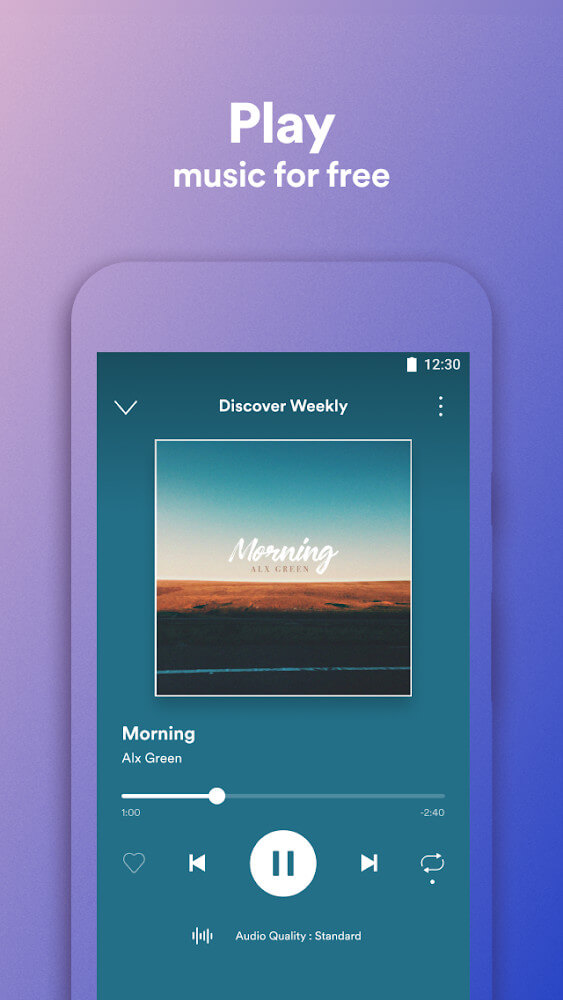
- Unlocked Next Track;
- Unlocked Previous Track;
- Unlocked Seeking FWD/BWD;
- Unlocked Selecting Any Songs & Albums;
- Unlocked Repeat Once/All;
- Unlocked Shuffle;
- Disabled Force Shuffle;
- Disabled Advertisements;
- Disabled Upsells;
- Disabled Promotions;
- Third-Party Ads Disabled
- Released by xC3FFF0E.
Screenshots
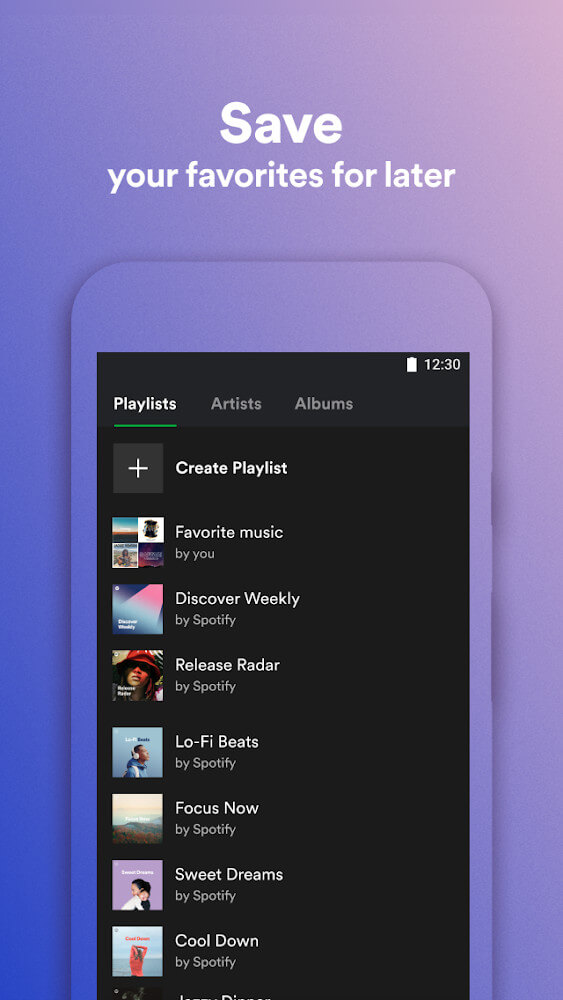
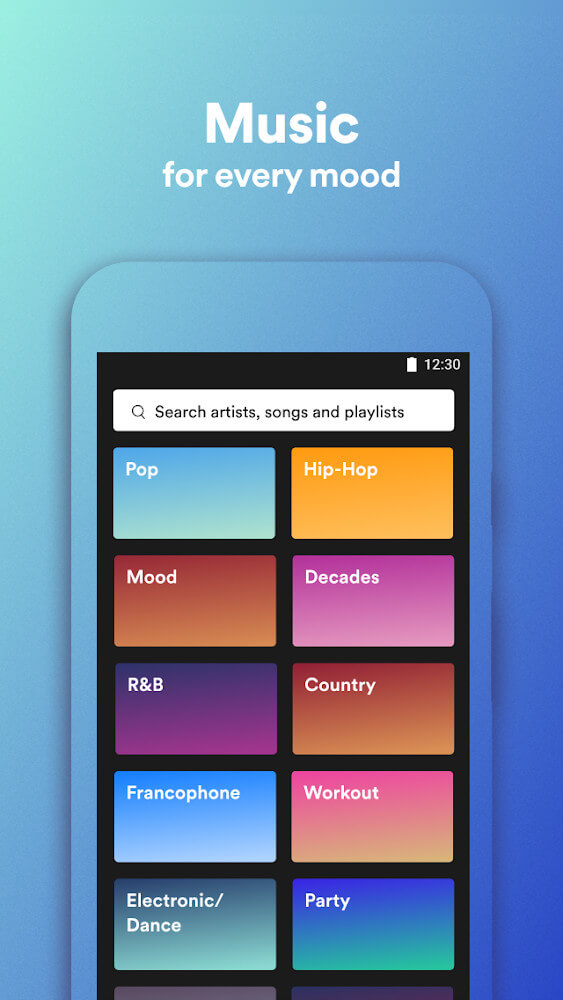
Description
Spotify Lite is a streamlined take on the standard Spotify app. At just 15MB, it's a fraction of the roughly 85MB that the regular Spotify app takes up on Android. That makes it a sensible choice for anyone short on storage space, and it runs smoothly on many older versions of the operating system. Its smaller footprint also helps it use less battery than the standard version, while still working just like the main Spotify app.
THE INTERFACE HAS CHANGED A LOT
Staying true to its lightweight nature, Spotify Lite comes with a redesigned interface that feels much more compact, though it still looks quite familiar. A closer look reveals the main difference: the navigation bar at the bottom of the screen. Spotify Lite shows just three buttons, Home, Search, and Favorites, whereas the regular app offers Home, Browse, Search, Radio, and Library.
THE SETTINGS MENU HAS ALSO CHANGED SIGNIFICANTLY
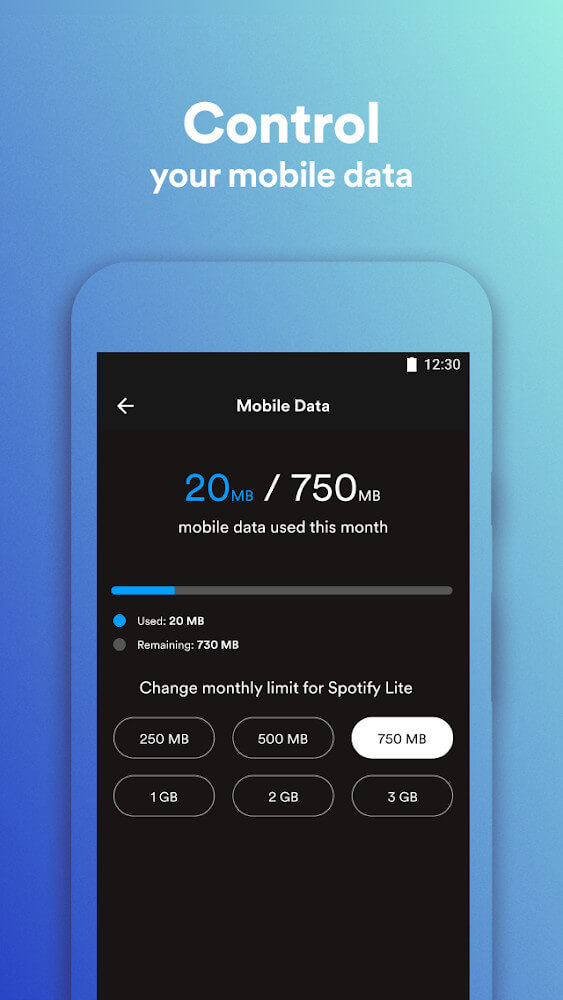
The settings menu in Spotify Lite is minimal as well. The developer has removed options such as volume level and audio quality. Instead, you can only check how much mobile data the app has used and how much storage it occupies.
You can also set your own monthly data limit for Spotify Lite, with size options including 500MB, 2GB, and 3GB.
FEWER FEATURES
The standard version of Spotify gives you full access to detailed features, including offline mode, device connectivity, social features, filters, volume controls, and music quality settings. To suit budget phones, Spotify has scaled back on these features, creating Spotify Lite as a better fit for these devices.
MUSIC PLAYBACK COMES WITH DRAWBACKS
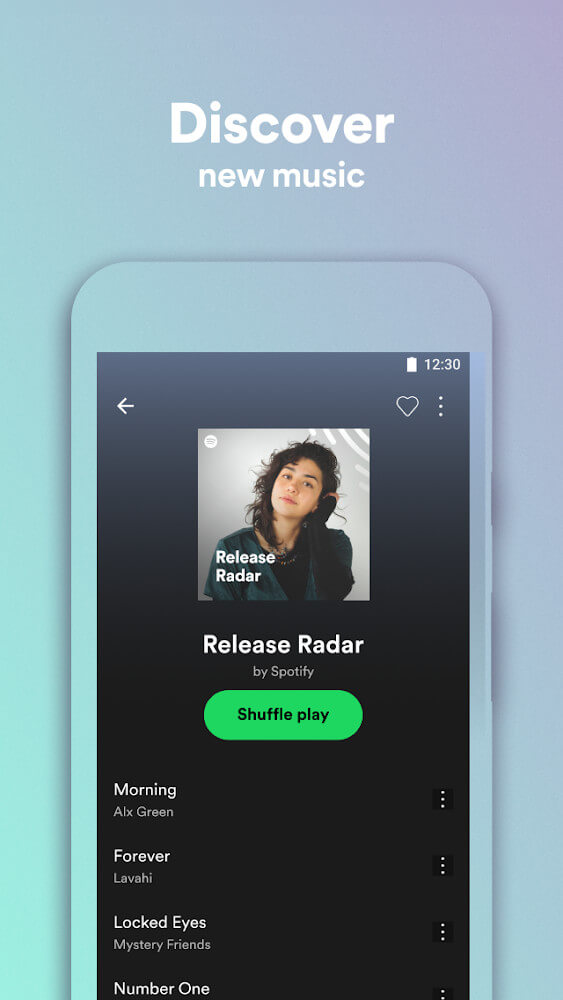
In the standard version, you can select and play specific songs, and paying subscribers can download their favorites to listen to offline. In Spotify Lite, almost all of that is gone. Whether you're a paid or free user, you can't pick and download specific tracks. Playback is limited to a mixed selection of songs, which is a major downside of this version.
In my view, removing extras such as Car View or fancy animations makes sense. Still, losing so much control over playback is disappointing for anyone using Spotify Lite.
THE VERSION IS ONLY AVAILABLE IN SOME COUNTRIES
So far, Spotify Lite has officially launched in 36 countries, mostly in regions where low-cost phones are popular, such as Latin America, the Middle East, Africa, and parts of Asia.
I've used many Lite versions of apps, and their goal is always the same: strip out unnecessary, distracting features to save battery and storage.
How to install
- Download the APK file above to your phone.
- Allow “Install unknown apps” when prompted.
- Open the downloaded APK and tap Install.
- If the package includes OBB/XAPK data, follow the bundled instructions.
MOD APKs are modified builds, so Play Protect may show a warning. Install only if you trust the file; use at your own risk.