
Screenshots

Description
SpeedCamHowever, developers of games and apps for Android platform devices try to take care of their users, which is why the very convenient SpeedCam app was introduced. With its help, you will always know where speed cameras are located along your chosen route, allowing you to avoid unpleasant surprises.
Characteristics
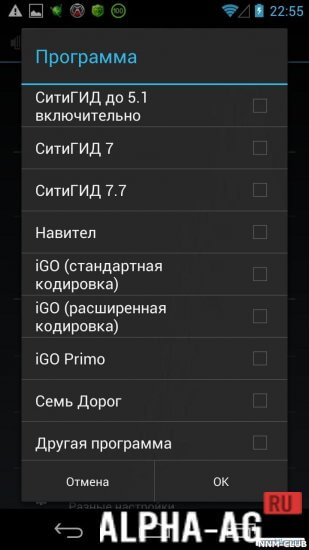
It should be noted right away that for this application to work on your mobile device, some navigation software must be installed.
For example, Navitel Navigator, iGO, Seven Ways, and others.
The application will download fresh speed camera location files from specific websites, so you will always have up-to-date information at your fingertips.Features
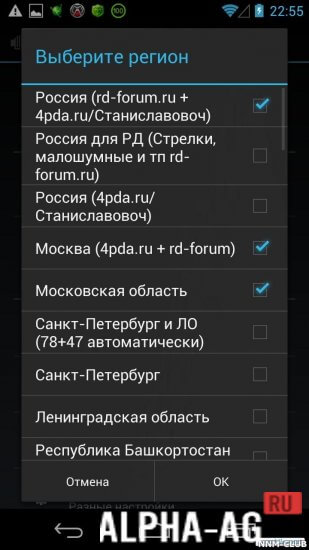
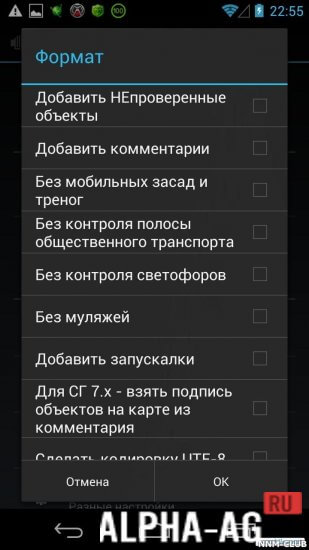
Before using the app, you will need to configure certain settings, specifically setting format indicators, region, and features of the program itself.
Such an app supports almost all popular navigation systems, which is very convenient.
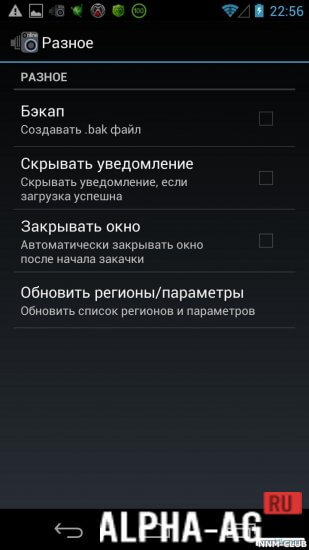
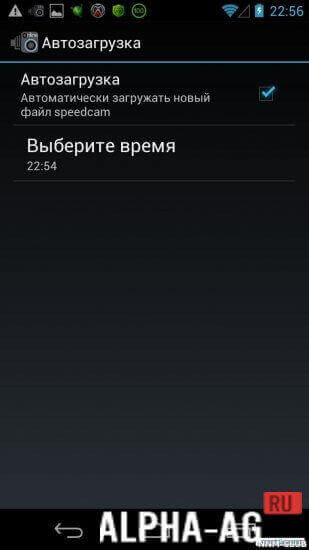
At the same time, updates for various apps can be performed simultaneously. You can also combine speed cameras from different regions.It provides the ability to create backups of speed camera files, as well as automatic downloads at the required time. Consequently, using this app is indeed very convenient.
On our website You can download the SpeedCam app for Android for free.
0 28 Jul Additional information:- Android version required: 4.1 or higher
- Age restrictions: 3+
- Russian localization: present
- Cache installation: not required
Subscribe to our YouTube channel!
Add a commentHow to install
- Download the APK file above to your phone.
- Allow “Install unknown apps” when prompted.
- Open the downloaded APK and tap Install.
- If the package includes OBB/XAPK data, follow the bundled instructions.
MOD APKs are modified builds, so Play Protect may show a warning. Install only if you trust the file; use at your own risk.