

Screenshots
Description
Speechify Mod APK stands out for its outstanding ability to turn written words into crystal-clear audio. Once it scans your selected text, the built-in AI narrates the content using natural, lifelike voices in your preferred language, functioning just like a personal reading assistant.
With this Speechify MOD APK from GameMod.dev, you can unlock premium perks that are normally restricted behind paid memberships. Installing this modified build lets you enjoy the full power of the AI text-to-speech engine without any paywalls or standard usage limits.
What's Modified in Speechify
- The Premium Unlocked mod removes all subscription restrictions, giving you complete access to every advanced feature in the app.
Version 5.51.7429 comes with a 163M download size under the package name com.cliffweitzman.speechify2. Since this release uses a custom signature, it cannot be installed directly over the official Play Store build.
About Speechify
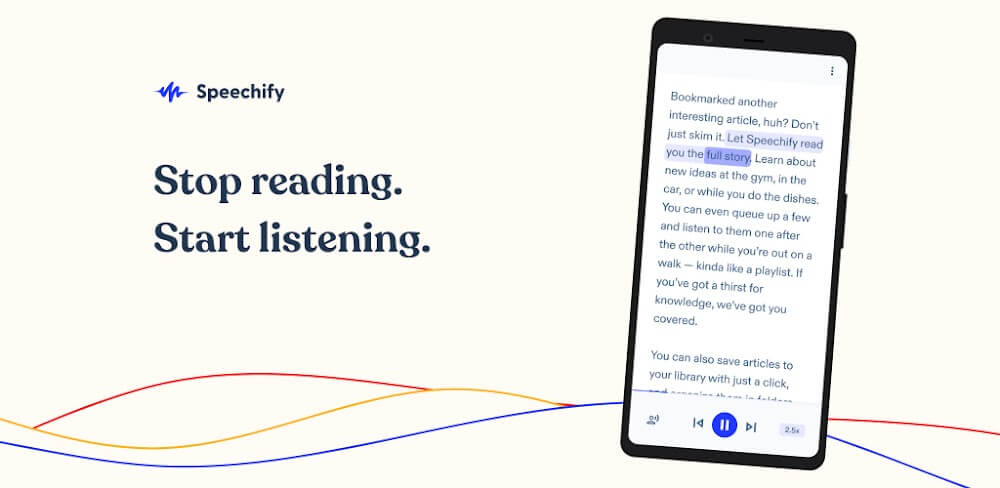
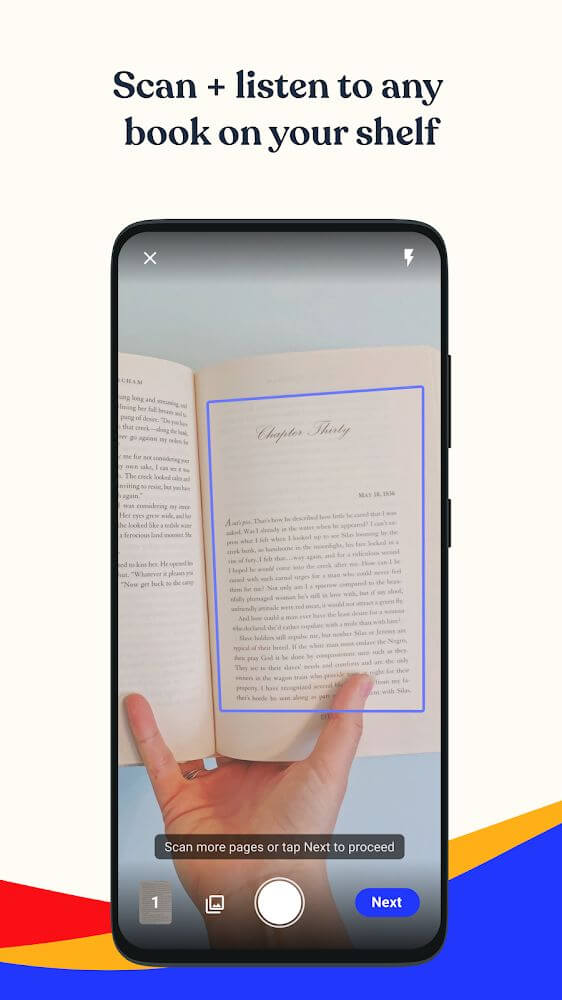
Speechify is a versatile mobile tool designed to effortlessly transform written text into spoken audio. It simplifies how you consume content by turning virtually any format into speech within seconds. You can process text in several convenient ways, including scanning documents directly through the built-in camera or importing files. It works smoothly with printed pages, books, and paperwork, as well as digital materials like emails, web articles, and PDF files.
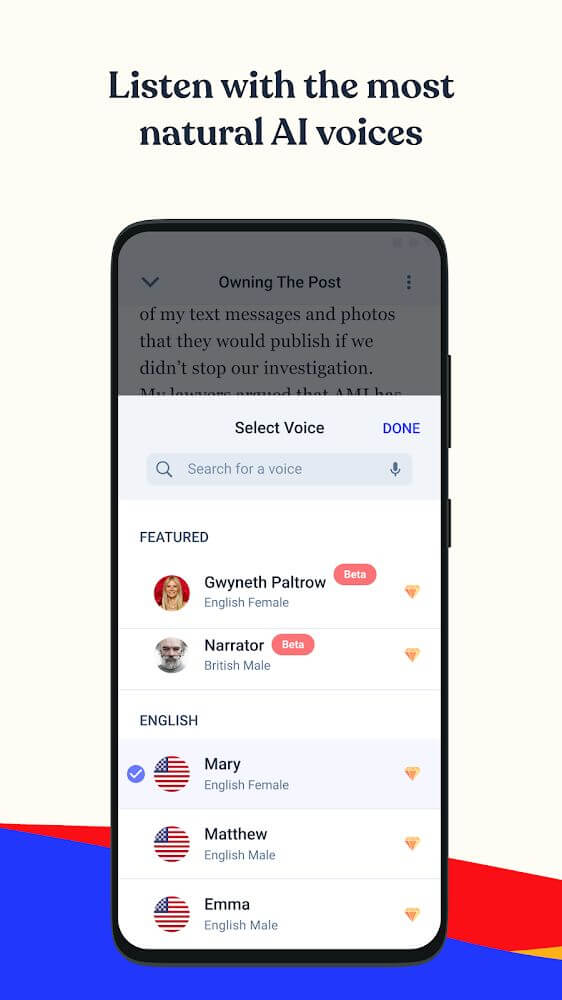
A standout highlight of Speechify is its rich voice customization powered by sophisticated artificial intelligence. Unlike robotic legacy text-to-speech tools, these voices sound remarkably warm, fluid, and human, preventing listening fatigue even during extended sessions. The AI intelligently handles natural pauses, rhythm, and sentence emphasis across content of any length. To serve readers across the globe, it also provides a wide selection of international voices and accents, making it an excellent companion for enjoying literature or practicing a second language.
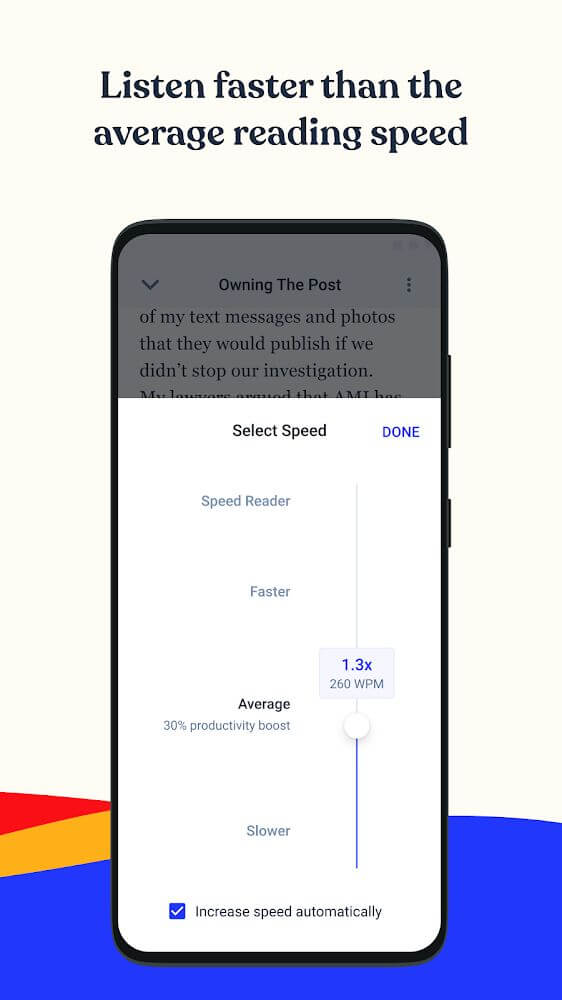
Speechify significantly boosts your daily productivity by letting you consume information far more rapidly than traditional reading. Listening can save substantial time, often helping users absorb knowledge 2 to 3 times faster. On top of that, the app features an adjustable playback speed control that lets you speed up audio by up to 9x. This high-speed listening capability is ideal for students reviewing study material before exams or professionals skimming through lengthy work reports.
Beyond everyday convenience, Speechify serves as a transformative accessibility tool for individuals who are visually impaired. People who struggle with printed text can now access written knowledge completely on their own, without needing assistance from others. The AI narrator reads aloud everything from casual study notes and daily paperwork to complex scientific publications and high-level literature. Acting as a digital pair of eyes, it can scan pictures, documents, and book pages, reciting them with customizable voices and expressive pacing to ensure an independent listening experience.
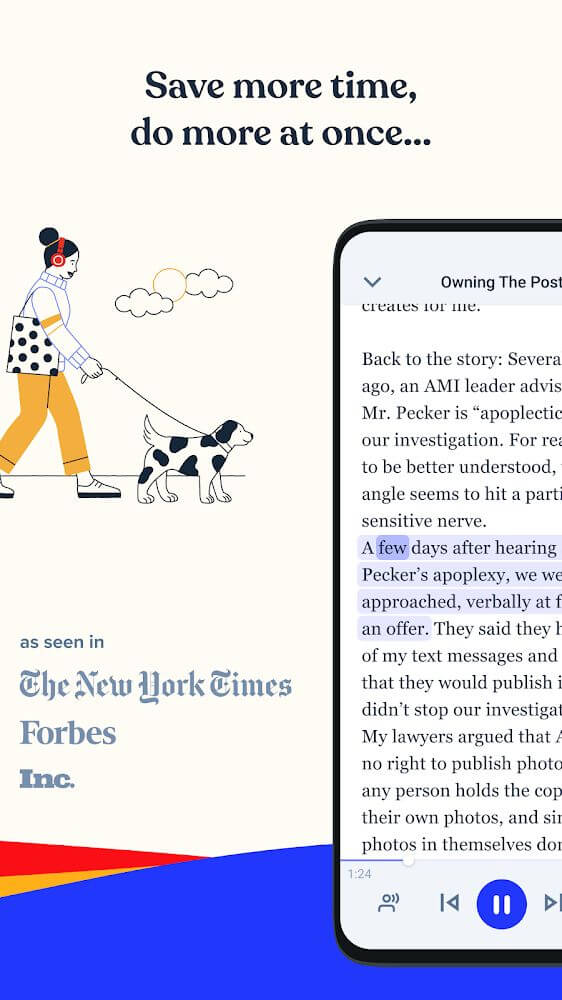
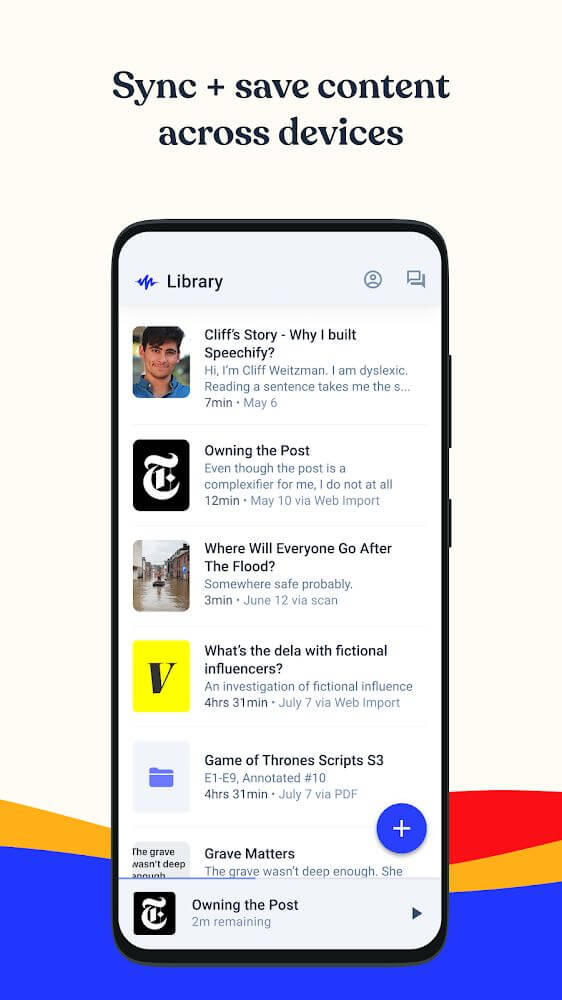
This app lets you multitask. Since you can listen to documents, you can keep up with reading while doing other things, such as exercising or cooking. It lets you stay engaged with reading and document listening whenever you like. For people with busy or unpredictable schedules, you can save your place in a document for later. The app remembers where you stopped when listening to documents, pages, or books, so you can pick up right where you left off. You can listen to any document, page, or book you choose, wherever you are and whenever you want.
This app is built to read many kinds of text, whether from a page or a document, and play it aloud. It brings together a range of tools for reading a document and playing it back like an audiobook. You can keep listening to documents wherever you happen to be. It supports many formats, including documents uploaded from your camera, PDFs, and books. Its core purpose is reading documents, pages, and books and turning them into audio files. Because it can convert a document into audio, you can also use it to organize your documents and pages, much like a document management system.
Key features
- Camera-based text scanning
- PDF and image file conversion
- Natural AI-generated voices
- Time-saving audio playback
- Adjustable reading speed up to 9x
- Page archiving and progress saving
- Multi-language support
Related MOD APKs
- Scribd: 300M+ documents
- Moon+ Reader Pro
- Fizzo – Novel & Drama
- Wattpad
FAQ
Is Premium unlocked in Speechify MOD APK?
This Speechify 5.51.7429 build comes with Premium unlocked. It works much like the standard Speechify – Text To Speech | Dyslexia Reading release, and every feature is available as soon as you install it.
What is the latest version of Speechify MOD APK?
Version 5.51.7429 matches the Speechify – Text To Speech | Dyslexia Reading release from August 11, 2026. We don't keep older versions on GameMod.dev. To update, install this file over your existing app. If you get a signature error, uninstall the old version before installing again.
Is Speechify MOD APK safe to download?
This Speechify 5.51.7429 package is the Speechify – Text To Speech | Dyslexia Reading app with Premium unlocked. It has a 3.7 rating from 353 users. Root access is not required. You can ignore Play Protect warnings during installation, but always download from GameMod.dev to be sure you have this file.
Can I use Speechify MOD APK on PC or iPhone?
This Android file cannot be installed on an iPhone or iPad. To run the 163M app on a computer, use an emulator such as BlueStacks or LDPlayer. After the emulator is set up, drag this file into its window to install it.
How to install
- Download the APK file above to your phone.
- Allow “Install unknown apps” when prompted.
- Open the downloaded APK and tap Install.
- If the package includes OBB/XAPK data, follow the bundled instructions.
MOD APKs are modified builds, so Play Protect may show a warning. Install only if you trust the file; use at your own risk.