

Screenshots

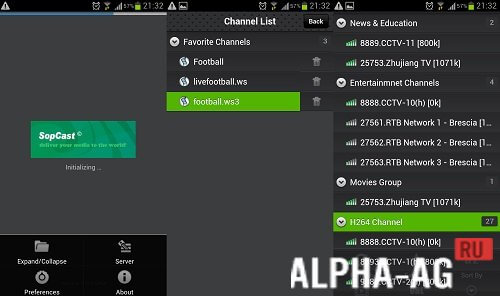
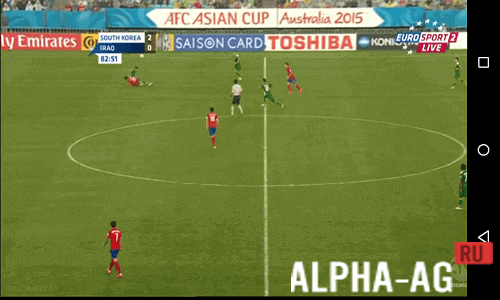
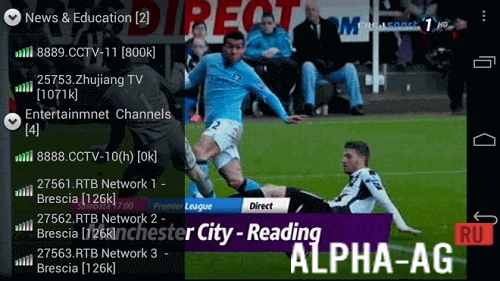

Description
SopCastThe application allows you to watch channels online in P2P network mode. The program also plays streaming video and local media files.
Characteristics
SopCast is one of the many applications available today for watching TV channels online on your smartphone or tablet. Like its counterparts, the utility offers access to hundreds of TV channels.
The ability to add to favorites, sort channels, and search for programs—these features will hardly surprise you. But SopCast stands out from other similar apps with its ability to play local files, stream video from the Internet, and allow you to download your favorite videos.There is also the option to create your own Internet broadcasts on the SopCast network (feature available for registered users).
These are just some of the features. Check out the rest below.Features
- P2P broadcasts
- More than 400 TV channels online;
- Ability to play local videos in ASF, WMV, RM, and RMVB formats;
- Not only watching, but also downloading videos;
- Saving favorite channels to favorites;
- Streaming via URL;
- Special optimization algorithm;
- RAM buffering.
In conclusion, SopCast also stands out from other similar utilities with a special algorithm that both speeds up video playback and reduces CPU load.
On our website you can download the SopCast app for Android for free.
0 Jun 07 Additional information:- Android version required: 4.1 or higher
- Age restrictions: 3+
- Russian localization: yes
- Cache installation: not required
Subscribe to our YouTube channel!
Add a commentHow to install
- Download the APK file above to your phone.
- Allow “Install unknown apps” when prompted.
- Open the downloaded APK and tap Install.
- If the package includes OBB/XAPK data, follow the bundled instructions.
MOD APKs are modified builds, so Play Protect may show a warning. Install only if you trust the file; use at your own risk.