

Screenshots


Description
Aloha StdSize
6 MBVersion
1.23Requirements
5.0Get it on
Report this app
Images
mod info
- Premium / Paid features unlocked
Description
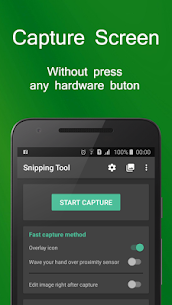
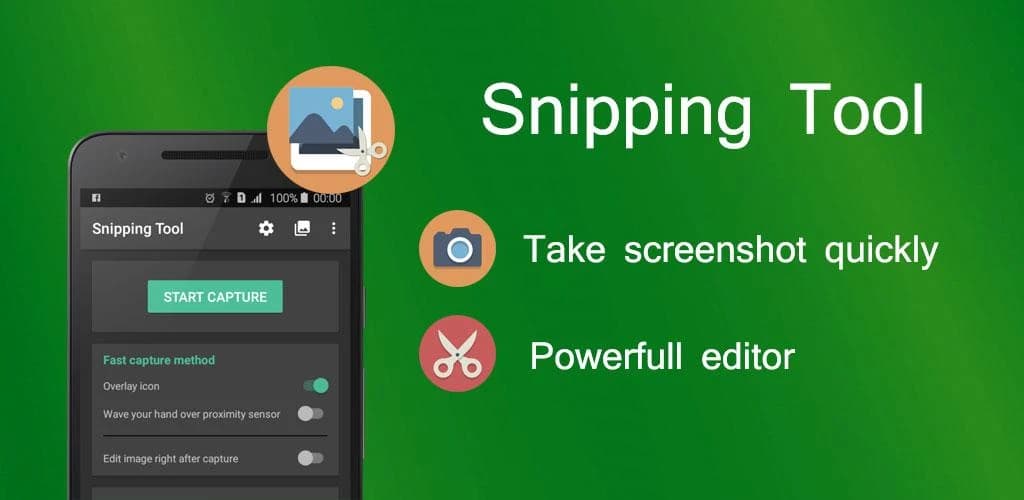
Snipping Tool is a free application that help you capture device’s screen easily, conveniently. You can take a screenshot quickly without pressing any hardware button, just one touch for screenshot. You can also edit screen capture image after that with many powerful tools then share your file.
With Snipping Tool, you can:
– Capture screen easily by:
+ Touch the overlay icon.
+ Wave your hand over proximity sensor.
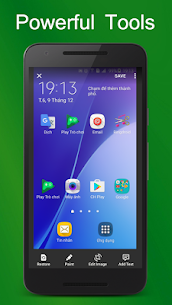
– Edit screenshot with many tools:
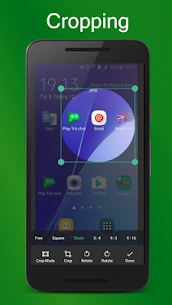
+ Rotate, crop image.
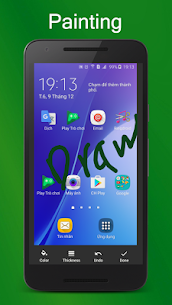
+ Draw on the captured image.
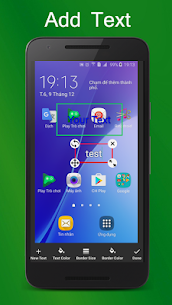
+ Add text to image.
+ And many other powerful tools.
– Manage screen capture image (change name, zip, share and so on)
– Support save screen capture images as png, jpg, webp.
Let’s try capturing screen by Snipping Tool – Screenshot Touch free for android, you will enjoy it ^^
Note:
– Application support Android 5.0 and up.
– Application requires WRITE_EXTERNAL_STORAGE Permission to save screen capture images to device storage.
– Application requires SYSTEM_ALERT_WINDOW Permission to draw the fast capture icon over other applications.
Thank you for using Snipping Tool – Screenshot Touch. Any questions please contact email: [email protected]
Developer's apps
Offline Language Translator MOD APK (Premium Unlocked) 1.14 Aloha Std 35MRelated apps
Insget 3.14.4 Spaple 88.09 MB Premium Unlocked Poke Genie 8.19.1 Poke Genie 107.92 MB NekoBox+ 1.4.2-101 NekoBox+ 159.46 MB No Ads Inure App Manager build107.3.0 Hamza Rizwan 25.96 MB Premium Unlocked SmartCookieWeb 17.0-beta3 SmartCookieWeb 5.40 MB No AdsHow to install
- Download the APK file above to your phone.
- Allow “Install unknown apps” when prompted.
- Open the downloaded APK and tap Install.
- If the package includes OBB/XAPK data, follow the bundled instructions.
MOD APKs are modified builds, so Play Protect may show a warning. Install only if you trust the file; use at your own risk.