
Screenshots
Description
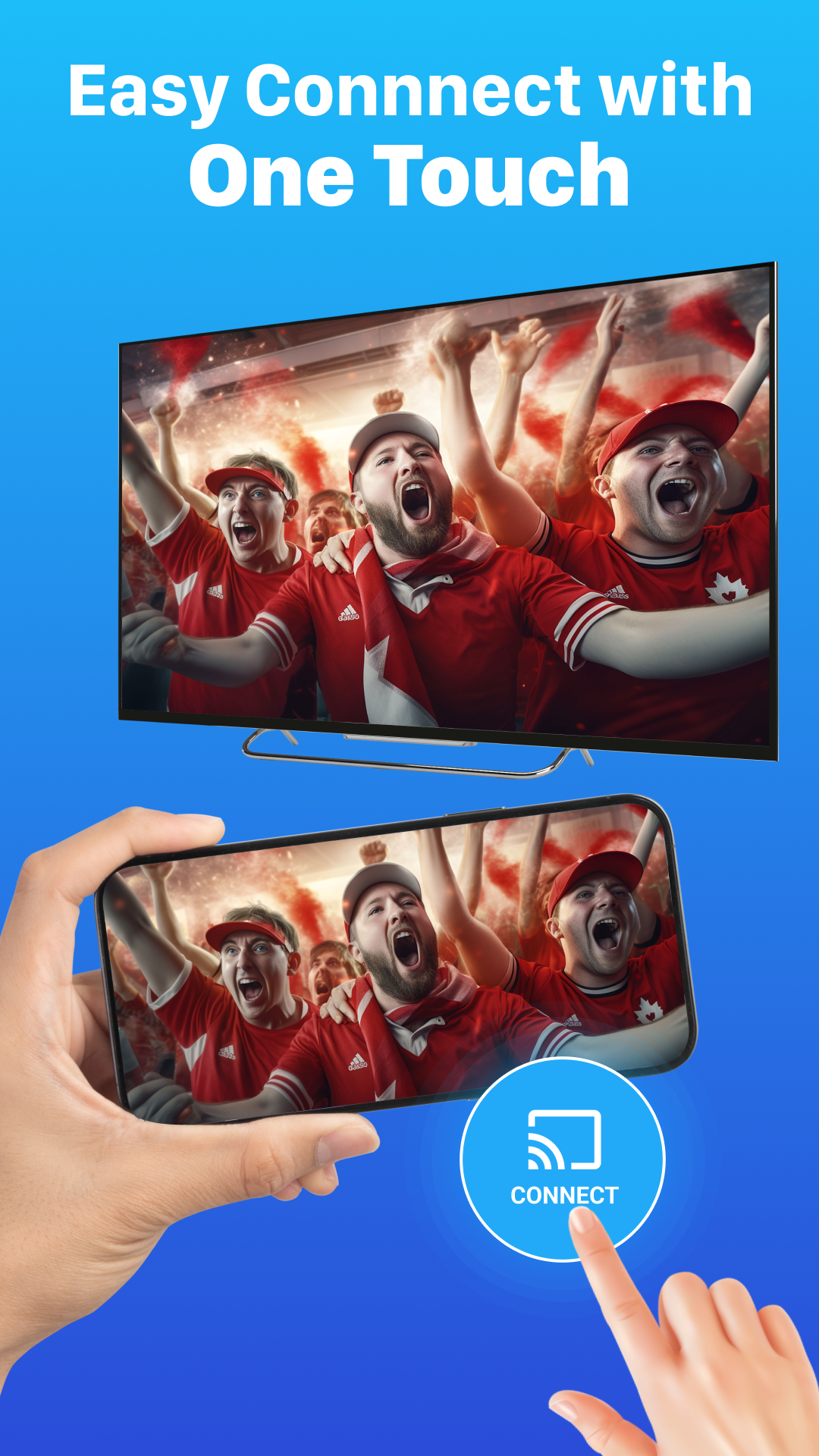
Mirror your phone to your TV in an instant! Stream videos, photos, and apps with Smart View, a fast and stable screen mirroring tool that works smoothly across all kinds of devices.
This Smart View MOD APK build unlocks the app's premium features, giving you the full set of screen mirroring and casting tools without the restrictions found in the standard version.
What's Modified in Smart View
- The premium unlocked status enables every paid feature inside the app.
This Smart View MOD APK is version 1.9.6, weighs about 54 MB, and uses the package name com.miracast.chromecast.screenmirroring.smartview.tvcast.smartcast. Because it has been re-signed, it cannot be installed over a copy downloaded from the official store.
About Smart View
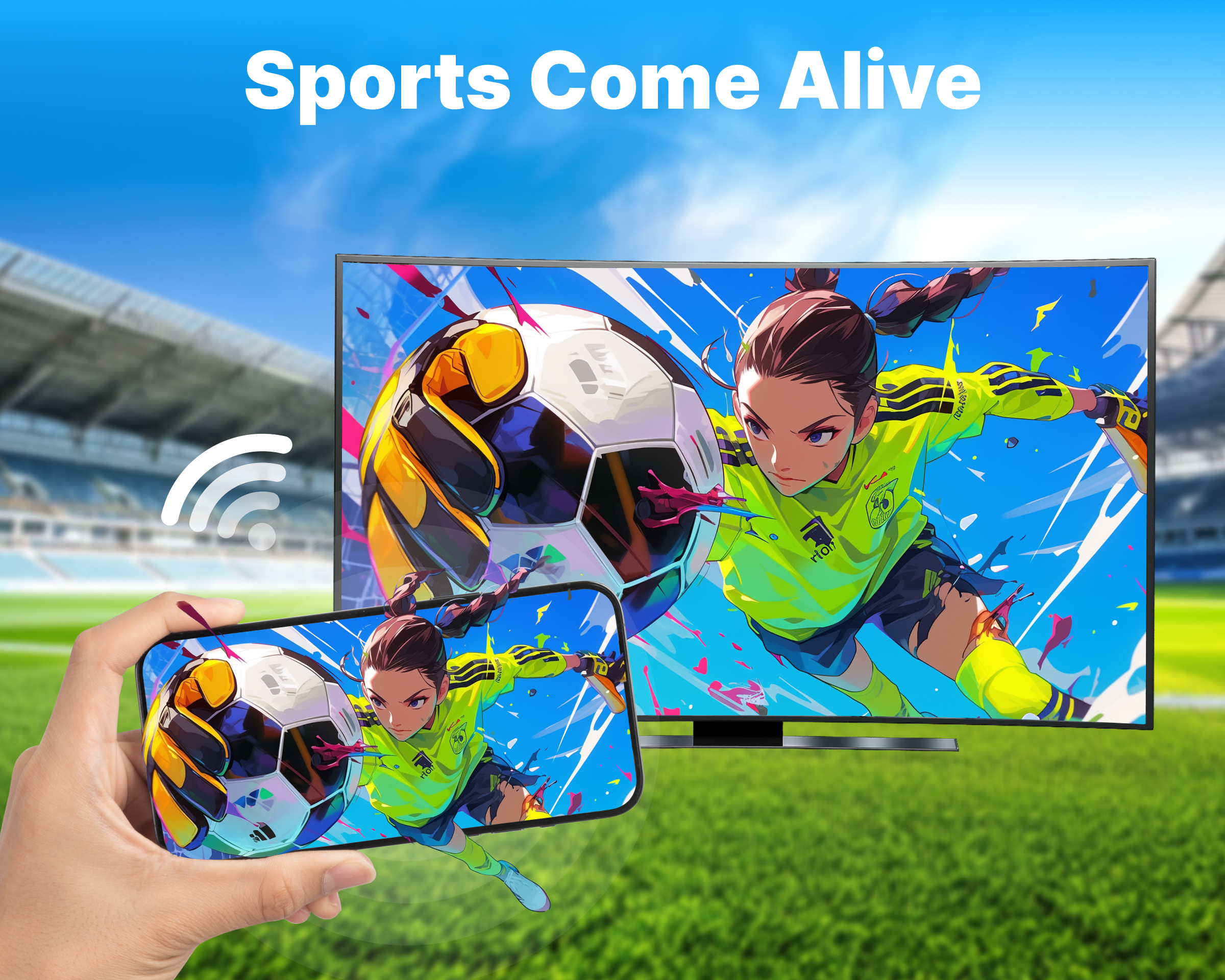
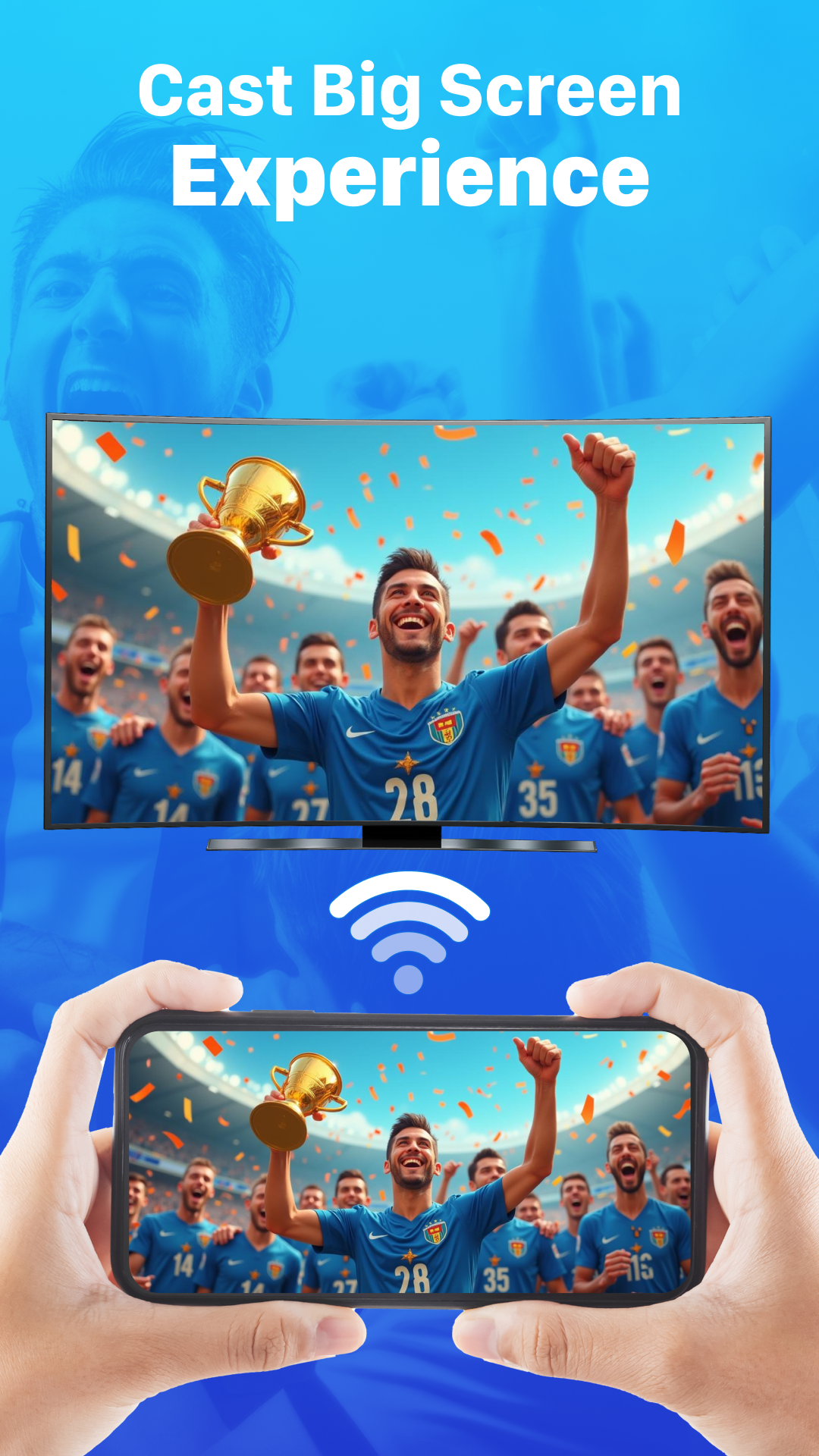
Smart View: Screen Mirroring lets you wirelessly send your phone's screen to larger displays such as TVs and PCs. It can stream and show your device's screen on several kinds of hardware. It solves the common problem of watching videos and other content on a tiny phone display, so you no longer have to squint. Connecting takes only a few taps, making it easy to play movies, show family members photos and videos you've captured, or present work slides. You can count on the app to keep your content streaming reliably, letting you enjoy digital media on a much bigger screen straight from your mobile device.
The app lets you stream movies and TV shows in high definition. It supports multiple audio tracks and keeps sound in sync with the video. Gaming is supported as well, so you can play games on your television, and you can stream games too whenever the game itself supports streaming. The app works to reduce delay, interruptions, and lag, giving you a smooth, high-quality streaming experience. Its focus on top video quality means game visuals also look sharp on a large screen, letting you appreciate fine details and gameplay, especially in games that support local multiplayer.
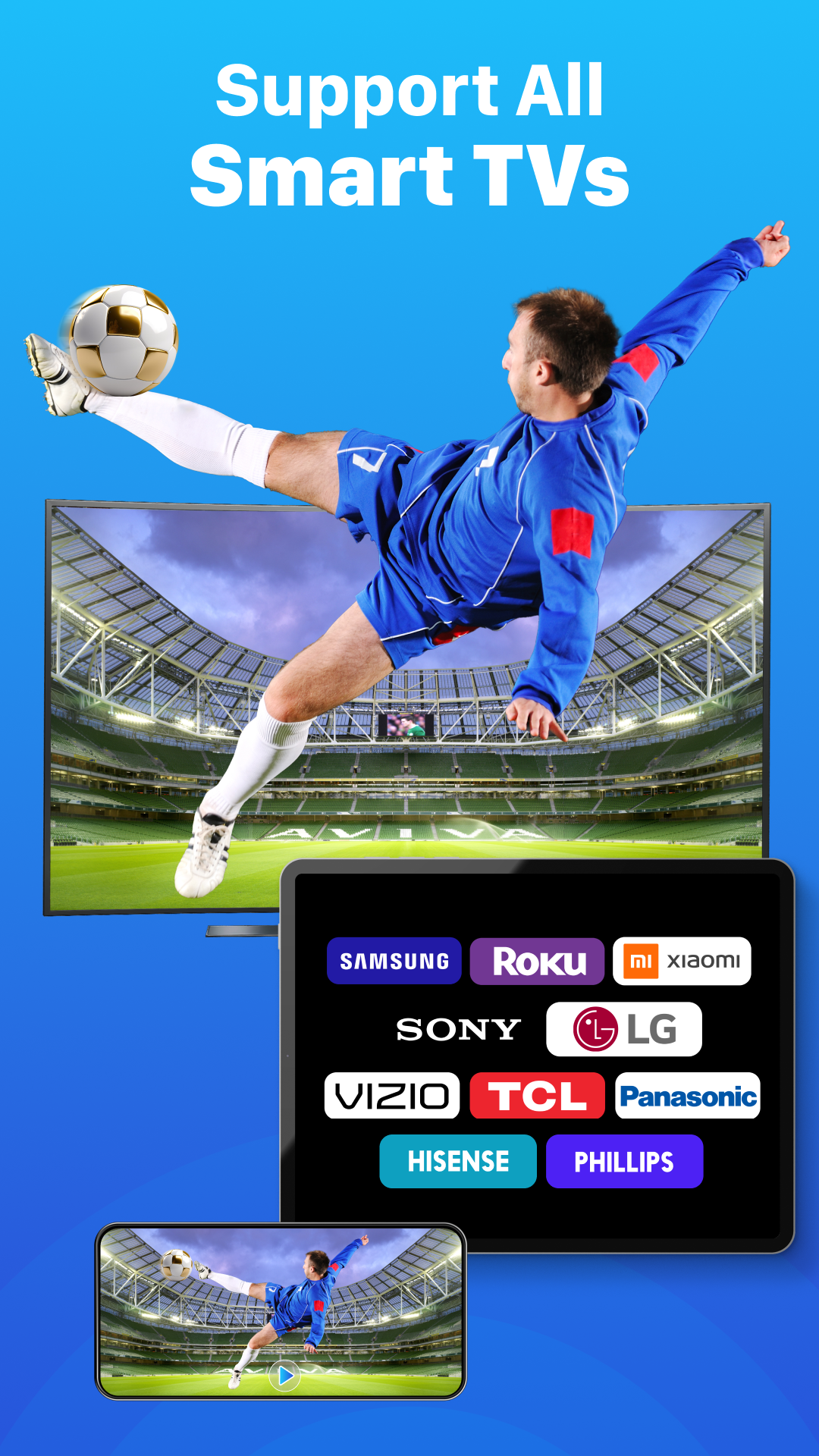
The software uses Wi-Fi to connect wirelessly, replacing physical HDMI cables. It supports several screen casting methods and many kinds of devices, and it works with various smart TV brands, Chromecast, and DLNA-compatible devices. Because it runs well with many wireless displays, it suits both work and home environments. You can also display photos and videos stored on your device, and share personal media wirelessly with a smart TV. Like similar apps, it mirrors or streams the content of your phone or tablet to a TV on the same network. Security is a priority, so the streamed content is viewable only by your phone or tablet and the TV. You can also mirror your phone or tablet display to a PC wirelessly.
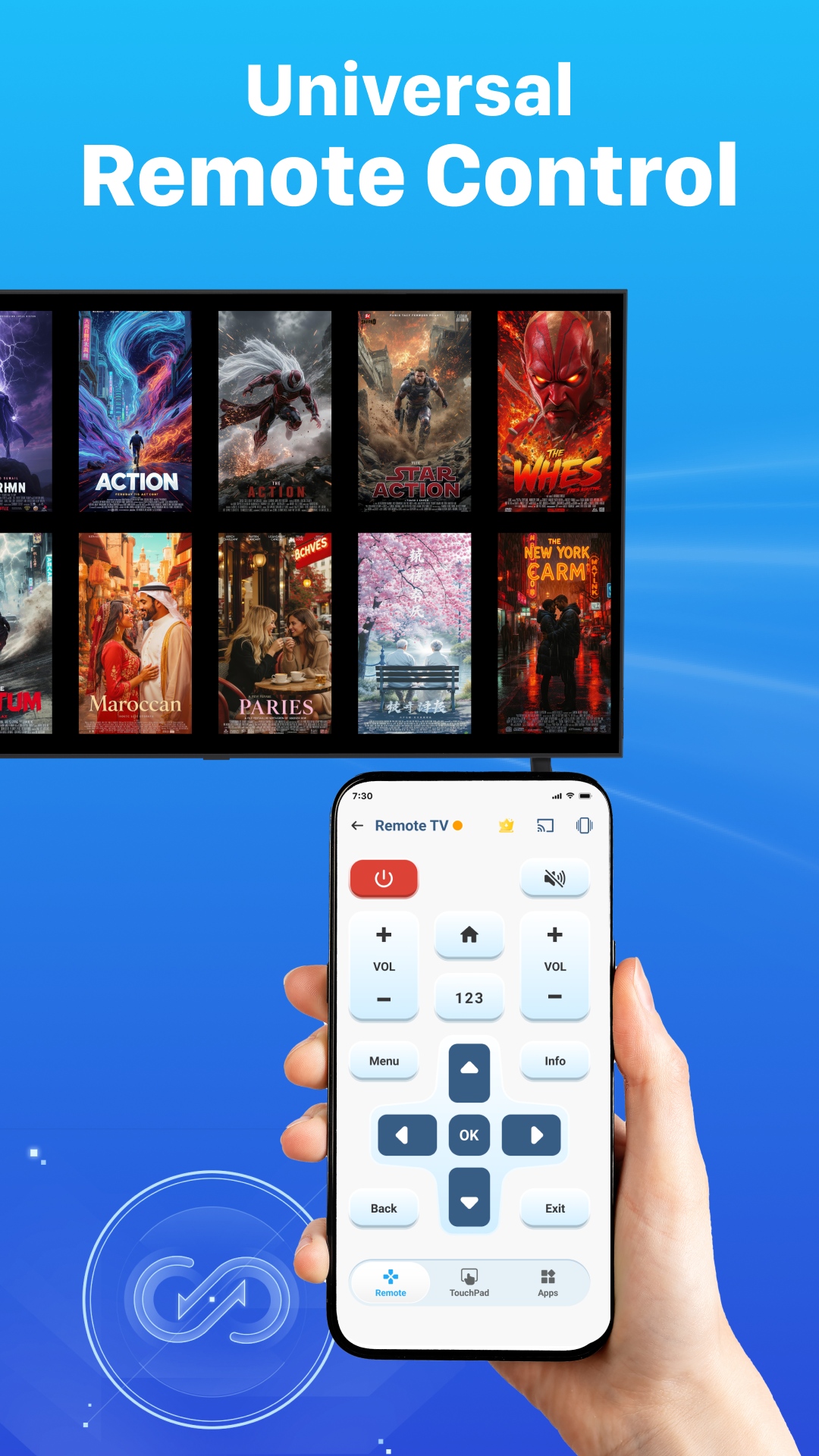
The designers focused on ease of use when building the user interface, which includes a toolbar for controlling the app. They considered users of every skill level, aiming to make screen sharing and casting from a device or desktop simple to understand. The software serves a variety of purposes and makes group viewing easy, whether for teaching or professional presentations. Media can be recorded or streamed, and documents or spreadsheets can be cast as well. Much like a projector, it shows content on a larger viewing area, helping educators explain concepts without being tied to a teacher's station. A stable connection is prioritized to reduce buffering, especially when streaming or displaying content over long periods.
Screen mirroring tools such as Instant Screen Mirroring offer fast connections to TVs and PCs. The app is optimized for newer devices to deliver smooth casting performance, taking into account the hardware limits of the device and the quality of the network. DLNA support extends compatibility, letting the app work with a wider range of smart TVs. A sync feature helps keep movies and other video casts aligned, removing audio lag and delivering a more stable, faster connection. The app uses a more capable casting protocol that boosts performance and supports steady streaming of high-definition video. Unlike the wireless display solutions offered by various manufacturers, this app's interface is built for efficient, seamless real-time video streaming.
This software brings together the strengths of a smartphone and a dedicated computer. Users can easily project their phone screen onto a large display, making it possible to work productively and interact during group meetings and presentations. Displays can be shared wirelessly over the same Wi-Fi network to a nearby device. The app draws on the phone's processing power, large touchscreen, and connectivity to create desktop-style and immersive experiences. It lets users share media with varying frame rates, such as photos and videos, with large audiences in an interactive, engaging format. The application uses an end-to-end encrypted, secure channel to wirelessly stream many types of digital files, addressing the need to present digital content to big groups directly from mobile devices.
Key Features
- Instant Screen Mirroring
- HD Video Streaming
- Photo & Video Casting
- Mobile Gaming on TV
- Audio Sync Support
- Fast & Stable Connection
- Wireless Connectivity
- Multi-Device Compatibility
- Secure Connection
- User-Friendly Interface
Related MOD APKs
- Compass App: Accurate Compass
- MovieBox ID: Watch Movies, TV Series, K-Dramas & Anime for Free
- KWGT Kustom Widget Pro
- SnapTube
FAQ
Is Premium Unlocked in Smart View: Screen Mirroring MOD APK?
Version 1.9.6 of Smart View: Screen Mirroring comes with Premium Unlocked. It works just like the original WECHOICE MOBILE release, and the modifications take effect as soon as installation is complete.
What is the latest version of Smart View: Screen Mirroring MOD APK?
Version 1.9.6 matches the WECHOICE MOBILE update released on August 26, 2026. We do not host older builds. To update, install this file over your current app. If you encounter a signature error, uninstall the old version first.
Is Smart View: Screen Mirroring MOD APK safe to download?
This 1.9.6 build of Smart View: Screen Mirroring from WECHOICE MOBILE includes Premium Unlocked and has a 4.4 rating from 23 users. No root access is needed. You may see a Play Protect warning, so always download directly from this page to make sure you get this exact file.
Can I use Smart View: Screen Mirroring MOD APK on PC or iPhone?
This is an Android file and will not run on an iPhone. To use this 54 MB package on a computer, install an emulator such as BlueStacks or LDPlayer, then drag the file into the emulator.
How to install
- Download the APK file above to your phone.
- Allow “Install unknown apps” when prompted.
- Open the downloaded APK and tap Install.
- If the package includes OBB/XAPK data, follow the bundled instructions.
MOD APKs are modified builds, so Play Protect may show a warning. Install only if you trust the file; use at your own risk.