

Screenshots
Description
Apploun SoftSize
80 MBVersion
2.15.05Requirements
6.0Get it on
Mod Info
Premium Unlocked Report this app
Images
Description
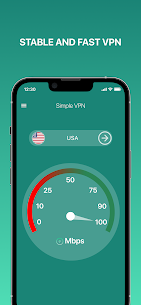
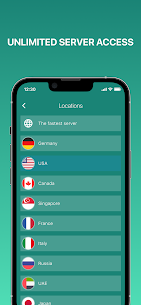
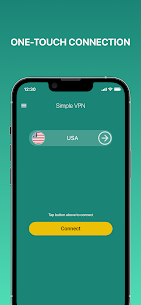
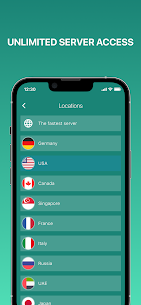
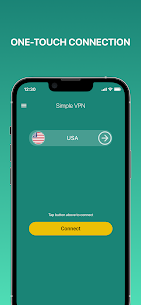
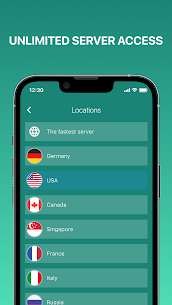
Simple VPN is a convenient application created for smartphones and tablets running on the Android operating system. A simple interface allows you to connect to the server with the click of a button. Choose a country from the list of available proxies and use unlimited Secure VPN online when necessary.
Advantages of the Easy VPN app:
• Easy and fast connection.
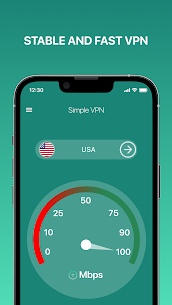
• Stable Internet connection.
• High data transfer speed in Fast VPN proxy.
• Protection of personal information.
• Internet safety.
• Lots of servers available without having to subscribe to the Simple VPN app.
Want to see what the online VPN super looks like without downloading it to your smartphone? For your convenience, we have published screenshots. The ease of connection sets this app apart from many others. Click the button and enjoy the content without worrying about privacy. The Secure VPN proxy application is suitable for work and entertainment, as it will provide a stable Internet connection at any time and for as long as necessary. The program does not store personal data, including information about visited sites and search query history.
The top VPN mobile application does not take up much space, and if you encounter problems with the connection, you can contact the support team, who will resolve your issue as soon as possible.
Other benefits of fast VPN unlimited include:
• Intuitive interface.
• Laconic design.
• Tested, accessible, stable servers.
Related apps
Insget 3.14.4 Spaple 88.09 MB Premium Unlocked Poke Genie 8.19.1 Poke Genie 107.92 MB NekoBox+ 1.4.2-101 NekoBox+ 159.46 MB No Ads Inure App Manager build107.3.0 Hamza Rizwan 25.96 MB Premium Unlocked SmartCookieWeb 17.0-beta3 SmartCookieWeb 5.40 MB No AdsHow to install
- Download the APK file above to your phone.
- Allow “Install unknown apps” when prompted.
- Open the downloaded APK and tap Install.
- If the package includes OBB/XAPK data, follow the bundled instructions.
MOD APKs are modified builds, so Play Protect may show a warning. Install only if you trust the file; use at your own risk.