
Screenshots
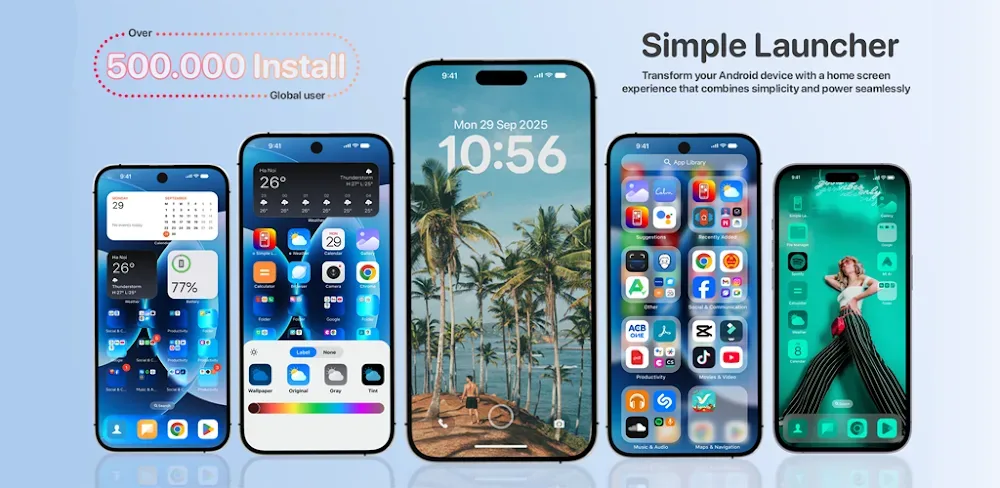
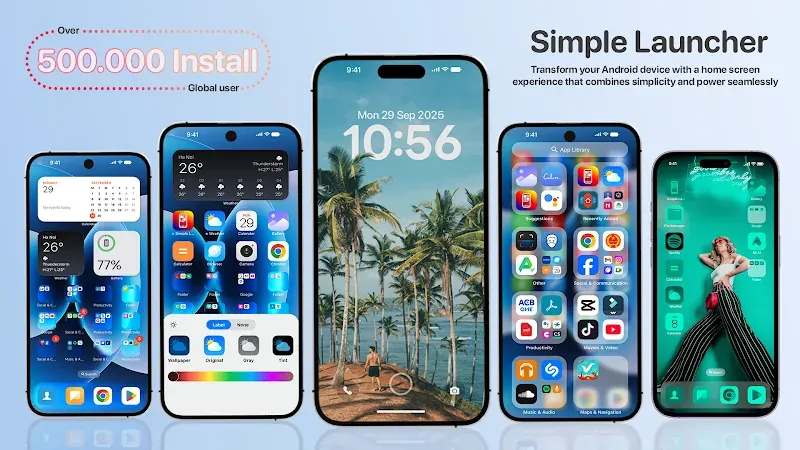
Description
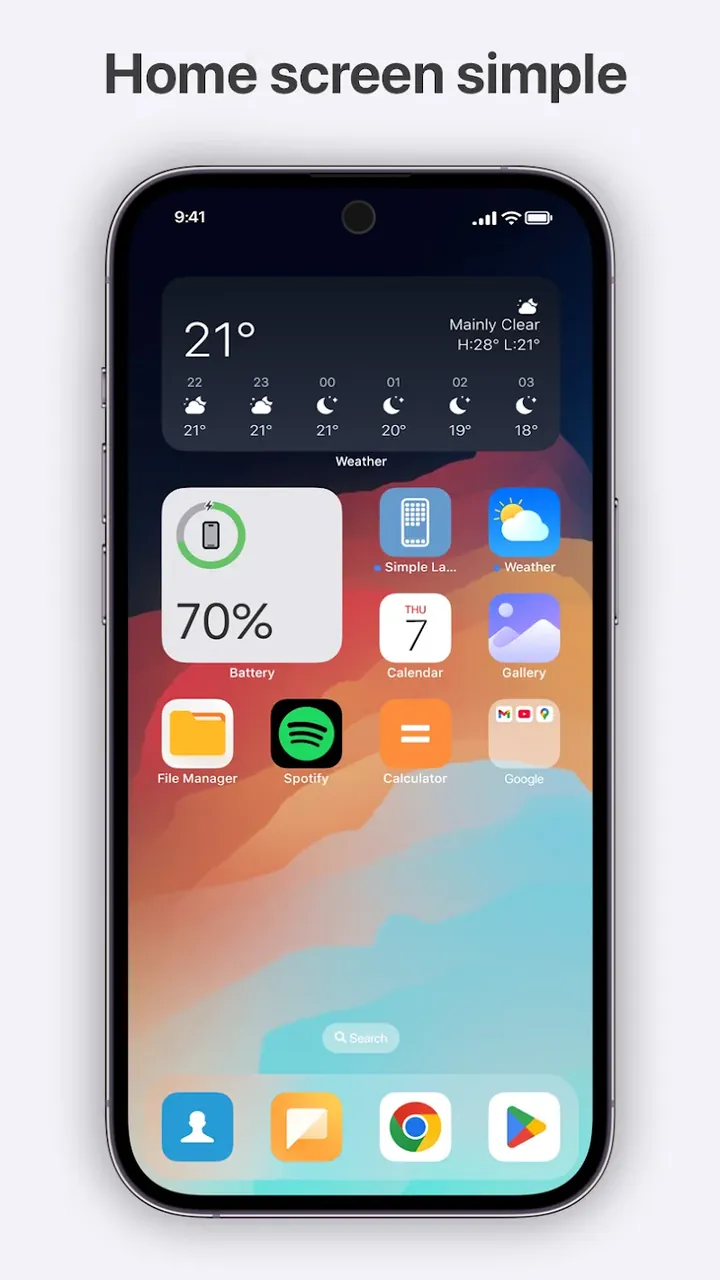
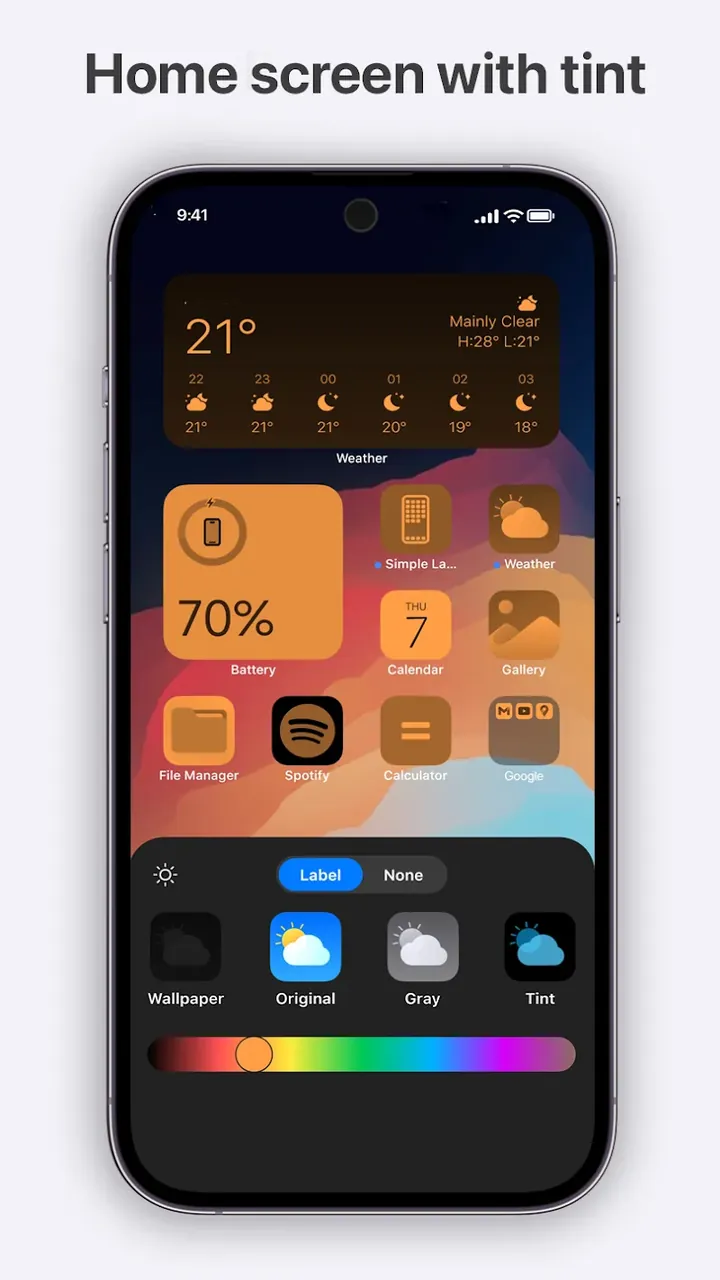
Simple Launcher is a minimalist Android launcher designed to keep your home screen organized and your system running smoothly. It offers quick access to everything you need while helping you conserve battery through an efficient system.
This Simple Launcher MOD APK gives you immediate access to the home screen utility's premium features, letting you customize your layout without restrictions. The mod is built around unlocking the full set of optimization tools so you can manage your device's resources more effectively.
What's Modified in Simple Launcher
- All premium features of the application are fully unlocked and ready to use.
Simple Launcher version 3.1.9 has a file size of 15M and the package name com.simpleapp.simplelauncher. It is re-signed, so it cannot be installed as an update over an existing version from the store.
About Simple Launcher
This app tackles the slowdowns and rapid battery drain that Android devices often develop with age or poor system management. It manages the operating system more efficiently than the stock Android home screen, delivering better performance on older devices, reduced battery drain on newer ones, and longer battery life across the board.
To keep things engaging and easy to use, most screens follow a design philosophy of showing only what's essential. Removing unnecessary elements sharpens focus on the core content and cuts down on distractions. Getting around the app takes minimal effort, and fewer on-screen elements mean less load on system resources, freeing them up for other programs. The result is a cleaner, healthier digital experience for the user.
The app runs on a Total Navigation Control system, which gives you a strategic approach to which apps are available and how you use them. Put simply, you decide which apps appear on the home screen and which stay in the app drawer. You can also set up a foldable menu that uses an algorithm to learn your habits and suggest your most frequently used options. Because the device adapts to how you interact with it, you're far less likely to get frustrated while using it.
For commands, you can create custom shortcuts. For example, you can draw a shape of your choice to launch a specific app, or trigger an action with a navigation gesture, such as double-tapping the lock screen to lock the device. To open your favorite messaging app, you only need to swipe. The device also learns the commands and gestures you use most often, along with your navigation habits and shortcuts.
The Universal Search bar offers a streamlined interface for finding content both on and off your device. It can locate files and contacts that aren't easy to reach through the device's menus, and it can also search the internet. Normally you would need several apps to track down contacts, files, and other content, but with this search feature everything is available from a single search bar. The launcher also lets you clear RAM, which is especially handy for gamers or anyone using their device for long sessions. It further helps organize your apps to reduce clutter and distractions.
The MOD APK also improves the device's user interface and overall experience by removing unnecessary applications. You can open apps quickly without having to navigate through multiple menus in other apps. Overall, the application extends battery life and gives you more control over app layouts and other settings.
Key features
- Custom gestures for freestyle drawing commands
- Universal Search for contacts, files, and web results
- Foldable menu with usage-based suggestions
- Double-tap to lock screen functionality
- Swipe gestures to open messages with your preferred apps
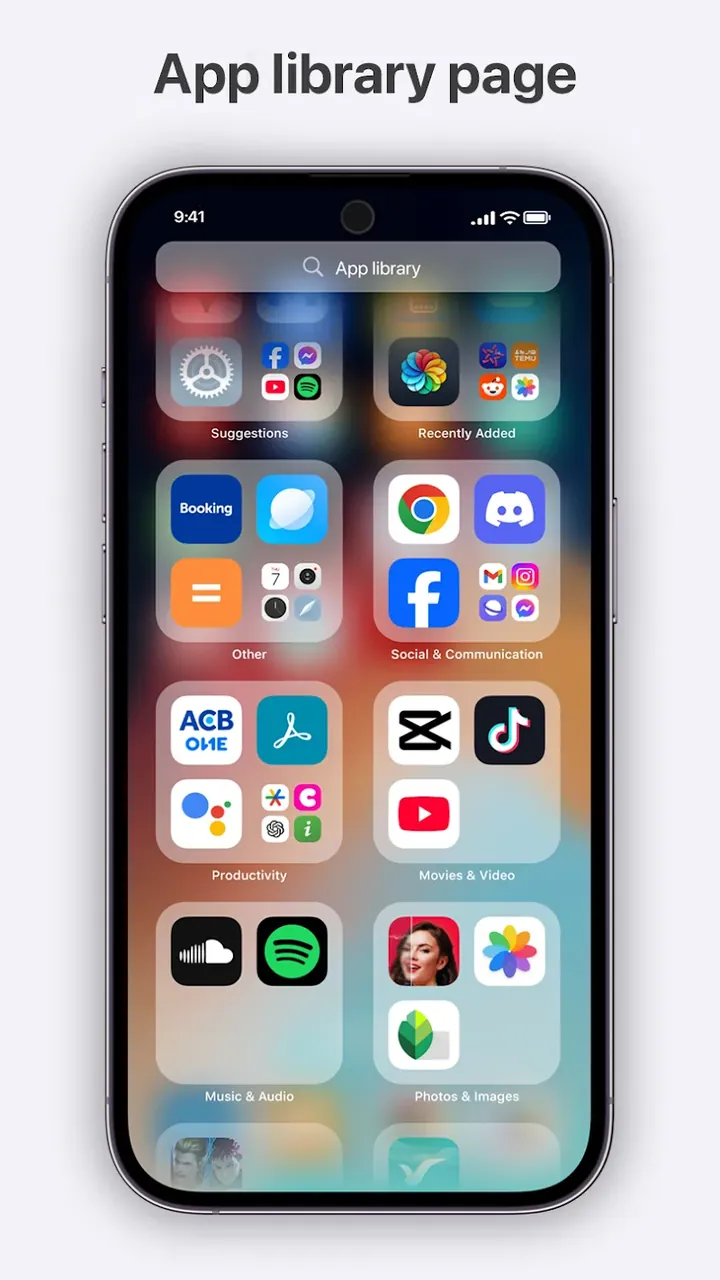
- Custom app organization for the main screen and app drawer
- Minimalist interface designed for efficient use of system resources
- High-speed performance for reduced wait times
Related MOD APKs
- Glassify – Widgets & Themes
- Niagara Launcher
- ZEDGE
- Material You Widgets
FAQ
Is Premium unlocked in Simple Launcher – Home Screen MOD APK?
This 3.1.9 version of Simple Launcher – Home Screen comes with Premium unlocked. It works like the NTS.Dev release, and the changes take effect as soon as you install it.
What is the latest version of Simple Launcher – Home Screen MOD APK?
The latest 3.1.9 build is the same as the NTS.Dev release dated August 26, 2026. We don't keep older versions on this site. To update, install this build over the existing app; if Android reports a signature conflict, uninstall the old version first.
Is the Simple Launcher – Home Screen MOD APK safe to download?
This 3.1.9 build of Simple Launcher – Home Screen is based on the NTS.Dev app, with Premium Unlocked included. It has a 4.3/5 rating from 3 users on GameMod.dev. Root access is not required. You may see a Play Protect warning, which you can ignore, but always download the file from this page.
Can I run the Simple Launcher – Home Screen MOD APK on PC or iPhone?
Since this is an Android file, it won't install on iPhone. To use the 15M APK on a computer, install an emulator such as BlueStacks or LDPlayer, then drag the file into the emulator.
How to install
- Download the APK file above to your phone.
- Allow “Install unknown apps” when prompted.
- Open the downloaded APK and tap Install.
- If the package includes OBB/XAPK data, follow the bundled instructions.
MOD APKs are modified builds, so Play Protect may show a warning. Install only if you trust the file; use at your own risk.