
Screenshots
Description
The Signal Strength Mod APK lets you pinpoint your location and find the strongest possible connection. You can check your signal, view detailed network information, and add widgets that display a range of useful connection parameters at a glance.
Signal Strength is a handy app for quickly testing your connection speed as you move between different spots. The colors it shows make it easy to read those parameters at a glance. The app also includes a built-in speed test and reports connection-related details. The widget is definitely worth a look, since it surfaces many helpful stats.
Check Connection Quality Easily
Connection problems are a common frustration for anyone who relies on a smartphone every day. Signal Strength helps you check your signal wherever you happen to be, so you can tell whether a slow connection is due to your device or your location. Its core strength is showing which places offer stable connection quality, giving you a clear basis for choosing the best spot to work or stream.
The Result Meter Shows Multiple Parameters
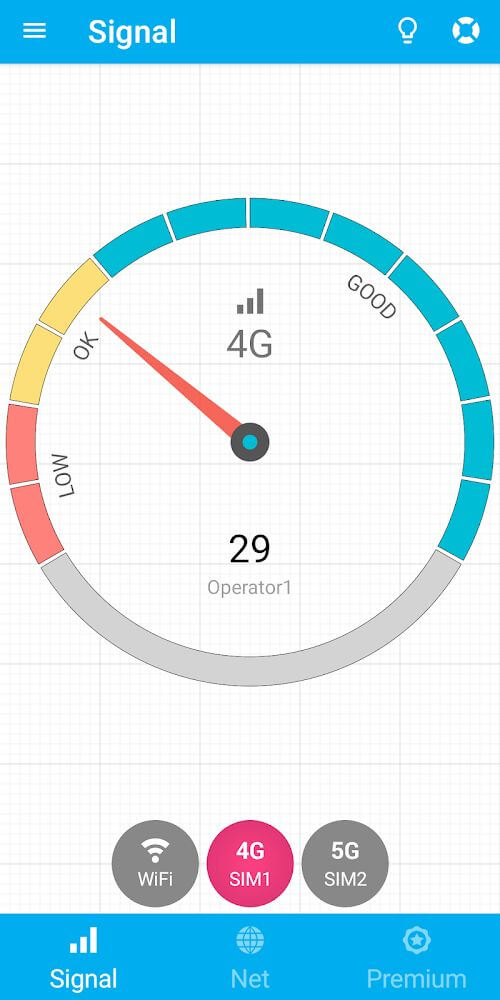
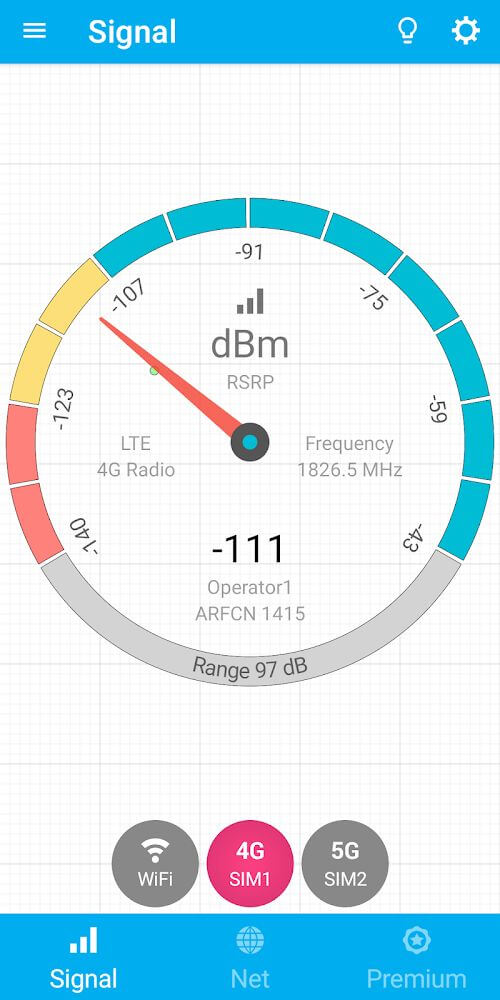
When you open Signal Strength, you'll find a clean, simple interface. At its center is a meter with three color-coded indicators: Low in red, Ok in orange, and Good in blue. Watch the needle move as your signal changes, and jot down the readings if you want to compare them later. The app works smoothly across many different connection types.
Works Well With Different Connection Types
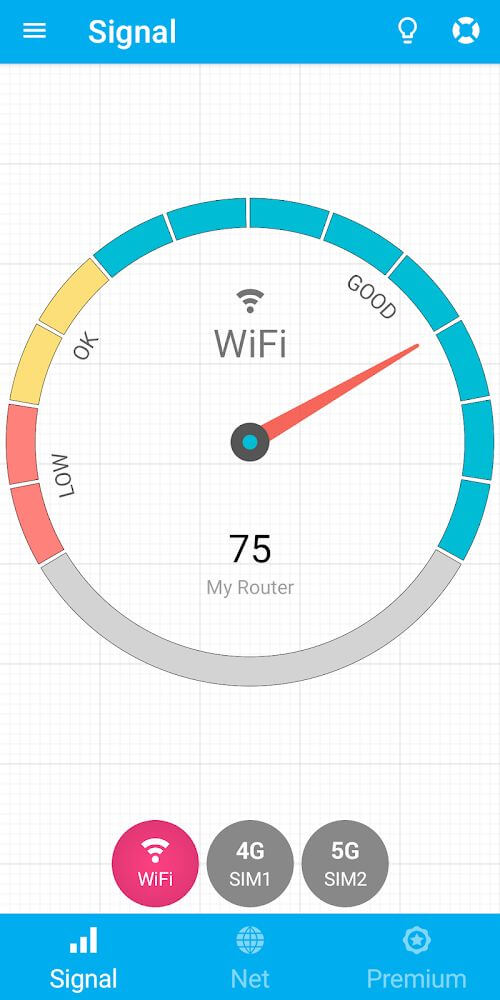
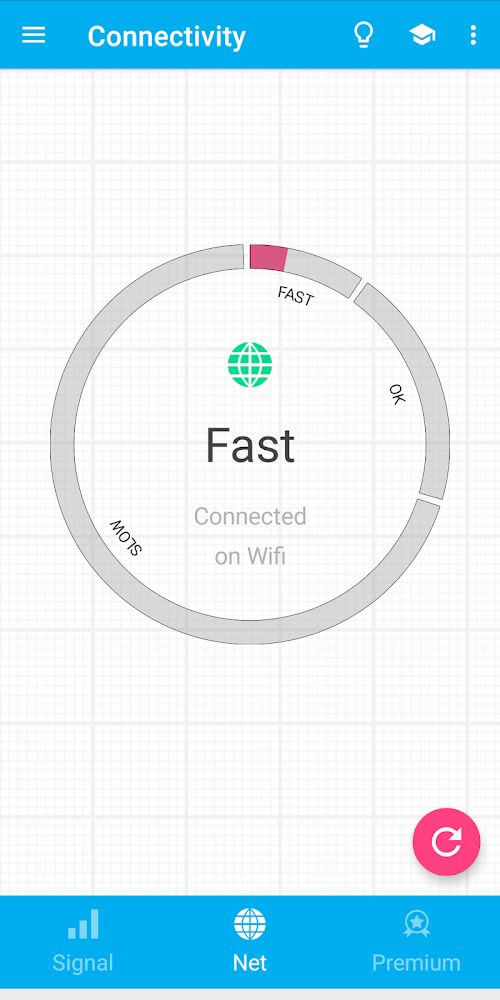
Depending on your connection, Signal Strength detects the type in use and displays it at the bottom of the meter. It measures both Wi-Fi and mobile data speeds, and a single tap lets you switch between the two. Tech-savvy users will also appreciate the detailed network info screen, which lists in-depth parameters.
Adjust the Theme Easily
Changing the app's look is a feature most users enjoy, and Signal Strength offers both Light and Dark themes. Pick whichever color scheme suits your style or the lighting around you.
Measure Connection Speed Easily
The connection health check is a useful tool for finding out where your signal is strongest. Open the menu and select the matching item, and a gauge will appear as the numbers climb toward your download and speed results. The readings are shown on a red-to-green color scale, with green indicating the highest performance.
Set Up a Widget for Convenient Viewing
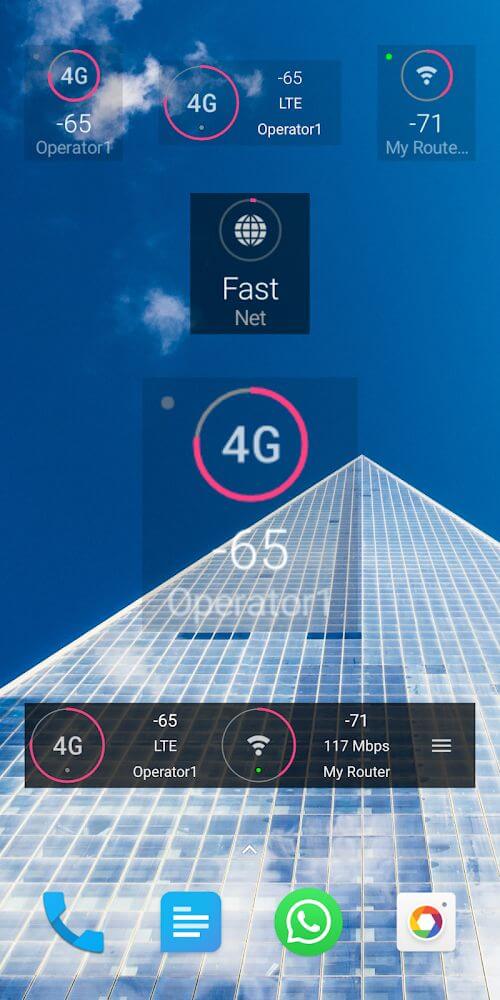
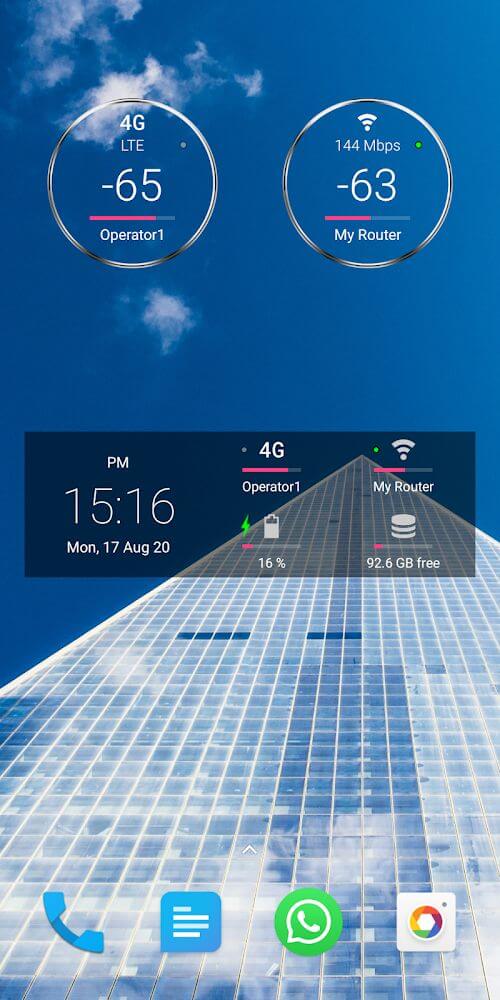
If you often check your device's connection details, add a widget to your home screen so the information is always visible. Widgets can display signal, connectivity, battery, and other key parameters, letting you see what you need without repeatedly opening the app or digging into its advanced features.
Here's what you can do with the speed test:
- Watch a speedometer that updates in real time as you move, reflecting the current value.
- Understand the readings quickly through the app's color cues, which indicate your connection quality.
- Switch between supported connection types, such as Wi-Fi and mobile data, with just one tap.
- Access handy menu features like quick theme changes, the speed test, and more.
- Display multiple parameters on your home screen through the widget, so you don't need to keep opening the app.
How to install
- Download the APK file above to your phone.
- Allow “Install unknown apps” when prompted.
- Open the downloaded APK and tap Install.
- If the package includes OBB/XAPK data, follow the bundled instructions.
MOD APKs are modified builds, so Play Protect may show a warning. Install only if you trust the file; use at your own risk.