

Screenshots


Description
SeTracker2Thanks to this app you can easily set up a children's smart watch to always know your child's location.
Gameplay
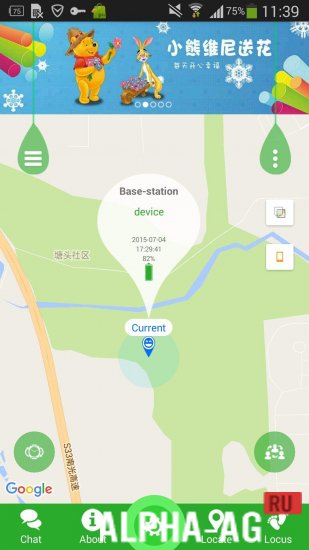
When you start using this application, you need to register, where you will need to specify the watch's ID number or scan its QR code, as well as come up with a login, enter the child's name, your phone number and the watch password. After you complete the registration, you will be taken to the main page displaying a map with the current location of the watch.
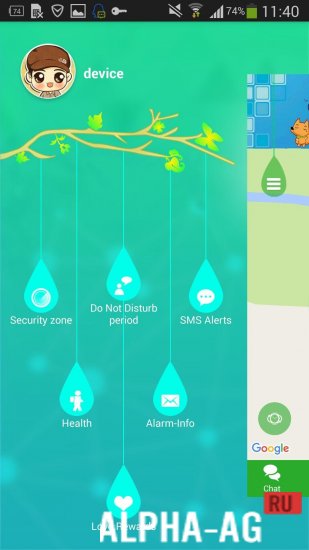
The map will display the child's name, the exact address of their location, the current date, time, and the remaining battery level of the watch. In the upper right corner, you will see a menu with additional features such as: health, alarm clock, and rewards. In the health tab, you can view completely different parameters.
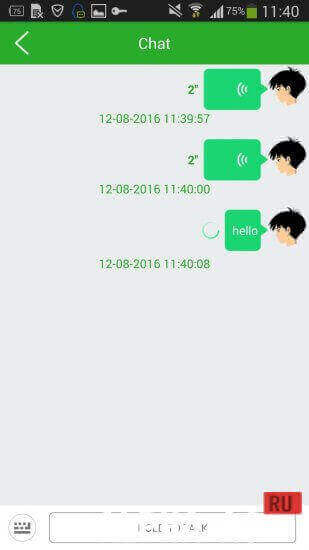
Such as: pedometer, number of calories burned, distance traveled, and sleep time if the child sleeps with the watch on. Returning to the main menu at the bottom of the screen, you will see tabs such as: chat, security zone, application settings, locate, and reports. In the device settings, you can specify up to 3 numbers.
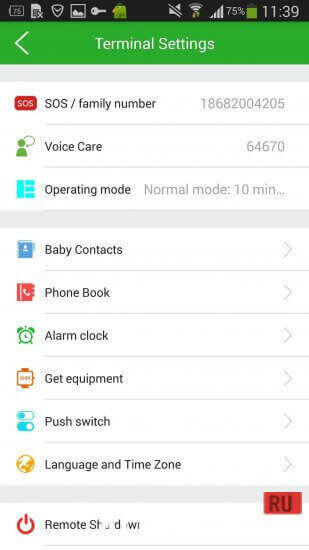
All calls will be made if the SOS button is pressed on the watch. You can also enter a number for a callback so that after 30 seconds the watch calls it back automatically, while the watch screen and speakers will remain off.
You can configure the geolocation mode, with 3 modes available: normal, power-saving, and real-time mode.Key Features
With this program, you can configure your child's smart watch, allowing you to always stay informed about their location.
You can view your child's movement history over a specific period, allowing you to see the complete history of their route during the period you specified. You can also send rewards to your child in the form of red hearts.On our website you can download the SeTracker2 app for Android for free.
0 11 Sep Additional information:- Android version required: 5.0 or higher
- Age restrictions: 3+
- Russian localization: absent
- OBB installation: not required
Subscribe to our YouTube channel!
Add commentHow to install
- Download the APK file above to your phone.
- Allow “Install unknown apps” when prompted.
- Open the downloaded APK and tap Install.
- If the package includes OBB/XAPK data, follow the bundled instructions.
MOD APKs are modified builds, so Play Protect may show a warning. Install only if you trust the file; use at your own risk.