

Screenshots


Description
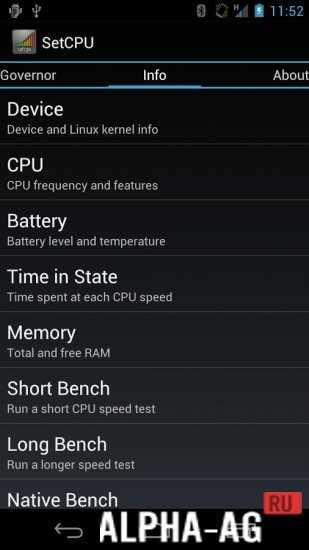
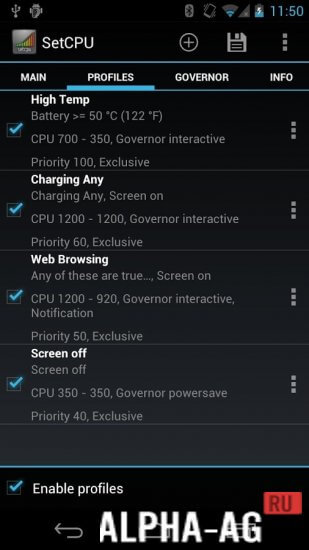
SetCPUThe application has numerous advantages and also features a fairly simple interface. Nevertheless, for inexperienced users, managing this program may seem somewhat complicated.
Characteristics
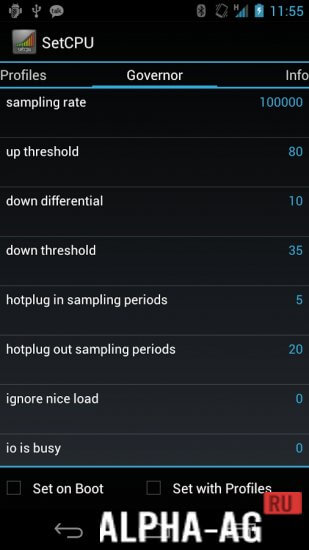
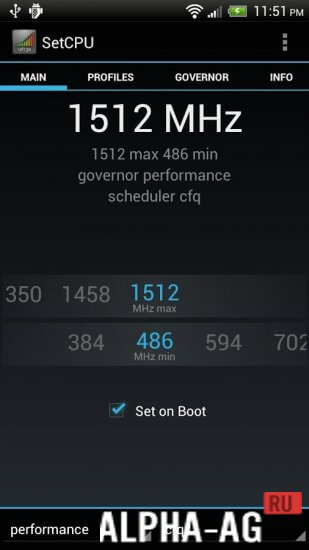
The program allows you to change the parameters of signals sent to the Android kernel. Thus, using such an application, you can significantly overclock the processor, which will lead to faster gadget performance.
However, you can also achieve the opposite effect, which means the device may start running slower. In the latter case, more economical battery consumption can be achieved.
Features
Naturally, you can only use such a utility if you have root rights. If you are hearing about such Superuser capabilities for the first time or only know about them by hearsay, it is better to refrain from using this program.
You need to understand that when rooting a device, the user assumes full responsibility for the proper functioning of the system. Therefore, if the program is used improperly, the device may stop working altogether.
At the same time, advanced Android gadget users, when installing such an application, get a useful assistant with which they can control processor performance.
To change the characteristics, you will need to install custom firmware or a custom kernel on the device. 0 Mar 11 Additional information:- Android version required: 2.1 or later
- Age restrictions: 3+
- Russian localization: present
- Cache installation: not required
Subscribe to our YouTube channel!
Add commentHow to install
- Download the APK file above to your phone.
- Allow “Install unknown apps” when prompted.
- Open the downloaded APK and tap Install.
- If the package includes OBB/XAPK data, follow the bundled instructions.
MOD APKs are modified builds, so Play Protect may show a warning. Install only if you trust the file; use at your own risk.