

MOD features
Pro
Screenshots
Description
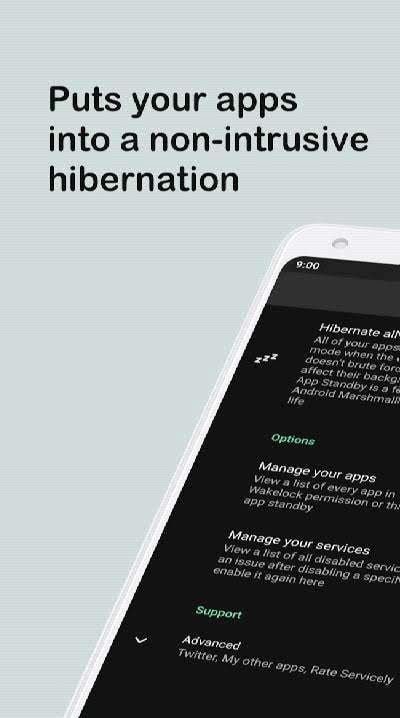
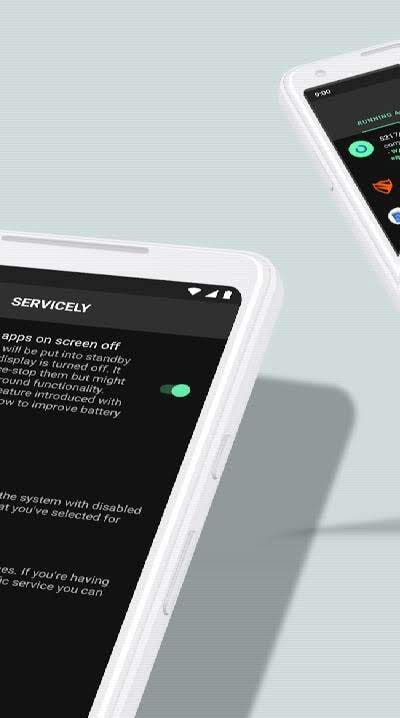
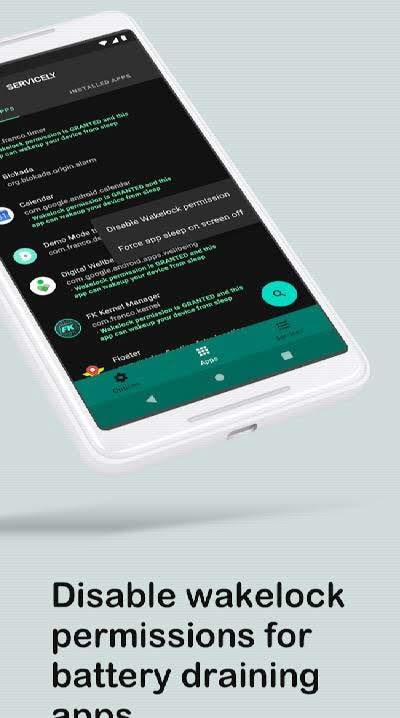
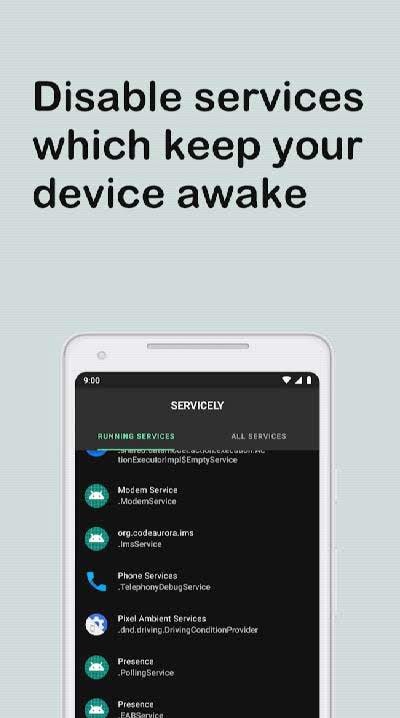
Servicely - disable wakelocks and services is an essential utility for anyone frustrated by apps that persist in the background, wasting battery life and hogging system resources. With this app, you can precisely select which programs are forced to shut down entirely whenever your screen turns off. This ensures that no unauthorized processes consume power while your device is idle. You will appreciate the user-friendly interface and the effective performance improvements offered by this tool.
How to install
- Download the APK file above to your phone.
- Allow “Install unknown apps” when prompted.
- Open the downloaded APK and tap Install.
- If the package includes OBB/XAPK data, follow the bundled instructions.
MOD APKs are modified builds, so Play Protect may show a warning. Install only if you trust the file; use at your own risk.