
Screenshots

Description
MOD Download 0
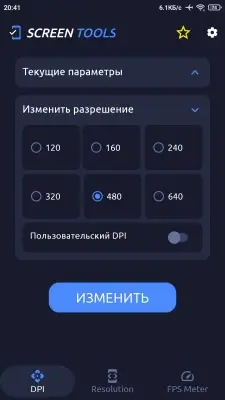
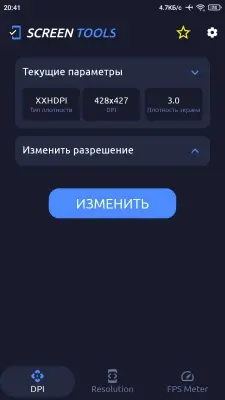
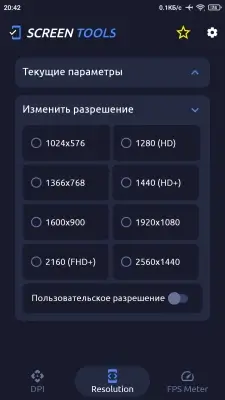
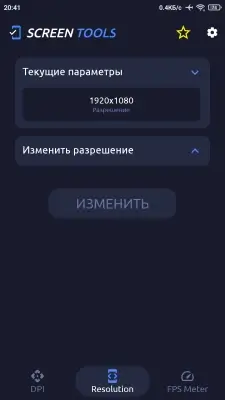
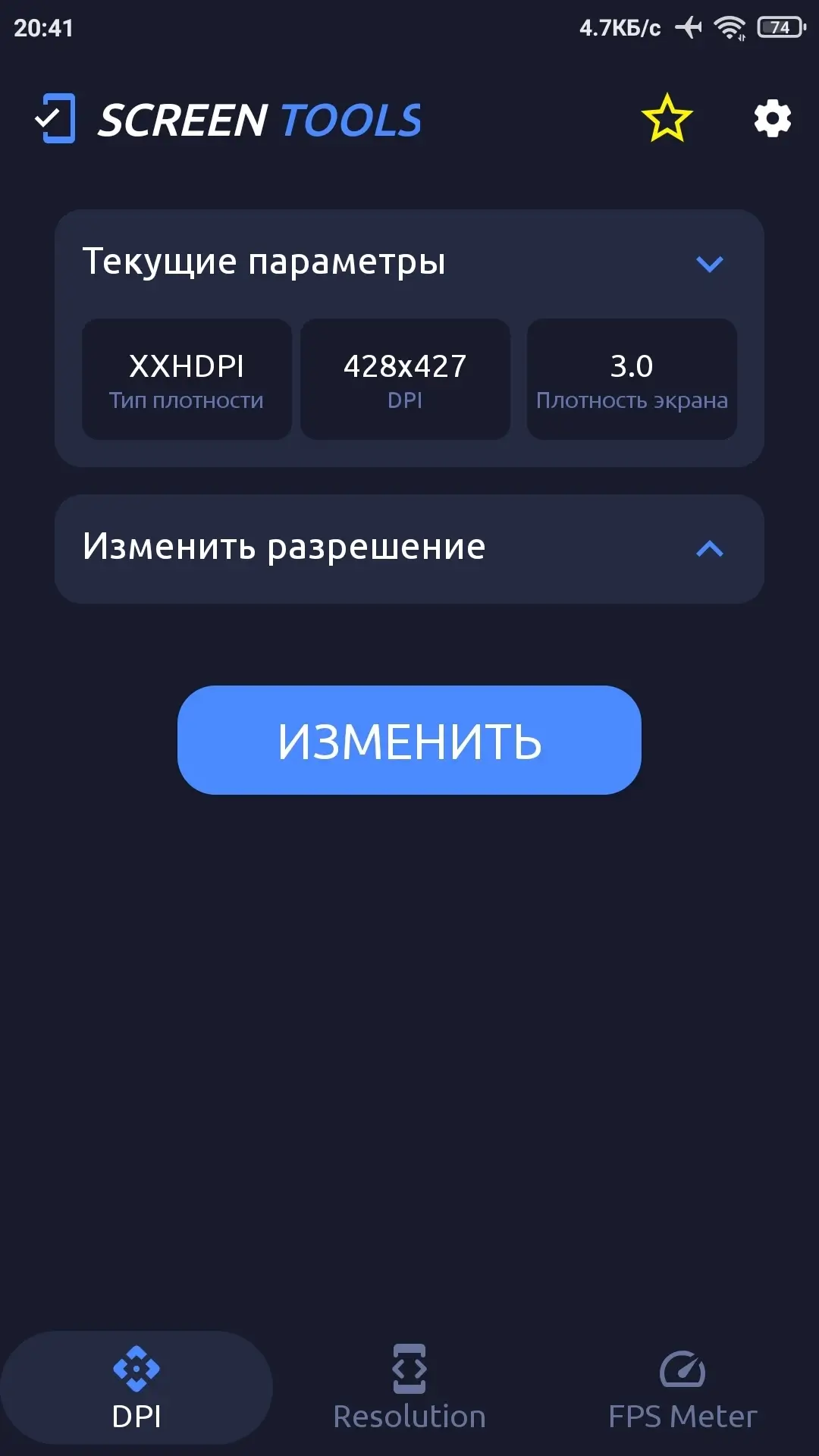
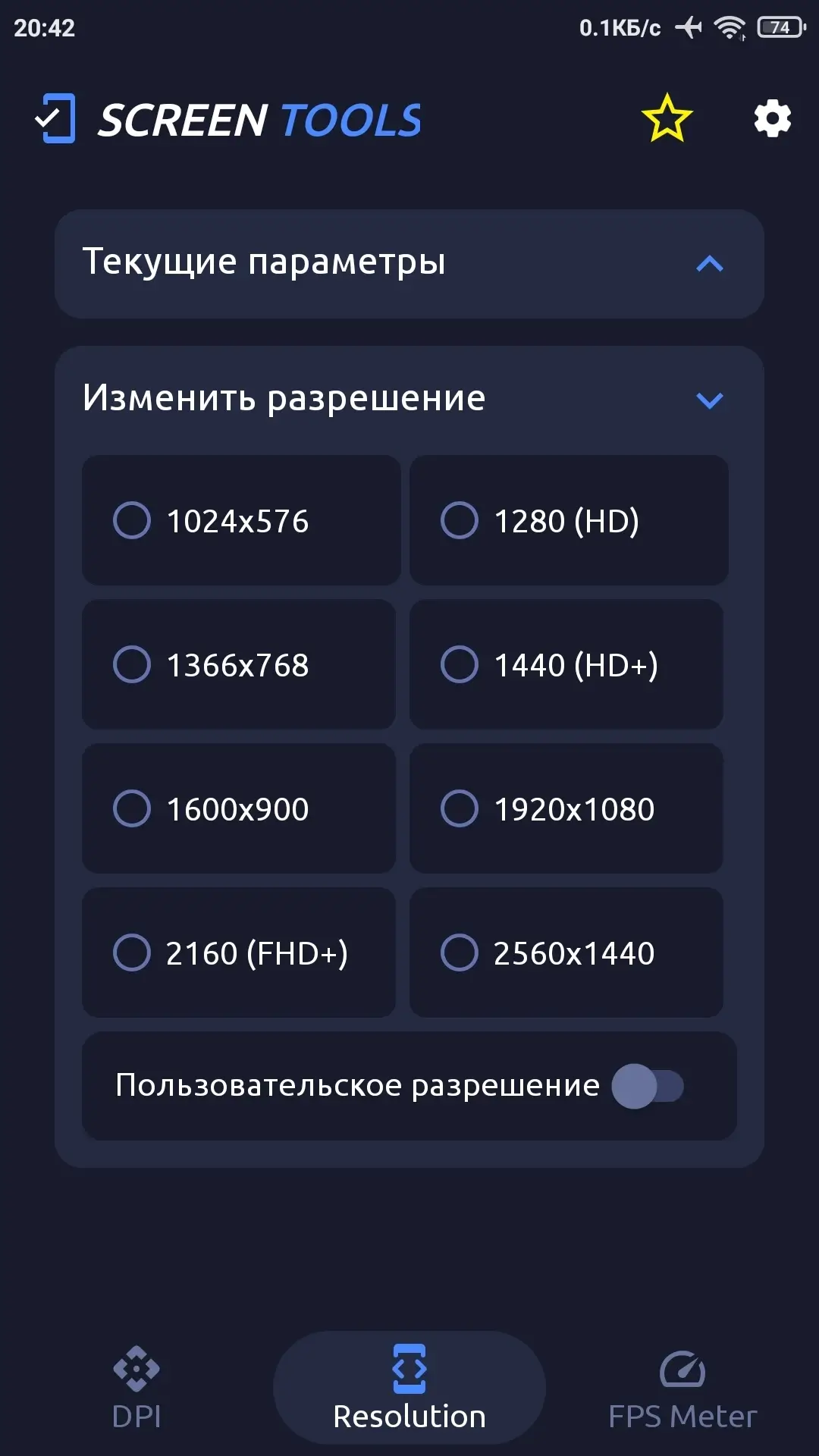
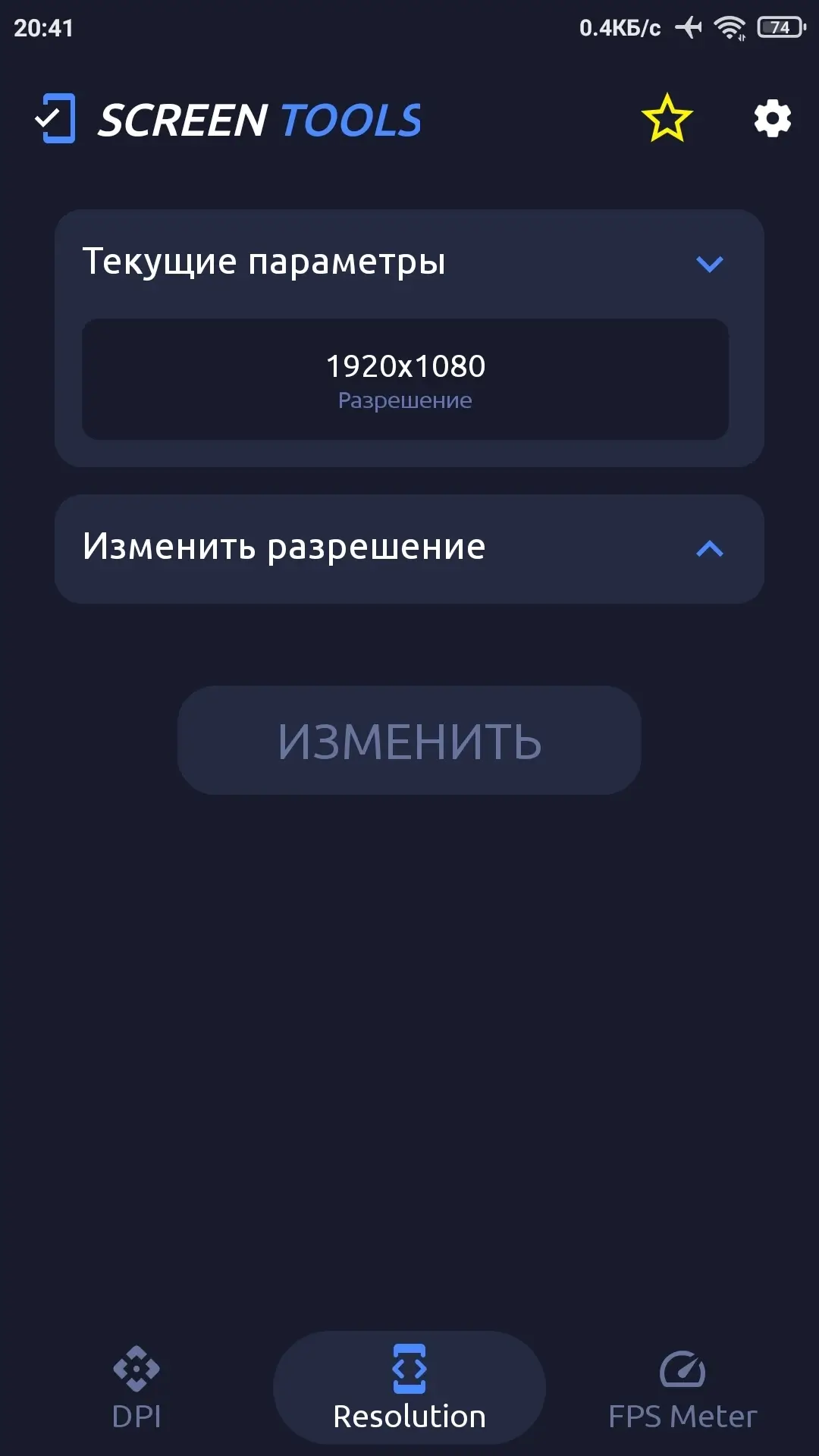
Screen Tools (Pro) - Allows you to quickly and easily change screen resolution and configure pixel density on Android, making the interface as convenient as possible for various use cases. The app provides the ability to choose preset or custom parameters to adapt the display to your needs - for work or entertainment.
Gamers will be able to optimize game performance by lowering the resolution and increasing FPS, which will speed up response times and ensure smooth gameplay.
For developers, the program will provide tools for testing applications on various screen types and configuring DPI.
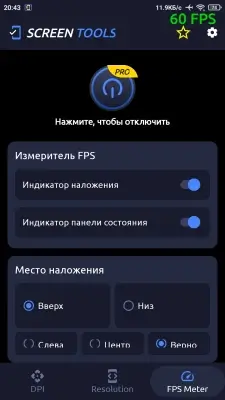
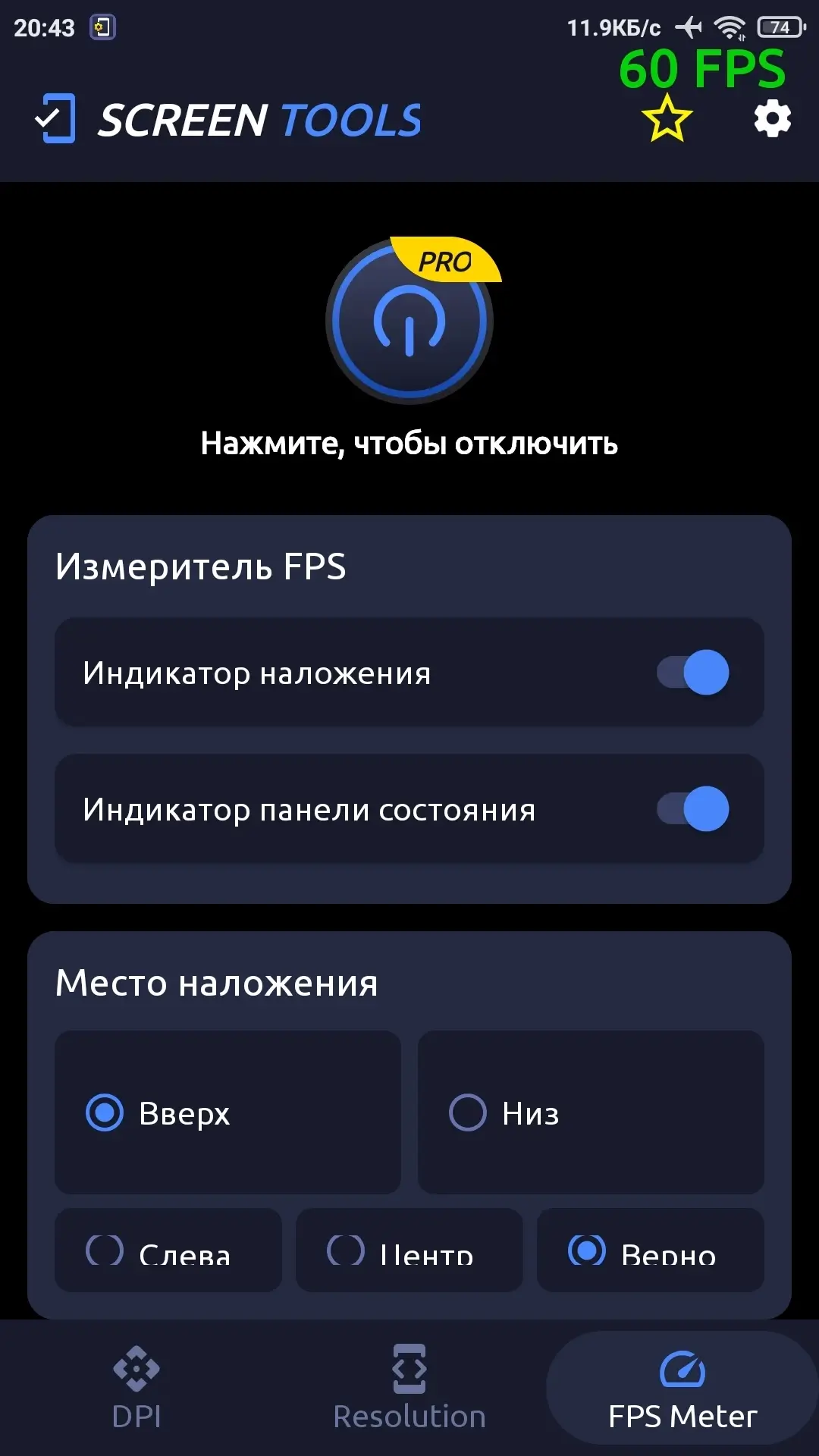
Additionally, the app allows you to track frames per second in real time directly on the display, giving full control over performance at any moment.
Root access is required for the application to work.
Application Features:
- Custom DPI configuration;
- Quick screen resolution change;
- Multiple preset profiles;
- Real-time FPS measurement (likely screen refresh rate);
- Device performance optimization by changing resolution;
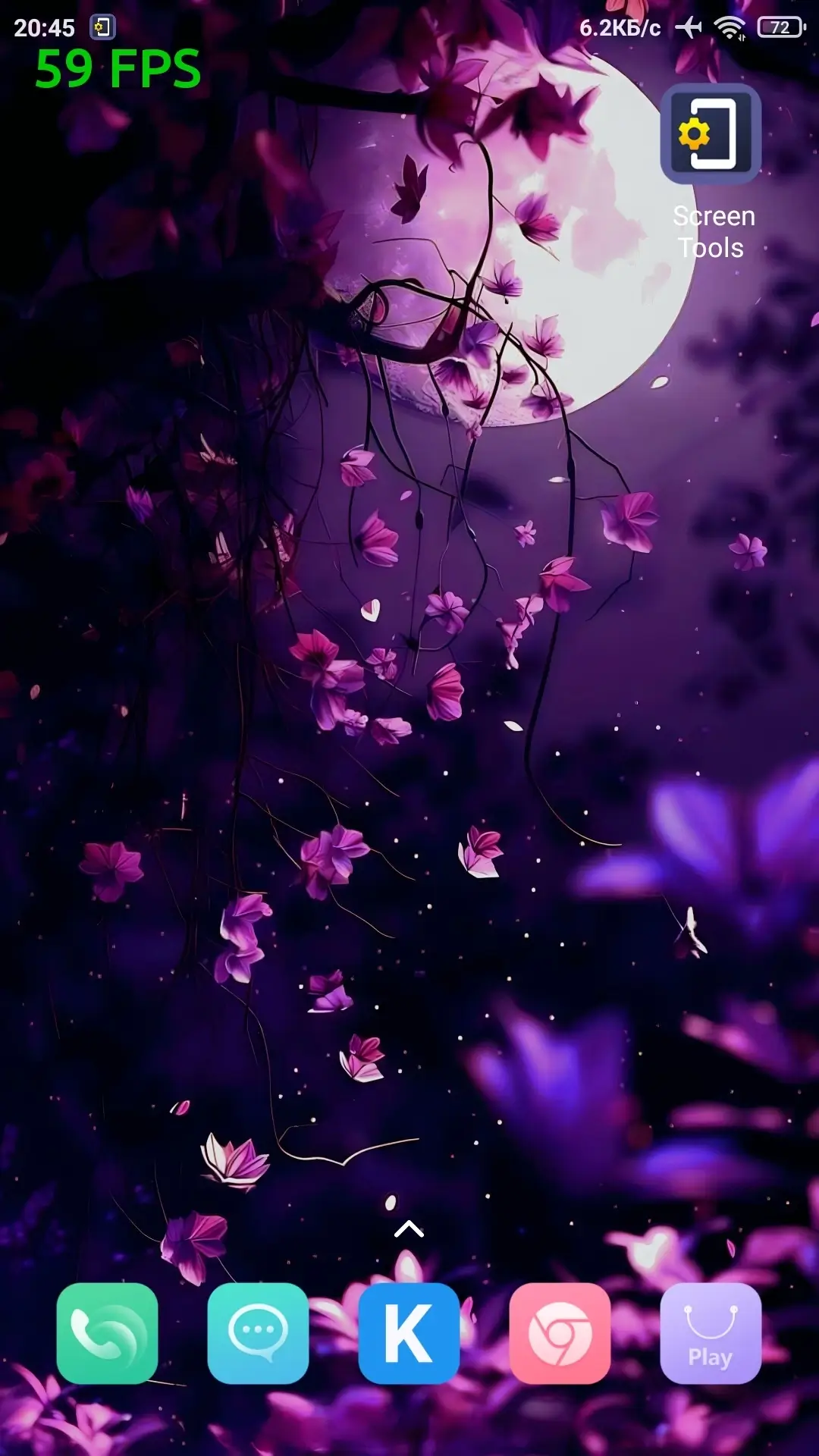
- Floating FPS counter on top of any apps;
- Convenient for developer testing.
Mod Features (by FuRReX):
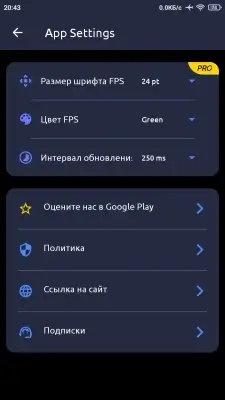
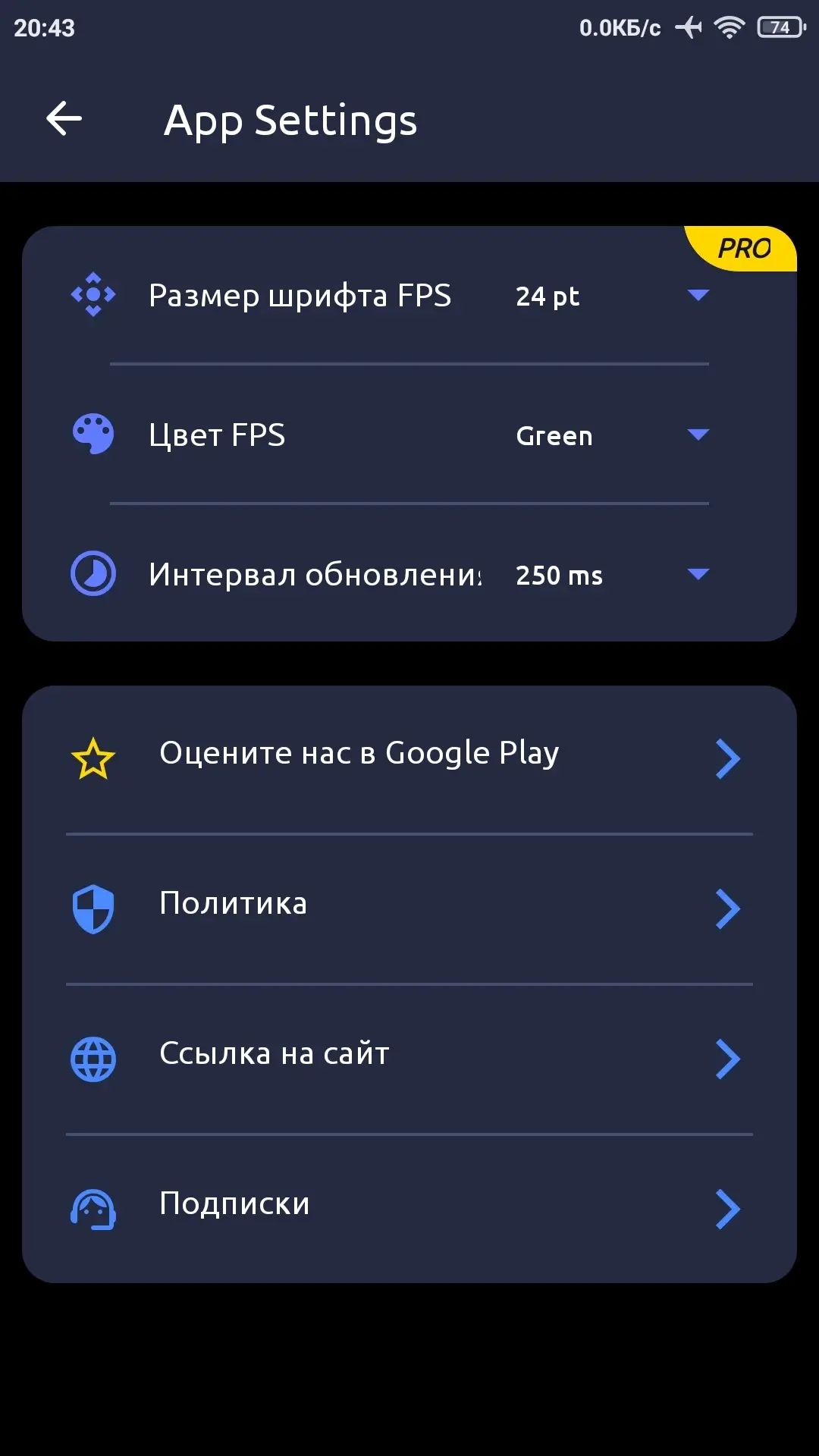
- Premium unlocked;
- Ads disabled;
- All debug info removed;
- Original signature changed.
Screenshots
4 11 15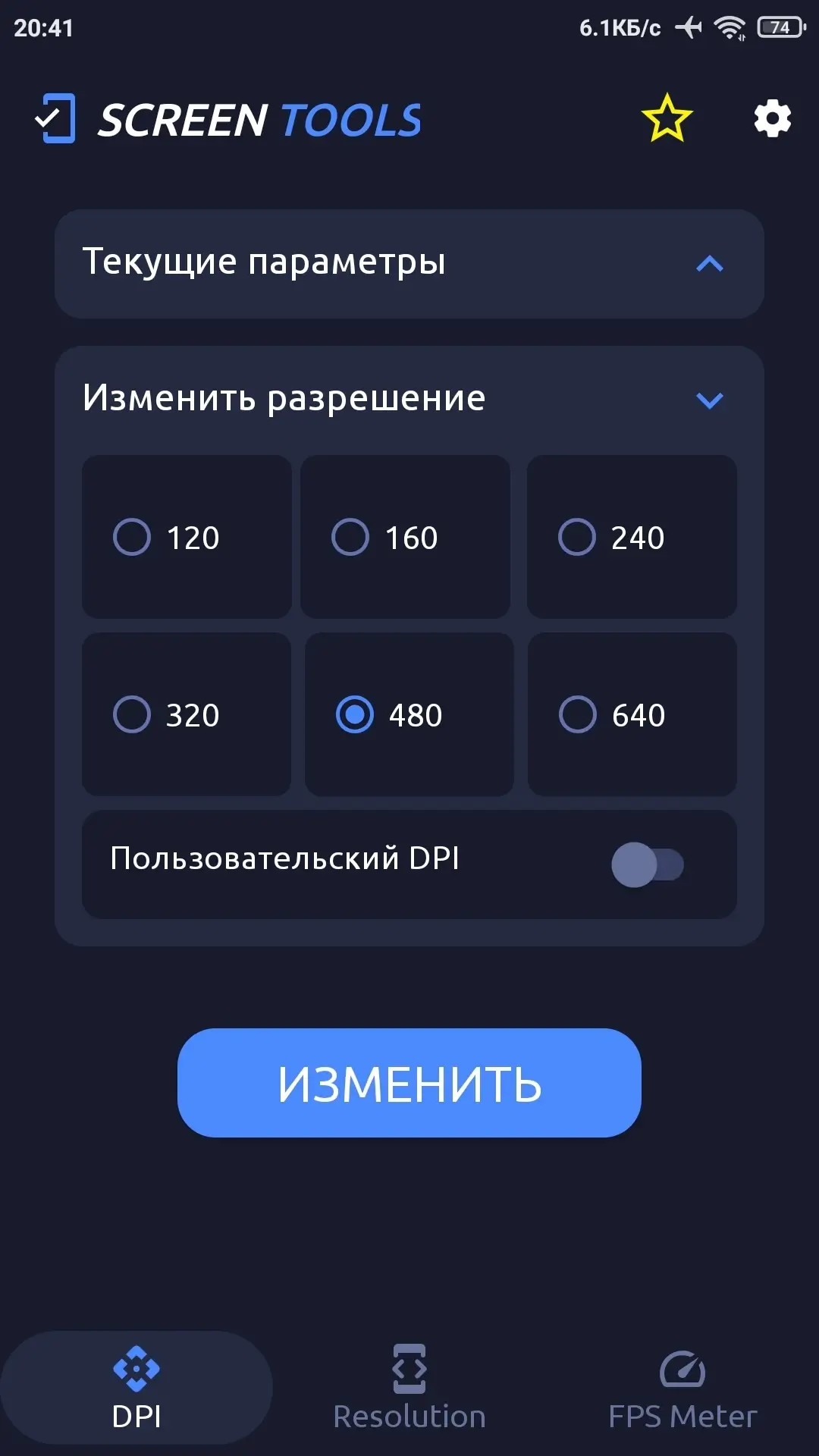

Information
Version 1.1.0 OS(MIN) Android 8.0+ Language Russian Developer ARD WEB DEVELOPMENT Status Modification Root Required Tags Change resolution, Configure DPI, FPS frame counter, Performance optimization, Change resolution and DPIHow to install
- Download the APK file above to your phone.
- Allow “Install unknown apps” when prompted.
- Open the downloaded APK and tap Install.
- If the package includes OBB/XAPK data, follow the bundled instructions.
MOD APKs are modified builds, so Play Protect may show a warning. Install only if you trust the file; use at your own risk.