
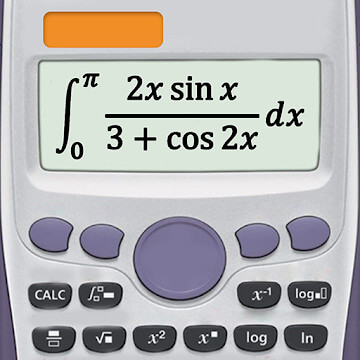
Screenshots
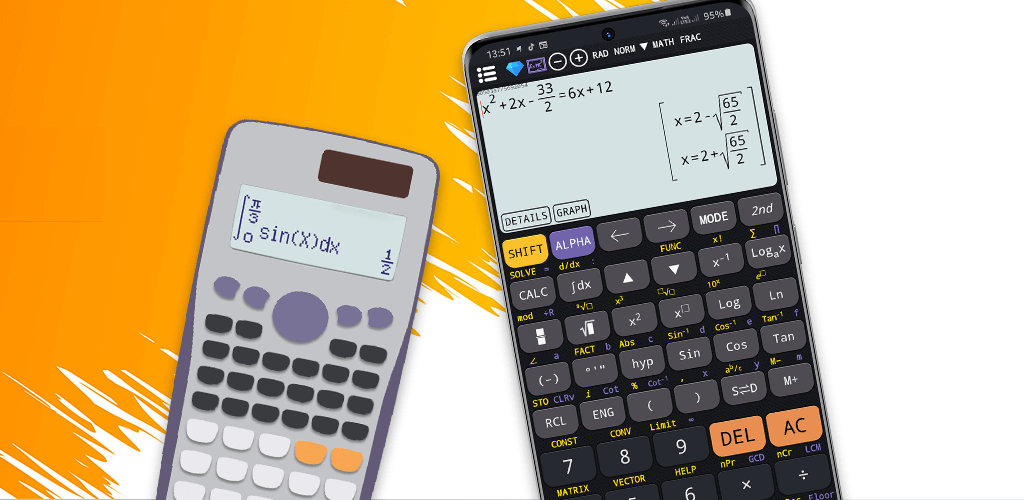
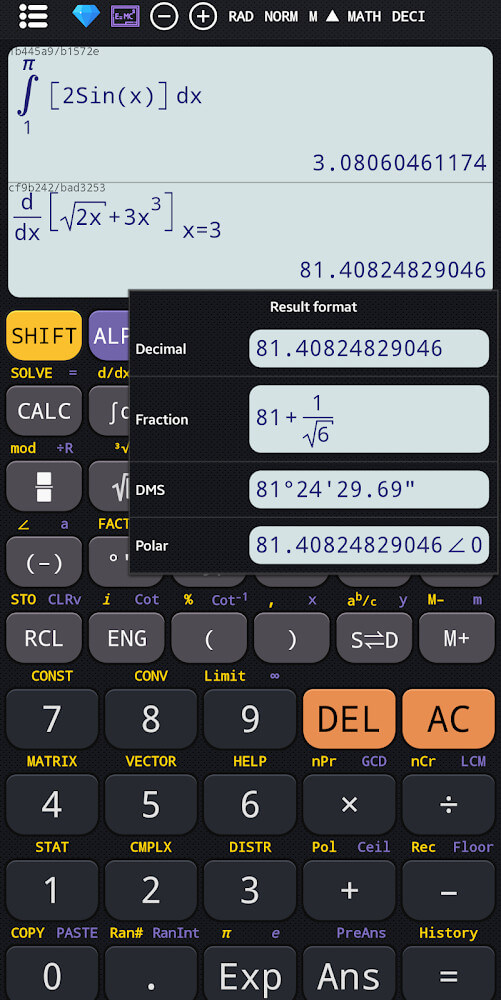
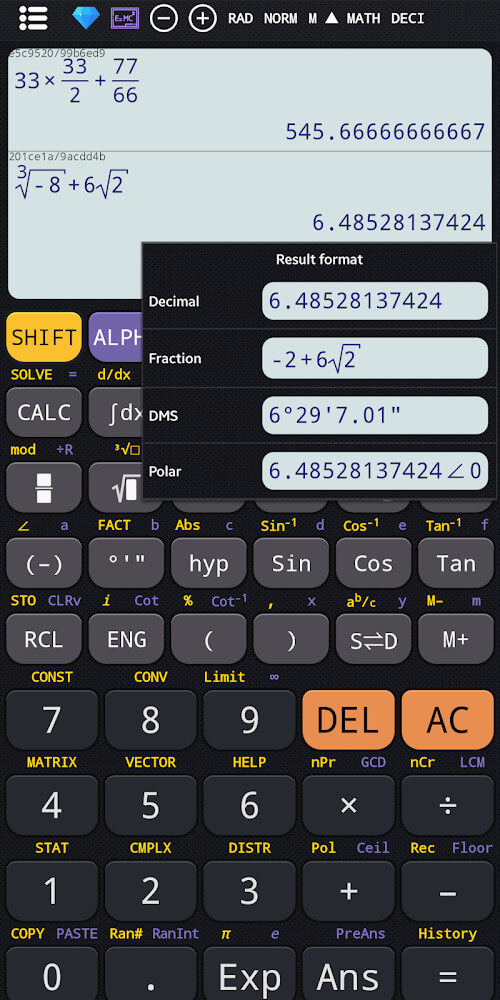
Description
This Scientific Calculator Plus MOD APK gives you the premium version of the app, with every advanced feature unlocked so there's no need to make any extra purchases. With this modified build, you get instant access to the complete set of scientific and graphing tools built for tackling complex math problems.
What's Modified in Scientific Calculator Plus
- All premium features are fully unlocked, giving you unrestricted access to every calculator mode and advanced setting.
The Scientific Calculator Plus MOD APK is available as version 7.9.2.130, with a file size of 25M and the package name advanced.scientific.calculator.calc991.plus. Because it is a re-signed file, it cannot be installed as an update over an existing version from the official store.
About Scientific Calculator Plus
Scientific Calculator Plus Advanced 991 Calc is a digital replacement for a hardware calculator, designed for students and academics. It covers a wide range of educational needs, from junior high school through university. When you open the app for the first time, you'll be asked to create an account and register. This account-based system keeps your data in sync across your devices and preserves your personal preferences.
One of the app's key features is the option to set your education level to high school or university in the settings. Once you choose a level, the app tailors its solutions and formulas to match what you're studying. This helps students solve problems quickly while building a real understanding of the concepts being taught. You can also personalize the interface by picking different fonts, so mathematical expressions appear in a style that's easiest for you to read.
By syncing your data across devices and saving your settings, the app maintains high accuracy and consistency. Visual customization options let you adjust preferences to fit your own needs.
The app brings several types of calculators together in one interface, giving you access to more than five different modes. For junior high students, there's the Basic 300 Plus calculator. This mode focuses on core operations such as exponentiation and logarithmic roots. Its simple, uncluttered layout helps you handle basic arithmetic and algebra without distractions.
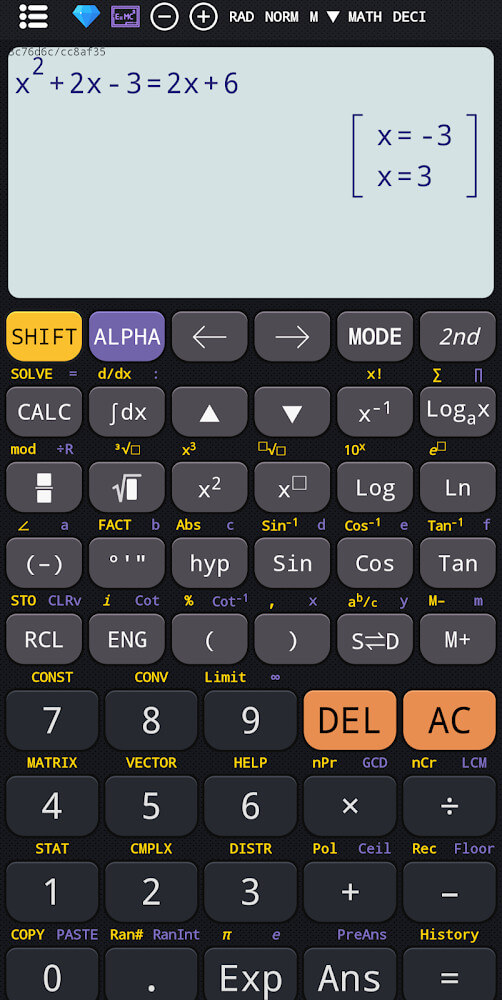
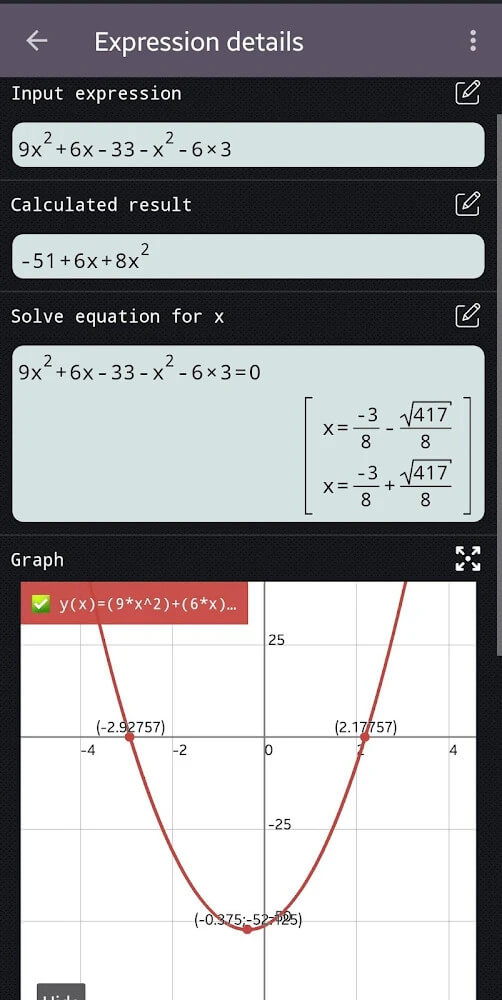
For high school and university students, the app offers the Scientific Calculator 991 Plus. This mode is a major step up from the basic version and is built for advanced mathematics. It provides tools for approximation and solving differential equations, and it makes working with complex numbers much easier. These features are especially useful when tackling the demanding problems found in higher-level math and science courses, such as calculus, physics, and engineering.
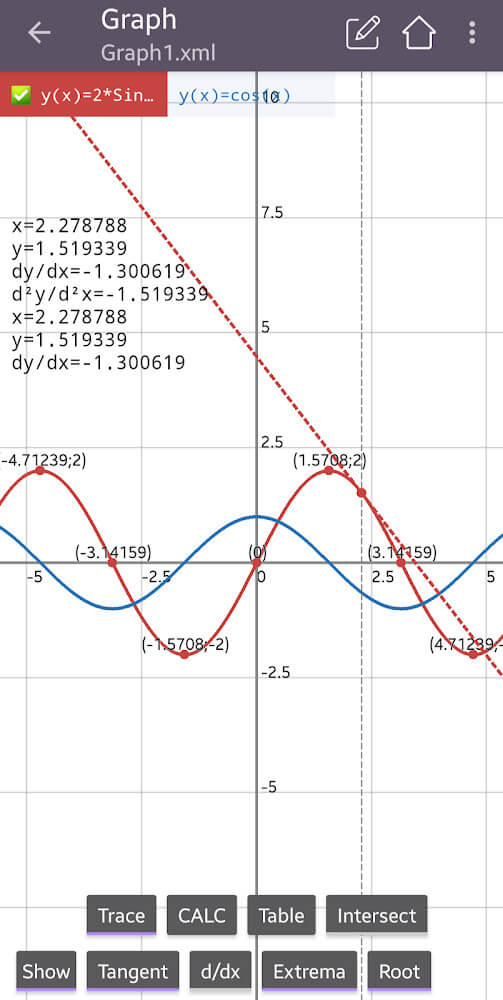
The app goes beyond traditional scientific calculations with a dedicated Graphing Calculator 84 Plus. This feature lets you plot graphs and find minimum and maximum values on them. It also helps you understand how a function behaves and read its values directly from the graph. It's an excellent tool for studying how functions relate to their variables, and it's especially helpful in topics like trigonometry, geometry, and other subjects involving a wide range of functions.
This app is much more than a calculator. It includes a reference library of mathematical and physical formulas, from simple ones to more complicated equations, so students can quickly look up a formula they're stuck on. It also features a powerful unit conversion tool that makes it easy to convert measurements between large and small scales, or between any two units of the same type. While the app is very convenient, many calculations still depend on your mobile device's internal hardware. The interface is designed to mirror a traditional pocket calculator, making it a handy companion throughout your studies.
Key Features
- Basic 300 Plus calculator for exponentiation and logarithmic roots
- Scientific Calculator 991 Plus for solving equations and working with complex numbers
- Graphing Calculator 84 Plus for plotting tangents and origins
- Display of minimum and maximum values on graphs
- Comprehensive math formula library, from basic to advanced
- Physical formula reference section
- Unit conversion tool for a variety of measurement scales
- Account synchronization across multiple devices
- Education level settings for customized solutions
- Adjustable font options for the user interface
Similar MOD APKs You Might Like
- Duolingo
- Simply Draw: Learn to Draw
- Busuu: Learn Languages
- Stellarium Plus – Star Map
FAQ
Does Scientific calculator plus advanced 991 calc MOD APK come with Premium unlocked?
This 7.9.2.130 version of Scientific calculator plus advanced 991 calc includes Premium features already unlocked. It works much like the Tools for student release, and every feature is available right after installation.
Which version of Scientific calculator plus advanced 991 calc MOD APK is the newest?
Build 7.9.2.130 is the current release, the same as the Tools for student version published on March 16, 2026. We don't host older builds. To update, install the new file over the existing one; if you run into a signature conflict, remove the previous version first.
Is the Scientific calculator plus advanced 991 calc MOD APK safe to install?
This Scientific calculator plus advanced 991 calc MOD APK 7.9.2.130 available on GameMod.dev is the Tools for student app with Premium Unlocked. It has received a 3.2 out of 5 rating from 83 users. Root access is not needed. Play Protect may show a warning, so always download the file from this page.
Can I run Scientific calculator plus advanced 991 calc MOD APK on a PC or iPhone?
This Android package won't run on iPhone or iPad. To use the 25M APK on Windows or macOS, install an emulator such as BlueStacks or LDPlayer, then drag the file into the program.
How to install
- Download the APK file above to your phone.
- Allow “Install unknown apps” when prompted.
- Open the downloaded APK and tap Install.
- If the package includes OBB/XAPK data, follow the bundled instructions.
MOD APKs are modified builds, so Play Protect may show a warning. Install only if you trust the file; use at your own risk.