

MOD features
Premium
Screenshots

Description
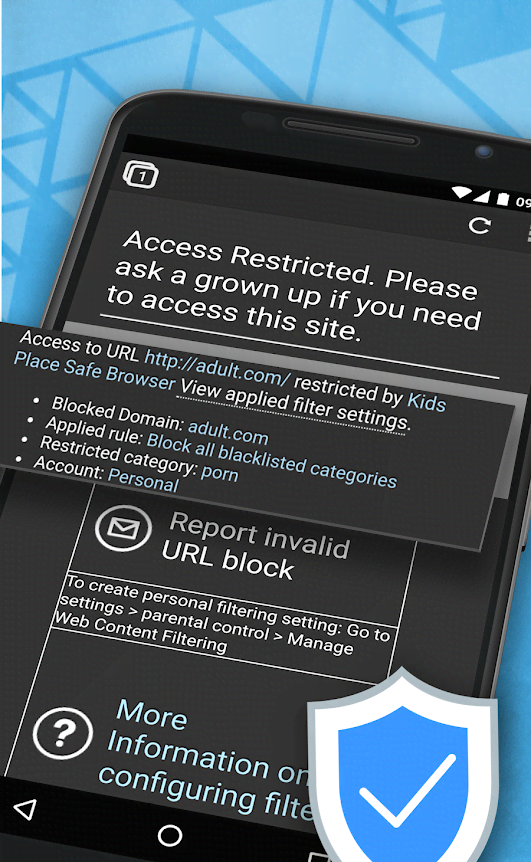
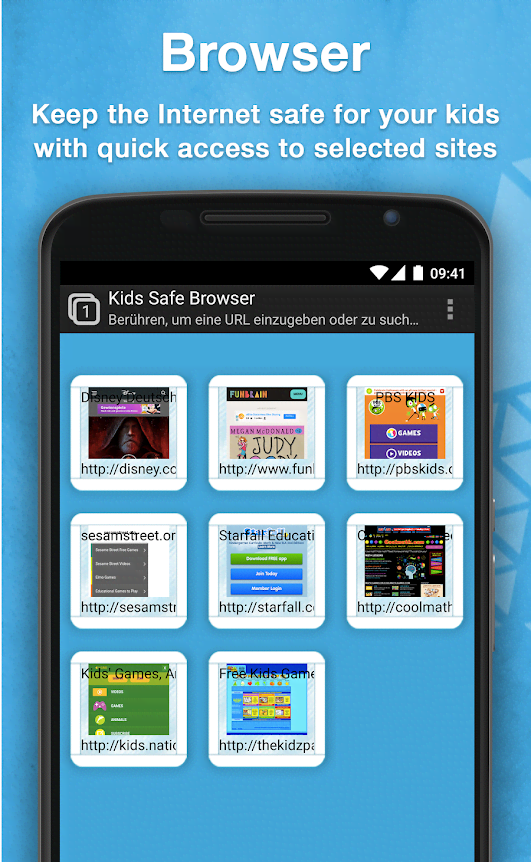
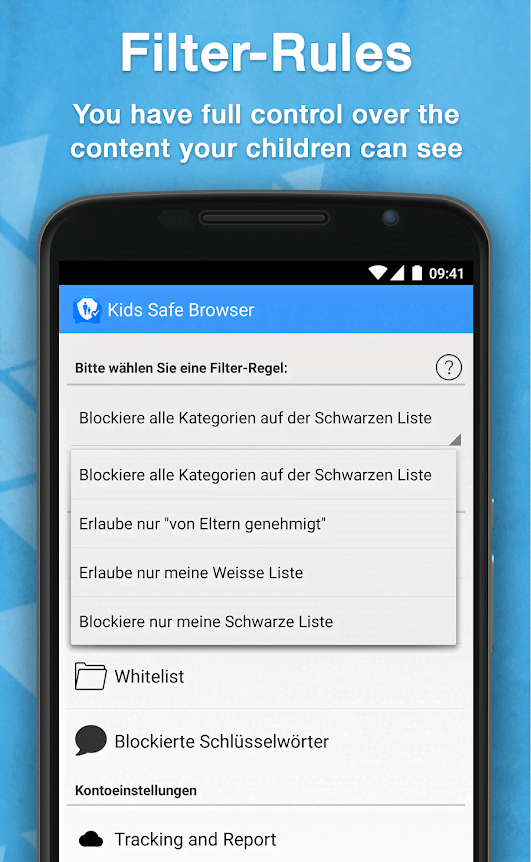
Safe Browser Parental Control - A browser in which parents can easily set restrictions on visiting and accessing various content for their children. Filter settings are made in a few movements and checkbox settings. You can specify exact website addresses or highlight specific categories that should not come into the view of immature minds. The blacklist can be edited remotely, allowing you to manage the capabilities of this program at any time. And the presence of a password will protect overly curious children from encounters with forbidden and inappropriate content.
How to install
- Download the APK file above to your phone.
- Allow “Install unknown apps” when prompted.
- Open the downloaded APK and tap Install.
- If the package includes OBB/XAPK data, follow the bundled instructions.
MOD APKs are modified builds, so Play Protect may show a warning. Install only if you trust the file; use at your own risk.