
Screenshots


Description
Root MasterThe latest application update allows it to work even after the touchscreen is turned off, and also gives the program the ability to change the IP address when connecting to the Internet. Many users have already highly appreciated such an application, because with its help they were able to expand the capabilities of their device.
Installation and Usage
To use the features of the "Root Master" program, you need to download and install it on your device.
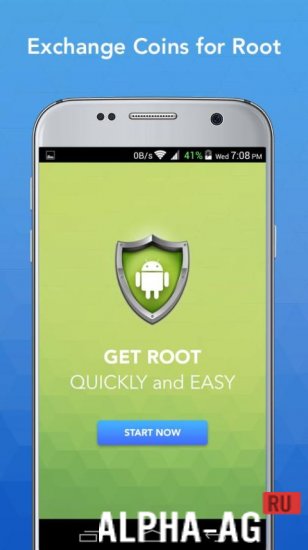
A corresponding icon will appear on the user's touchscreen, which they need to tap to launch the application.After downloading the application and installing all necessary updates, a "Start" button will appear for the user, which they need to click.
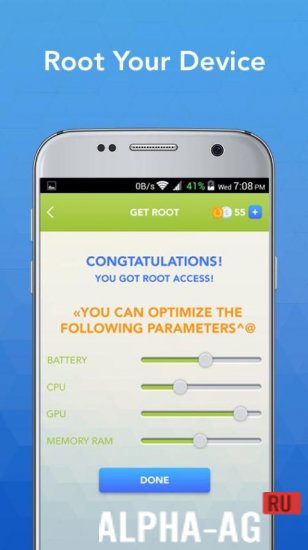
After clicking it, you need to wait for the rooting process to complete, and a special notification will appear on the touchscreen to indicate the completion of this operation.The superuser rights that the "Root Master" program opens up for the owner of a smartphone or tablet on the Android platform allow the user to gain full access to the device's system files.
This will allow you to delete even standard applications, as well as remove ads from applications or hide the control panel and navigation menu.
23 27 May Additional information:- Required Android Version: 2.3 or higher
- Russian localization: available
- Cache installation: not required
Subscribe to our YouTube channel!
Add a commentHow to install
- Download the APK file above to your phone.
- Allow “Install unknown apps” when prompted.
- Open the downloaded APK and tap Install.
- If the package includes OBB/XAPK data, follow the bundled instructions.
MOD APKs are modified builds, so Play Protect may show a warning. Install only if you trust the file; use at your own risk.