

Screenshots
Description
Room Planner Mod APK – Decorate and furnish your home with the best floor plan creator and home styling software.
Room Planner is an app that helps you design a room with a complete range of furniture and achieve a look that works in real life. You can choose from a large number of products to use however you like. At the same time, every user can draw inspiration from the app's features and ideas shared by others. From there, you can easily export your designs.
CREATE ROOMS WITH FULL FURNITURE
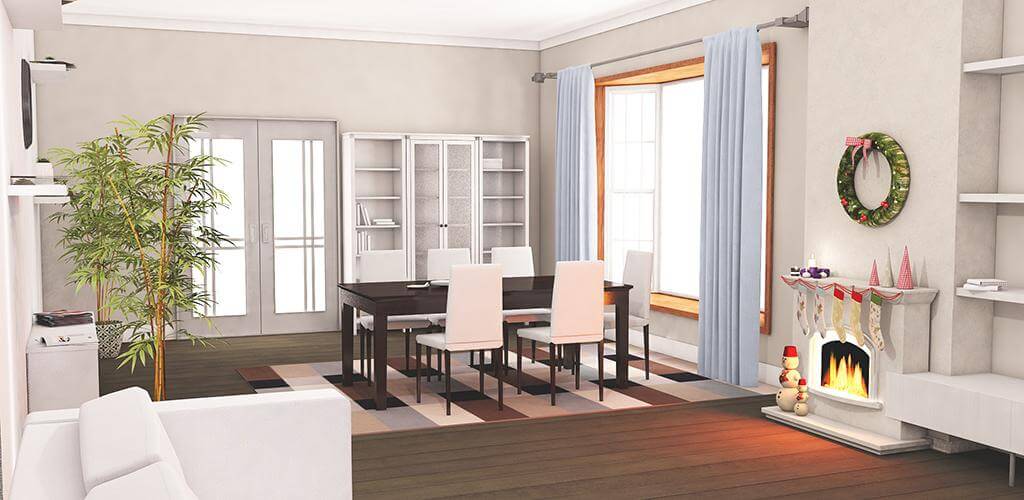
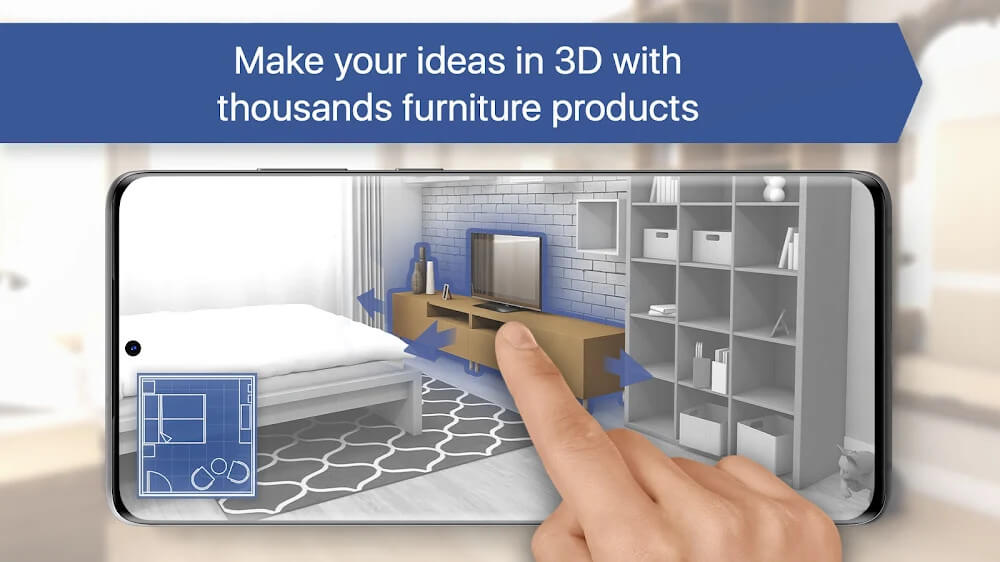
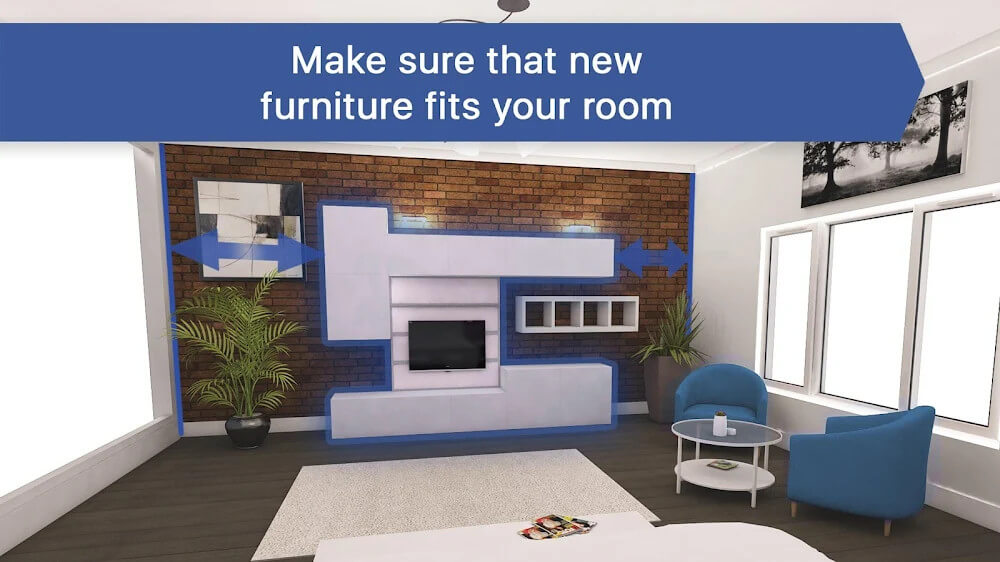
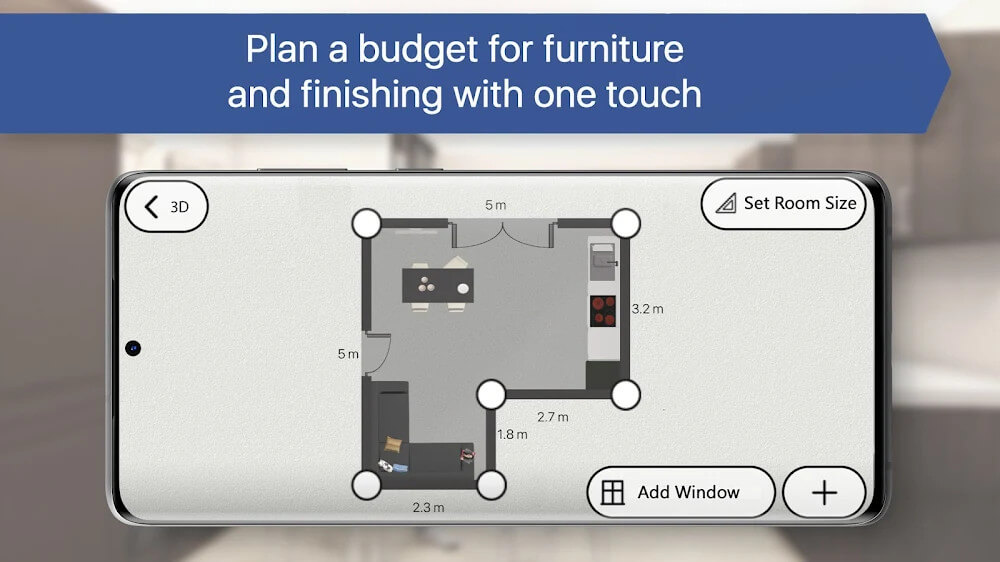
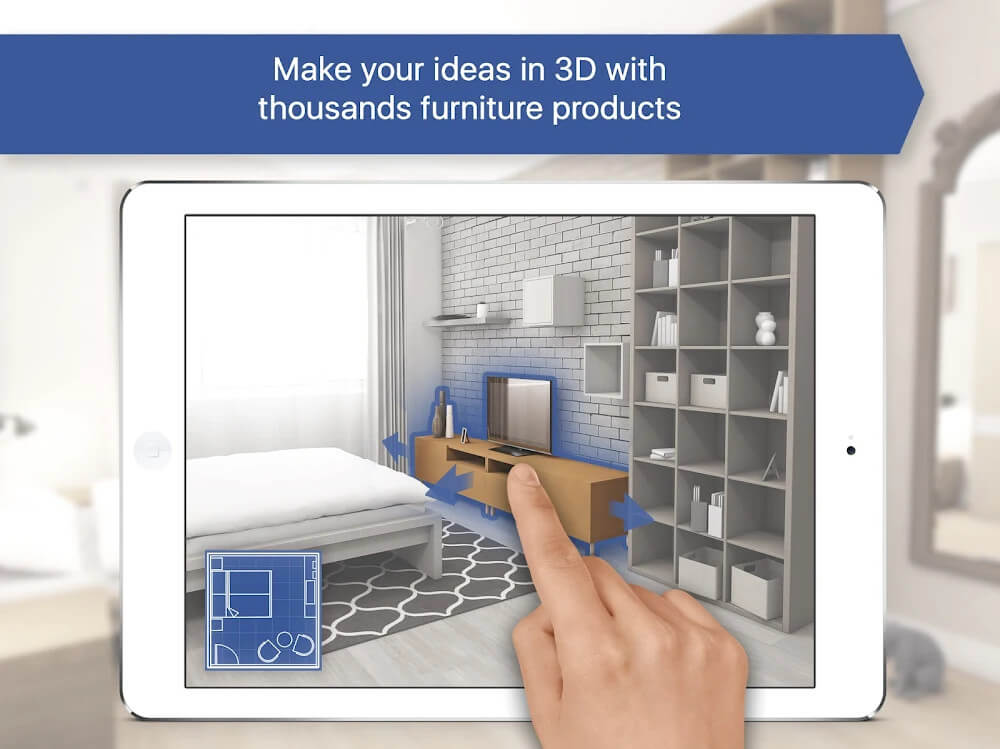
If you want to decorate a room with a variety of furniture, Room Planner is a great tool you shouldn't overlook. In particular, you can design different rooms yourself with high precision in either 2D or 3D views. You will also find a wide selection of furniture to decorate the space and consider buying those pieces in real life. That way, you can completely renovate the room if you wish.
DESIGN THE ROOM IN 2D OR 3D
When you start using Room Planner, you'll see an interface with its first tab, My Rooms, which holds different types of rooms you can freely renovate. Pick any room you like and begin making adjustments or adding new items. You can change the shape and size of these rooms and place new products in any position you choose. You can then review your design in 3D to check how well the room comes together.
ADD DIFFERENT PRODUCTS FOR EACH ROOM
An interesting feature is the list of many different furniture pieces Room Planner offers. They are sorted by category, and within each category you'll find a range of options to choose from. Selecting the right items can take time, but mixing different types of products often sparks new ideas. And if you aren't especially creative, you can still build your room without much trouble.
GET IDEAS FROM OTHERS
When you select the room you want to edit from My Rooms, Room Planner gives you two options: start with a blank white room or browse an existing idea. The first option opens your room in a 2D view so you can start editing right away. The second option takes you to a collection of ideas suggested by the app, and you can pick the one you like best as a foundation for your own changes.
EXPORT PRODUCTS INTO HIGH-QUALITY IMAGES
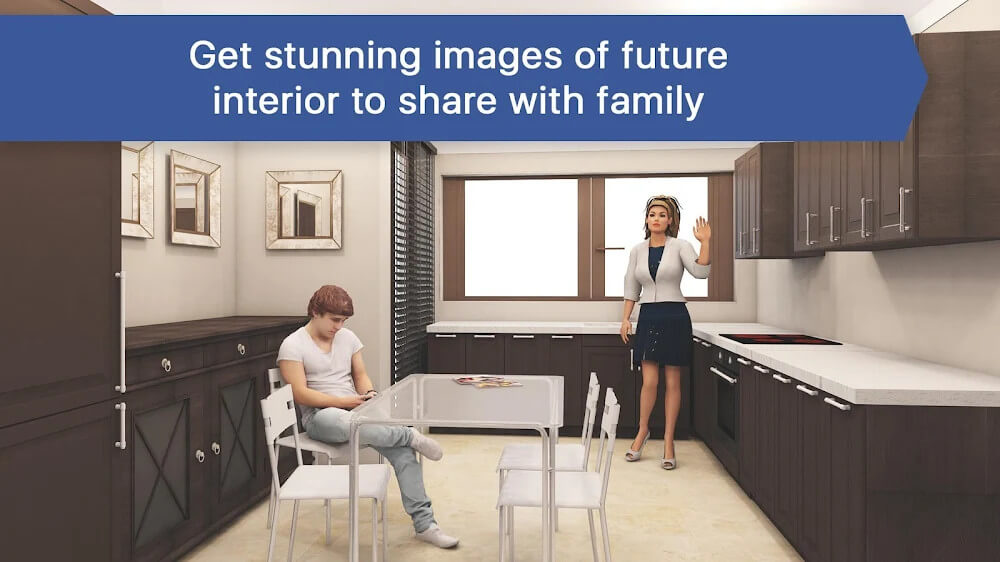
Once you've spent some time adding furniture and reviewing your room, you can share it with others if you wish. The app lets you export your designs as HD images that anyone can easily view. You can also give your plan to the people who will build the room for you so they understand exactly what to do. This makes collaboration much more convenient.
UNLIMITED RESOURCE USAGE
One impressive aspect of this app is that you can use resources freely and without limits. You get access to 5,000 pieces of furniture and can explore any idea that catches your eye. You also don't have to worry about your internet connection, since the app runs smoothly both online and offline. That means you can plan your room wherever you happen to be.
KEY FEATURES
- Visualize your dream home to get a clearer sense of how it will look in real life.
- Decorate your home with furniture from well-known brands – change everything in the scene, from the wall color to the furniture layout.
- Sharing your home design ideas with your partner, roommate, or contractor is as easy as playing a game.
- Start with one of the proven layouts from industry professionals, or design everything from scratch.
- Swap furniture and decorations, add new pieces from popular brands, view your home from every angle, take realistic photos, and watch your vision come to life.
- Unlock extra features such as ready-made designs, a full furniture catalog (5,000 pieces), unlimited rooms to build, and realistic HD renderings.
How to install
- Download the APK file above to your phone.
- Allow “Install unknown apps” when prompted.
- Open the downloaded APK and tap Install.
- If the package includes OBB/XAPK data, follow the bundled instructions.
MOD APKs are modified builds, so Play Protect may show a warning. Install only if you trust the file; use at your own risk.