

Screenshots
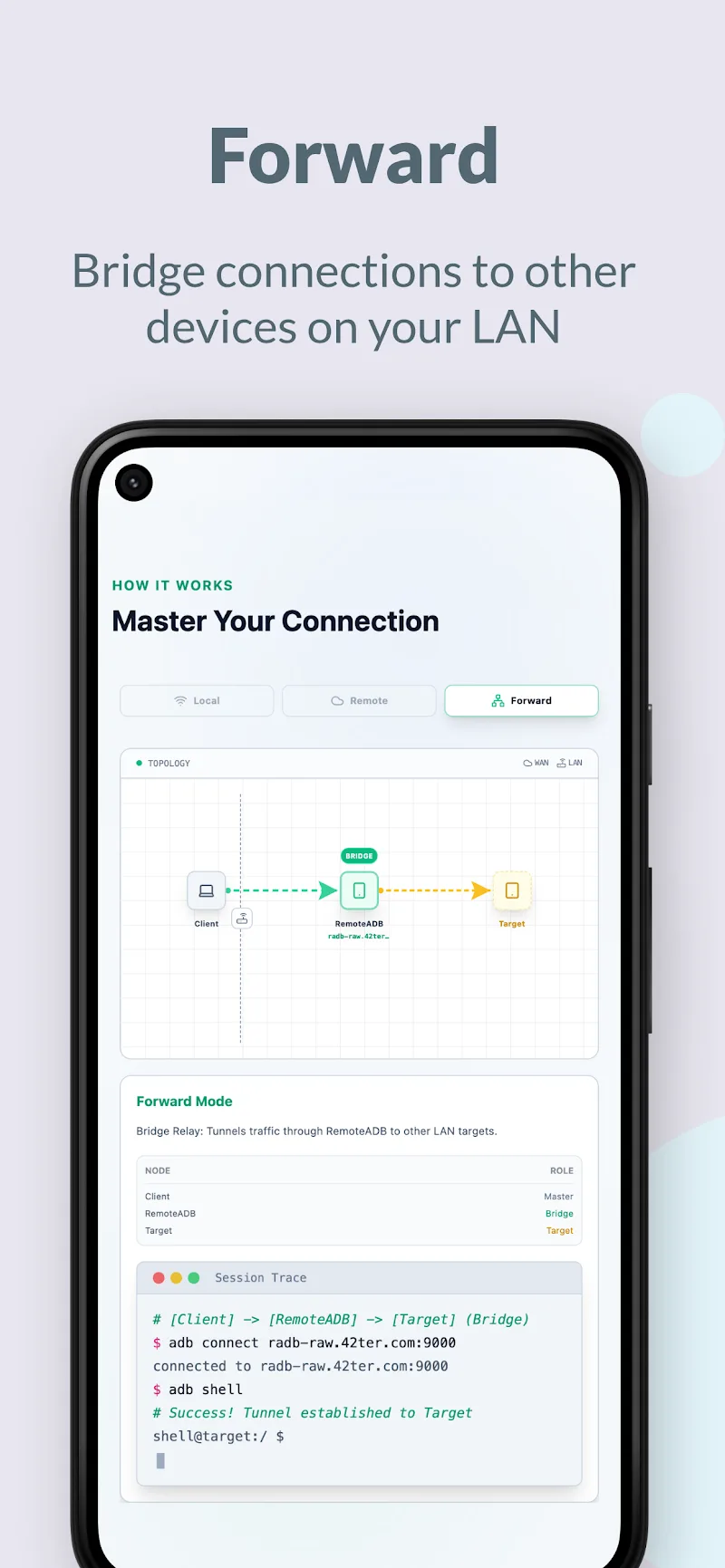
Description
Modern Android developers and technicians constantly require versatile wireless debugging tools to streamline their workflow. RemoteADB steps in as a practical solution, allowing you to establish ADB connections over the Internet with ease. In essence, the app grants direct wireless access to multiple target devices simultaneously, eliminating the need to physically handle the hardware. You can effortlessly manage Android systems from afar and pair the connection with popular utilities like scrcpy. With a clutter-free, ad-free UI, users get an uninterrupted, distraction-free environment for testing and troubleshooting.
Robust Remote Connectivity and Local Debugging
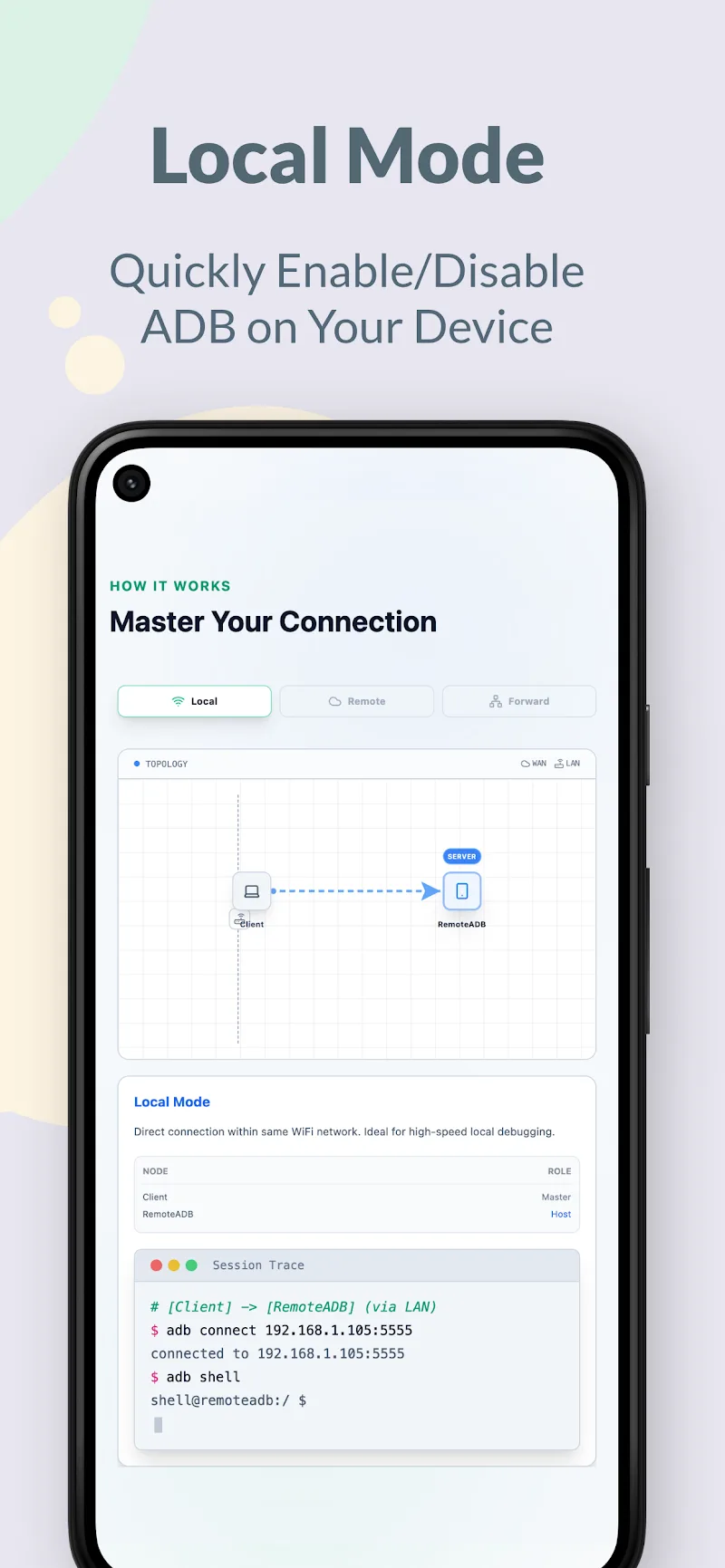
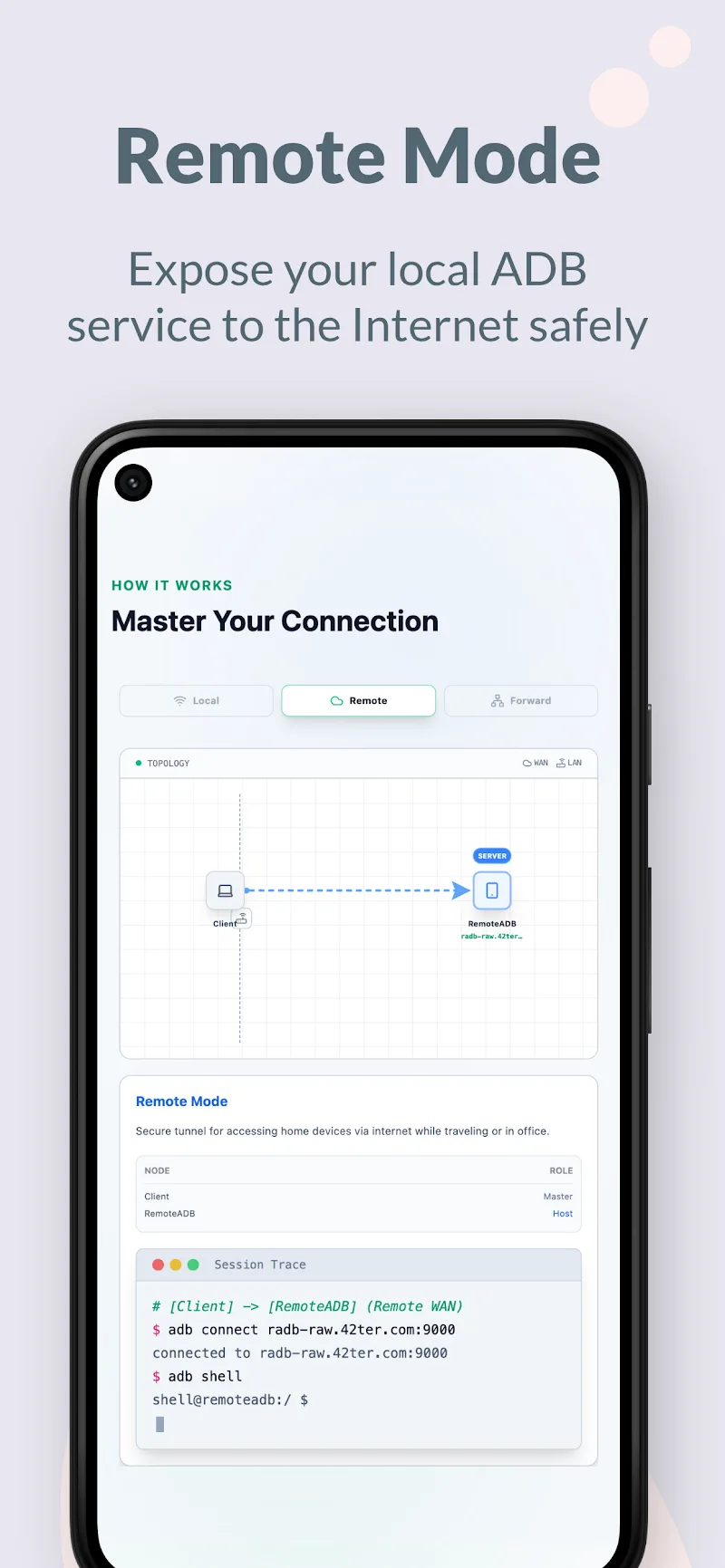
Debug across any distance and keep full control over your Android fleet wherever you are. On rooted local hardware, you can instantly toggle ADB over Wi-Fi to achieve optimal data transfer speeds. Additionally, RemoteADB bridges ADB connections across completely different subnets and network environments over the web. Supporting a wide range of OS versions from Android 5 through Android 16, it keeps virtually any Android device ready for remote sessions.
- Broad support: Android 5 through 16
- Internet connection: Wireless remote debugging
- Local service: Instant Wi-Fi setup
Root-Free Workflows via Smart Port Forwarding
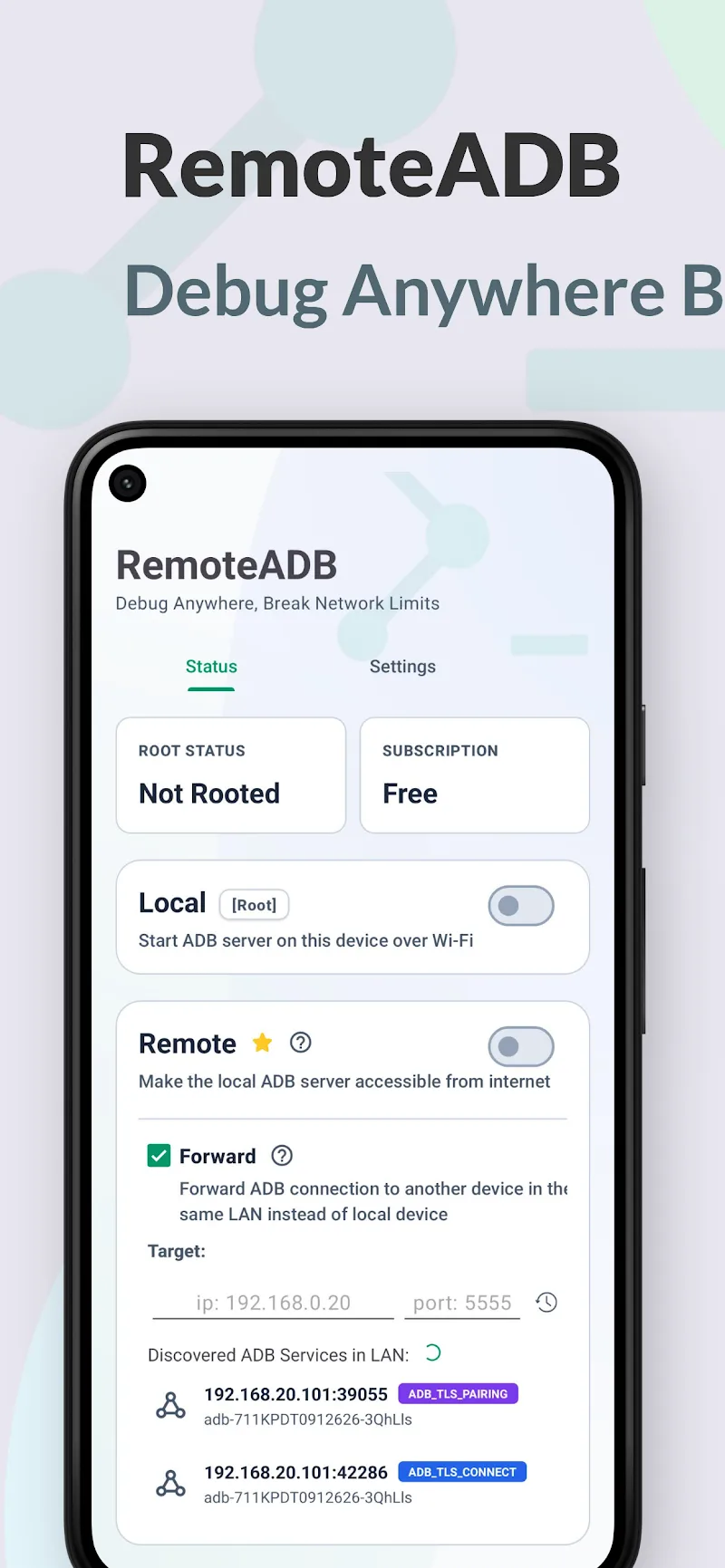
Take advantage of relay forwarding to interact with target devices without needing root access. Simply enter the target IP address along with the correct port number to build an encrypted bridge directly over the Internet. This approach drastically simplifies app testing and diagnostics for tech enthusiasts and pros alike. Everything is monitored and managed through a polished, streamlined workspace designed for productivity.
- IP forwarding: Root access not required
- Clean interface: No Ads
- scrcpy support: Boosted productivity
How to install
- Download the APK file above to your phone.
- Allow “Install unknown apps” when prompted.
- Open the downloaded APK and tap Install.
- If the package includes OBB/XAPK data, follow the bundled instructions.
MOD APKs are modified builds, so Play Protect may show a warning. Install only if you trust the file; use at your own risk.