

MOD features
• On MIUI or OneUI (possibly), Lucky Patcher patches may not work because of firmware-specific features, but it's worth trying. • ROOT is required to install the Lucky Patcher Android patches "Signature verification is always correct" and "Disable APK integrity check." • Required: install the Magisk module (SafetyNetFix link) from kdrag0n and Displax. • Not AOSP: Gspace will not work either. The program cannot be unlinked from GMS. • Unlocked PRO (no Dreambooth, no Retake, no Video). • Secret menu enabled (three or four fingers). • Ads removed. • Compressed graphics (mdpi). • Onboarding, TOS, Dreambooth flow, Retake flow, and the red web button disabled. • Analytics disabled (Crashlytics, Firebase, Facebook). • Unnecessary files removed. • Languages: ru, en, cn, hk, tw. If you get an "Oh! error" after five photos, hold three fingers anywhere on the screen and select "Delete user" in the menu. Release by: CXVUSER
Method 2 (if the mod won't install or crashes): Installation on non-standard firmware such as MIUI or OneUI (requires Lucky Patcher and root). Step-by-step installation: 1. Install the original app from Google Play. 2. Download the mod. 3. In Lucky Patcher, select "Rebuild and install." 4. In the file manager window that opens, specify the path to the downloaded mod. 5. Tap it and select "Integrate dalvik code into already installed application." 6. Wait for the process to finish.
Screenshots
Description
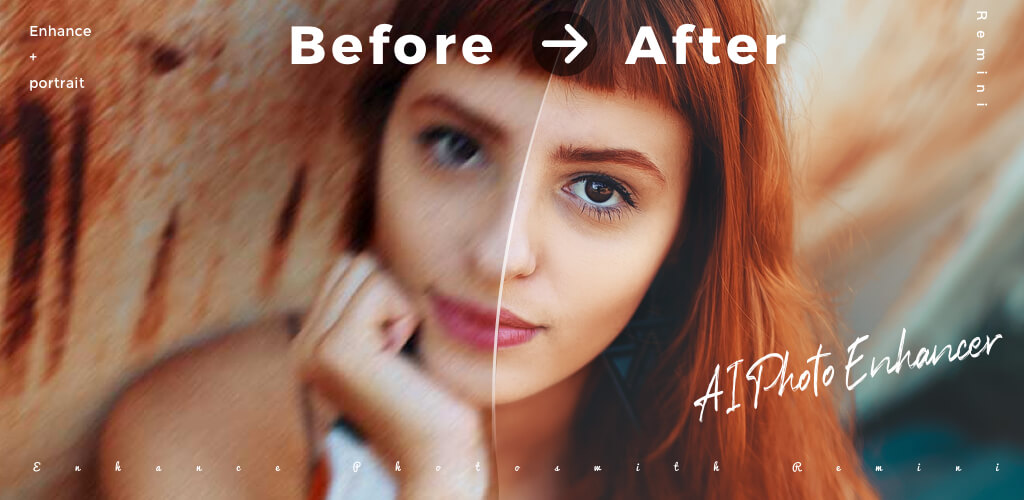
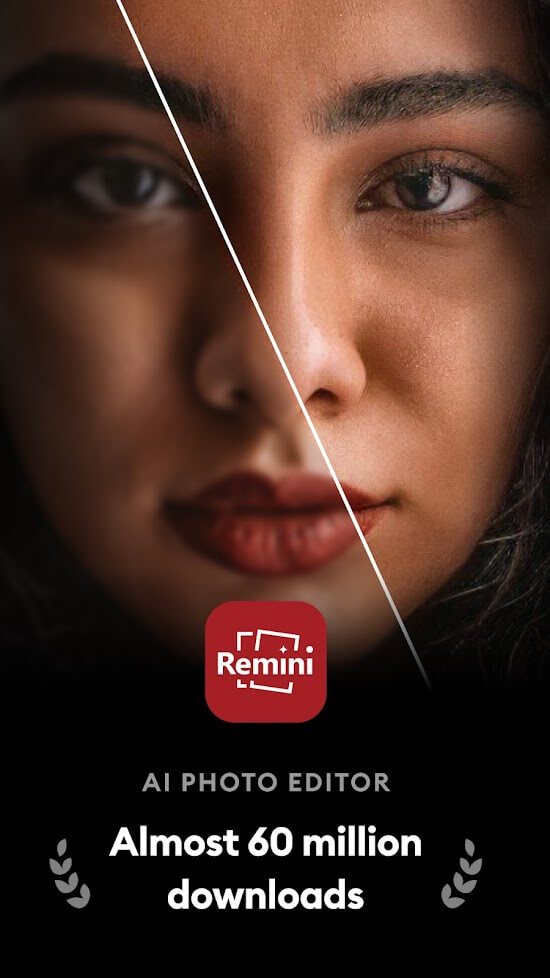
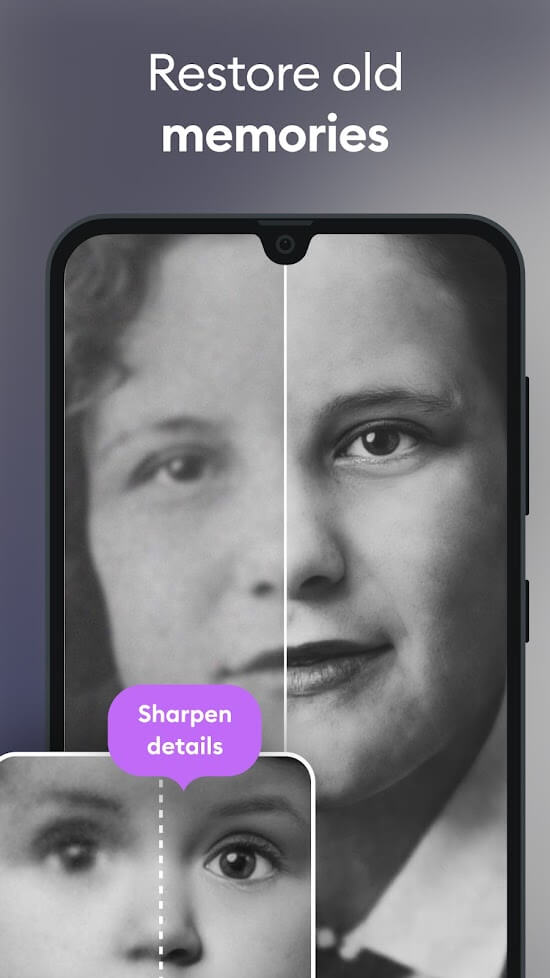
Remini Mod APK is an AI photo enhancer that lets you edit and sharpen your pictures, making it a handy tool for turning old, faded photos into crisp, clear new ones.
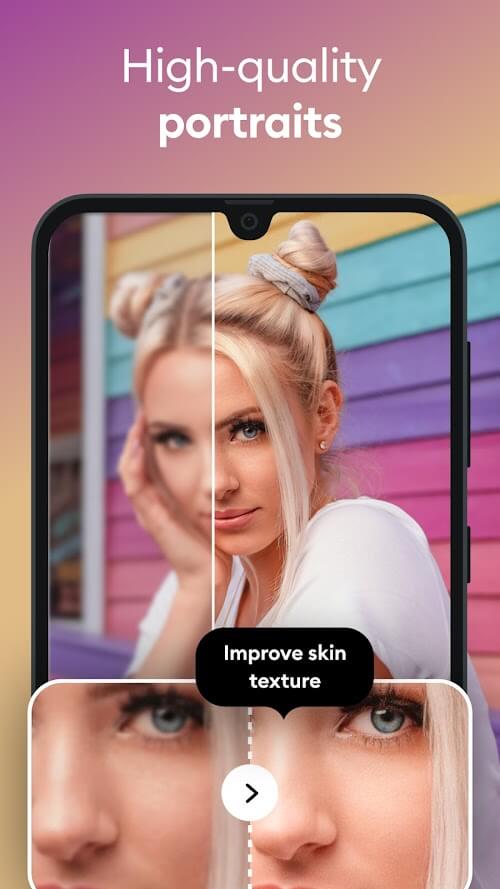
Remini – AI Photo Enhancer is a standout app for anyone who wants to boost the quality of their favorite photos and videos, and it's a must-have for younger users. Powered by advanced technology, it helps restore old pictures into clear, professional-looking shots, or sharpens already-edited photos to a top-quality finish. With this great tool, you can preserve cherished memories or revive low-quality photos of family and friends.
Remini also offers a web version, so you can upload photos from your computer whenever you like.
RECOVER BLURRED PICTURES
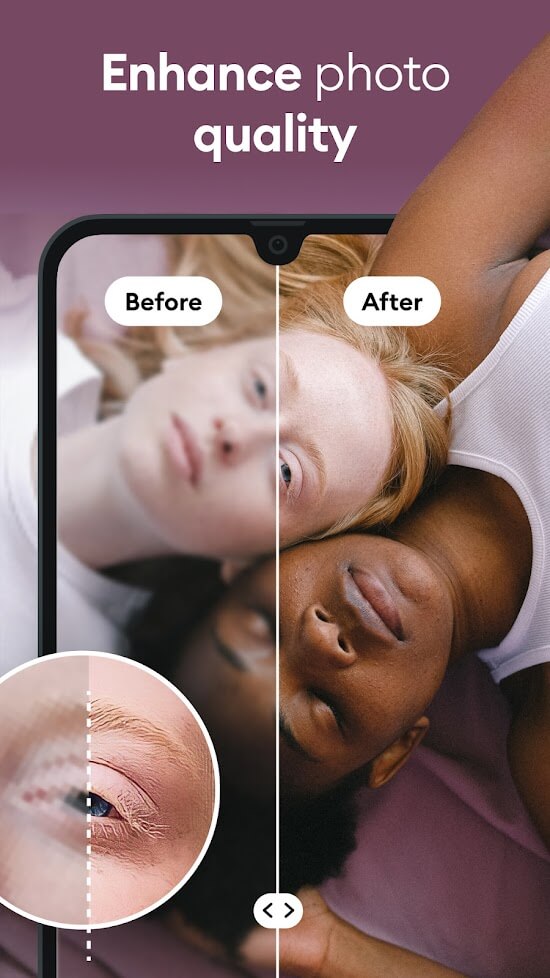
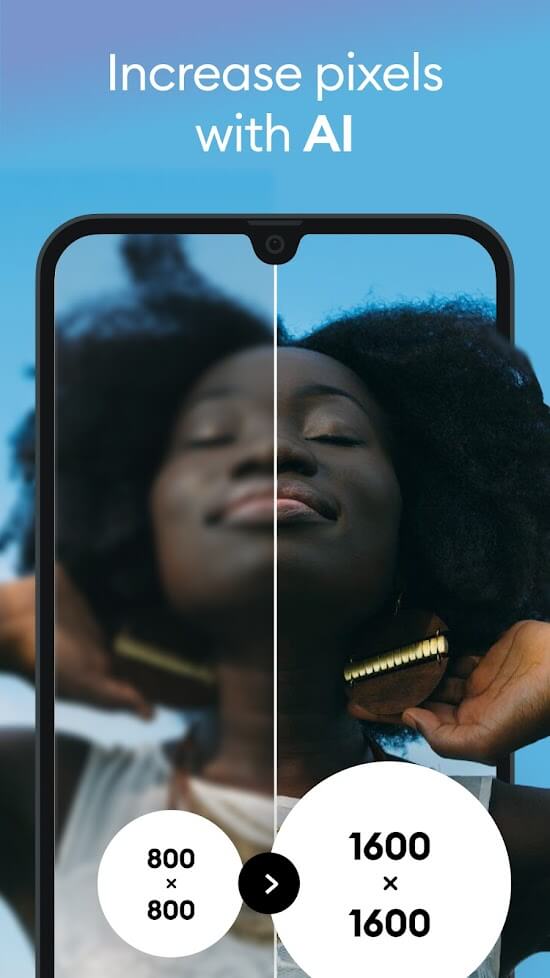
Remini – AI Photo Enhancer uses modern AI technology to transform low-quality, blurry photos into sharper, more polished images. There's no need to work through complicated editing steps; a simple tap is all it takes, and the AI handles the rest.
Once you download the app, sign up for an account and enjoy it completely free. Keep in mind, though, that the free plan lets you edit only the first three photos per day. To keep using the full range of features, you'll need to pay for access. To sharpen an image, tap Enhance, select your picture, and wait for the restoration to finish. Don't exit the app during processing, or you'll have to start over. Restoration speed varies depending on the quality of your original image.
RECOVER OLD VIDEOS & PHOTOS
Beyond restoring old photos, Remini also lets you recover old videos. Selecting a video works much like selecting a photo, though the recovery process takes noticeably longer. You can preview the restored video before saving it to your device. The app also offers a distinctive photo-editing feature with manual controls for contrast, brightness, and sharpness.
UPGRADE TO PRO ACCOUNT
The free account comes with limited features, so upgrading to Pro is the way to unlock the app's exclusive tools and get the most out of it. To use advanced photo editing and restoration options, you'll pay a monthly or yearly subscription fee for the license. With a Pro account, you can create exceptionally sharp, realistic photos.
AUTOMATICALLY SAVE PHOTOS AND VIDEOS TO EDIT HISTORY
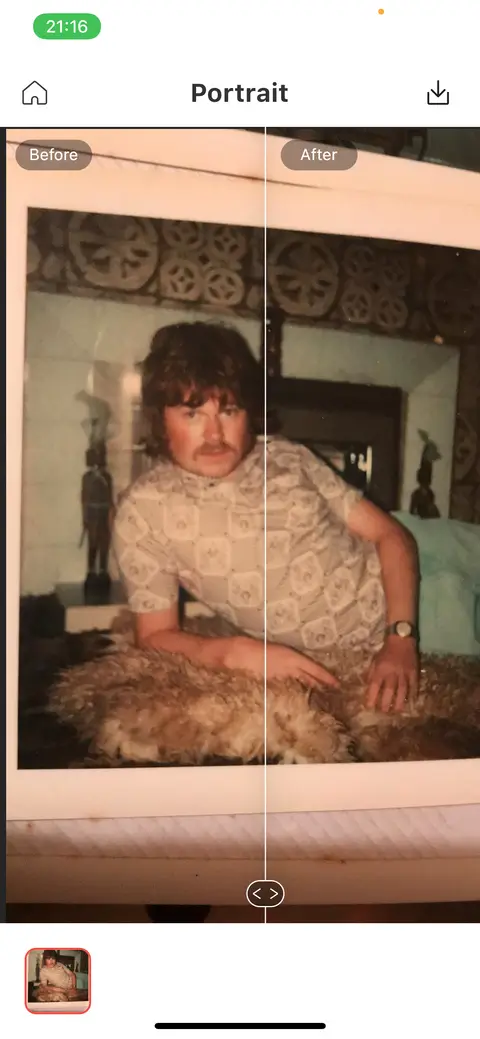
Once you've restored or edited a photo or video, Remini automatically saves it to your device and stores it in the History section. Thanks to this handy feature, you won't have to worry about accidentally losing edited pictures from your collection. After editing, you can also compare the original and enhanced photos side by side in the app. Simply touch and swipe left or right to view the images or zoom in on fine details. The developer designed this feature to make the difference between the two photos easy to see at a glance.
USER-FRIENDLY INTERFACE
Remini's interface is simple and clean, with English as the display language, so users can quickly find their way around. Clearly organized storage and editing tools, paired with a harmonious color scheme, deliver a smooth experience. You can even take a selfie directly within the app and edit it for a polished, satisfying result. In just a few seconds, you can end up with a professional-looking photo, even without Photoshop skills.
Remini's Operation
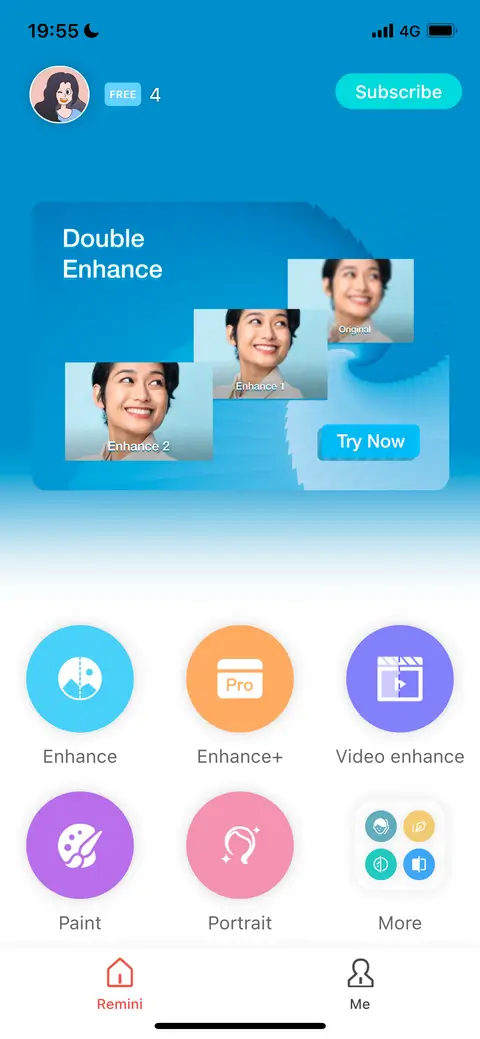
When you first open the app, you'll land on the home screen, which offers several options. Enhance, Paint, and Portrait are free to use, while Enhance+ and Video Enhance are reserved for members. The app is also available on Android, though only the Enhance and Enhance+ features are included there.
Enhance sharpens low-resolution or out-of-focus photos. Paint transforms your shot into a painting-style rendition. Portrait mode uses AI to improve the faces in your image, producing striking portrait shots. Tapping More reveals additional features, including Colorize, which automatically adds color to black-and-white photos.
KEY FEATURES
- Transform old photos and videos into new ones with maximum clarity.
- Keep your edited photos organized in the History section.
- Upgrade to a Pro account to access its exclusive features.
- A user-friendly, easy-to-navigate interface with English display.
- Take a selfie right within the app and edit it for the most satisfying result.
How to install
- Download the APK file above to your phone.
- Allow “Install unknown apps” when prompted.
- Open the downloaded APK and tap Install.
- If the package includes OBB/XAPK data, follow the bundled instructions.
MOD APKs are modified builds, so Play Protect may show a warning. Install only if you trust the file; use at your own risk.