
Screenshots
Description
ShieldAppsSize
10 MBVersion
2.2.0Requirements
7.1Get it on
Mod Info
Premium Unlocked Report this app
Images
Description
Ransomware Defender is a security and protection application that provides the Android user peace of mind while leading an active online life. Ransomware Defender has been developed for all home users regardless of their tech savviness, to protect against any known or unique Ransomware threats.
Ransomware Defender offers 24/7 active protection to smartphone users. The ease of use and simplicity of the application will provide a safer digital experience even for technically novice users. The application’s ransomware detection engine proactively scans and monitors the mobile device. Any app or file-induced malicious behavior will be blocked immediately. Ransomware Defender traps the malicious code instantly, denying any access from or to the detected ransomware.
The application is easy to use and provides full protection against known Ransomware such as Locky, Petya and others, as well as protection against new Ransomware types. The advanced engines that scan and monitor the device are on the watch for behavioral patterns. Thus, giving the Ransomware Defender an advantage to recognize and stop Ransomware scripts from executing malicious acts.
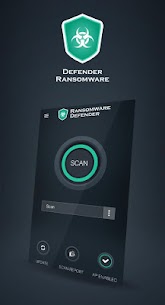
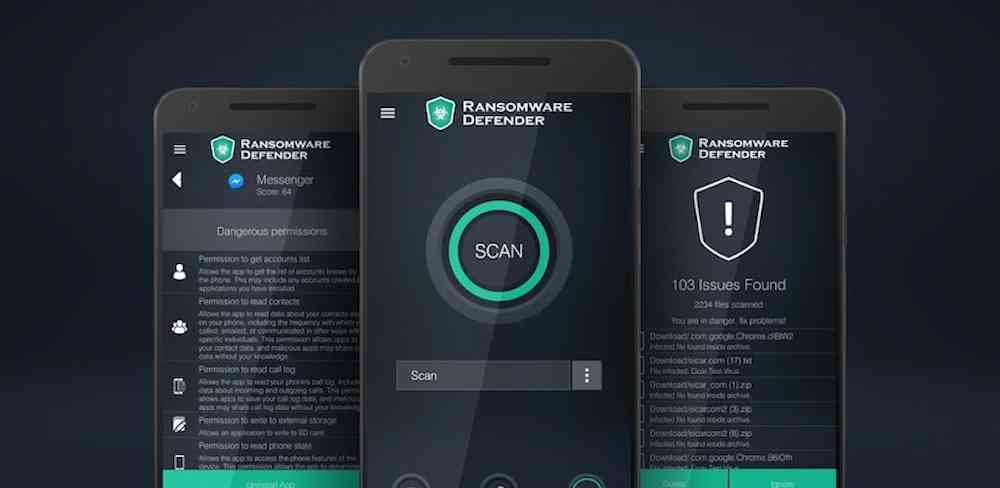
The user can initiate a proactive scan for Ransomware with a single click. This is where the simplicity of design gives the user full control, without wasting time on confusing settings. Even the beginner user can manipulate and control what goes on their device with ease. The automated part of the software will monitor the device constantly, but the user can chose to initiate an on-demand scan.
Ransomware Defender Features :
No Lag -The application itself is lightweight and will not affect the devices’ performance.
Ransomware Protection – The application provides full protection against any unique or known ransomware families.
Real-Time Protection – The application monitors the device 24/7, proactively stopping infection attempts.
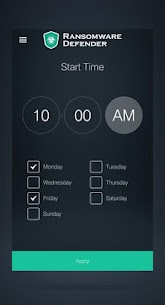
Scheduled Scan – User can choose a custom time and date to initiate a full scan of the device.
Automatic Updates – The application will update automatically. The user can check if the app is running the latest version by clicking on the menu button.
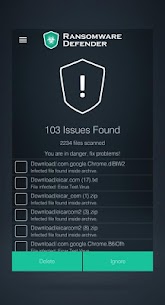
Detailed Reports – After each scan Ransomware Defender will provide the user with a full report on the device’s health.
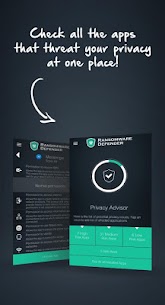
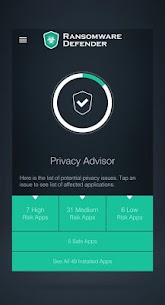
Privacy Advisor – Gives the user a full control over each app installed on the device. It monitors the permissions of the apps as well as any suspicious behavior.
Related apps
AdGuard 4.16.0 ADGUARD SOFTWARE LIMITED 56.82 MB Premium Unlocked Full Battery Charge Alarm 1.0.368 Syrupy 5.84 MB Premium Unlocked 1DM+ 20.0 Vicky Bonick 176.91 MB Full Version Video Converter, Compressor 20.16.0 Inverse.AI 60.07 MB Premium Unlocked txtpad — Notepad & TXT Editor 3.5.1-premium My Cat's Lab 17.20 MB Premium UnlockedHow to install
- Download the APK file above to your phone.
- Allow “Install unknown apps” when prompted.
- Open the downloaded APK and tap Install.
- If the package includes OBB/XAPK data, follow the bundled instructions.
MOD APKs are modified builds, so Play Protect may show a warning. Install only if you trust the file; use at your own risk.