
MOD features
Install it using SAI (Split APKs Installer). Once you finish the tutorial, you can collect a generous amount of diamonds by completing your first QUESTS rewards.
Screenshots
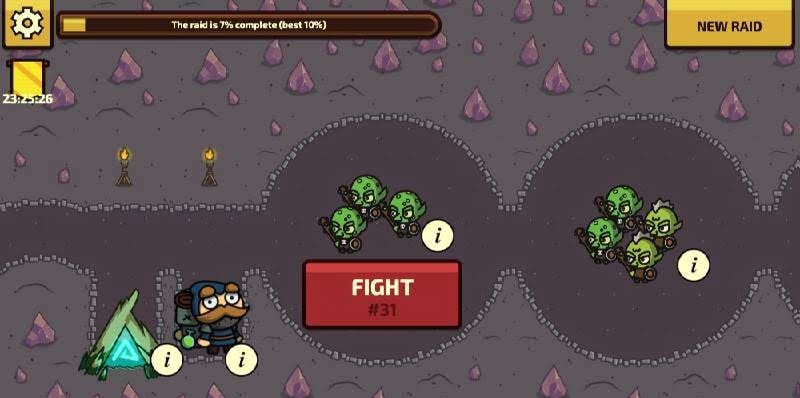
Description
Raid Heroes: Total War is a charming role-playing strategy game where you defend your lands against the Dark Lord's forces. He has once again marched his army to the edge of the good kingdoms, and heroes must rally together to stop him. This time, defending is only half the job, since you can also launch counterattacks. Remember that the enemy should never be allowed to claim your territory. Focus on expanding your castle, recruiting more soldiers, and sharpening their skills, because this will matter a lot once you step into the PvP battles.
Raid Heroes: Total War is a delightfully hand-drawn strategy game featuring adorable heroes and a PvP mode, where you gather your warriors and hold the castle walls.
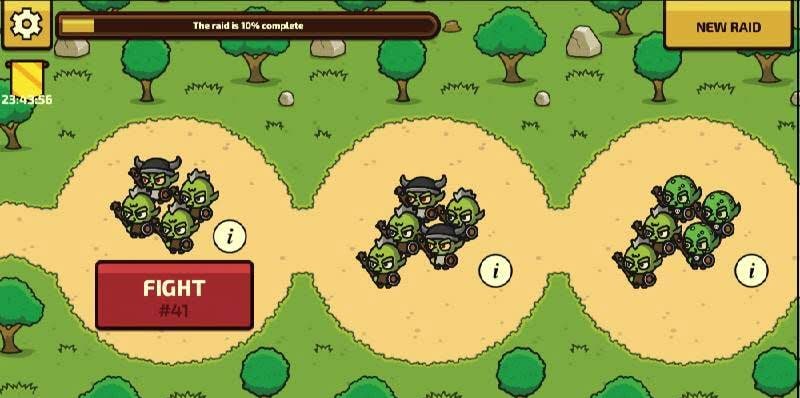
A magical kingdom is under threat, and the Dark Lord is determined to seize the king's lands by any means necessary. Gather the finest hero squad the realm has to offer and mount a fierce defense against his army of goblins, orcs, dark wizards, and other creatures of darkness. Along the way, explore the world and upgrade rare artifacts, conquer new territories, develop your characters and castle, raid other players' lands, and compete in PvP matches.
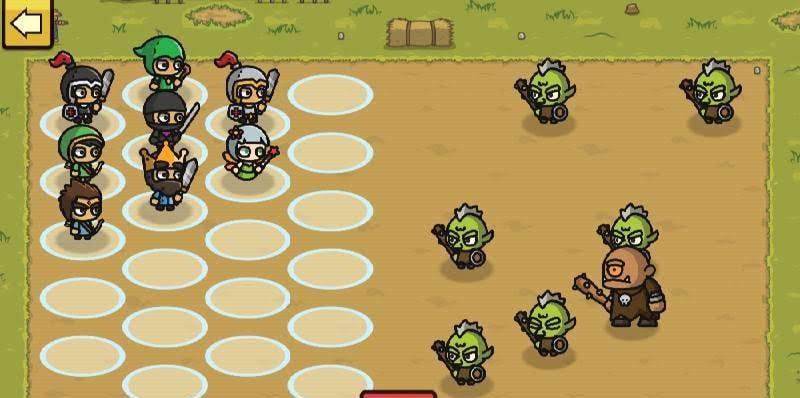
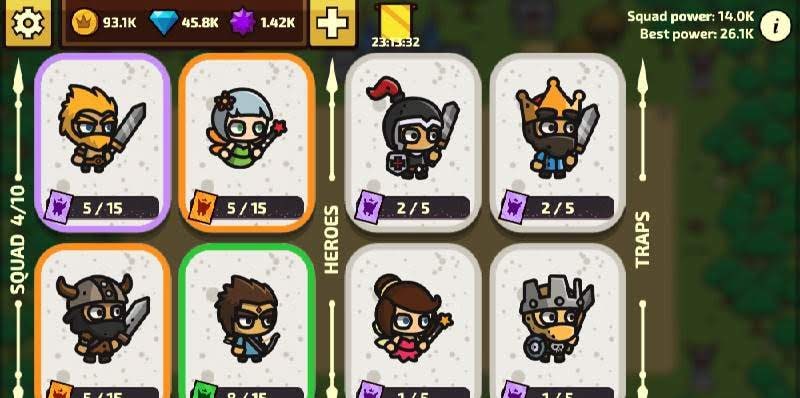
Gameplay revolves around turn-based strategy. Before each clash, you position your characters on the battlefield, then watch the action play out. Collect hero cards to recruit new characters and level them up. Your characters' levels determine how far you can advance. Every hero has unique attributes and abilities that can be trained and improved.
Keep in mind that where you place heroes on the battlefield can change the outcome of a fight. For instance, archers, mages, and healers work best toward the back of your formation, while strong heroes and attackers belong at the front. Victories earn you medals, gold, and new hero cards.
How to install
- Download the APK file above to your phone.
- Allow “Install unknown apps” when prompted.
- Open the downloaded APK and tap Install.
- If the package includes OBB/XAPK data, follow the bundled instructions.
MOD APKs are modified builds, so Play Protect may show a warning. Install only if you trust the file; use at your own risk.