

Screenshots


Description
QuickShortcutMakerCreate your own icons for any apps using preset styles or your own images from the gallery. The app does not require root permissions.
Characteristics
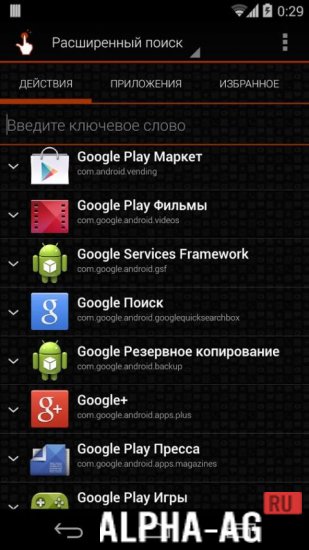
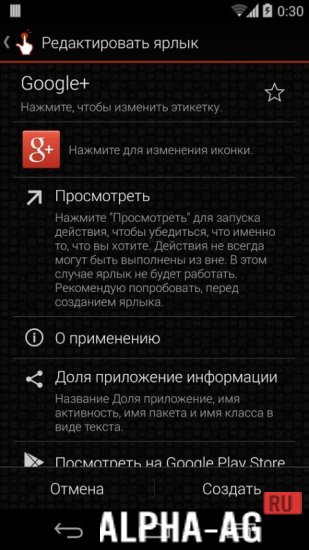
QuickShortcutMaker allows you to create your own shortcuts for any apps – system, third-party, and even internal processes in settings.
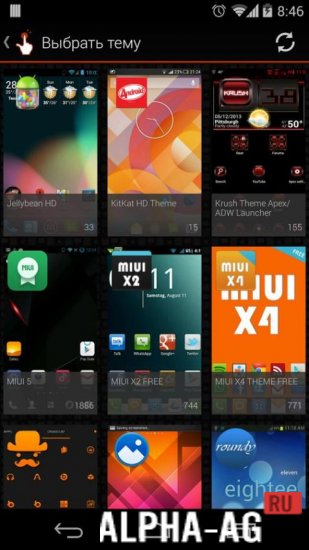
You will be able to change the icon style using the built-in editor.You can add various elements to existing icons (for example, dress up a calculator or put a hat on a camera) or use images from the gallery on your mobile device.
The ability to install third-party icon packs from popular launchers is also available.
Another feature of the program is the ability to change shortcuts even for internal processes that are initially inaccessible to the user. For example, you can set icons for 2G, 3G, and 4G network toggles.Features
- Ability to create shortcuts for any apps – third-party, system, and even internal processes.
- Ability to set any style – use available icons, install third-party packs, or apply images from the gallery.
- No root permissions required.
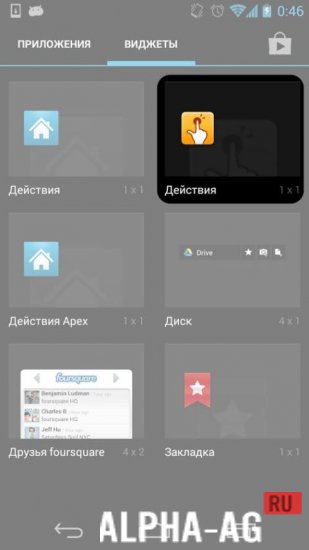
- User-friendly interface – creating and modifying shortcuts directly within the app.
The developers warn that the app may not work on all third-party skins, but performs excellently on stock Android.
Below you can download the QuickShortcutMaker app for Android for free.
0 Jan 21 Additional information:- Android version required: 1.6 or later
- Age restrictions: 3+
- Russian localization: present
- Cache installation: not required
Subscribe to our YouTube channel!
Add a commentHow to install
- Download the APK file above to your phone.
- Allow “Install unknown apps” when prompted.
- Open the downloaded APK and tap Install.
- If the package includes OBB/XAPK data, follow the bundled instructions.
MOD APKs are modified builds, so Play Protect may show a warning. Install only if you trust the file; use at your own risk.