

MOD features
Full Version
Screenshots
Description
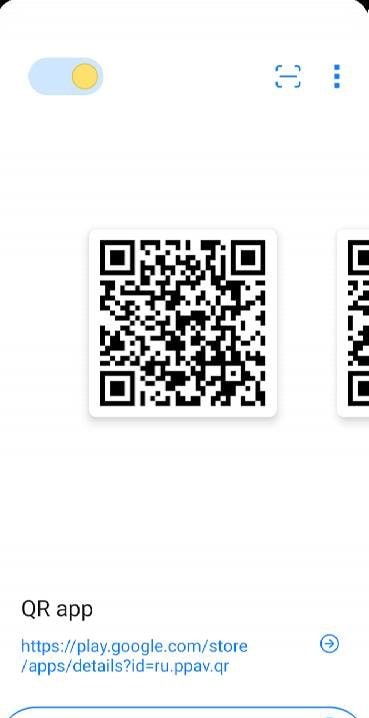
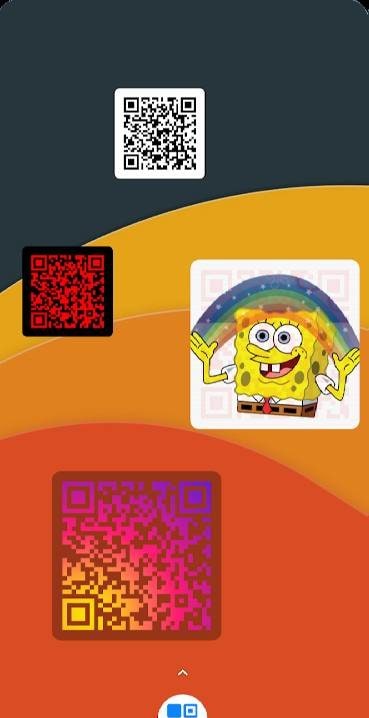
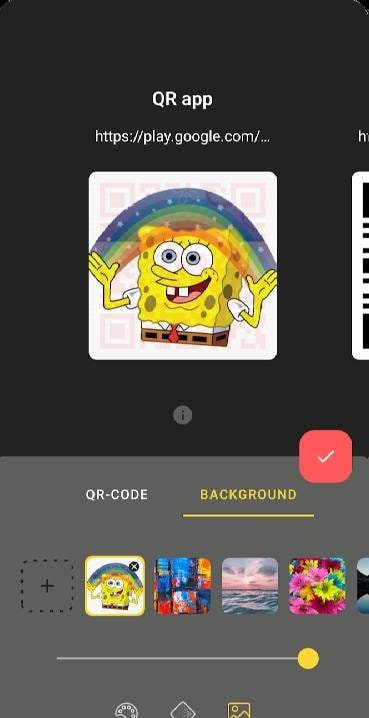
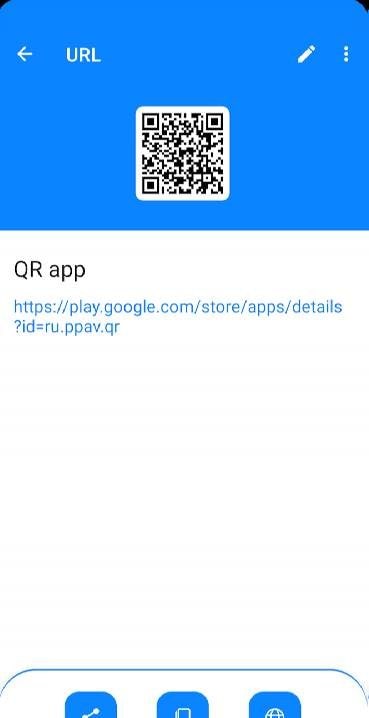
QR-code widget and scanner is a uniquely practical and versatile tool designed for effortless QR code handling. Beyond standard scanning capabilities, this app lets you place custom QR codes directly onto your home screen as handy widgets. This allows you to instantly display your codes to scanners whenever needed—an invaluable feature for anyone who relies on QR technology daily. With intuitive controls, visual customization, and organized database saving, it provides an outstanding solution for users seeking everyday convenience.
QR-code widget and scanner is a handy Android utility combining a reliable QR code reader with quick-access desktop widgets. If you regularly scan codes or frequently need to show your own passes and tickets, this app will be an indispensable addition to your device.
Easily scan QR codes via your device's camera or decode images directly from your photo gallery with consistently fast, accurate results. The highlight of the app is its customizable home screen widget that keeps your most-used QR code always within reach. With the premium edition, you can set custom images for your widgets and save an unlimited number of QR codes without restrictions.
The interface remains clean and distraction-free, offering just a few core buttons, your saved library, the scanner tool, and an instant switch between light and dark modes. It is remarkably straightforward to use and completely ad-free, making it far superior to conventional scanner apps thanks to multiple detection options and rapid widget access.
How to install
- Download the APK file above to your phone.
- Allow “Install unknown apps” when prompted.
- Open the downloaded APK and tap Install.
- If the package includes OBB/XAPK data, follow the bundled instructions.
MOD APKs are modified builds, so Play Protect may show a warning. Install only if you trust the file; use at your own risk.