
Screenshots


Description
Private Browser - Incognito Browser
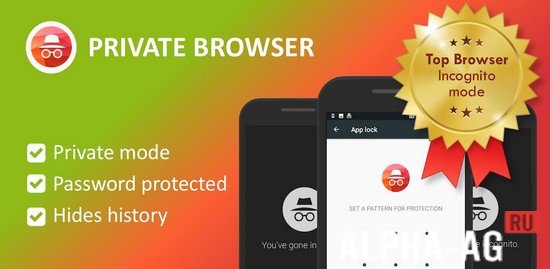
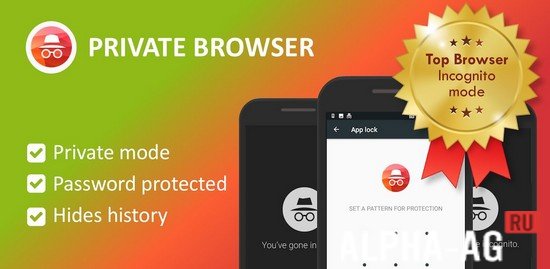
Experience top-tier private browsing that ensures your online security and data privacy remain fully protected while you explore the web.
App Functionality
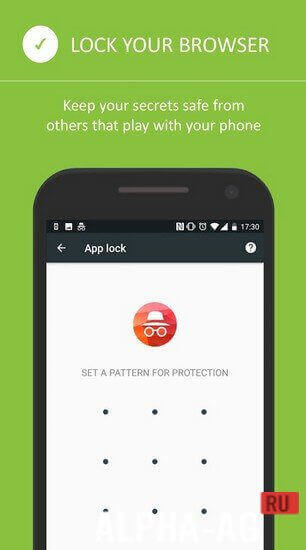
If you frequently share your device with family or children but prefer to keep your browsing habits private, this tool is perfect for you. Upon its initial launch, the app appears as a standard browser, but it includes a clever disguise feature that transforms it into a calculator to keep prying eyes away.
Simply tap the lock icon located in the bottom-right corner, set your password, and confirm it. Your browser will then mask itself as a calculator. To access your private browsing session, just type your PIN into the calculator interface to reveal the functional browser.
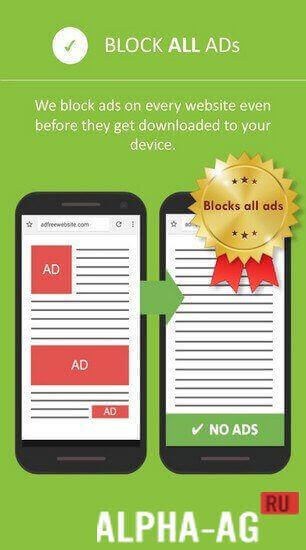
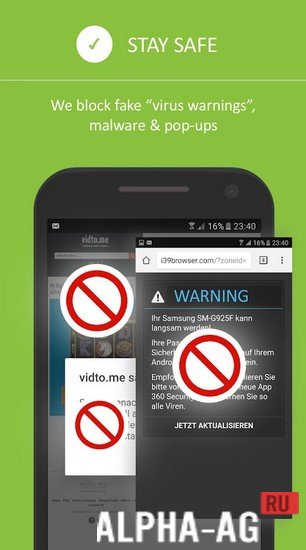
Enjoy your favorite websites with complete peace of mind. The app comes equipped with a built-in Ad-Blocker that removes intrusive advertisements, banners, and pop-ups, ensuring a seamless and distraction-free experience.
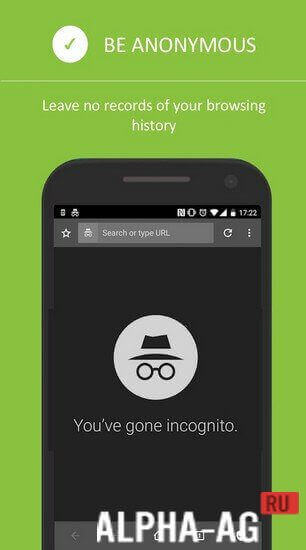
Furthermore, you can utilize the dedicated incognito mode to achieve maximum secrecy and protect your personal information while online.
Your history, cache, and cookies are automatically cleared, leaving no traces behind. Additionally, the browser encrypts all downloaded media, such as images and videos, preventing other apps from accessing or identifying your private files.
Key Features
A powerful private browser featuring a unique calculator disguise to keep your activity hidden. You get all the essential tools required for a smooth and secure web experience.
Browse websites in incognito mode, activate the integrated ad blocker, handle multiple tabs at once, customize your tab settings, and much more. 0 Jun 26 Additional information:
- Requires Android version: 5.0 or later
- Age restrictions: none
- Russian localization: present
- Cache installation: not required
2016123407.1001 Application version Our rating: 9 out of 10 Similar apps: Yi Action Yoosee Says Who is Calling TikTok Our YouTube channel
Subscribe to our YouTube channel!
Add comment
How to install
- Download the APK file above to your phone.
- Allow “Install unknown apps” when prompted.
- Open the downloaded APK and tap Install.
- If the package includes OBB/XAPK data, follow the bundled instructions.
MOD APKs are modified builds, so Play Protect may show a warning. Install only if you trust the file; use at your own risk.