
MOD features
- Premium.
Screenshots

Description
PrimeTV OTT is a full-featured online entertainment app built for anyone who enjoys watching TV, movies, and other videos on Android phones, Android TVs, and TV boxes. Its interface is designed for big screens, and a built-in player lets you stream content directly with a smooth, uninterrupted experience. According to the developer, the app puts streaming quality first, offering a rich content library and multiple resolution options.
PrimeTV OTT supports smooth live streaming
One of the biggest strengths of PrimeTV OTT is how it pairs live TV channels with a large on-demand movie library. The homepage features countless channels across many genres, along with appealing movies and TV shows that are updated regularly. That makes it easy to find content that suits your personal tastes, without being limited to a narrow selection.
The app also works across a wide range of devices. In addition to Android phones, PrimeTV OTT runs very well on Android TVs and TV boxes, so you can move your viewing from a small mobile screen to a large television with ease. Recent updates have brought notable improvements to TV performance and better handling of video playback errors.
Diverse TV channel lineup and entertainment library
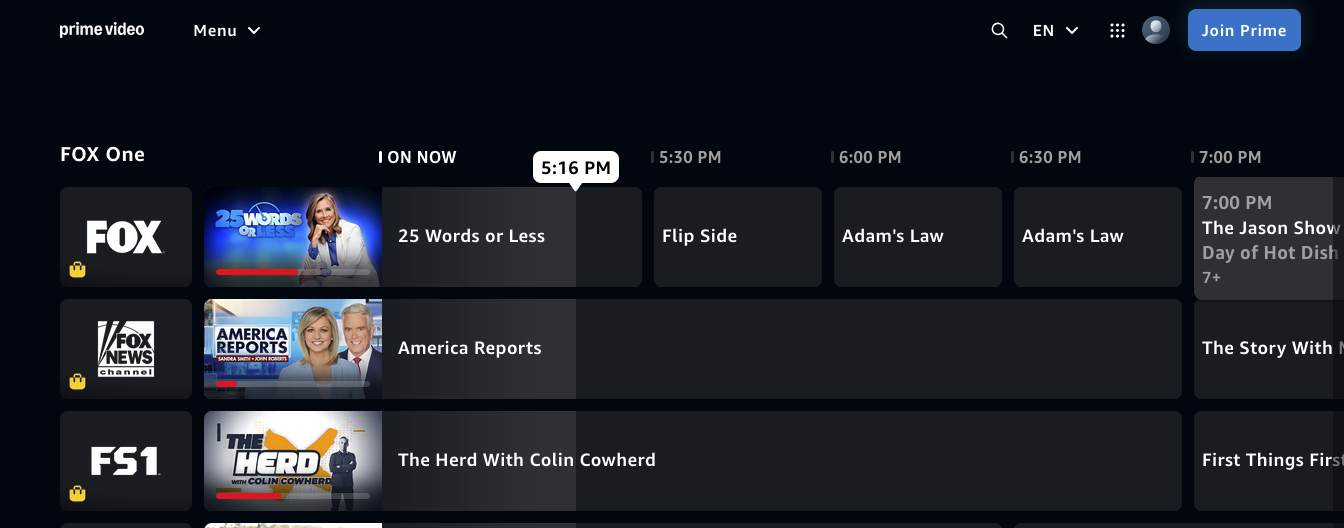
PrimeTV OTT includes a ready-made directory of live TV channels covering entertainment, sports, and popular programs. According to the publisher, the service aims to deliver a stable viewing experience at quality levels ranging from HD and FHD up to 4K, depending on the content and your network connection.
Beyond live television, the platform also offers a large server system for individual movies and series. For example, the recent PrimeTV OTT 2.0.0 release added and upgraded many movie servers and introduced a convenient VOD subtitle feature.
Seamless compatibility from phones to Android TV
A standout advantage of PrimeTV OTT is how smoothly it works on both mobile devices and large screens. On smartphones, you can navigate with the touchscreen, while on Android TV or a TV box the interface is optimized for remote control use, making it very convenient. The app also relies on its built-in player, so you don't need to install any separate video apps.
The development team releases updates regularly to fix crashes, unexpected stops, and connection problems with certain TV channels. This means your actual experience may vary depending on the app version, server quality, and the internet connection you're using.
Tips for getting the most out of PrimeTV OTT
When using PrimeTV OTT, a high-speed Wi-Fi connection is the best choice, especially if you're watching on a TV or want sharp, high-resolution video. If playback lags or freezes, try lowering the resolution or checking your network connection before changing other settings.
On Android TV or a TV box, download the official version from a trusted source and confirm it is compatible with your device. If the app won't open or videos fail to play, update to the latest version, since updates usually fix server and player issues.
You should also make sure that the content you access is distributed legally in your country. An app providing access to certain channels or videos does not guarantee that the content is fully licensed in your region.
Conclusion
PrimeTV OTT is an excellent choice for online TV and entertainment on phones, Android TVs, and TV boxes. With live channels, a large movie library, a built-in player, and multiple resolution options, it offers a flexible entertainment experience. Look for trusted download sources, keep the app updated, and enjoy content in line with the rules in your area.
How to install
- Download the APK file above to your phone.
- Allow “Install unknown apps” when prompted.
- Open the downloaded APK and tap Install.
- If the package includes OBB/XAPK data, follow the bundled instructions.
MOD APKs are modified builds, so Play Protect may show a warning. Install only if you trust the file; use at your own risk.