
Screenshots
Description
POCO Launcher
- Updated June 1, 2021, 12:53
- Version 2.20.1.33
- Build Number 22001033
- Requirements: Android 7.0+
- Genre: Personalization
- Price: Free
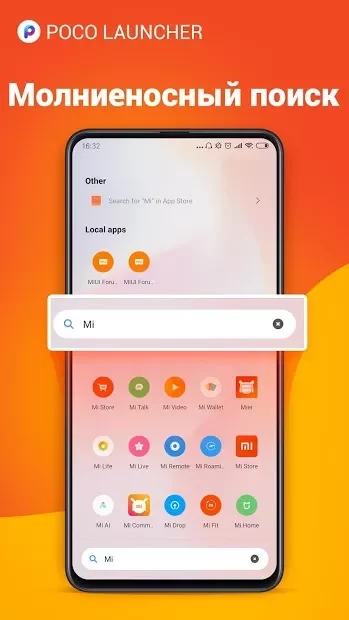
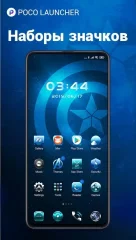
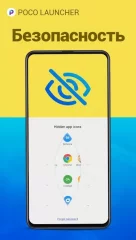
Download APK: POCO Launcher brings the signature home screen experience originally featured on the Xiaomi Pocophone F1. Setting itself apart from standard MIUI skins found across most Xiaomi handsets, it introduces a clean, dedicated app drawer. This lets you declutter your home layout by keeping only your go-to shortcuts visible. At the same time, it preserves the best elements of MIUI, such as custom icon pack integration, password protection for individual applications or folders, and smooth, responsive navigation throughout. Having trouble downloading? Installing Games and Apps Installing Games With Cache How to Take a Screenshot How to Install APKS
How to install
- Download the APK file above to your phone.
- Allow “Install unknown apps” when prompted.
- Open the downloaded APK and tap Install.
- If the package includes OBB/XAPK data, follow the bundled instructions.
MOD APKs are modified builds, so Play Protect may show a warning. Install only if you trust the file; use at your own risk.