
Screenshots


Description
PocketStarSize
4 MBVersion
1.5.12Requirements
4.4Get it on
Report this app
Images
Mod Info
- Paid Features Unlocked
Description
With Pixel Animator MOD APK, you can do more than cool pixel art. Making your spirits move is just like a piece of cake. In the Pixel Animator update, two very powerful pixel art tools are added. Now you can make pixel art, GIF more conveniently. Although these two tools are not free, you can still use them at limited times every day.
Shape tool: You click the tool and choose the shape type. Next touch the screen and the touchpoints will be the vertex of your shape. Currently, the supported shape include circles, rectangles, lines, and triangles.
Transform tool: You click the tool and adjust the select area. After you have finished selecting, click the OK button in the tip window. Then drag the area to move the selection, or drag the corner to scale the area, or drag the corner to rotate the selection. After you have done it, click OK.
Another important change in the new Pixel Animator is the way how you add GIF frames. The frame number will not appear unless the GIF frame is added. The old way is confusing to many newcomers. This time, you can add unlimited frames to a GIF in a full version. In the free version, you can add as many as 15 GIF frames.
Features:
1 Make your pixel art from scratch or based on an existing photo or cartoon.
2 Adjust the next GIF frame picture based on the previous picture which saves you lots of time.
3 Export your animation as a GIF format which is supported by every version of the browser no matter on the PC platform or the mobile platform.
4 Edit an existing GIF file.
5 Share your GIF Pixel Animation with your friends.
Tips:
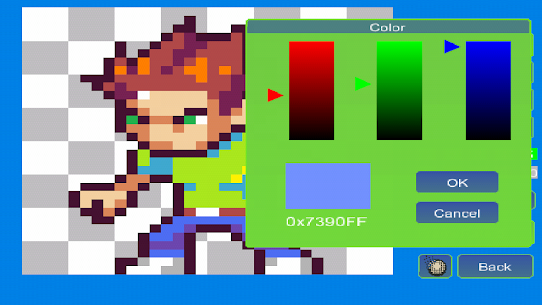
The Paint Bucket is very useful. You can use it to change the color of a line or change the color of a closed area.
Simple tutorial
To make a GIF with Pixel Animator, you should know 2 simple concepts.
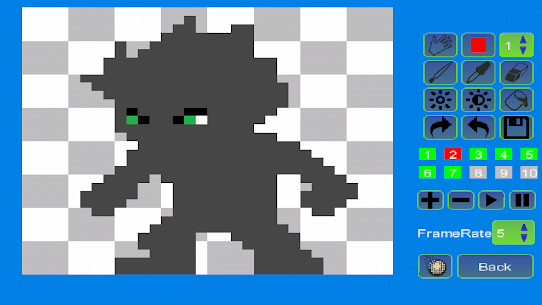
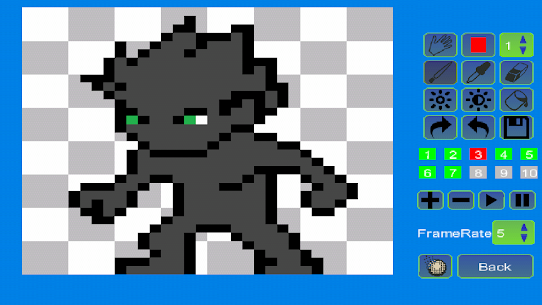
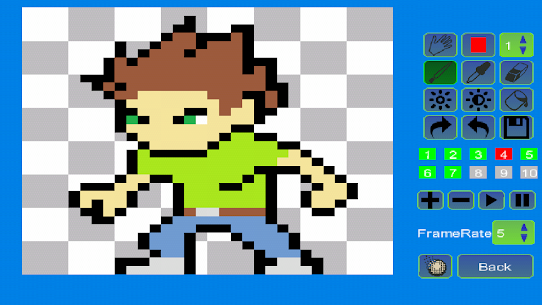
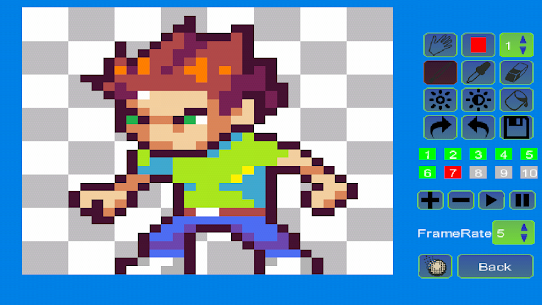
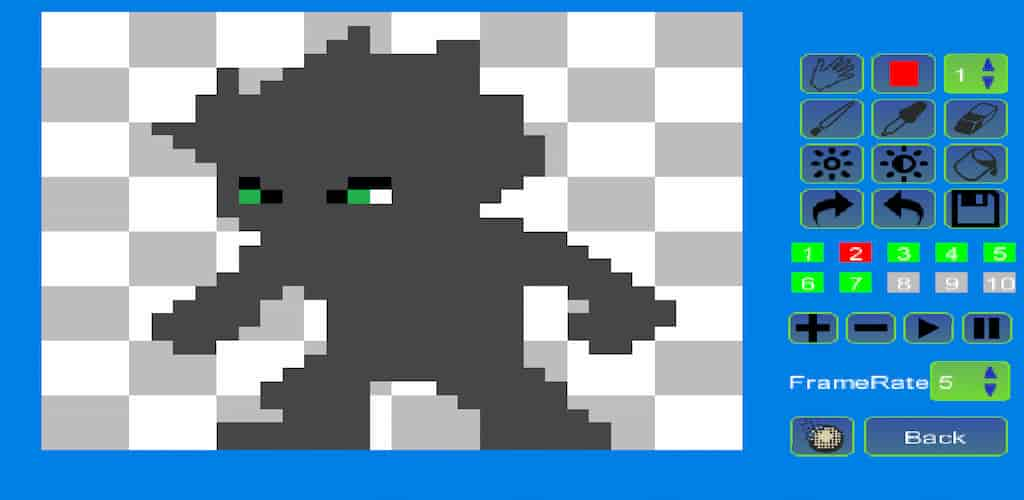
At first, you should know what the current button is, the button that is working. The current button is blinking. The color is changing from normal to red and from red to normal repeatedly. The default current button is a pencil. You can change the current button by clicking the button on the right panel.
The second concept is the GIF frame. A GIF animation is made up of many single images, which is called a frame. If you click the “Add” button, a new frame will be added. If you click the “minus” button, the current frame will be deleted. Pay attention to the color of frame numbers. Red means the frame is added, green means it is the current frame and gray means the frame can be added but not added yet. For the free version of Pixel Animator, you can add as to 10 frames.
Frame rate is the speed of the GIF animation. A large frame rate means quick animation.
Make your original GIF animation fun.
Related apps
Poke Genie 8.19.1 Poke Genie 107.92 MB TikHot 2.3 tikhot.app 6.69 MB No Ads MinuteDrama 7.0.0.5 MicroSingularity 41.36 MB Premium Unlocked Soda Reels 3.7.1 LY Technology 64.76 MB VIP Unlocked YouDrama 1.3.22 Dovi Tools 45.85 MB Premium UnlockedHow to install
- Download the APK file above to your phone.
- Allow “Install unknown apps” when prompted.
- Open the downloaded APK and tap Install.
- If the package includes OBB/XAPK data, follow the bundled instructions.
MOD APKs are modified builds, so Play Protect may show a warning. Install only if you trust the file; use at your own risk.