

Screenshots

Description
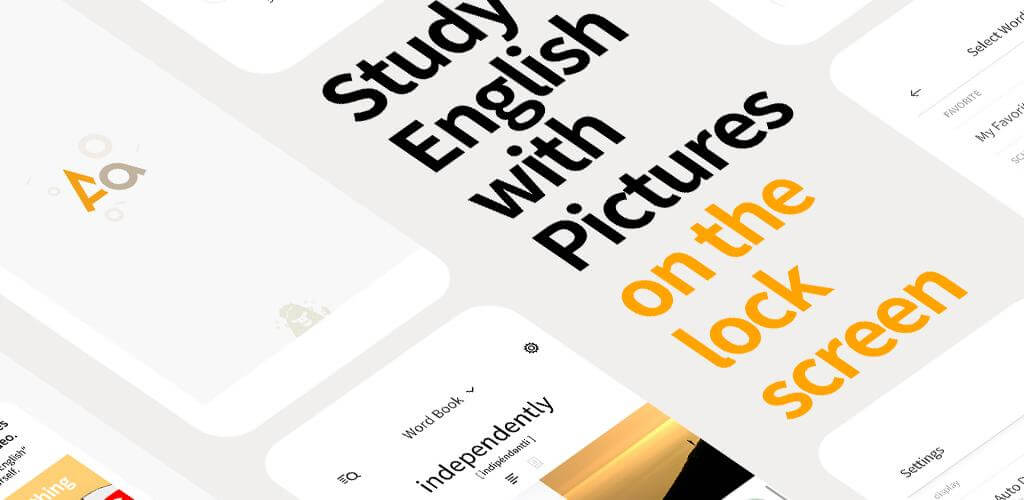
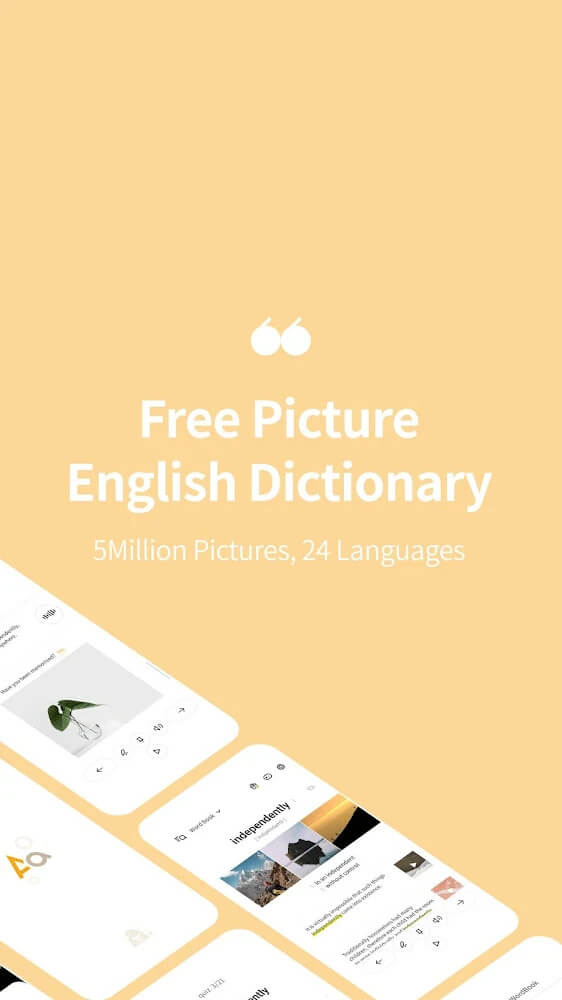
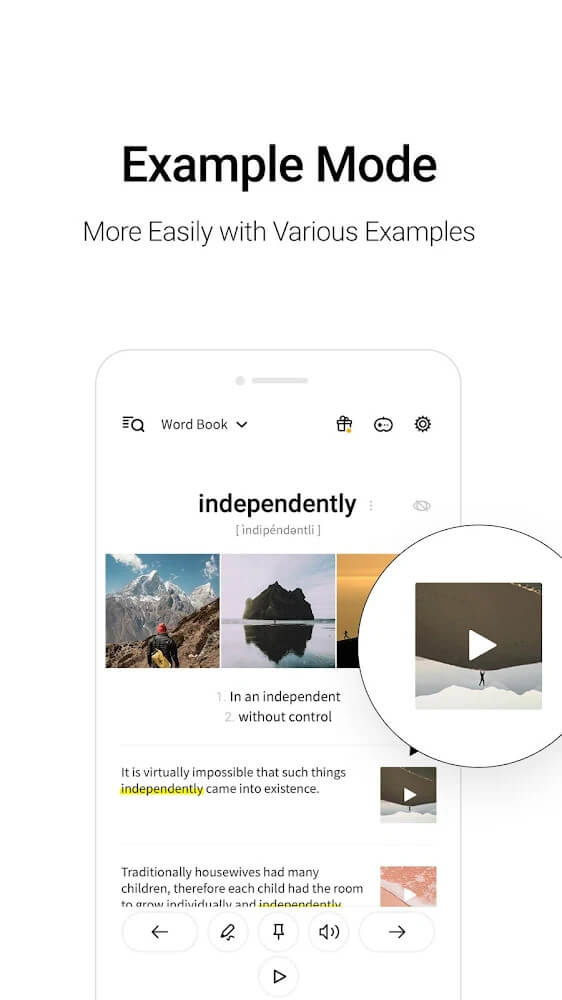
Picture English Dictionary is an app that helps you look up words and learn English through vocabulary-related images, so you can remember them more easily and know how to use them in the right situations. Language learners shouldn't overlook a practical tool like this, since researchers around the world have found that learning through pictures is often more effective than other methods.
Plenty of Images Tied to Vocabulary
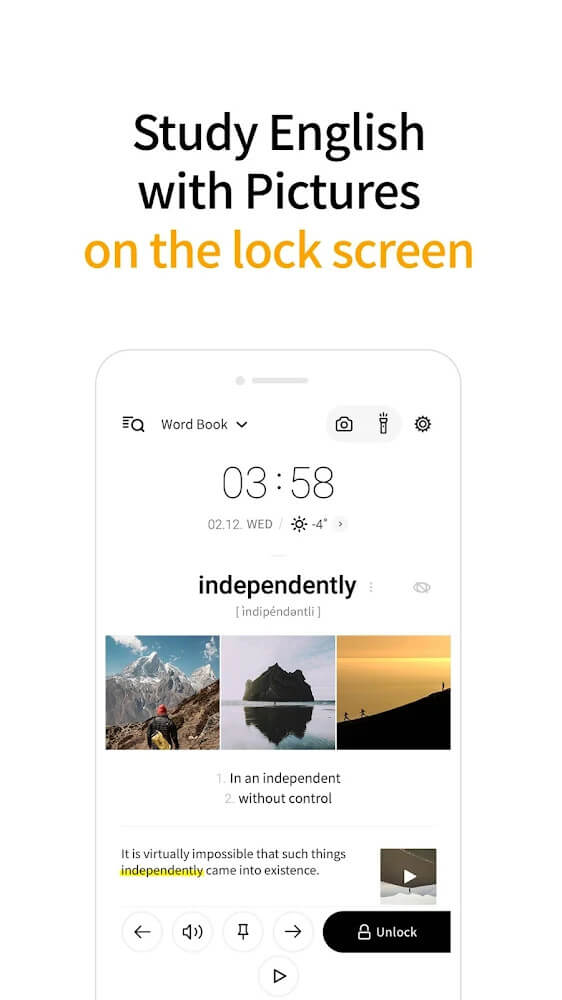
The app gives you access to more than 5 million vocabulary-related images. Whenever you search for a word, four images closely matched to it appear, making the word easier to memorize. Most people look up a meaning and jot it down on paper, but an English word often has several meanings and uses. That's why this app is well worth using: it helps you grasp how a word is used and keeps it in your memory for much longer.
Plenty of Topics to Choose From
When you learn a language beyond your mother tongue, vocabulary that interests you tends to stick much faster. The Picture English Dictionary app offers a wide range of topics, so you simply pick the ones you care about and start learning. You can also set your native language so words are translated into it.
Vocabulary Is Organized by Level
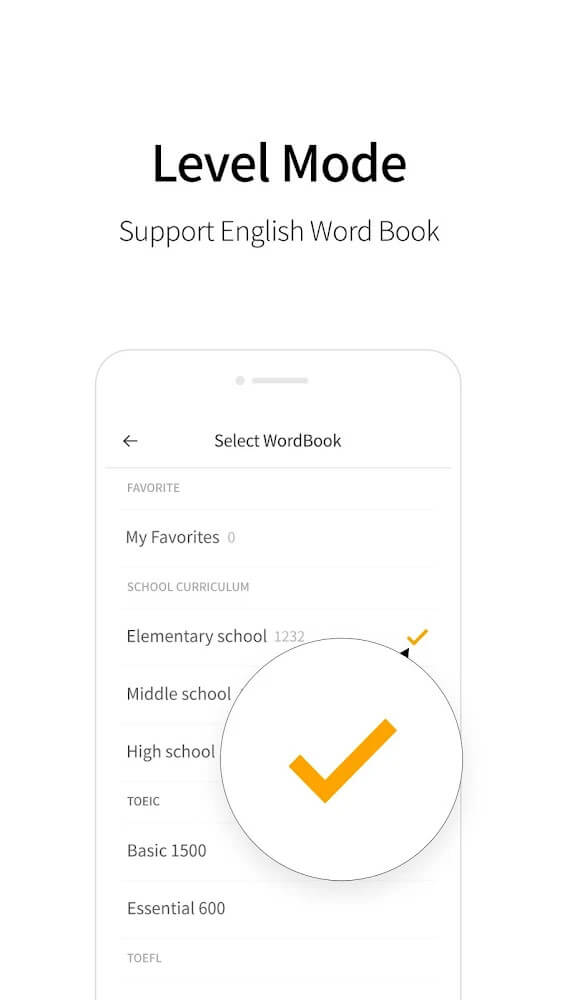
If you're just beginning to learn English, download this app right away. Its many vocabulary topics are split into different levels, so you won't have to wonder where to begin. Simply open the app, choose a level that matches your ability, and you can start studying English step by step at your own desk.
Picture English Dictionary is a handy app that lets you learn English anywhere without carrying books or pens while still picking up plenty of vocabulary. You can choose an American or British accent and adjust how fast words are read to suit your level. You can also save your favorite words to a personal list, so you can focus on the words you need to learn and find them again easily.
How to install
- Download the APK file above to your phone.
- Allow “Install unknown apps” when prompted.
- Open the downloaded APK and tap Install.
- If the package includes OBB/XAPK data, follow the bundled instructions.
MOD APKs are modified builds, so Play Protect may show a warning. Install only if you trust the file; use at your own risk.