

Screenshots
Description
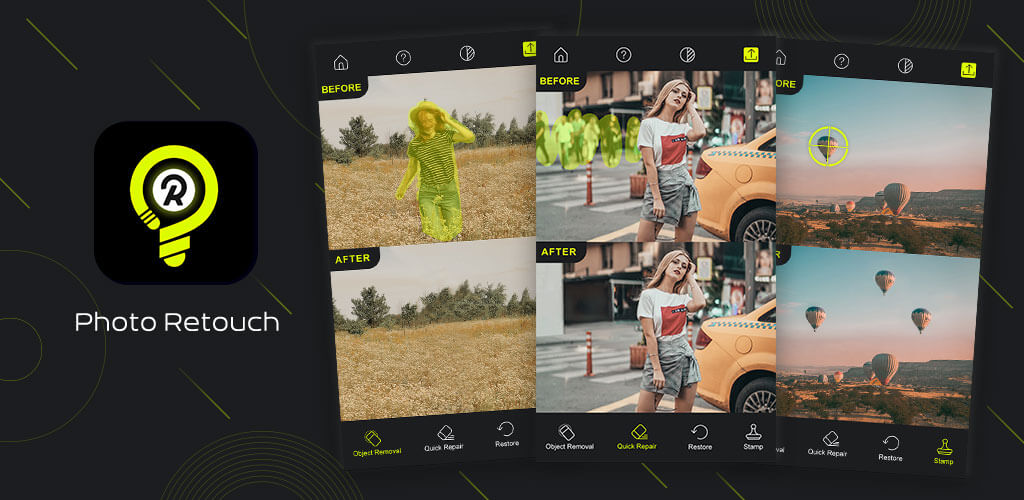
Photo Retouch equips creators with an intelligent set of cleanup tools built specifically to eliminate unwanted elements from any picture. Powered by cutting-edge AI, the app makes it effortless to vanish physical items, distractions, or blemishes across your entire gallery. On top of that, it packs a comprehensive suite of post-processing utilities designed to enhance overall picture quality, giving your edits a refined, studio-grade finish.
Quickly Remove Unwanted Objects from Photos
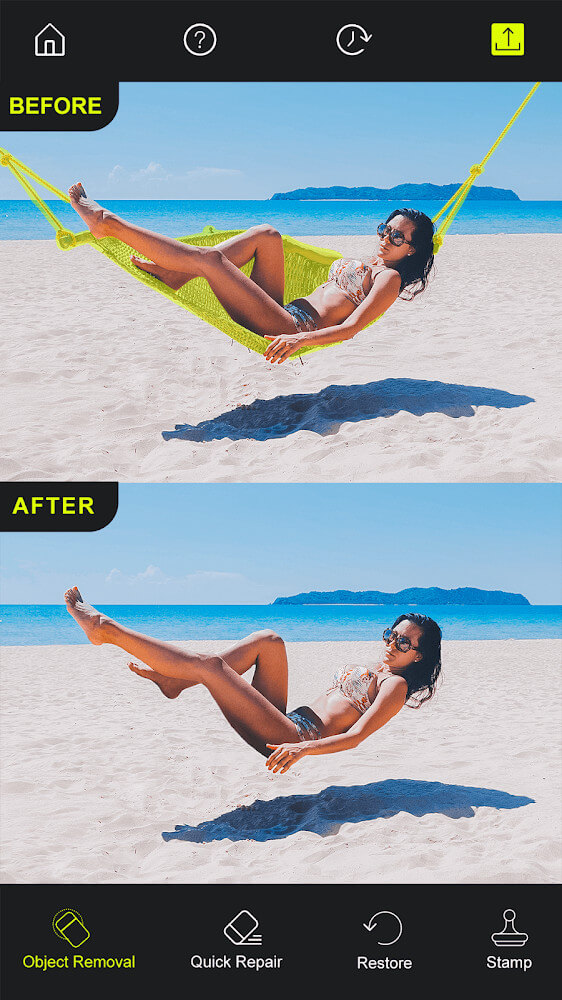
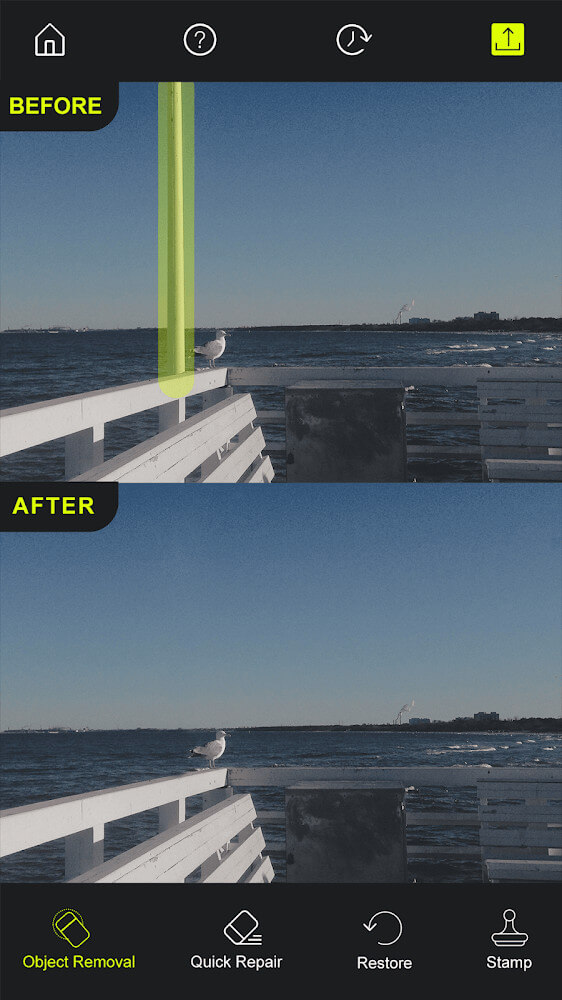
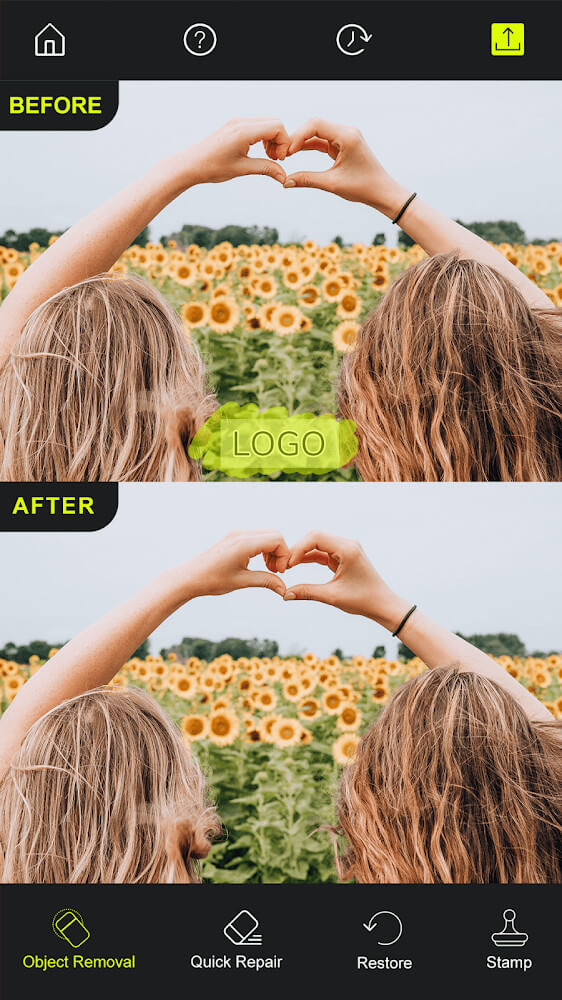
The core highlight of Photo Retouch is its effortless object erasure and smart background reconstruction. The process is remarkably intuitive: simply outline or highlight the target area, and the app takes care of the rest. Powered by intelligent algorithms, the empty space is instantly patched with matching textures and pixels borrowed seamlessly from surrounding areas in real time.
Pixel-Perfect Accuracy and Fine Control
Achieving a natural edit calls for meticulous accuracy. While the AI efficiently highlights larger items, users can easily zoom in to touch up tricky edges and tiny details. This hybrid approach guarantees pristine results on every cleanup task. Should anything look out of place, full undo and redo functionality lets you step back and adjust your edits without any hassle.
Quick Repair for Distorted Areas
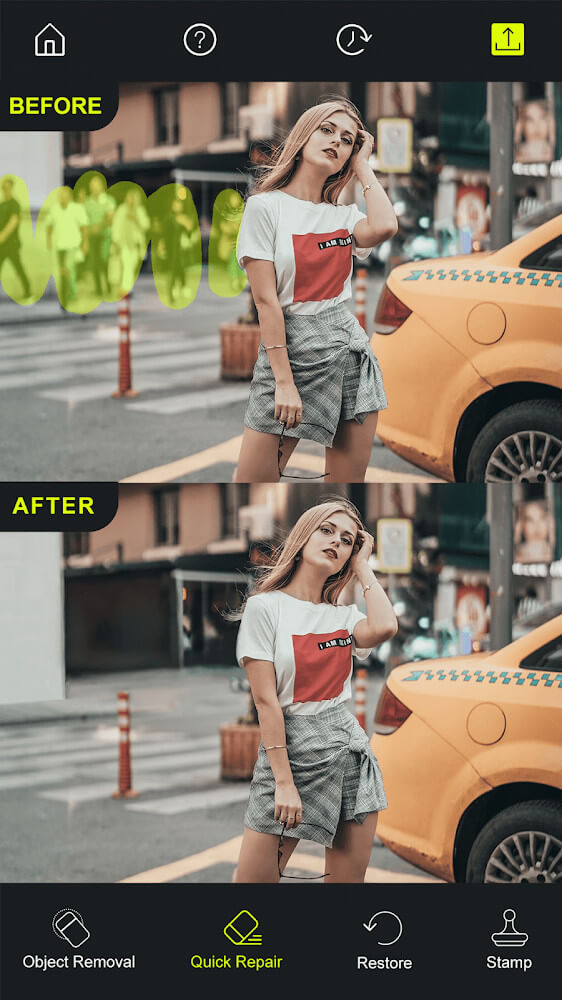
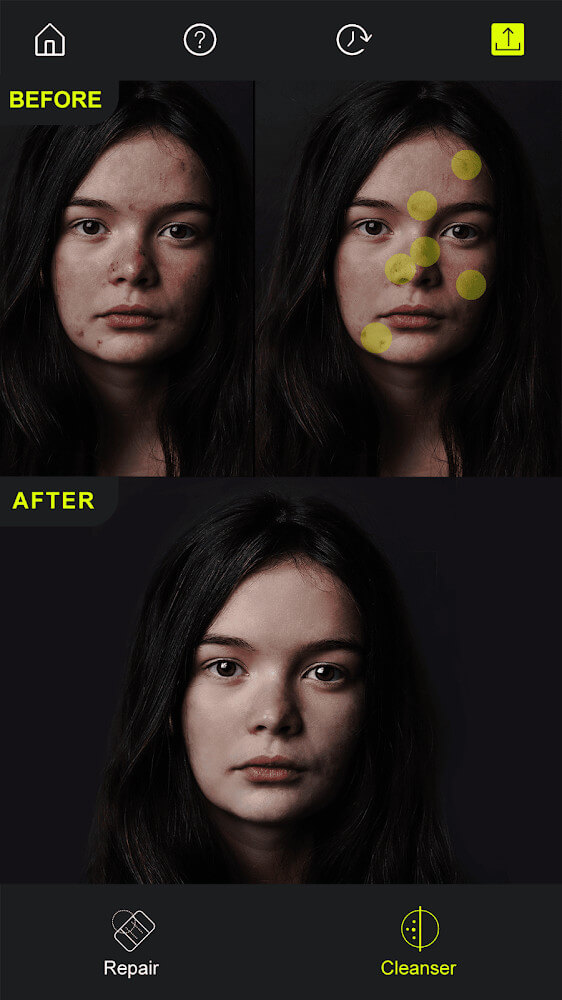
Eliminating objects can occasionally leave behind slight visual artifacts or warped patches that catch the eye. To solve this, Photo Retouch offers a dedicated Quick Repair tool designed to smooth out imperfections, refine missing textures, and restore clear resolution so the final shot looks completely untouched. It also features multiple tuning options to fit various image types.
Clone Stamp for Seamless Duplication
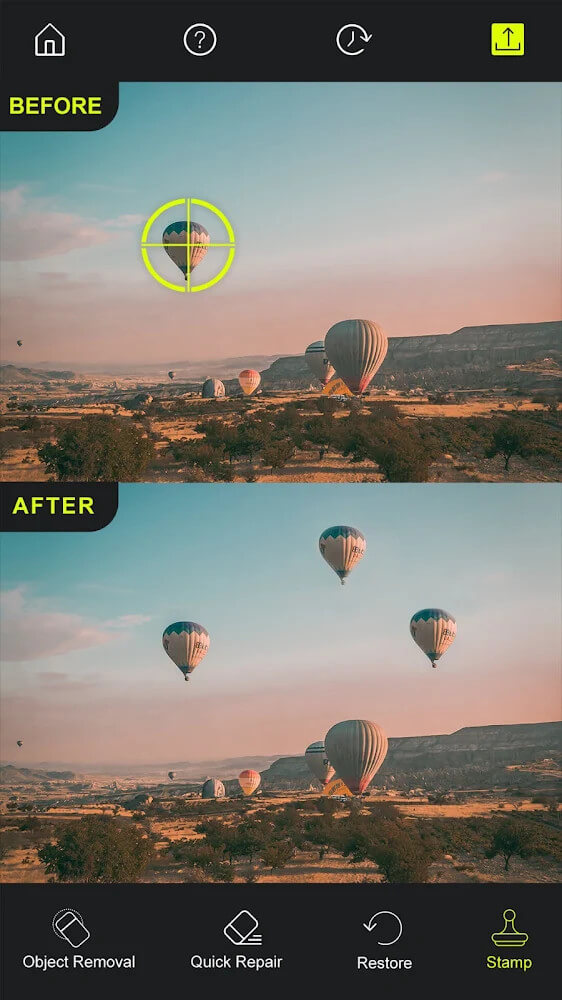
Sometimes a shot looks better when key decorative elements or patterns are repeated. Photo Retouch includes a versatile Clone Stamp tool, allowing you to sample any region in your photo and replicate it anywhere else on the canvas. Conveniently, the utility trims messy borders on the fly, delivering clean, natural blends with minimal effort.
All-in-One Content and Watermark Remover
Beyond clearing away random photobombers and clutter, Photo Retouch effortlessly erases stubborn watermarks, branding logos, and unwanted captions. The app automatically separates distinct elements into individual layers, speeding up removal even against intricate backdrops. Once cleared, the image automatically blends together for a spotless final look.
Customizable Blur Effects with Variable Intensity
When you want your main subject to pop, applying a shallow depth-of-field effect is the way to go. With Photo Retouch's flexible blur tools, you can manually soften specific backgrounds or isolate subjects using adjustable brushes. Customize blur strength, brush size, and edge softness to achieve your preferred photographic mood.
While it may not replace a full-fledged desktop editing studio, Photo Retouch excels at object removal, quick touch-ups, and targeted photo repairs with outstanding ease. Once your adjustments are finished, exporting and sharing your polished pictures across social platforms takes just a tap.
– Fast object deletion with pixel-level precision. – Fix warped sections and restore lost picture details. – Deep customization options for every cleanup tool. – Duplicate elements effortlessly using the Clone Stamp. – Add stylish blur effects with adjustable brush intensity.
How to install
- Download the APK file above to your phone.
- Allow “Install unknown apps” when prompted.
- Open the downloaded APK and tap Install.
- If the package includes OBB/XAPK data, follow the bundled instructions.
MOD APKs are modified builds, so Play Protect may show a warning. Install only if you trust the file; use at your own risk.