
Screenshots
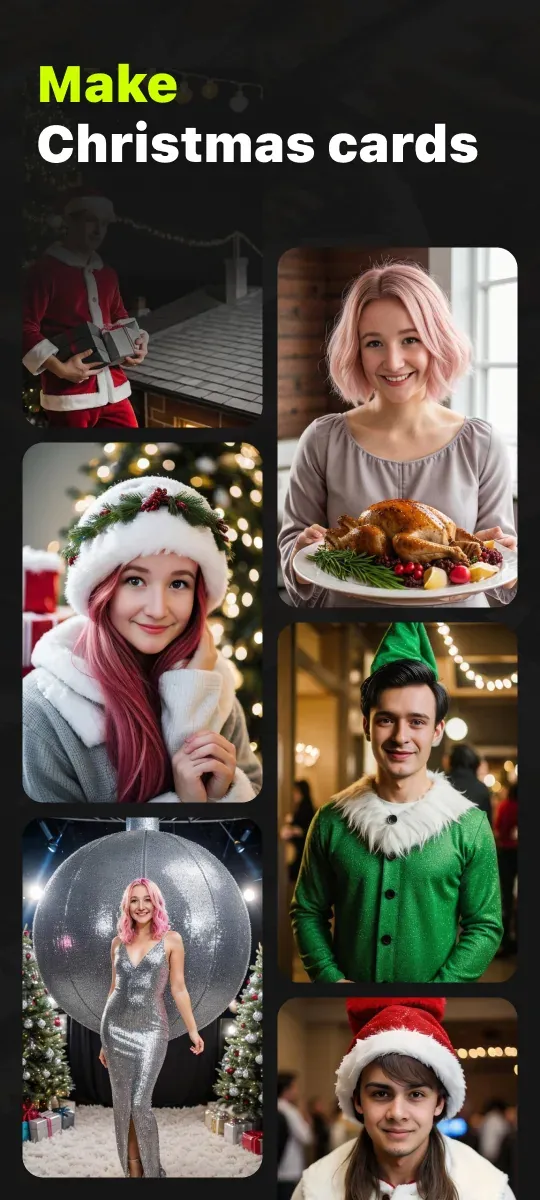
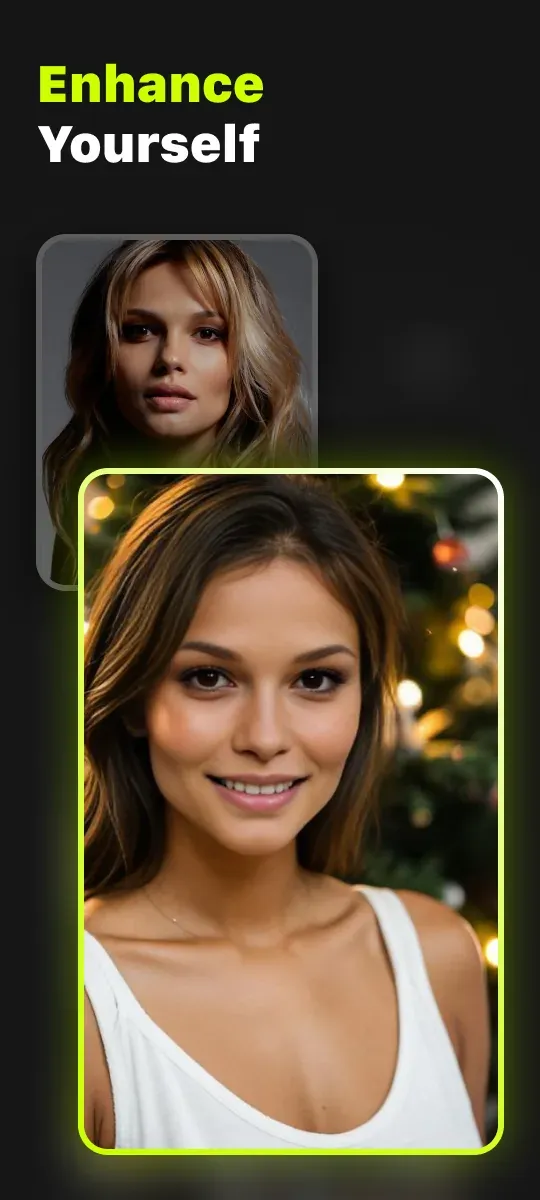
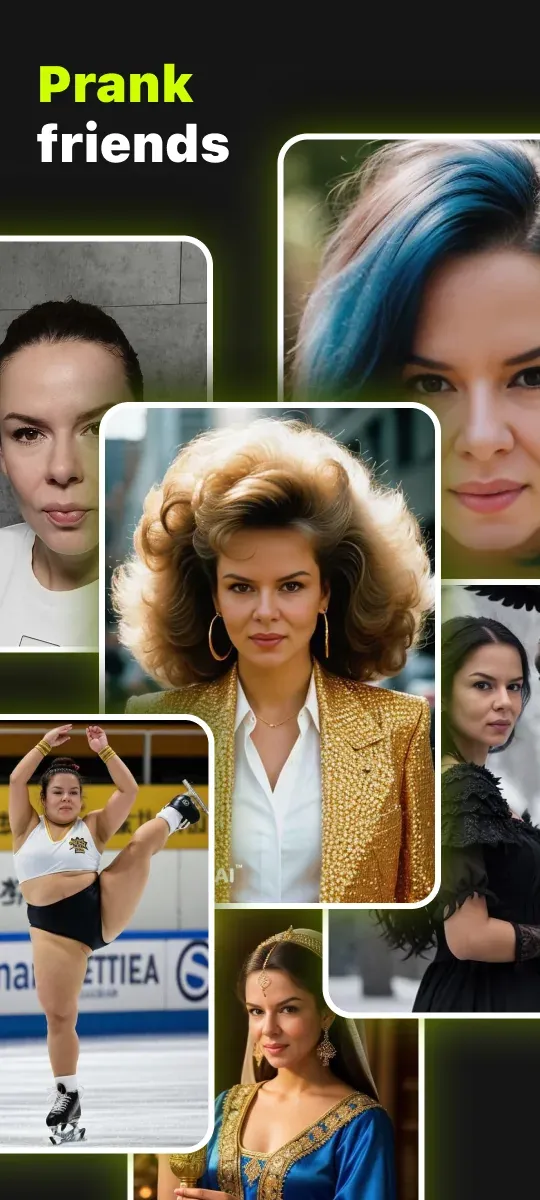
Description
Looking to switch up your hairstyle, grab a fresh headshot, or dive into digital art? Give the Photify AI Mod APK a try! It packs one of the most powerful generators out there, and every tool is right at your fingertips.
This build delivers a Premium Unlocked experience, giving you full access to the app's creative suite. Photify AI MOD APK lifts the restrictions found in the standard version so you can use every generation tool without limits. Right away, you can explore the complete style library and professional output options.
What's Modified in Photify AI
- Premium Unlocked activates all paid features and tools, so there's no need to buy them individually.
This build is version 3.0.18, weighs 18 MB, and uses the package name ai.photify.app. Because the file has been re-signed, it can't be installed as an update over the version from the official store.
About Photify AI
Photify AI is designed to help people bring their photographic ideas to life through a simple, all-in-one platform. First impressions are often formed online, and photos are what people rely on to make them. Using artificial intelligence, the app automatically edits photos to a standard comparable to that of a skilled professional editor. Photify AI lowers the barriers to creating attractive, polished images and lets anyone process photos at a level close to that of professional photographers. The goal is to make the tools for striking, appealing photos accessible to everyone.
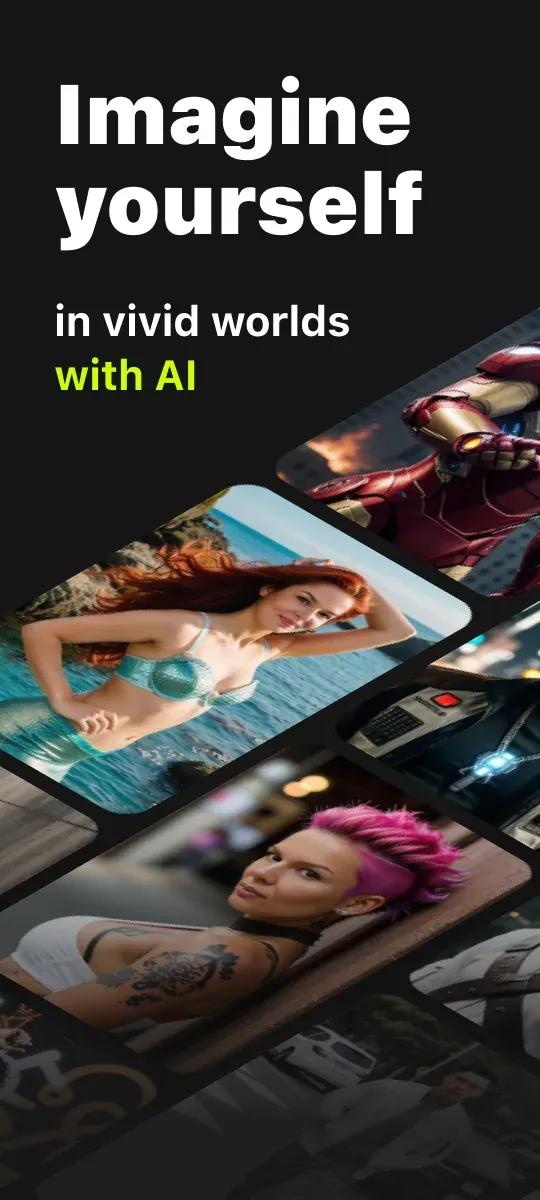
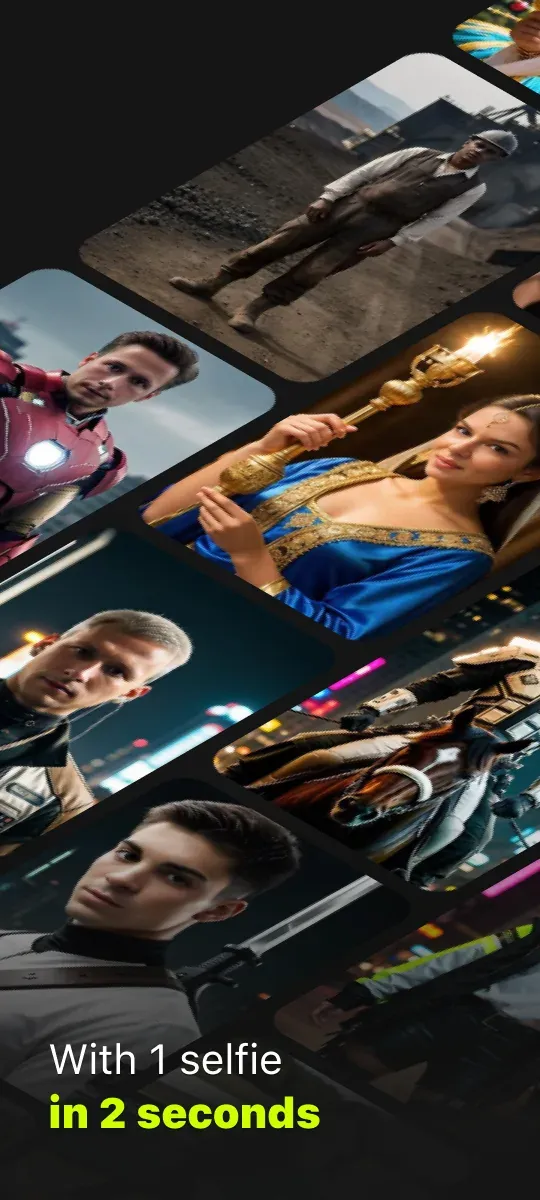
The app's main strength is creating headshots, which isn't always affordable when you need to hire a photographer. It works by scanning your face through the camera, then applying artificial intelligence and machine learning to produce a professional-looking headshot. It goes further, too, with virtual hair and wardrobe styling. With the virtual wardrobe and styling features, you can try out thousands of professional looks quickly and with minimal effort, including different suits, beards, hairstyles, and hair colors. Together, these features let you craft a digital persona that can look entirely different from your real-life appearance.
The app offers access to thousands of styles and presets, ranging from traditional edits like color overlays to more creative transformations, such as turning an image into a Renaissance-style painting or a modern cyberpunk scene. The style library is updated frequently to keep up with new trends. With the Custom Prompts feature, you can describe exactly what you want the AI to do to your image. This gives you more control over the result and helps you learn how to build specific details and edits around your vision. Custom Prompts can also set the mood of a photo, change the weather, or swap out the background and environment entirely. Overall, the app provides a wide range of tools for putting your creative vision into your final images.
The app blends advanced photo editing with style variations to change the way you share photos on social media. Its advanced tools go beyond simple touch-ups, reconstructing and enhancing photos at a technical level. You can adjust elements such as skin tone and smoothing, as well as depth of field and perspective. Changing the depth of field creates a 'bokeh' effect in the background, which normally requires a high-quality camera with a wide-aperture lens. The AI draws on millions of high-quality images to enhance skin tone, smoothing, and perspective in a natural-looking way, and to judge how the different elements of a photo should appear for the best visual result. These improvements are designed to mirror the look usually associated with professional or DSLR photography.
The app is built around simplicity so that it works for everyone, whether you edit pictures now and then or you're a dedicated digital surrealist. You start by loading a source image, either by snapping a photo or picking any image from your device's gallery. Next, you choose an instruction set from the library, which holds thousands of options. If none of them suit your vision, you can build your own. Once the instruction set and your source image are sent to the cloud, the AI handles the rest. Processing in the cloud also takes the heavy workload off your phone. You can fine-tune the result by adjusting saturation and contrast, then save it as a JPEG or share it straight to your social networks.
Realism, speed and creative control are the core strengths of Photify AI Mod APK. The AI is trained on millions of high-resolution images, so it produces sharp, detailed pictures and designs. You can explore and experiment with a wide range of visuals. Many people use the results to build a personal brand or to share on social media, while others rely on them to look polished in professional settings. The app also works for designing original artwork and graphics, and for editing photos to match the look that's popular in today's online content. Its advanced tools let you refine existing images, giving you everything you need to design and create.
Key features
- AI-Generated Professional Headshots
- Unlimited Styles & Presets
- Virtual Hair & Wardrobe Styling
- Photo Reconstruction and Enhancement
- Custom AI Prompts
- Built-in Refinement Tools
- High-Quality Export and Sharing
Related MOD APKs
- Picsart Photo Editor
- Adobe Lightroom
- VSCO
- FaceApp Pro
FAQ
Is Premium Unlocked in Photify AI MOD APK?
This 3.0.18 build of Photify AI comes with Premium Unlocked. It behaves like the Ex-human Inc release, and the changes take effect as soon as you install it.
What is the latest version of Photify AI MOD APK?
Version 3.0.18 matches the Ex-human Inc release dated August 21, 2026. We don't host older versions. To update, install this file over your current app; if you get a signature error, uninstall the previous version first.
Is Photify AI MOD APK safe to download?
This Photify AI 3.0.18 build from Ex-human Inc includes Premium Unlocked and has a 3.2 rating from 192 users here. It doesn't require root access. You may see a Play Protect warning, so make sure you download it from this page.
Does Photify AI MOD APK remove the watermark?
This version includes Premium Unlocked. Since Photify AI removes watermarks for Pro users, check the export screen after installing to confirm.
How to install
- Download the APK file above to your phone.
- Allow “Install unknown apps” when prompted.
- Open the downloaded APK and tap Install.
- If the package includes OBB/XAPK data, follow the bundled instructions.
MOD APKs are modified builds, so Play Protect may show a warning. Install only if you trust the file; use at your own risk.