
Screenshots

Description
Phone Clone
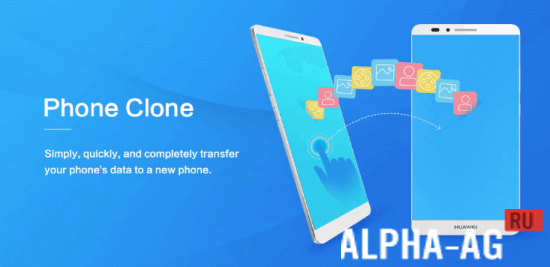
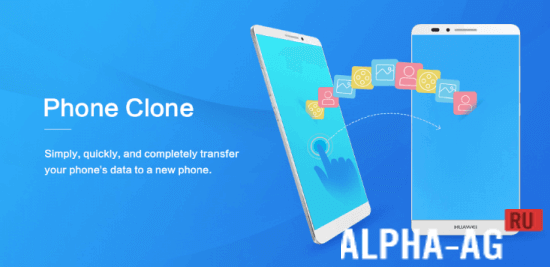
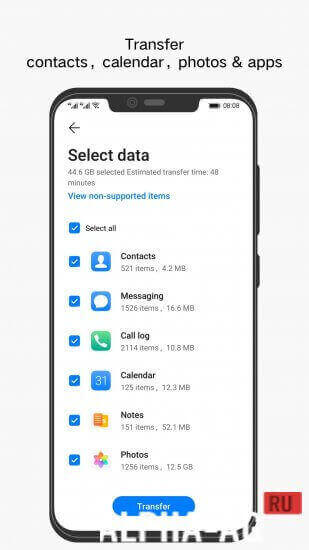
With this app, you can move contacts, messages, notes, recordings, photos, music, videos, documents, and apps from your old phone to a new Huawei smartphone.
Gameplay
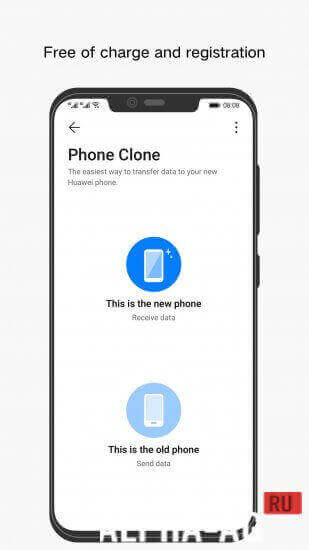
Bought a new smartphone recently, or do you use a second phone for work? This app lets you transfer data between the two devices without any extra tools or cables. Once the app is installed, the first step is to pick all the items you want to move from one phone to the other.
With this app, you can send messages, apps, images, videos, music, files, and practically anything that takes up storage on the source device to another phone.
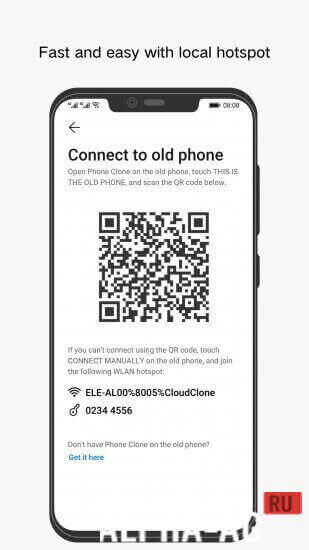
To link both smartphones, just scan the QR code shown on the screen. After the connection is set up, you can manage all of the available content.
Features
A major benefit of this app is that it shows exactly how much space the transferred data will take up on your new smartphone. That way, you can send only what you need. Pick the items that matter most to you and move them to your new phone in seconds.
A simple, intuitive interface is ready for you to use.
You can download the Phone Clone app for Android for free from GameMod.dev.
0 Dec 27 Additional information:
- Android version required: 5.0 or higher
- Age rating: 3+
- Russian localization: available
- No cache installation needed
Version 14.2.0.580 App version Our rating: 8 out of 10 Similar apps: FRY!TV DU Recorder Memory Cleaner CamScanner Our YouTube channel
Subscribe to our YouTube channel!
Add a comment
How to install
- Download the APK file above to your phone.
- Allow “Install unknown apps” when prompted.
- Open the downloaded APK and tap Install.
- If the package includes OBB/XAPK data, follow the bundled instructions.
MOD APKs are modified builds, so Play Protect may show a warning. Install only if you trust the file; use at your own risk.