
Screenshots

Description
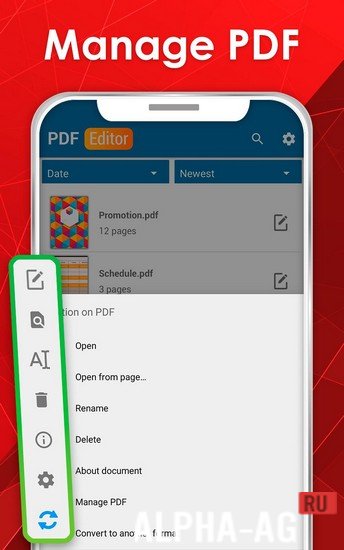
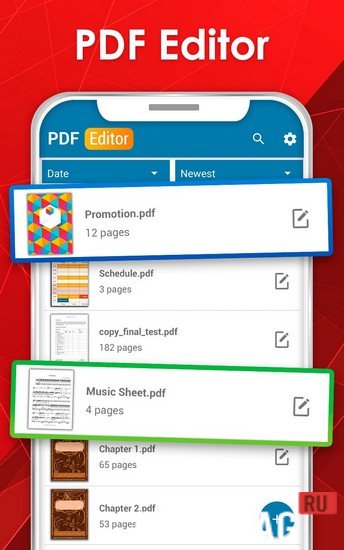
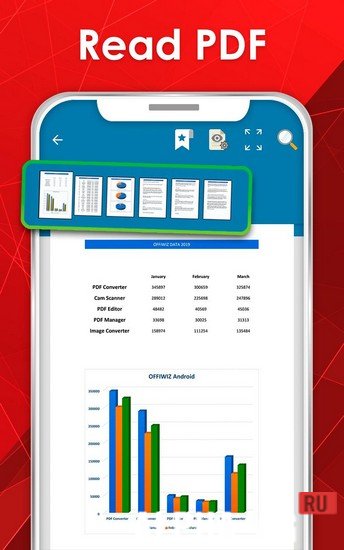
PDF Editor - Sign PDF, Create PDF & Edit PDFOne of the best document editors, with which you can create, read, edit, protect and modify any PDF file format.
Gameplay
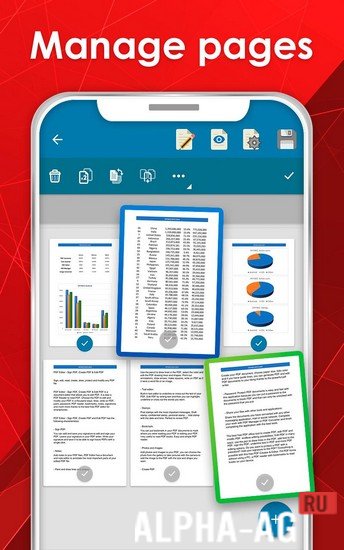
This app gives you all the necessary tools for working with PDF files. With it you can create your own PDF documents and edit them to your preferences. You can use the built-in text editor.
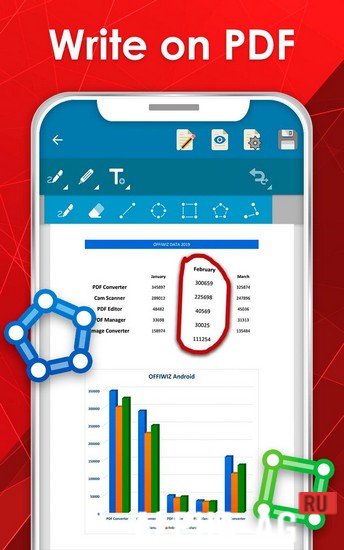
This lets you add text to a document or highlight, underline and strike through any words in it. Add notes to your PDF file to comment on important parts of your edited document.
You can also draw lines, arrows or squares in different colors in your PDF file using a pencil.You can add images and photos to your PDF file. Choose a photo from your device's memory or take a new picture with the camera to add an image of the desired shape and size to the document. In addition, you can place a bookmark in the PDF file.
This marks the place where you stopped reading or editing the document, which is very convenient for reading books.
You can also easily protect your PDF documents with this app by setting a lock password on them, which can only be unlocked by entering the password you specified.Key features
Thanks to this unique and convenient app, you can now edit PDF files on your device very quickly and without problems, however you like. To do this, you simply need to select a file and start changing it.
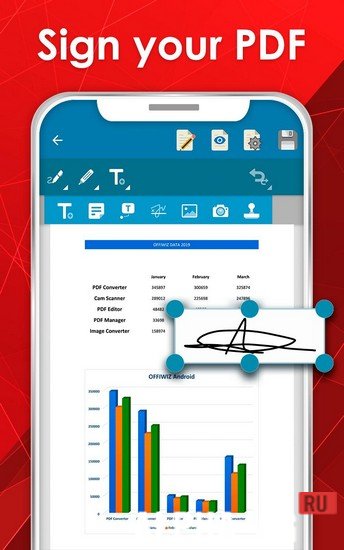
This can be done in several ways: write, draw, sketch, add your own notes, bookmarks, signatures, protect with a password and much more. You can also add and save your signature so you can sign any PDF file with one click..
0 15 May Additional information:- Requires Android version: 5.0 or higher
- Age rating: 3+
- Russian localization: not available
- Cache installation: not required
Subscribe to our YouTube channel!
Leave a commentHow to install
- Download the APK file above to your phone.
- Allow “Install unknown apps” when prompted.
- Open the downloaded APK and tap Install.
- If the package includes OBB/XAPK data, follow the bundled instructions.
MOD APKs are modified builds, so Play Protect may show a warning. Install only if you trust the file; use at your own risk.