

MOD features
- Unlimited Bitcoin
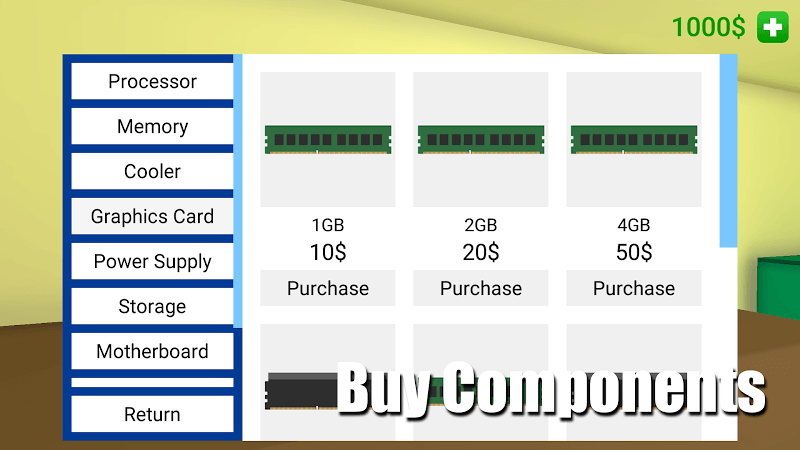
- Unlimited Money (buy with Bitcoin)
Screenshots
Description
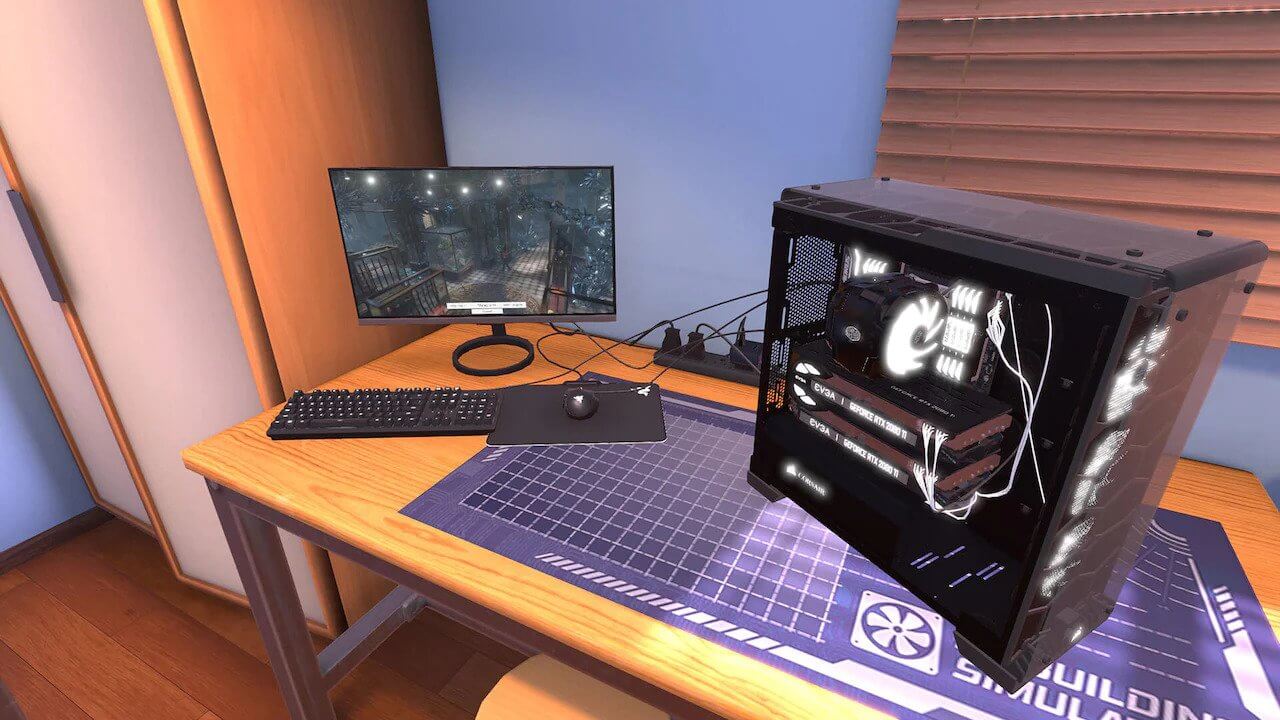
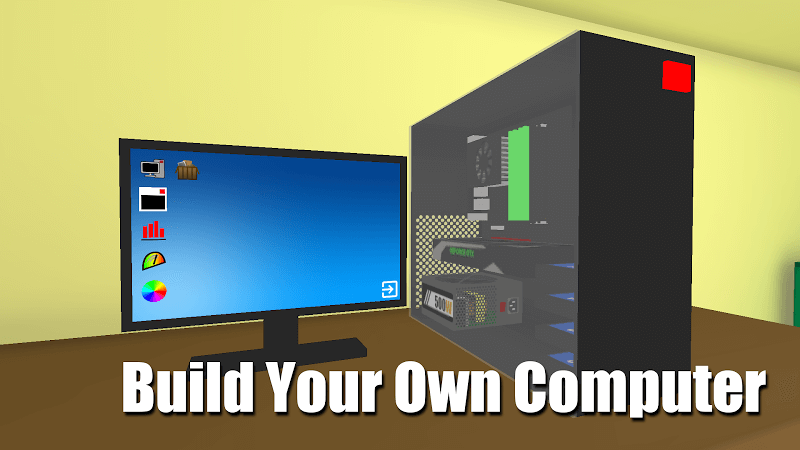
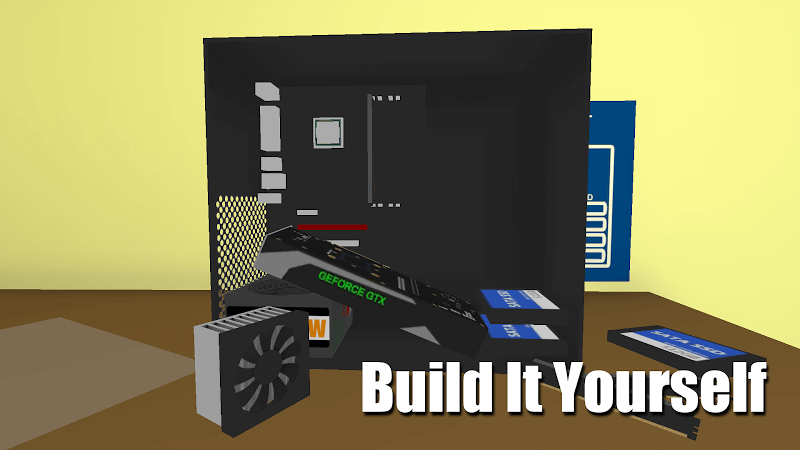
PC Simulator Mod APK is both a game and a learning tool that teaches you how a computer works. In the game, you build a PC step by step, and every part and stage is modeled on real hardware, so you pick up useful knowledge as you play. Along the way, you can apply what you've learned to put together a solid machine of your own someday.
First, one of the most rewarding moments in this game is powering up your PC once assembly is complete. You can switch on your handmade rig and watch it run as smoothly as a professional build. If it doesn't start, you'll need to check your work. Troubleshooting takes time and often means reviewing each step several times until everything is correct. It may feel like wasted effort, but it mirrors the real process of building a PC and helps you develop the patience that serious PC builders rely on.
Throughout the steps, each component appears and shows what it does. Read these details carefully before installing anything in the case. A misplaced or mismatched part might let the PC boot, but the conflict could cause problems later on. In the worst case, the system would stop working altogether or suffer permanent damage from overheating or a short circuit.
PC Simulator is a first-person game that lets you build the most realistic computer possible. You see your own hands assembling each component and bringing it to life. The game walks you through every stage so you can follow the process clearly. For a more immersive experience, everything is rendered in 3D, so you can rotate the machine and inspect every detail up close.
How to install
- Download the APK file above to your phone.
- Allow “Install unknown apps” when prompted.
- Open the downloaded APK and tap Install.
- If the package includes OBB/XAPK data, follow the bundled instructions.
MOD APKs are modified builds, so Play Protect may show a warning. Install only if you trust the file; use at your own risk.