

Screenshots


Description
OttPlayerAn excellent application, with which you will be able to watch your favorite TV channels online right on your device.
Gameplay
By installing this application on your mobile device, hundreds of movies, TV series, and other television shows will become available to you, which you can watch online on various TV channels.
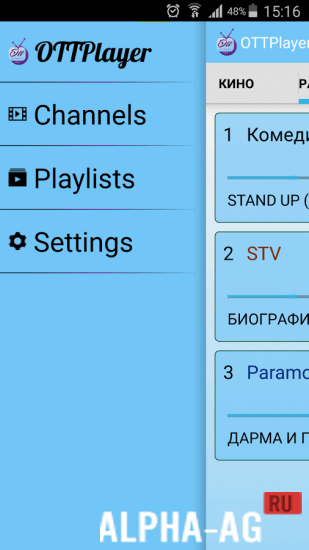
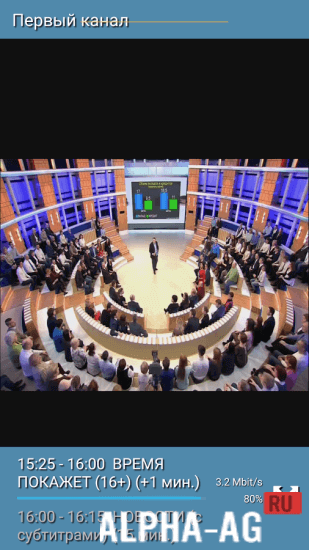
This service will please you with high image quality and excellent sound, which will help you enjoy watching TV channels.To start using this service, you need to register your account on the website ottplayer.es, and then log into the application using your login and password. Launching the application, you will see a menu on the left side of the screen displaying all available functions.
Here you will be able to create your own playlist and add your favorite TV channels to it, but to do this, you will need to choose a convenient source from which they will be broadcast.
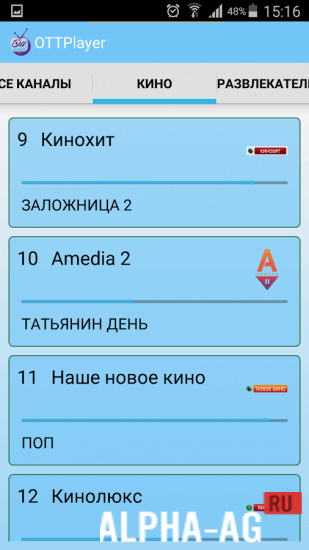
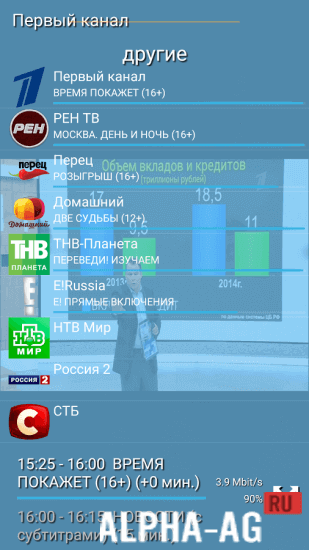
Each channel will have its own icon to make it easier for you to navigate through the large number of TV channels in your playlist.Key Features
The application features a simple and pleasant interface that has only the necessary settings for watching various channels. This service supports RTSP, RTMP, HLS, and TS by UDP protocols, and it also supports M3U8 playlists.
Also, in this service you will not be distracted by ads and annoying spam while watching your favorite movie, series, show, or other broadcast. For good performance of this program, you need a good internet service provider and a high-quality Wi-Fi connection.
On our website you can download the OttPlayer app for Android for free.
0 19 Jul Additional information:- Requires Android version: 5.0 or higher
- Age restrictions: 3+
- Russian localization: present
- Cache installation: not required
Subscribe to our YouTube channel!
Add commentHow to install
- Download the APK file above to your phone.
- Allow “Install unknown apps” when prompted.
- Open the downloaded APK and tap Install.
- If the package includes OBB/XAPK data, follow the bundled instructions.
MOD APKs are modified builds, so Play Protect may show a warning. Install only if you trust the file; use at your own risk.