
Screenshots
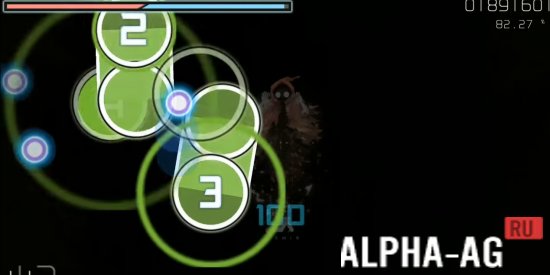

Description
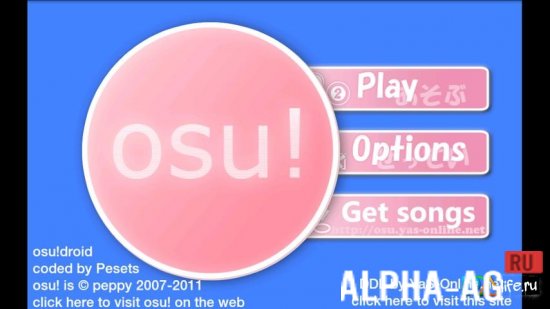
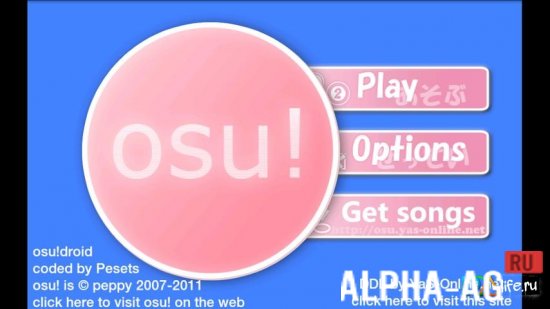
osu!Tap the discs that appear on the screen in a certain sequence. Do this when the ring shrinks to the size of the disc.
Gameplay
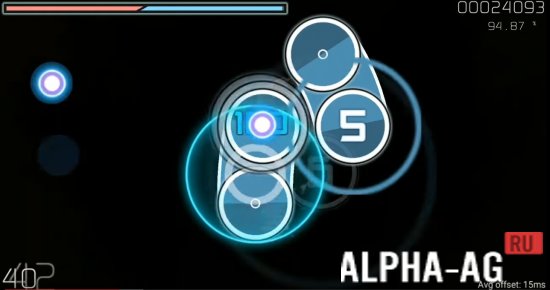
Choose a music track and get ready to test your agility. Discs will appear on the screen in time with the rhythm of the music. Tap them when the ring around the disc shrinks to the size of the disc itself.
In addition to discs, tracks appear on the screen, along which you need to drag your finger from start to finish to earn points. Spinners also appear on the screen. These are large discs that you need to spin while not missing the discs and tracks.Features
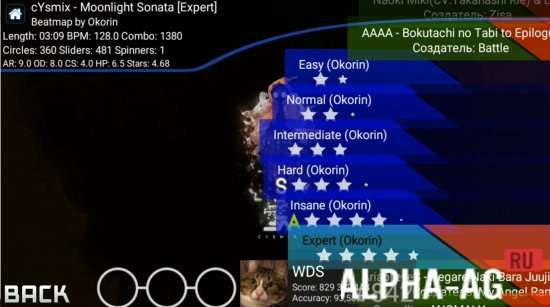
The speed and frequency at which discs, tracks, and spinners appear depends on the rhythm of the music track selected by the user. The library mainly contains Japanese tracks.
You cannot create your own playlist, add your own compositions, or listen to music outside the Japanese style. However, this has little impact on the popularity of the arcade game, which millions of users around the world have already downloaded.A simple time-killer will let you spend your free time actively, training your attentiveness and finger agility. The original design of the locations and bright special effects complement the atmosphere of the dynamic game. Osu certainly deserves a place on your mobile devices. You can download the game for free on our portal. Enjoy the gameplay!
On our site You can download the game Osu (Осу) for Android for free.
5 01 Nov Additional information:- Requires Android version: 5.0 or higher
- Age restrictions: none
- Russian localization: available
- Cache installation: not required
Subscribe to our YouTube channel!
Leave a commentHow to install
- Download the APK file above to your phone.
- Allow “Install unknown apps” when prompted.
- Open the downloaded APK and tap Install.
- If the package includes OBB/XAPK data, follow the bundled instructions.
MOD APKs are modified builds, so Play Protect may show a warning. Install only if you trust the file; use at your own risk.