
Screenshots

Description
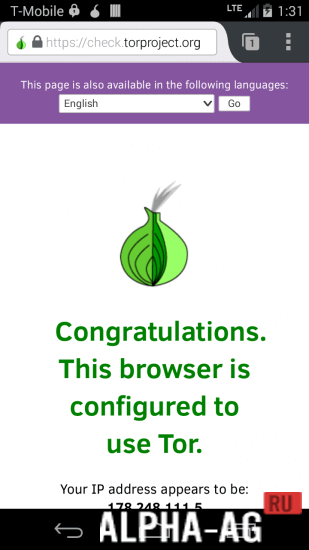
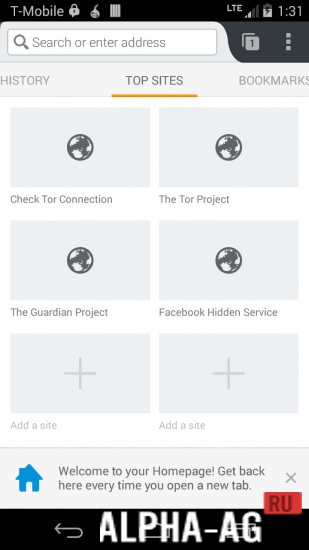
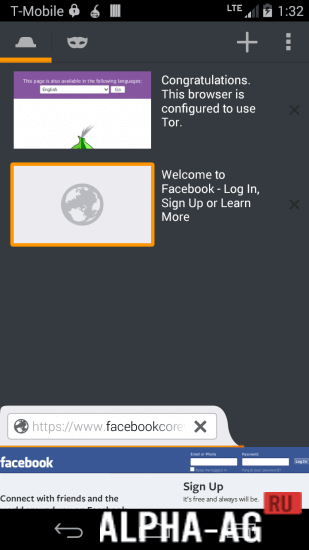
OrfoxA convenient mobile browser that allows you to visit various websites privately and securely, while this app will encrypt traffic over the Tor network.
Gameplay
Before using this app, you will first need to install the official Orbot Proxy program. With this service, you will be able to protect your data by encrypting traffic.
In the app, you will find all the standard features of regular browsers, as well as additional features such as guest mode, where you can browse sites incognito.How the app works is simple: when surfing the Internet, a connection to the Tor network is established first. There, data traffic is routed through several gateway nodes to an exit node, from where it returns to the regular Internet and the destination server.
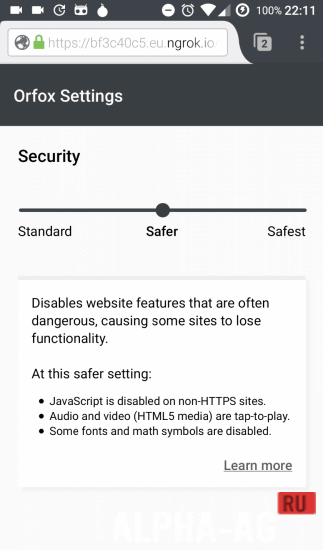
For maximum security, HTTPS connections are also recommended when surfing with the Orfox browser.Otherwise, data will be transmitted unencrypted across the Internet after leaving the Tor network. In the app, only data traffic from this browser app is routed through the Tor network. If you want to route all data traffic from all apps on your smartphone or tablet through the Tor network, you will need this app.
Key Features
The program already includes the HTTPSEverywhere and NoScript extensions, and the search engine in this browser does not contain mechanisms for tracking its users. You can import bookmarks and customize text size. When closing this browser, the service will automatically clear download history, cache, search history, and more.
On our website you can download both the regular version of the Orfox app and the Russian version for Android.
0 Feb 26 Additional information:- Android version required: 4.0.3 or higher
- Age restrictions: none
- Russian localization: yes
- Cache installation: not required
Subscribe to our YouTube channel!
Add a commentHow to install
- Download the APK file above to your phone.
- Allow “Install unknown apps” when prompted.
- Open the downloaded APK and tap Install.
- If the package includes OBB/XAPK data, follow the bundled instructions.
MOD APKs are modified builds, so Play Protect may show a warning. Install only if you trust the file; use at your own risk.